Hello,
On my device, the *show kerning value* plugin in Glyphs 4 has a bug that causes its positioning to be imprecise.

Is the plugin fixed and can use again?
The plug-in was updated yesterday. Try again or follow the development on its website:
1 Like

I have tried reinstalling the plugin and the glyphs.
Does the position change when you zoom in/out? Is there a particular zoom stage where it is OK?
Yes, when zooming in/out, the position changes. At certain zooms, the position is correct. However, I’ve upgraded to macOS 26.2, and all kerning values don’t work at all.
The plugin needs to be adjusted to some changes in Glyphs 4.
Has this been updated? I’m currently experiencing an issue that means I don’t see the values at all. I’ve tried removing and installing again but had no success. It’s a big part of keeping my kerning process efficient so keen to get it working again.
Edit: The kerning values do appear, but only within a certain distance of the bottom-centre of the window. Screenshots attached.
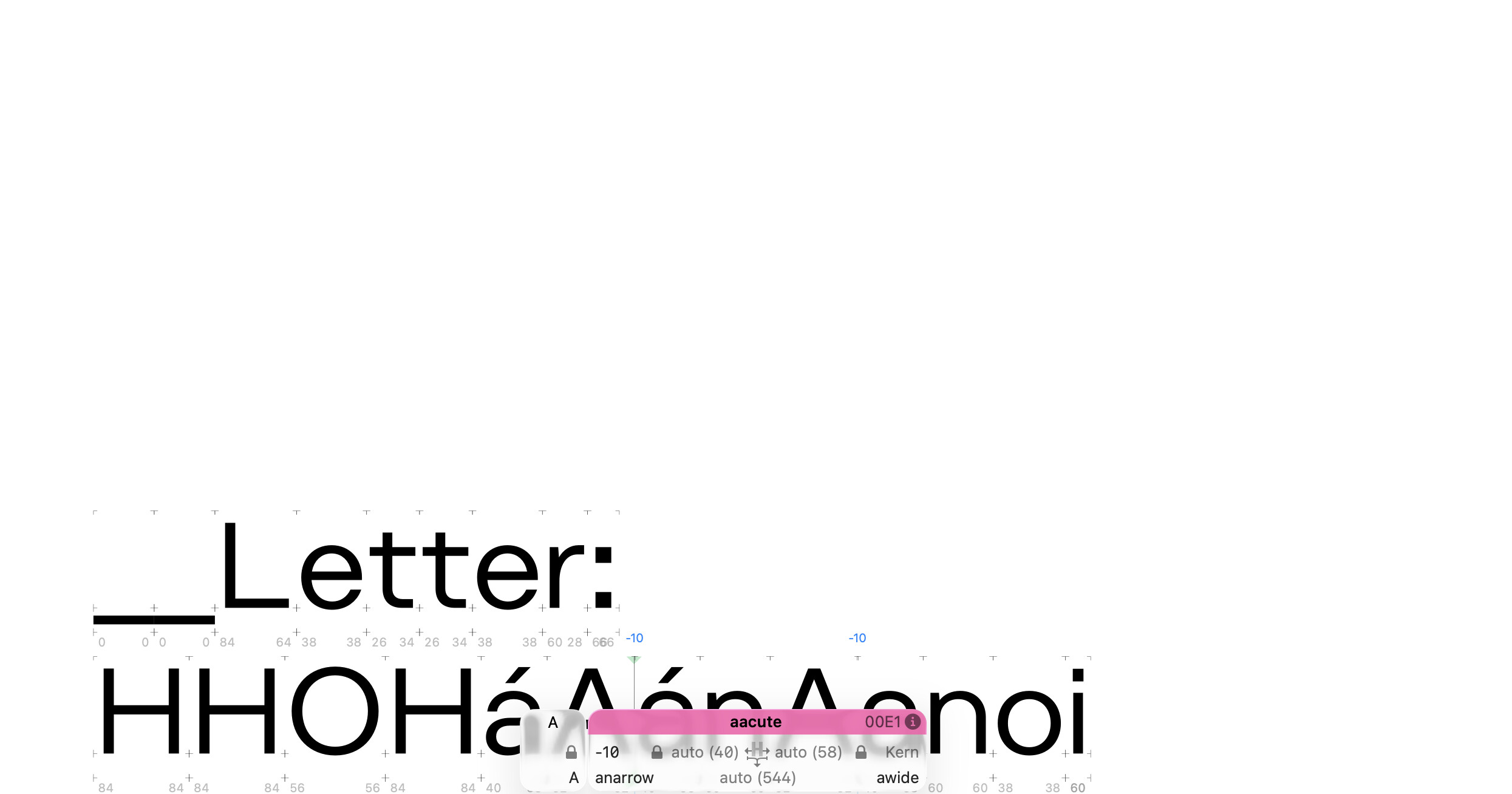
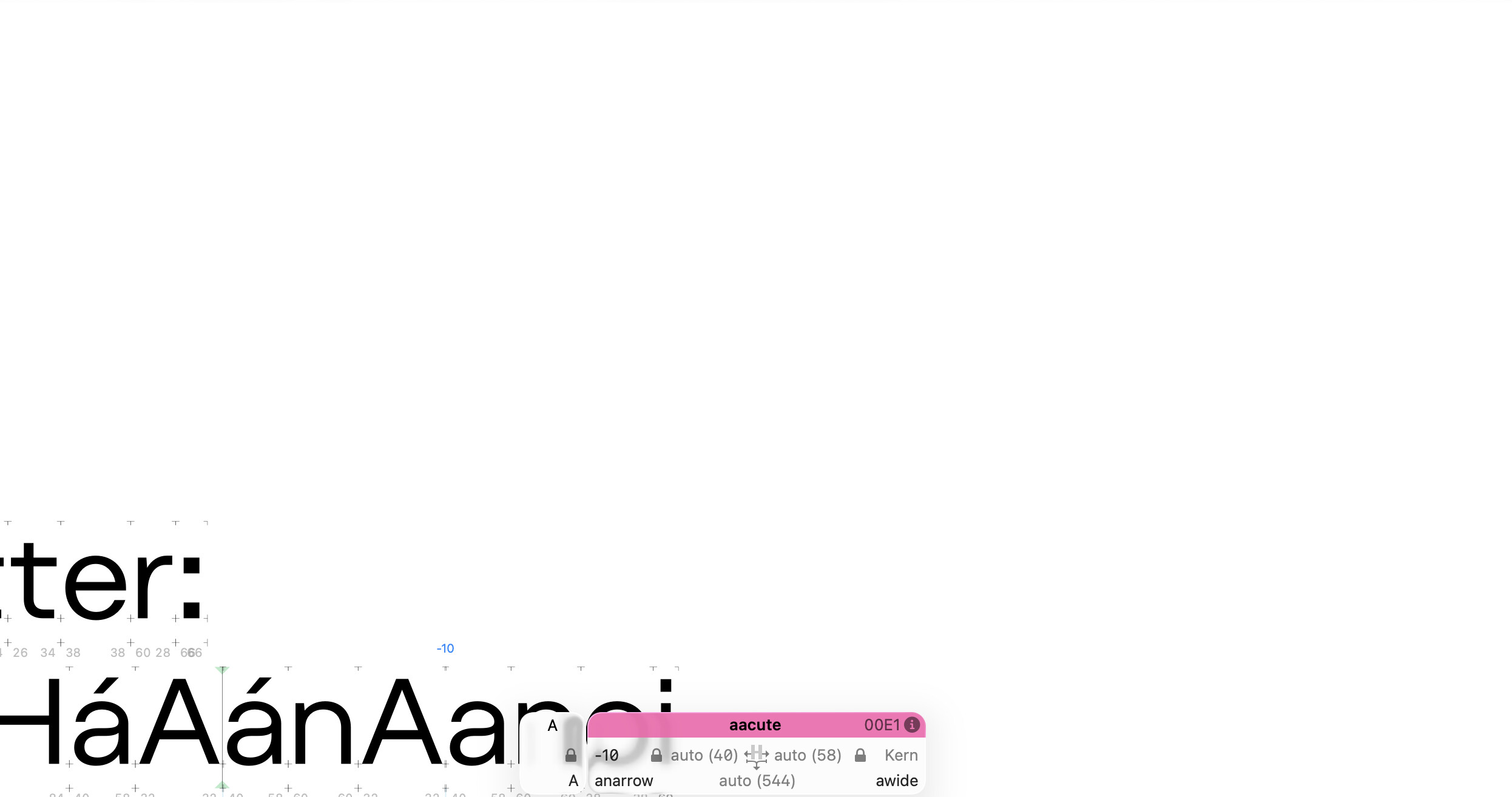
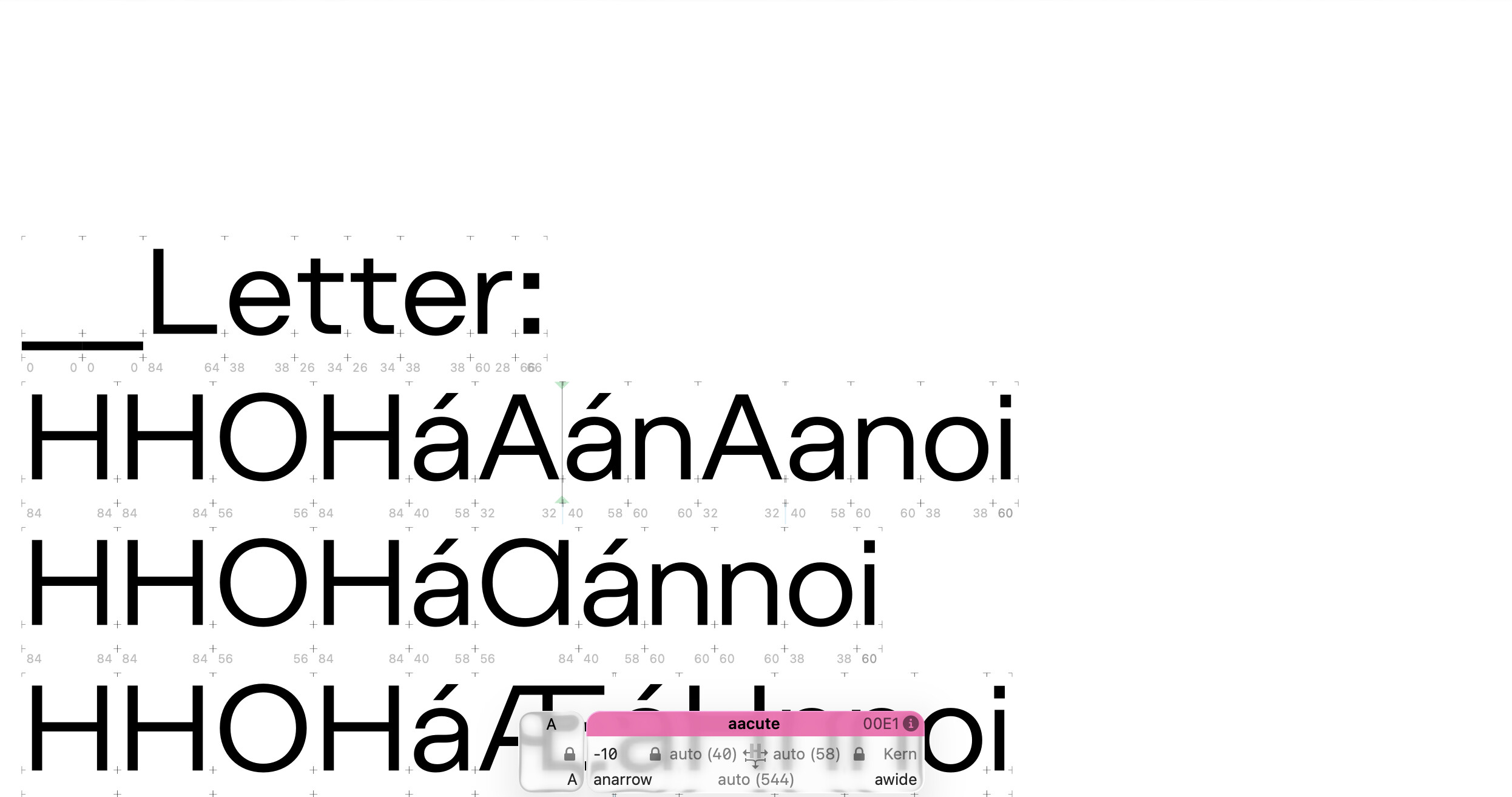
Sorry, my bad. I think I got stuck, and then forgot about it, and never committed the changes. Thank you for the reminder. Will take a look again.
Hi @mekkablue, while you’re on GitHub, please also merge my PR with G4 improvements for Show Global Glyph … danke!
1 Like
I think I fixed it now. At least it works on my machine again.
@jkutilek : done 
2 Likes
It appears to be working now! Thanks!
1 Like