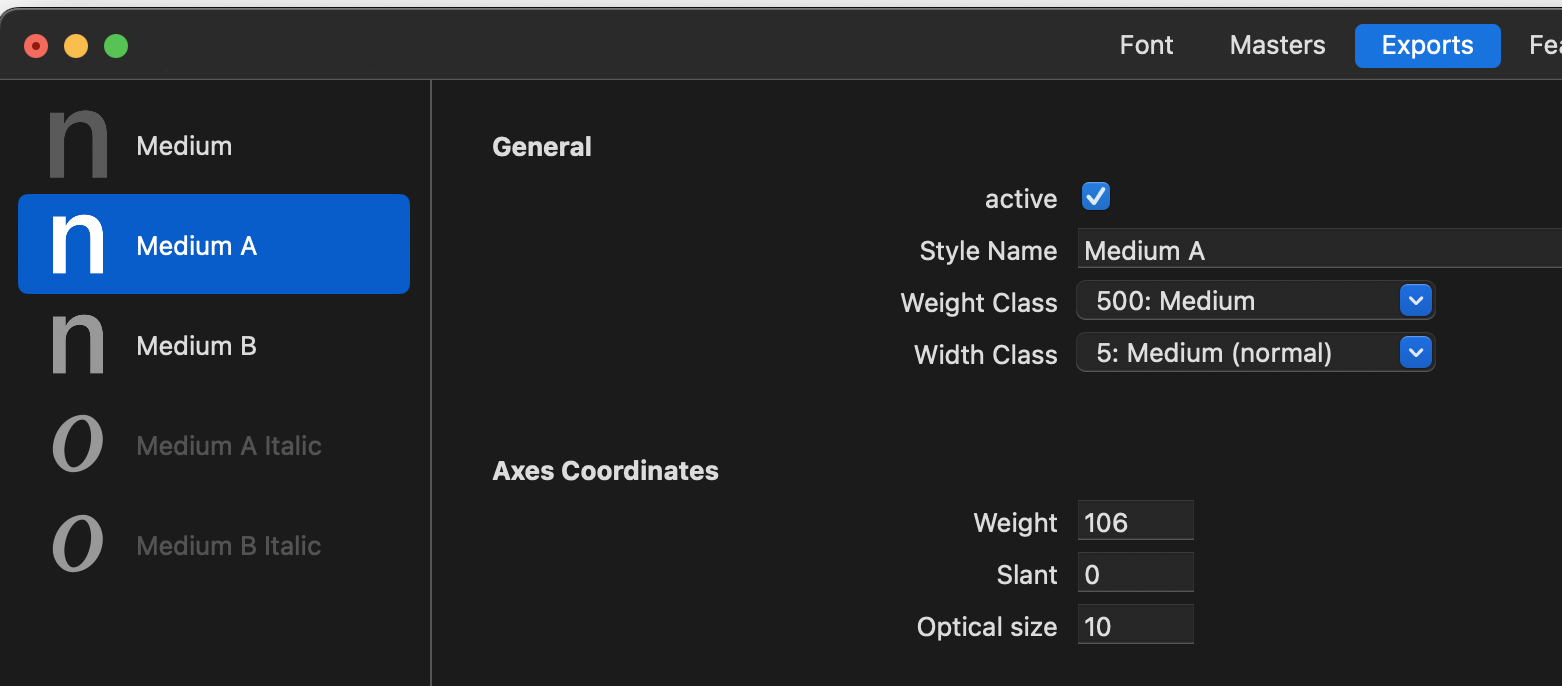
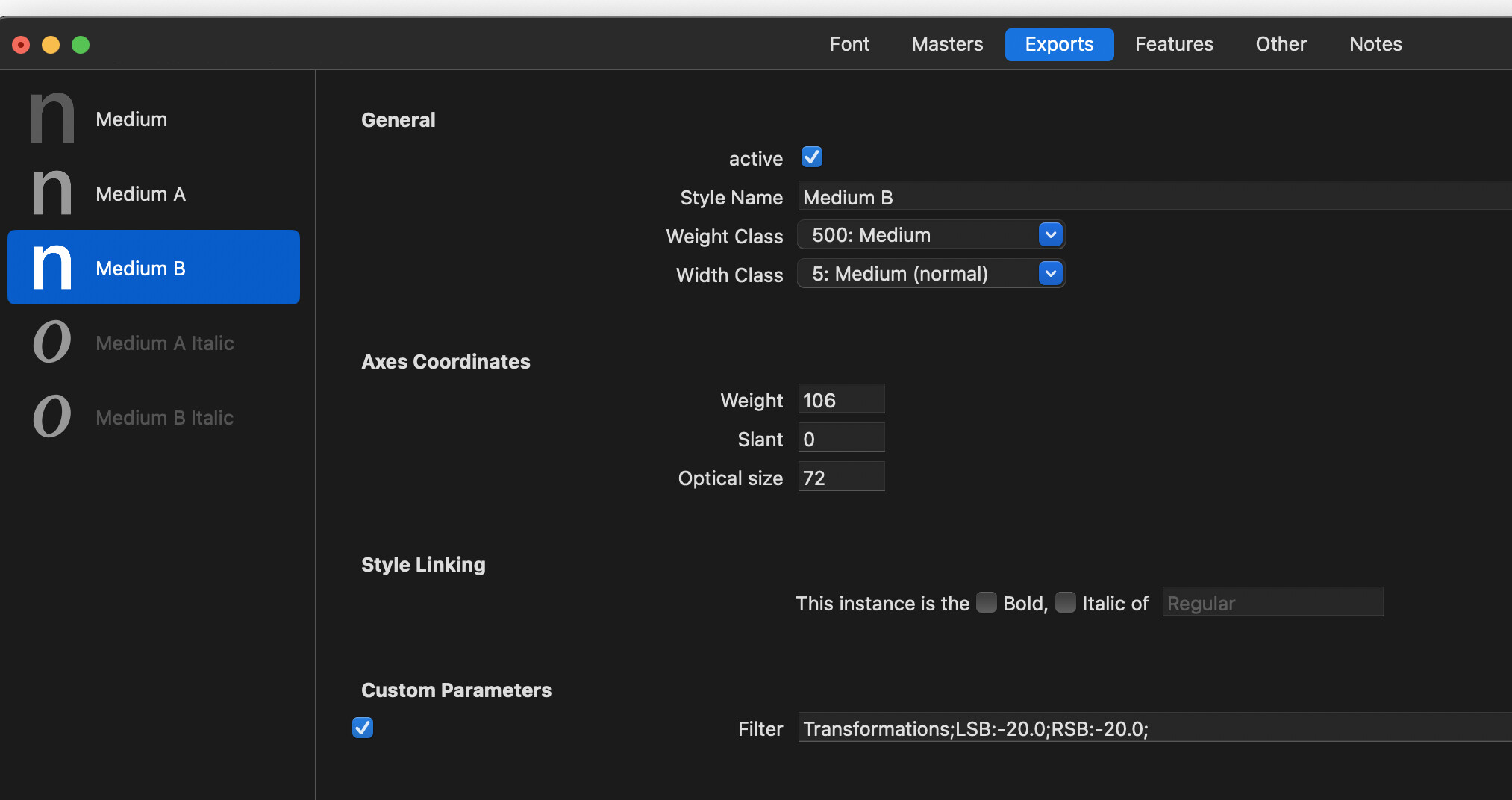
@GeorgSeifert exactly as Sebastian shows. Below are some screenshots of my setup. The problem isn’t that it isn’t working – it is – it’s just that whenever I try to print with it InDesign crashes. If I remove the VM and duplicate the Medium Master (and transform metrics), then export that as VF, InDesign doesn’t crash. And the axis only show up in some software, not in others.



Hello @GeorgSeifert! It looks like variable GPOS goes wrong if you have multiple locations in a row.
Say you want -50 0 -100 0 at wght:600. This works as expected:
pos o <0 0 0 0 (wght:500) 0 0 0 0 (wght:600) -50 0 -100 0 (wght:900) 0 0 0 0>;

If I add one more location before, it changes the pos at wght:600 to something incorrect:
pos o <0 0 0 0 (wght:300) 0 0 0 0 (wght:500) 0 0 0 0 (wght:600) -50 0 -100 0 (wght:900) 0 0 0 0>;

Apparently, that is because now the previous location affects pos at the same wght:600:
pos o <0 0 0 0 (wght:300) 0 0 0 0 (wght:500) -200 0 -400 0 (wght:600) -50 0 -100 0 (wght:900) 0 0 0 0>;

Remove the first location and the previous location is correctly not taken into account again:
pos o <0 0 0 0 (wght:500) -200 0 -400 0 (wght:600) -50 0 -100 0 (wght:900) 0 0 0 0>;

Testing file:
gpos-test.glyphs (2.5 KB)
Thanks for the test file. I think I at lest improved the implementation 
1 Like
Hello Georg! It looks like there’s another bug. With multi-axis setup, I need to add extra spacing only at wdth:50 wght:100. My previously correctly working code was:
pos @All <0 0 0 0 (wdth:50 wght:100) 500 0 1000 0 (wdth:50 wght:900) 0 0 0 0 (wdth:100 wght:900) 0 0 0 0>;
Now, it also adds the spacing at wdth:50 wght:900. Apparently, I can remove the spacing by adding negative values:
pos @All <0 0 0 0 (wdth:50 wght:100) 500 0 1000 0 (wdth:50 wght:900) -500 0 -1000 0 (wdth:100 wght:900) 0 0 0 0>;
It gets more confusing with more values because then they all need to be negative, so, I assume it’s not intentional, or is it?
pos @All <0 0 0 0 (wdth:50 wght:100) 500 0 1000 0 (wdth:50 wght:500) -500 0 -1000 0 (wdth:50 wght:900) -500 0 -1000 0 (wdth:100 wght:900) 0 0 0 0>;
Var Test.glyphs (230.5 KB)
You need to provide values for each corner of the design space.
In the test file you had:
pos @All <0 0 0 0 (wdth:50 wght:100) 500 0 1000 0 (wdth:50 wght:900) 0 0 0 0 (wdth:100 wght:900) 0 0 0 0>;
pos @All <0 0 0 0 (wdth:50 wght:100) 500 0 1000 0 (wdth:50 wght:900) 0 0 0 0 (wdth:100 wght:100) 0 0 0 0 (wdth:0 wght:900) 0 0 0 0>;
most notable you need to add (wdth:0 wght:900) 0 0 0 0
1 Like
Ohh, got it, thank you!