I’m creating a cooperate custom typeface and currently working on the small caps part in order to cover the usage of labels, chips, and some other UI components.
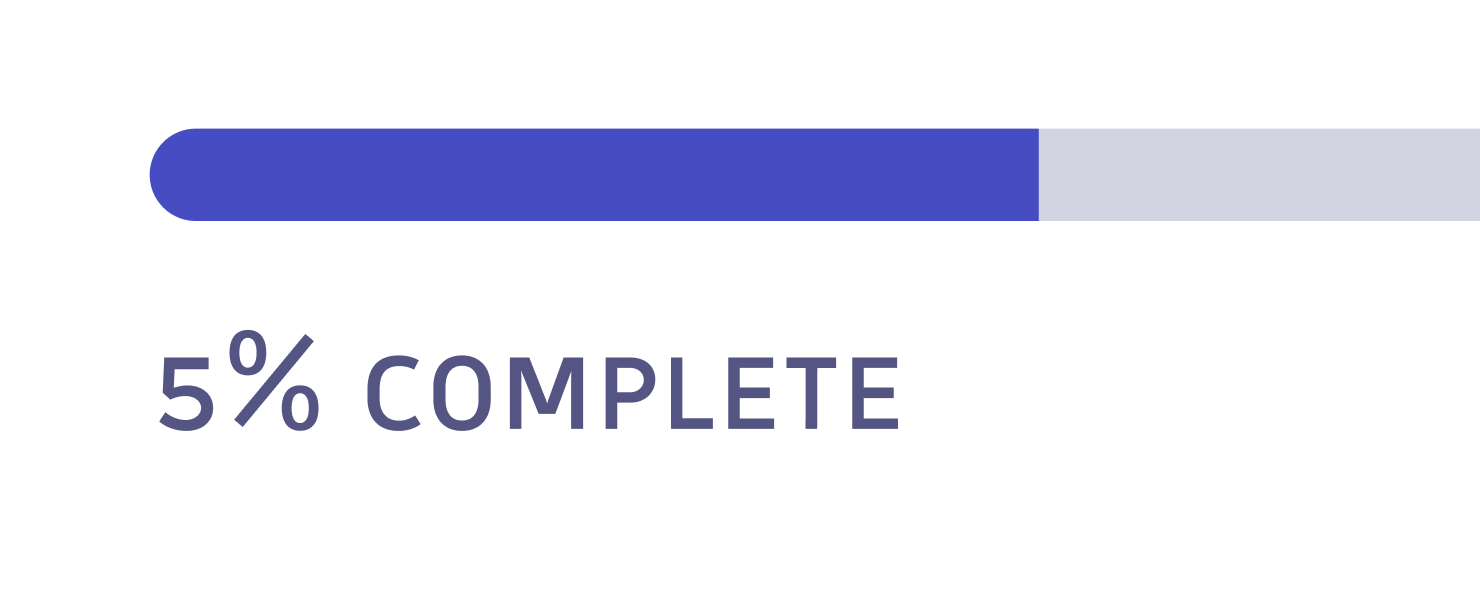
For those use cases, symbols like #, @, &, $, % seem to be too large (see screenshot), and &, #, % are very likely being used together with small caps there.
So I’m wondering whether it’s possible to add the small caps glyphs for those symbols? I know it’s not triditionally a common practice, so I want to understand what are the risks and benefit if I take that route for this type family?
And what are the other options that you would suggest?
Thanks in advance!
I don’t quite understand your question, are you asking whether you can add small capital variants of symbols? Of course you can: ampersand.sc, percent.sc, etc.
It’s quite a common practice in fonts that include small capitals, especially for more professional ones.
Thank you Sebastian, I wonder if it would be strange then if all those symbols become smaller when users turn on small caps, in the context of paragraphs just for stylistic reasons, and uppercase letters are still in their original sizes.
Technically, yes, they can be added. What I’m not sure is, whether it creates more risk or benefit…
Do you have examples of professional ones you mentioned? Do you know if they keep different font files for different usecases? Just wondering what are the common practices for those.
You’ve indeed put your finger on a tricky issue, for which I don’t know a perfect solution. It essentially comes down to taste. Some people prefer putting the symbols only in the c2sc feature (the symbols will only become small capitals if capital letters also become small caps), others (myself included) prefer lumping them into the smcp feature as well, since the context is more frequent where punctuation follows lowercase than uppercase.
As you realise, in either case, there are exceptions and you need to weigh up which ones are more important to cover and which are left to be treated manually.
The fact that the numbers are all SC-height as well makes it look like the text given does have C2SC applied, but that of course also depends on the details how you implement the numbers.
% is mostly used next to numbers, so I would follow this heuristic:
when using lining (cap-height) or old-style figures (x-height or cap-height depending on the number), use a cap-height %
if your basic (C2)SC figures are the same as non-(C2)SC ones, use the basic % for (C2)SC as well
if your SC and/or C2SC figures are SC-height, use an SC-height % for (C2)SC
I would not switch to an SC-height % in SC if the numbers are the regular old-style figures – that would look odd. But if the numbers are also SC-height, then definitely use an SC-height %.
Conversely, & is mostly used between letters, so I would use an SC-height variant of that for both SC and C2SC. You can still run into problematic grey areas, of course (e.g., should SC M&ᴍ have a cap-height or SC-height ampersand, when the two flanking letters are different heights?), but it seems like the least problematic option to me.
I typically include smallcap punctuation (including &, etc) with any font that includes smallcaps. I don’t always include smcp figures if their are oldstyle figures in the font. It depends how they look together.