I reproduced this issue in Glyphs 4.2 (build 4203).
Smart_Component_Undo_Test.glyphs (1.5 KB)
Steps to reproduce
-
Open the attached
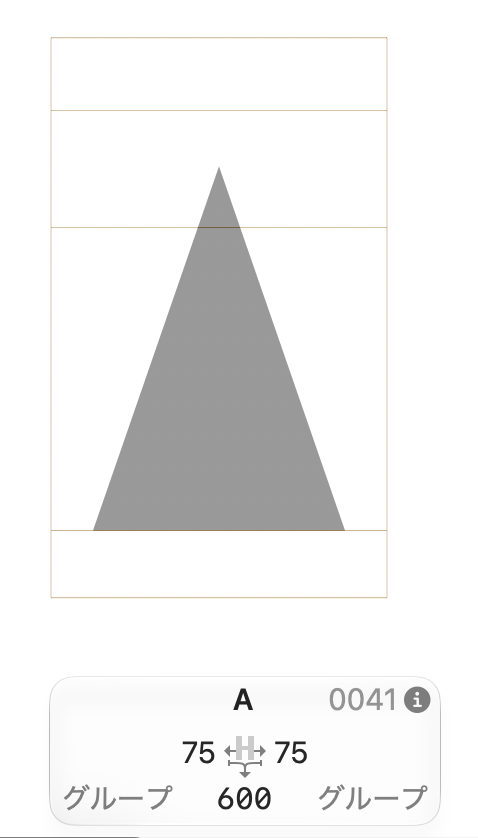
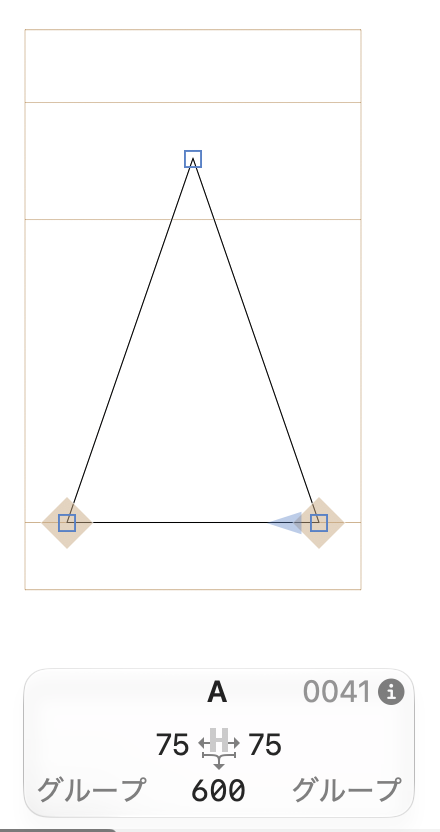
Smart_Component_Undo_Test.glyphsfile and open glyphAin Edit View. It contains a Smart Component that references_part.Triangle, with its Width axis set to 50. -
Choose Glyph → Decompose Components.
-
Press ⌘Z once.
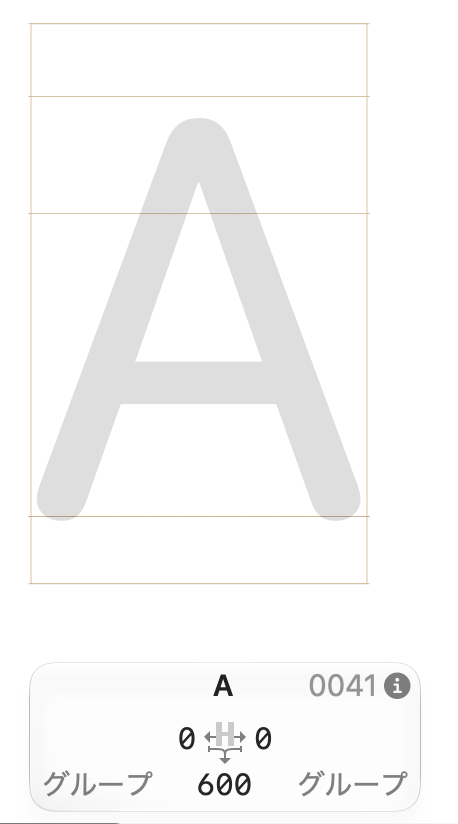
Undo removes the paths created by decomposition but fails to restore the original Smart Component, leaving glyph A empty.
Restored by Undo in my testing
-
Regular components.
-
Smart Components whose axis values had never been changed after insertion.
Not restored by Undo in my testing
- Smart Components with an axis value that had been changed at least once, even if all axis values were reset to their defaults before decomposition.