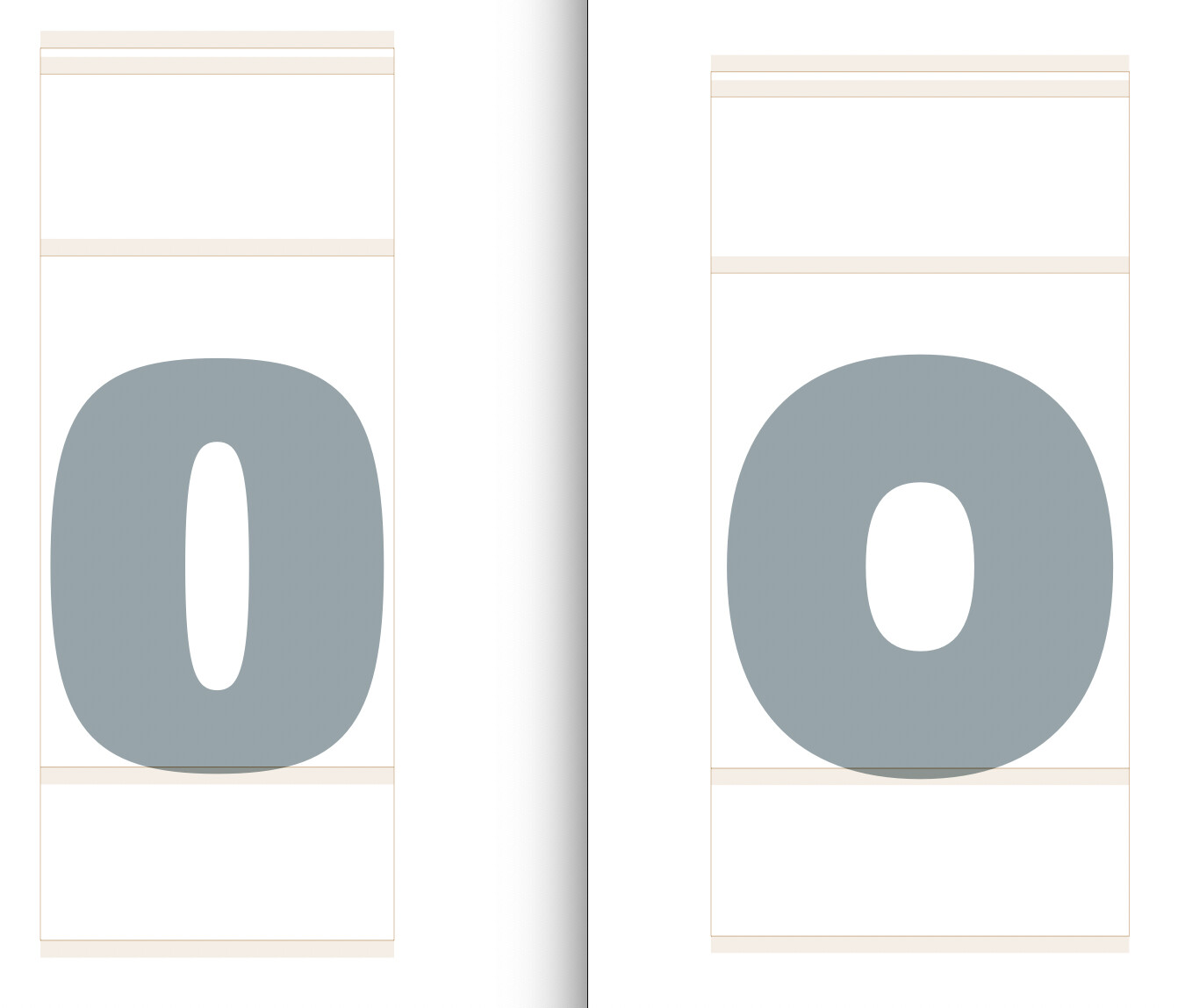
Not sure if this is a known bug, but smart components ignore intermediate masters (1) until you reopen the file (2). At least when you make them smart with a script (which I remember is not official yet).
Could you send me a sample file?
smart components bug.glyphs (14.0 KB)
Steps to recreate the bug:
- Select the component in /n and run the script to make the comp variable;
- Now the component at wght 400 ignores the Regular master and interpolates it from the edges (it should be a circle but it’s not);
- If you save and reopen the file, the bug gets corrected.
The script needs a small adjustment.
after this line
newAxis.name = font.axes[i].name
add this:
newAxis.setAxisId_(font.axes[i].name)
Initially, the GSSmartComponentAxis has a default id, but that is replaced by the name of the axis. That causes the change in behavior.
1 Like