Hi,
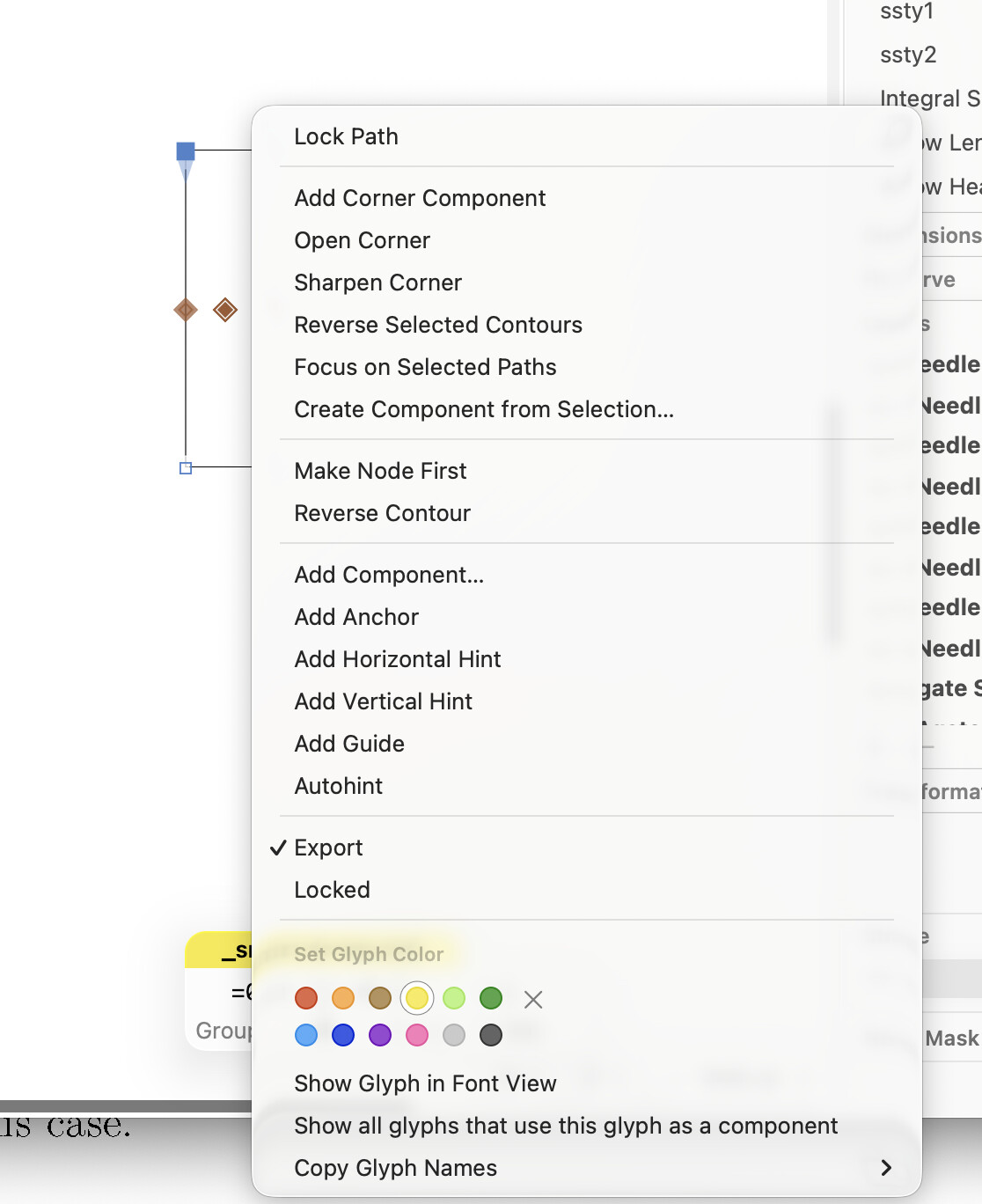
In Glyphs 4 did the Smart Glyphs settings get moved or renamed? They used to be under control-click in edit view (see image of what I see now).
Thanks!
Julius
Hi,
In Glyphs 4 did the Smart Glyphs settings get moved or renamed? They used to be under control-click in edit view (see image of what I see now).
Thanks!
Julius
The Smart Glyph properties are now axes in in the Axes Sidebar (left sidebar with the slider icon). Intermediate layers are used instead of custom layers to define the top snd bottom values before.
So, Smart Glyphs behave like regular font-level interpolation: axes and Intermediate layers.
We’ll publish a more detailed description very soon.
Thanks. I guessed that but did not see how to add a new axis (which I now see there is a + at the bottom of the axis). So that all makes sense.