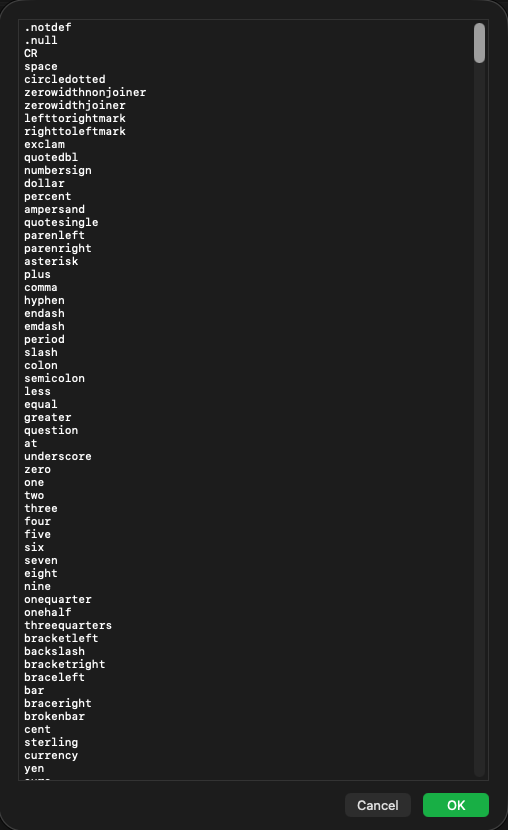
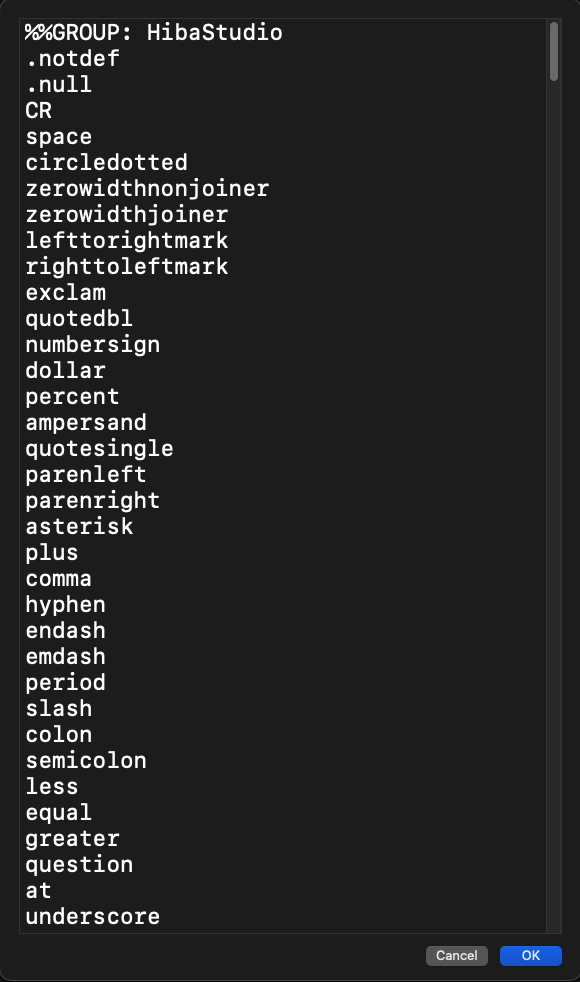
I noticed that some plain text fields in Glyphs, like the Glyph Order field in Font Info use a fixed small font size. On a high-resolution screen this text gets hard to read, and there is no setting inside Glyphs to change it.
Is there any way to increase the font size for these fields, or is this something planned for a future update?