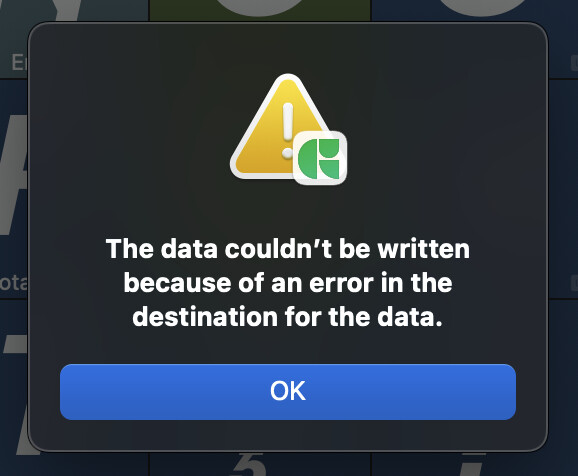
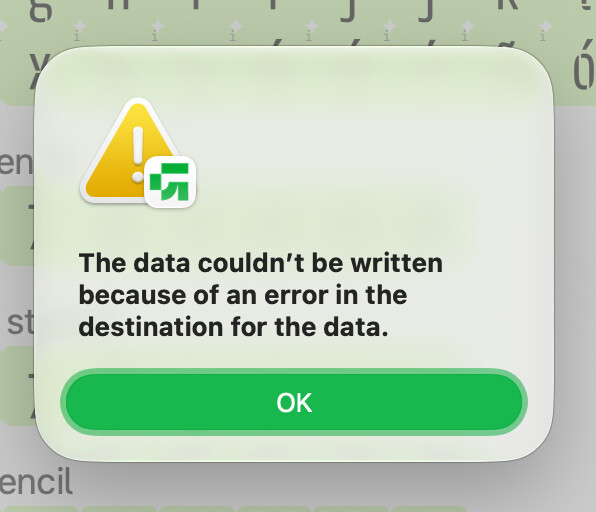
Hello, in addition to still getting the “The data couldn’t be read” popup every time I start Glyphs, I am now getting “The data couldn’t be written because of an error in the destination data” when I try to copy a glyph:
I have set all permissions to Read&Write for everyone in the Adobe>Fonts folder. Tried my project folder and Glyphs files too. Doesn’t help.
The window above pops up when I try to copy certain glyphs in font view. But not for all glyphs. Any hint?
Could you provide us a file with these glyphs and point out one example glyph where it does not work? You can also make a copy of your file and delete all glyphs except for one that has this issue, that should suffice.