Dear Glyphs people,
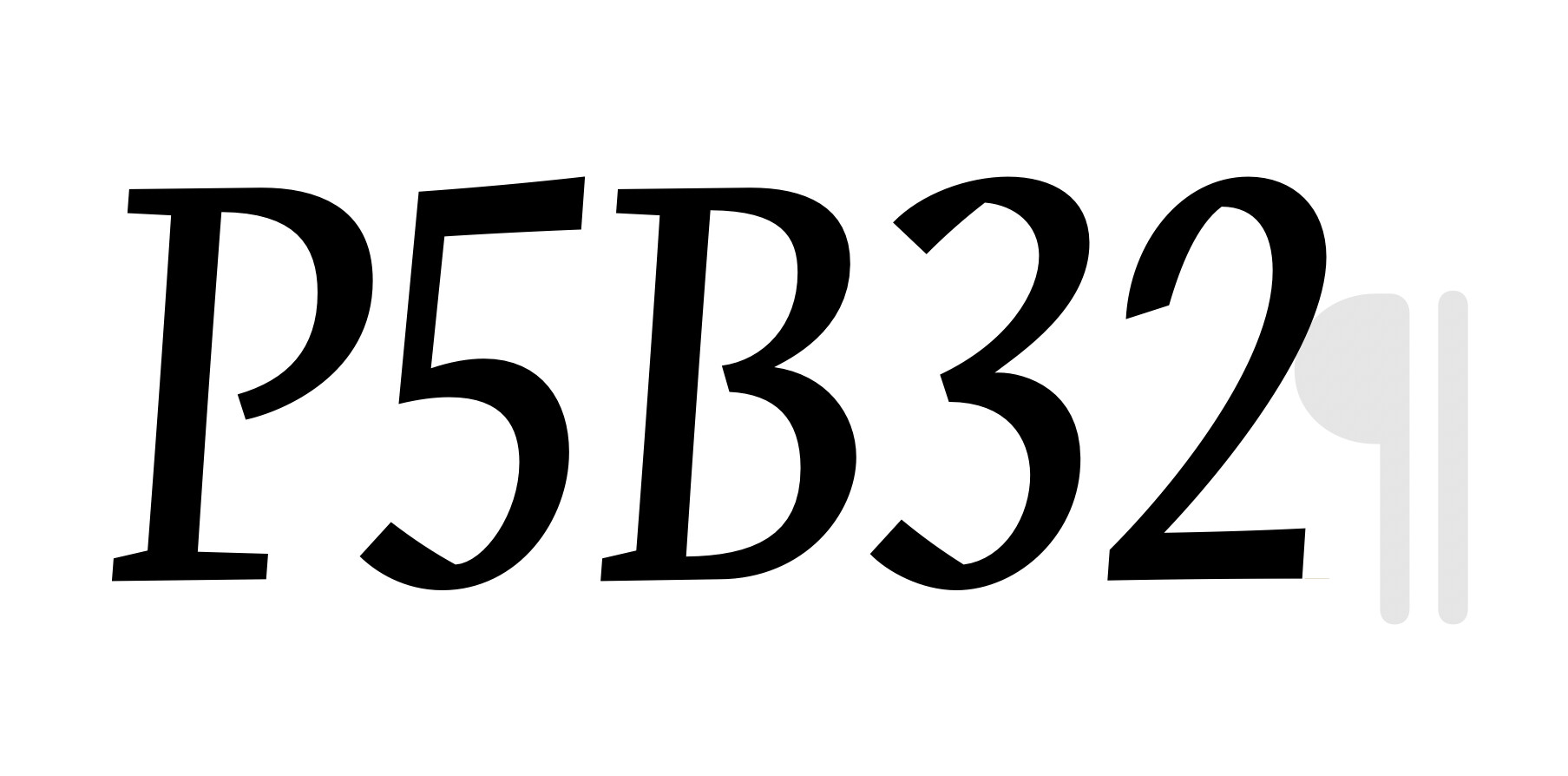
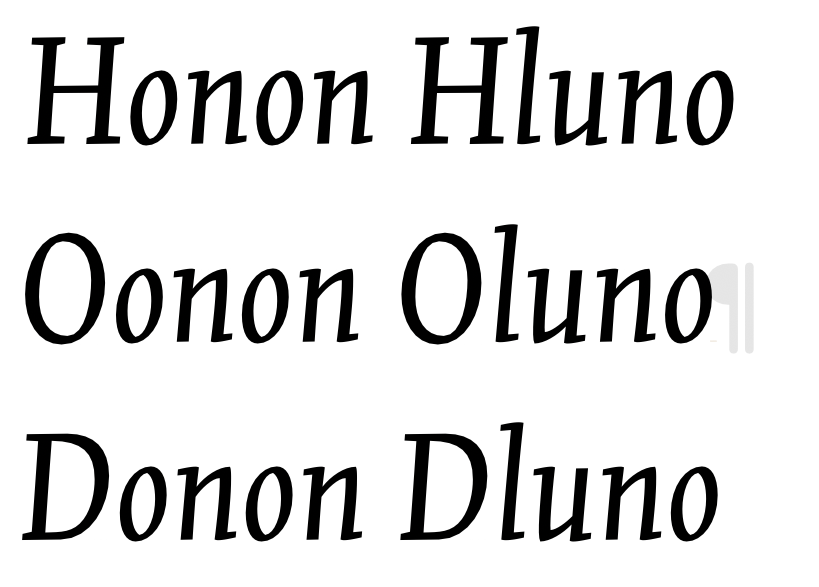
Is it possible to delete the grey paragraph mark? It’s disruptive and not necessary. (I always have to type 4 or more spaces not to see this mark.) Or … skip this mark in the next Glyphs update?
Greetz, Titus
Dear Glyphs people,
Is it possible to delete the grey paragraph mark? It’s disruptive and not necessary. (I always have to type 4 or more spaces not to see this mark.) Or … skip this mark in the next Glyphs update?
Greetz, Titus
It means you have a line return at the end of the line. Delete it.
Ofte using more lines, I need that return. But there is no need for a paragraph mark.
Which app version do you have? I only get it when the cursor is immediately in front of it.
Says who? I do. As Rainer said, it’s only there if the cursor is right in front of it.
Can you send me the font?
And which exact version of Glyphs are you using?
Did you press “Esc” while in text mode, with your cursor at the end of the line?
I see that the paragraph mark is not present in the first line.
I am using version 3.4.1. It doesn’t matter which font, all fonts react the same.
And I didn’t use the Esc. The mark remains on the spot where the cursor was left. In my example it was the 2nd line.
That’s what we’re saying. Don’t leave the cursor there, then it won’t show. The cursor always precedes the “active” glyph. So if your cursor is at the end of a line, the “active glyph” is the line return. Place it anywhere else.