Tiny aesthetic bugs

Here’s a list of a few small graphic issues I noticed:

Just a small request so I’ll add it here: Could the Macro Panel remember its visibility between Glyphs launches? In Glyphs 3, it stayed open if it was open before relaunching the app. In Glyphs 4, I have to reopen it each time I start the app.

1 Like

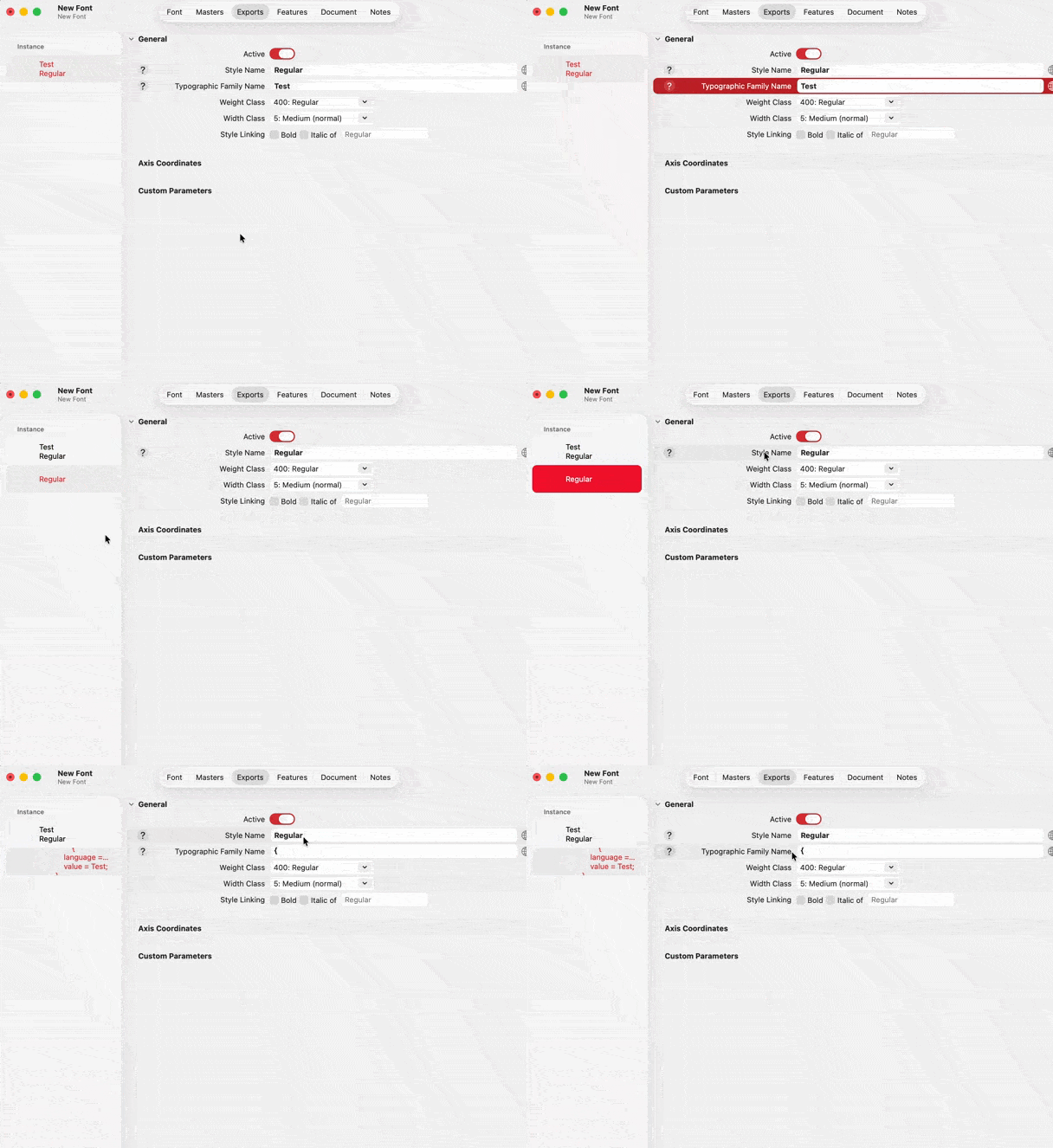
When I paste a Typographic Family name to another export instance, this happens.
typographicStyle-2

Deleting multiple Variable StyleName is not working.

That is a custom plugin. I just send a pull request that fixes this.

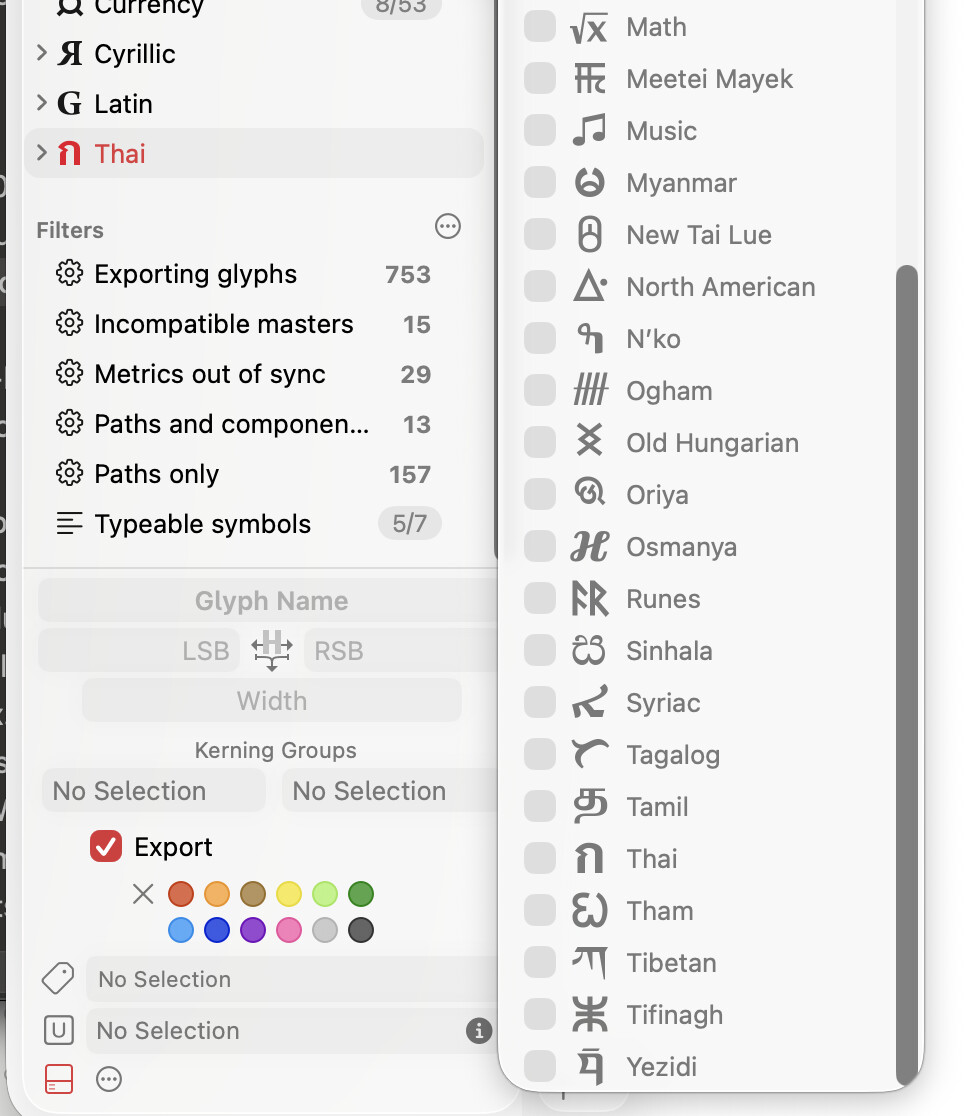
The sidebar shows all languages that are present in the font. Please send me any font that doesn’t contains any Thai and it stil shows up in the sidebar.

fixed.

1 Like

that should be fixed to.

1 Like

Yes. Fixed it.

2 Likes

I uploaded a new cutting edge version. run this in the Scripting window to enable cutting edge versions:

Glyphs.defaults["SUShowCuttingEdgeVersion"] = True

(the “Show Cutting edge” checkbox in Preferences > Updates in broken in version 4000).

2 Likes

Axis Location on G4 vs G3

Screenshot 2026-08-09 at 19.55.08

access location parameter are not supported any more. You edit the values right next to the internal values in the coordinates section. They should be remove on opening the file.

1 Like

Thanks Georg

isFixedPitch

is not working on my monospaced fonts.
Is a bug I think

fixed it. Thanks.

Little visual glitches:

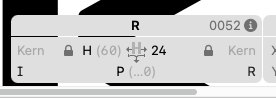
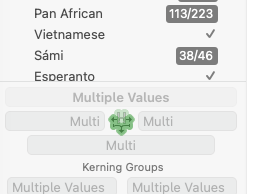
  1. could the full width number be displayed here, rather than “…”? Seems like there’s enough room.

Screenshot 2026-08-27 at 9.08.25 AM

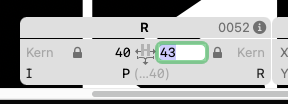
  1. In this window, when in the left sidebearing and hitting tab, it goes to the right sidebearing (love it):

But in the main font window view, tab goes from left sidebearing to this little H thing instead:

  1. Love the new Preview panel with Variable preview! So useful! Glitch is when i open a Preview panel in one font, then open a second font and a Preview panel, it still shows the first font.
Thanks,

John

1 Like
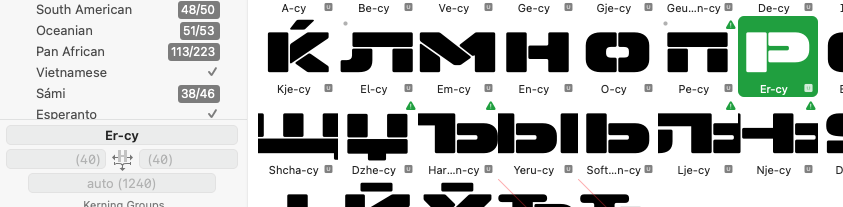
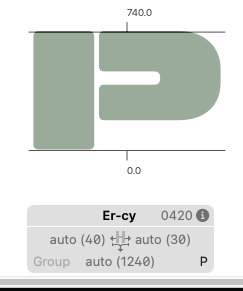
  1. the main font window sidebearings are not showing the right values of component letters.

Here’s component letter, with it showing 40/40

Editor shows actual values of 40/30

John

1 Like

I fixed that already.

I’ll have a look.

#1 is still happening.

Check for Updates says “You’re up to date”. About says 4.1 (4100). Settings has cutting edge checked.

Is Glyphs 4 vibe coded? Hopefully not.
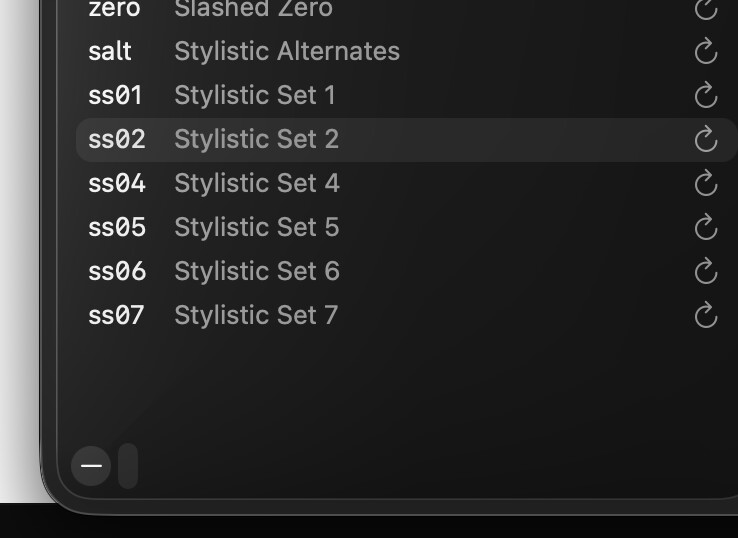
Suddenly I see this when looking for Update / Compile ot features.