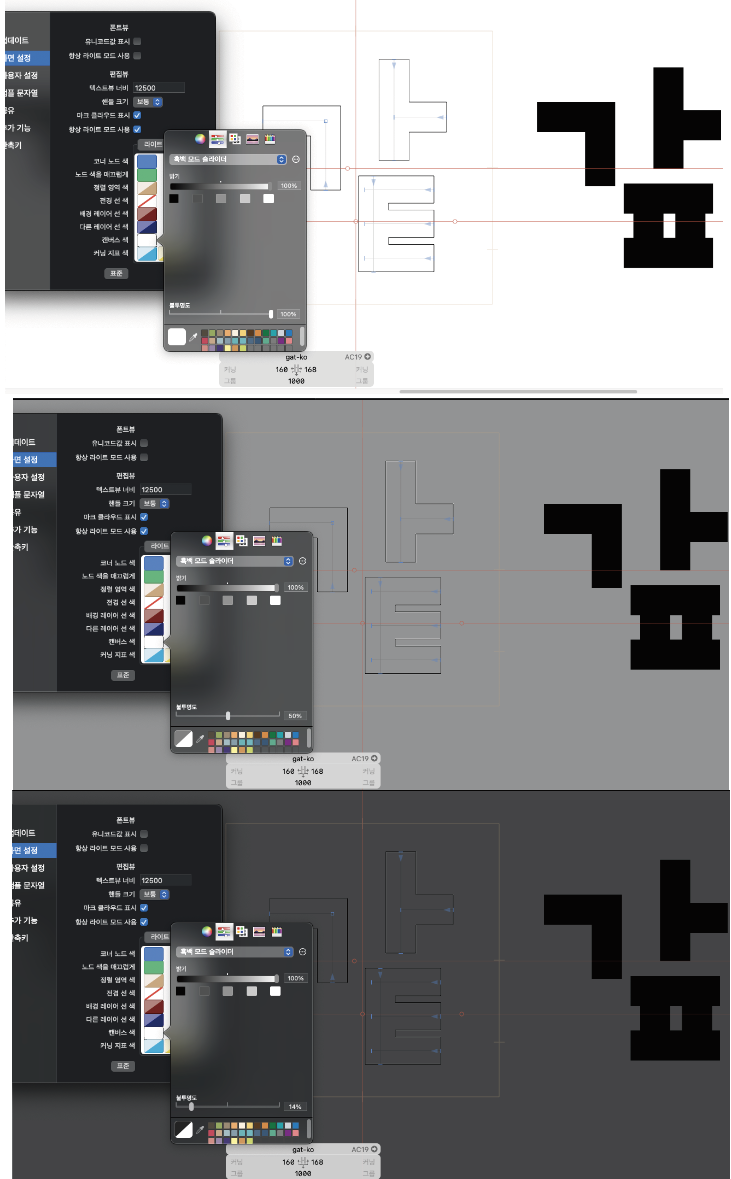
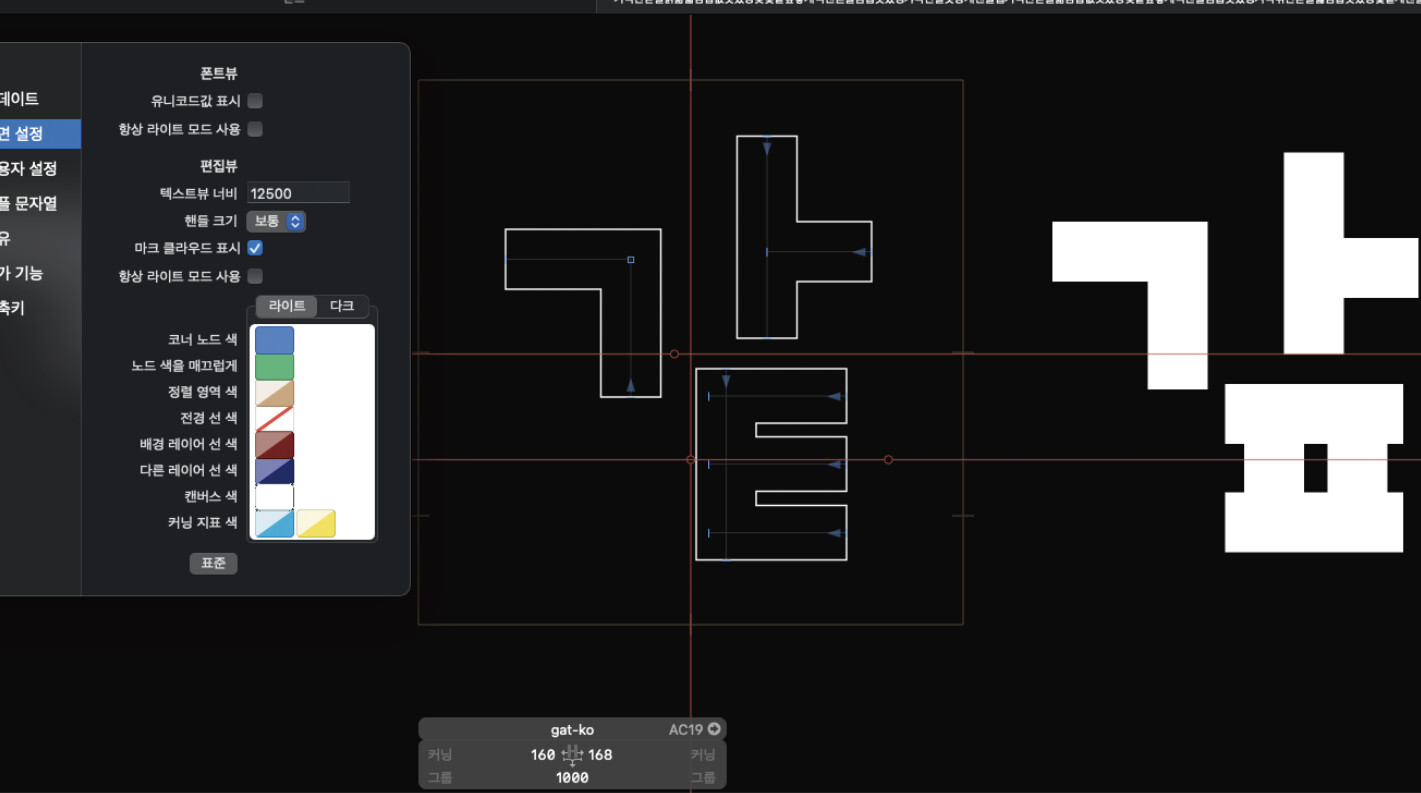
글자 크기를 몰라서 작업이 어려워요. 다시 라인이 보였으면 좋겠어요.

Make sure to activate View menu > Show Metrics.
감사합니다만
보기 메뉴 > 메트릭 표시를 활성화
이거로 안되면 어떡하죠?
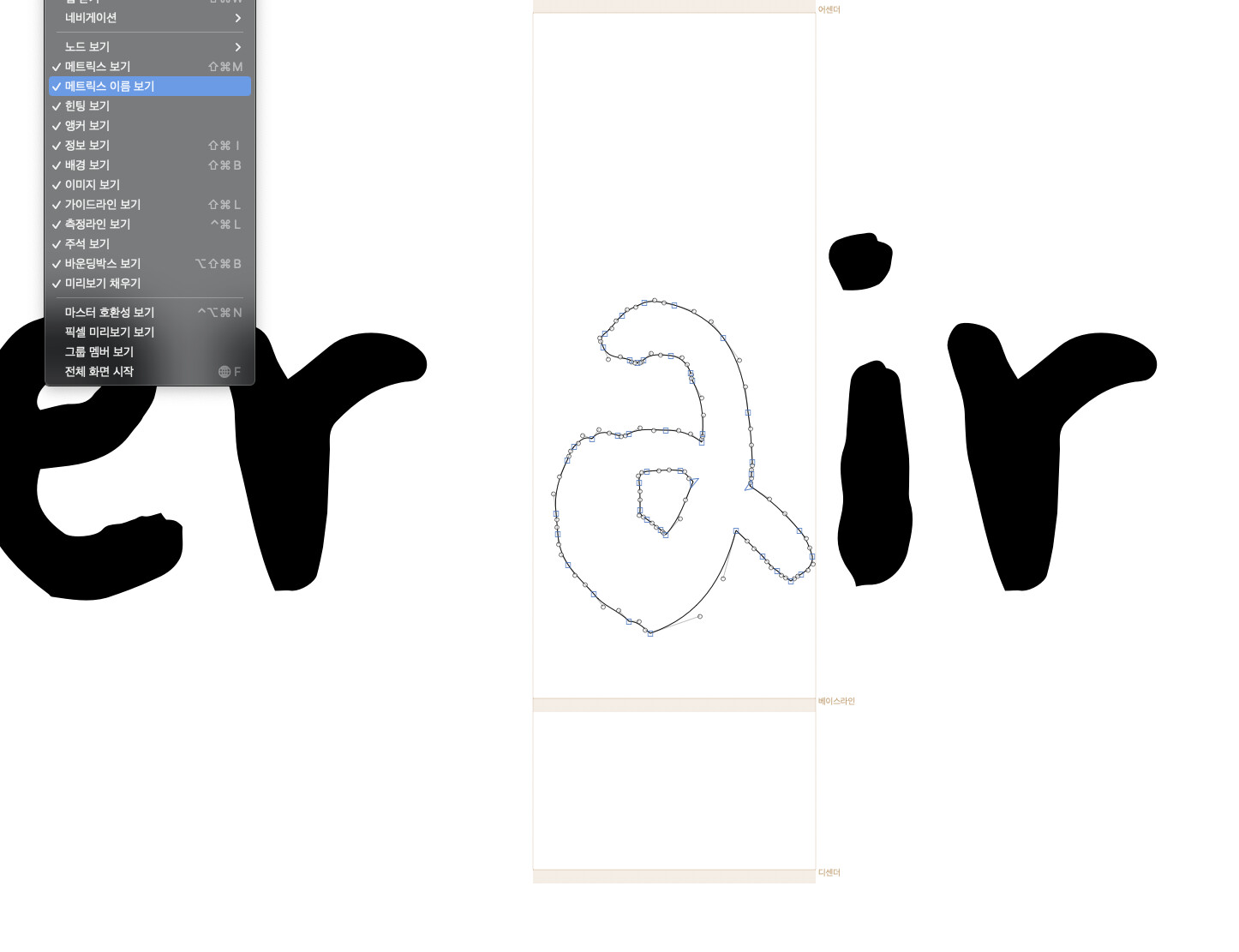
저의 맥에서는 위의 이미지가 현재 상황입니다.
다른분 맥북으로는 개발자님 의견이 맞는 건 확인했습니다.
I did that, but it’s impossible.
In you screenshot, the metrics are visible just fine. It didn’t show an x-height. You need add that in Font info > masters > vertical metrics.
Or do you mean something else?

But that is the metics line you see (in orange) around the letters. Can you open a Hangul glyph to see how it looks?
And maybe you had changed the color in preferences?
[quote=“Georg Seifert, post:9, topic:30706, username:GeorgSeifert”]
vertical metrics
[/quote]I’ve been looking for a long time, but this isn’t it either
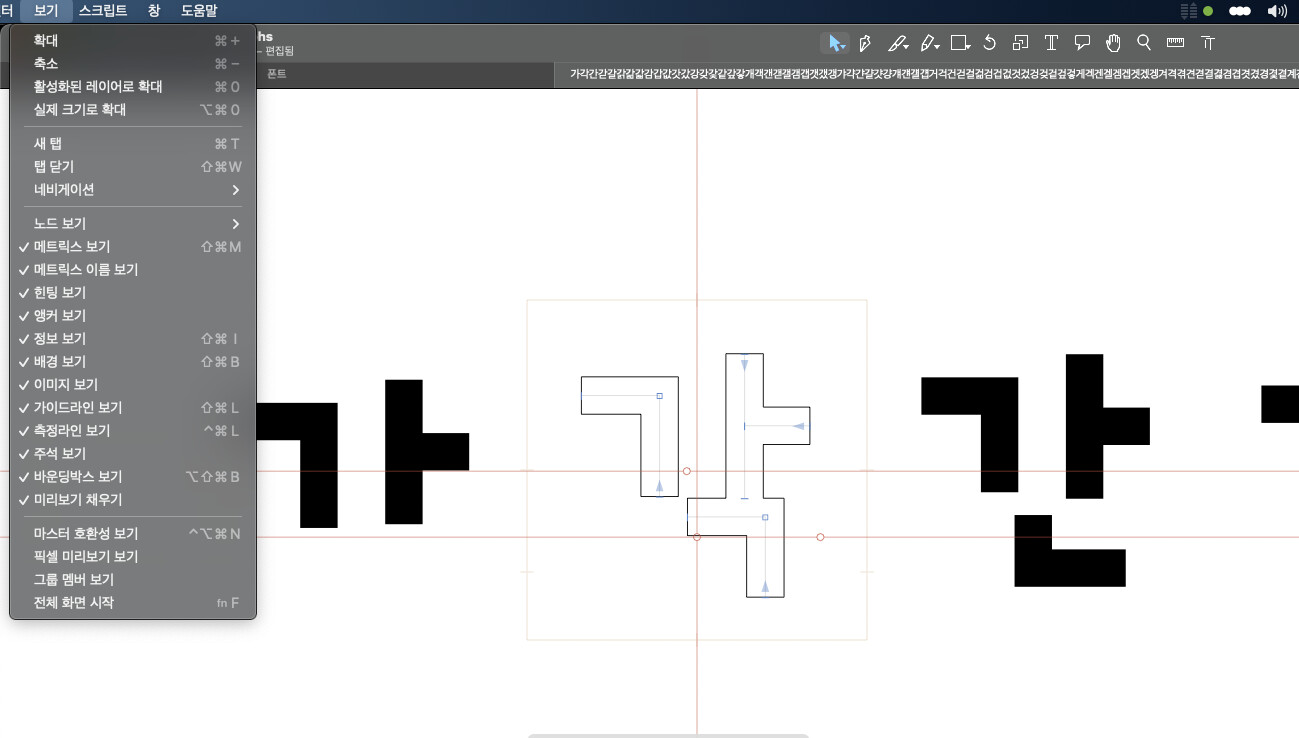
Reinstalling will not change anything.