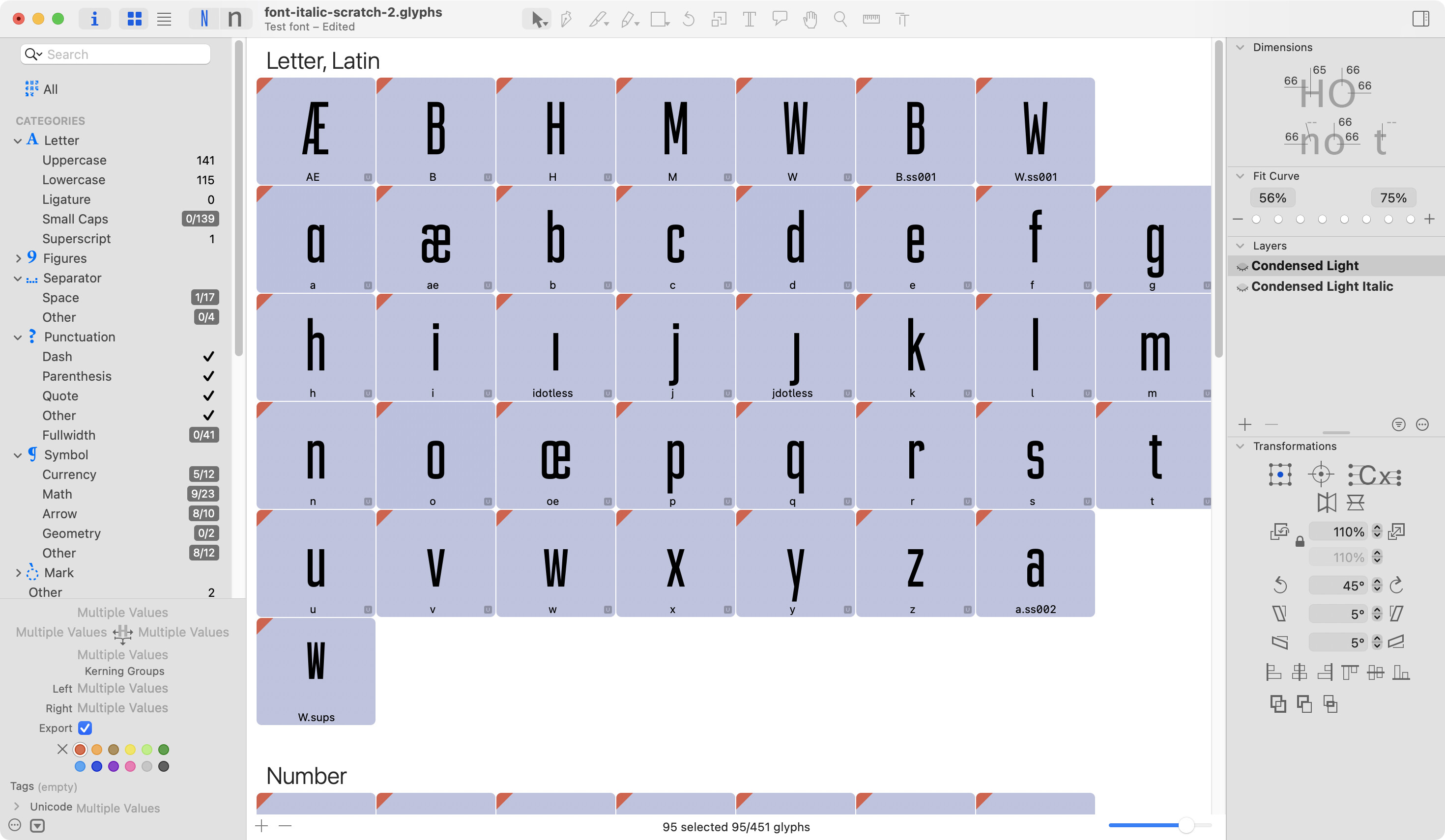
I have a 3 masters for uprights and 3 masters for obliques in my fonts. I originally only had uppercase designed, but now a couple years later I have been going back and adding lowercase.
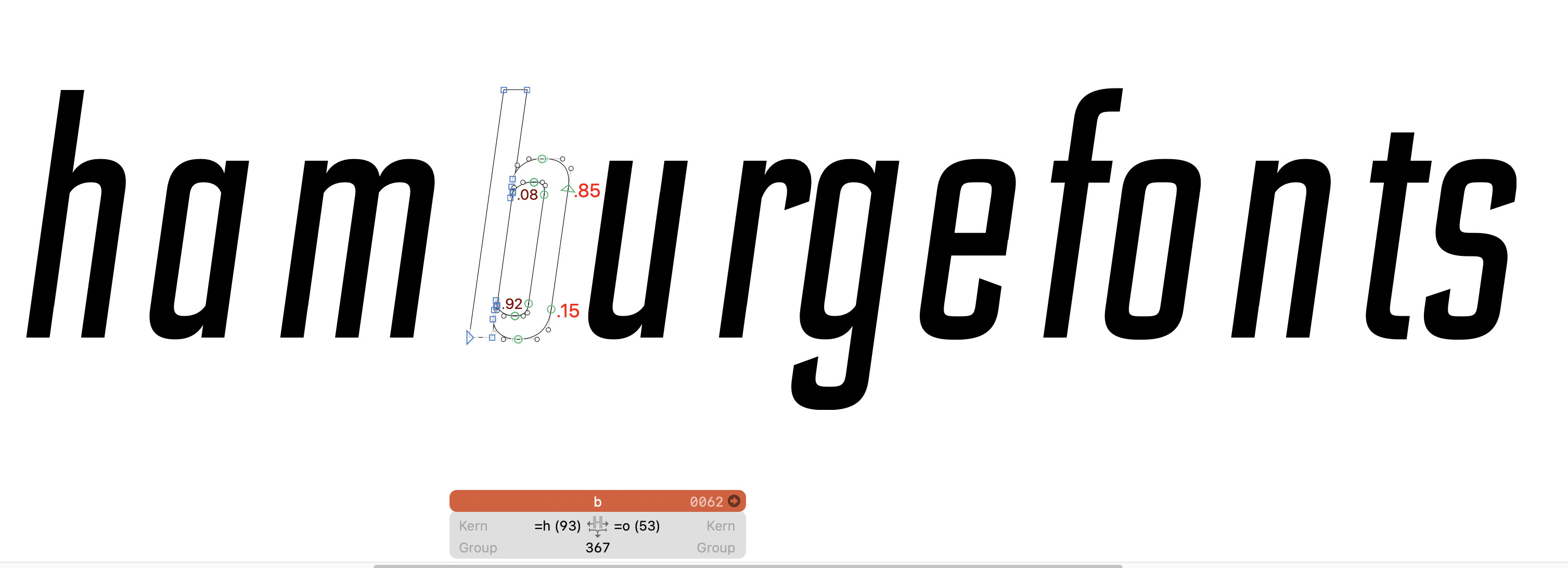
My problem: I copy and paste (special) all of the upright lowercase into my italic masters. Then I Path > Transform to do a rough pass on obliques. But when I do this, sidebearings get really wide. I remember when I did this same flow on the uppercase, I could’ve sworn that the spacing was automatically interpreted for the italics, and was pretty close to the nice even spacing of the uprights.
I’m using a handful key metrics across most letters, I’m not sure if that is affecting anything. Am I missing a step or a setting somewhere?
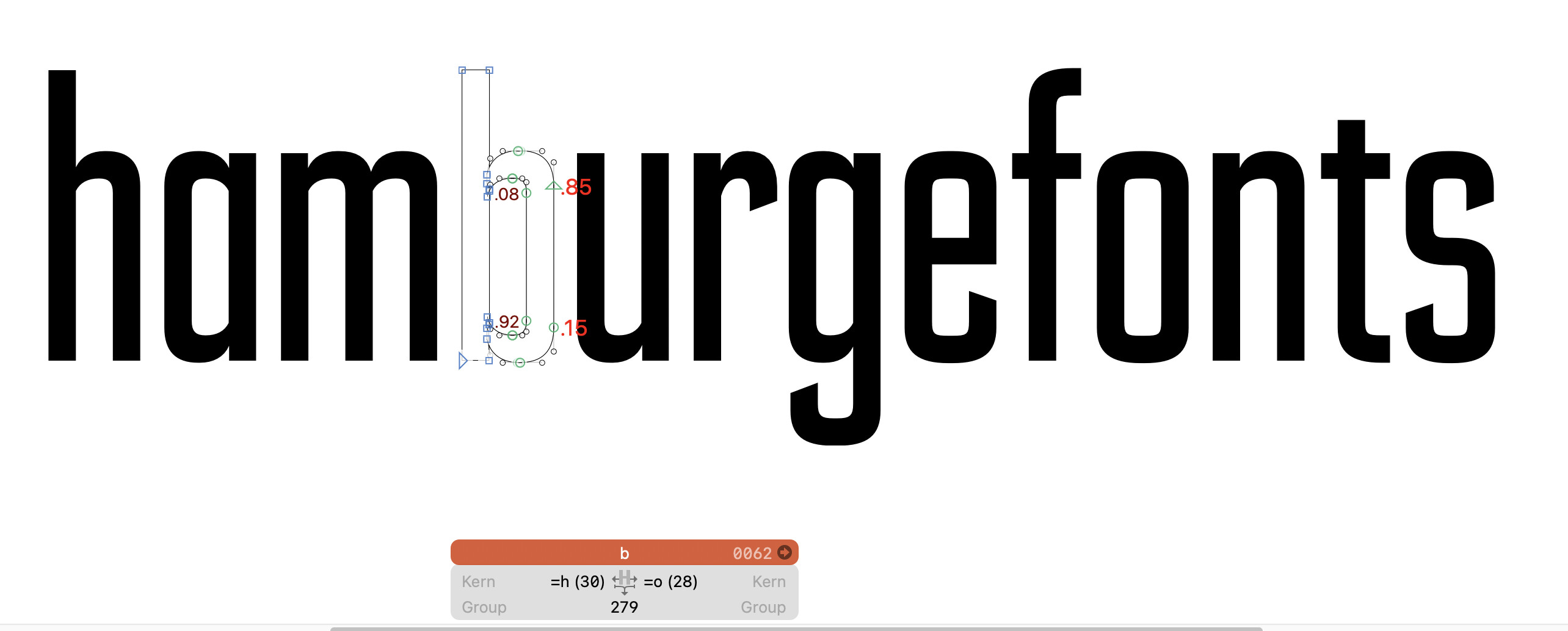
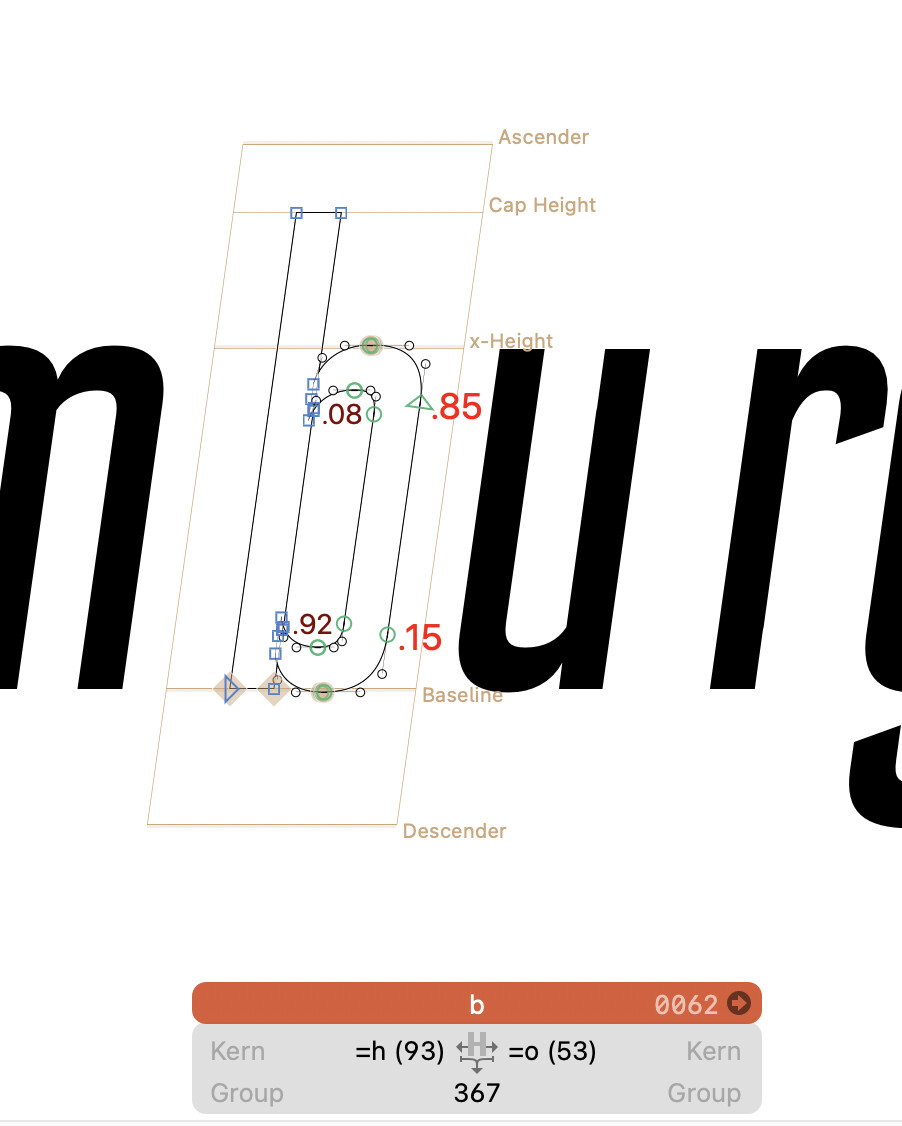
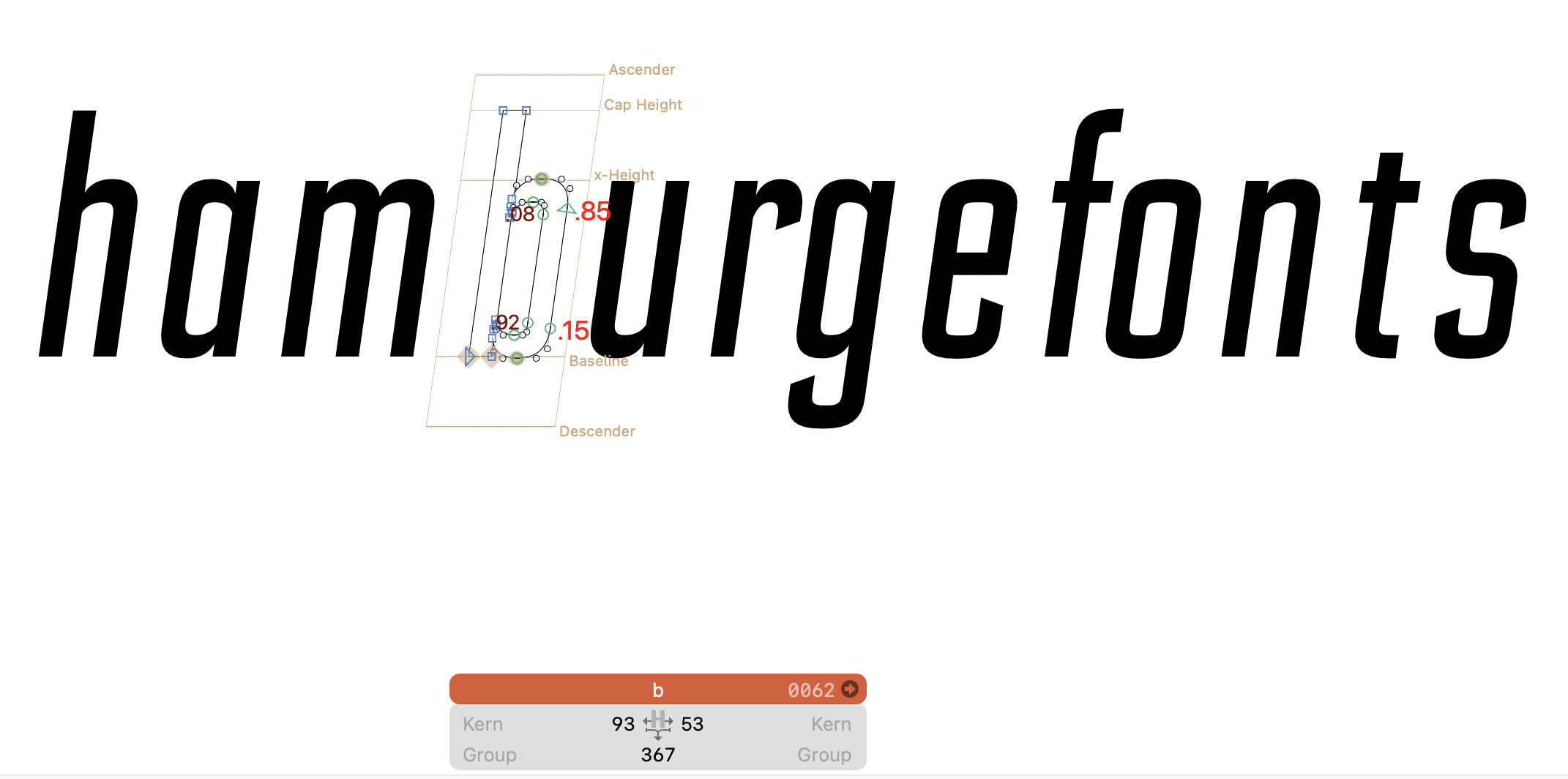
Can you show how the metrics are before and after the transformation?
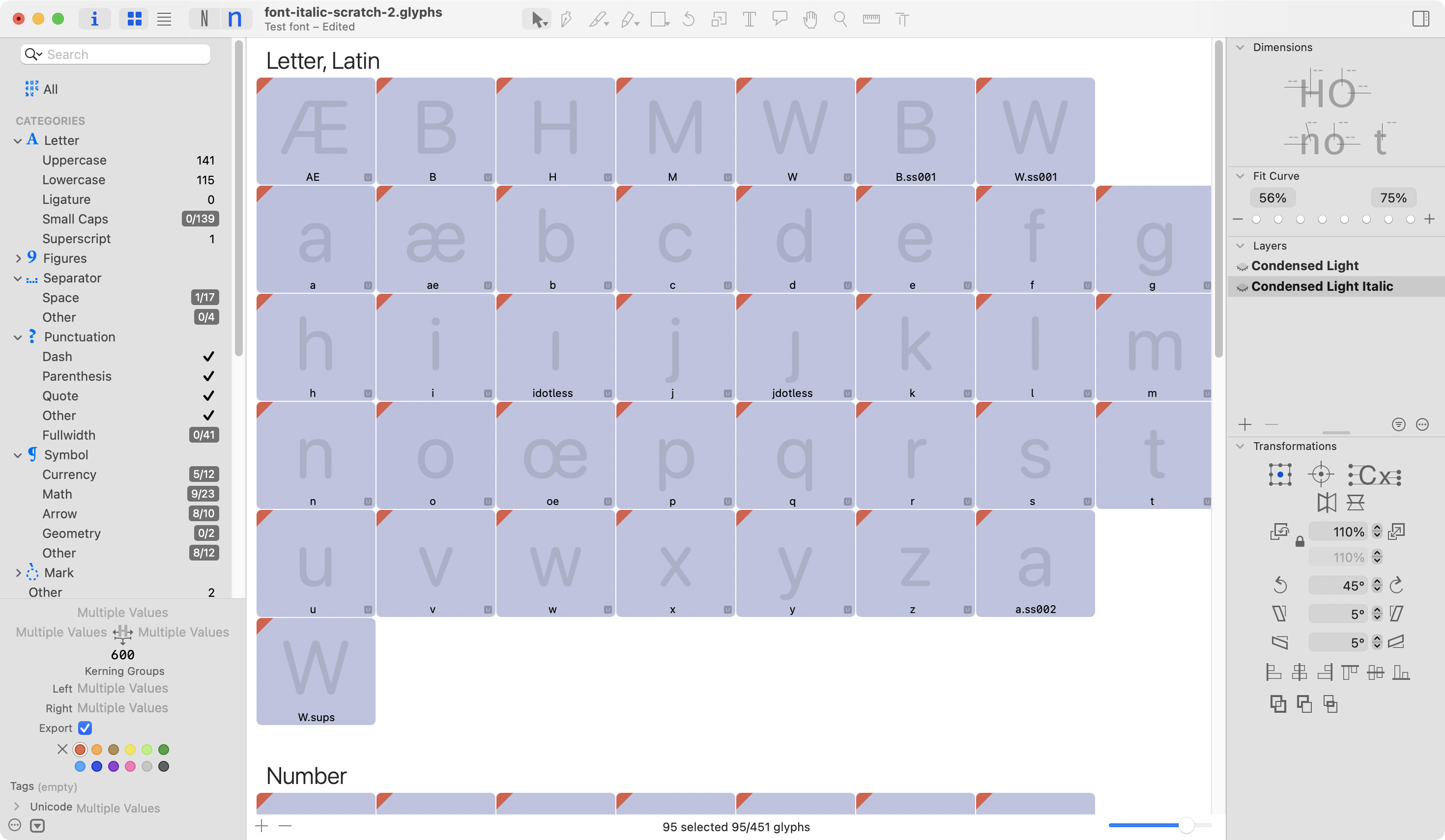
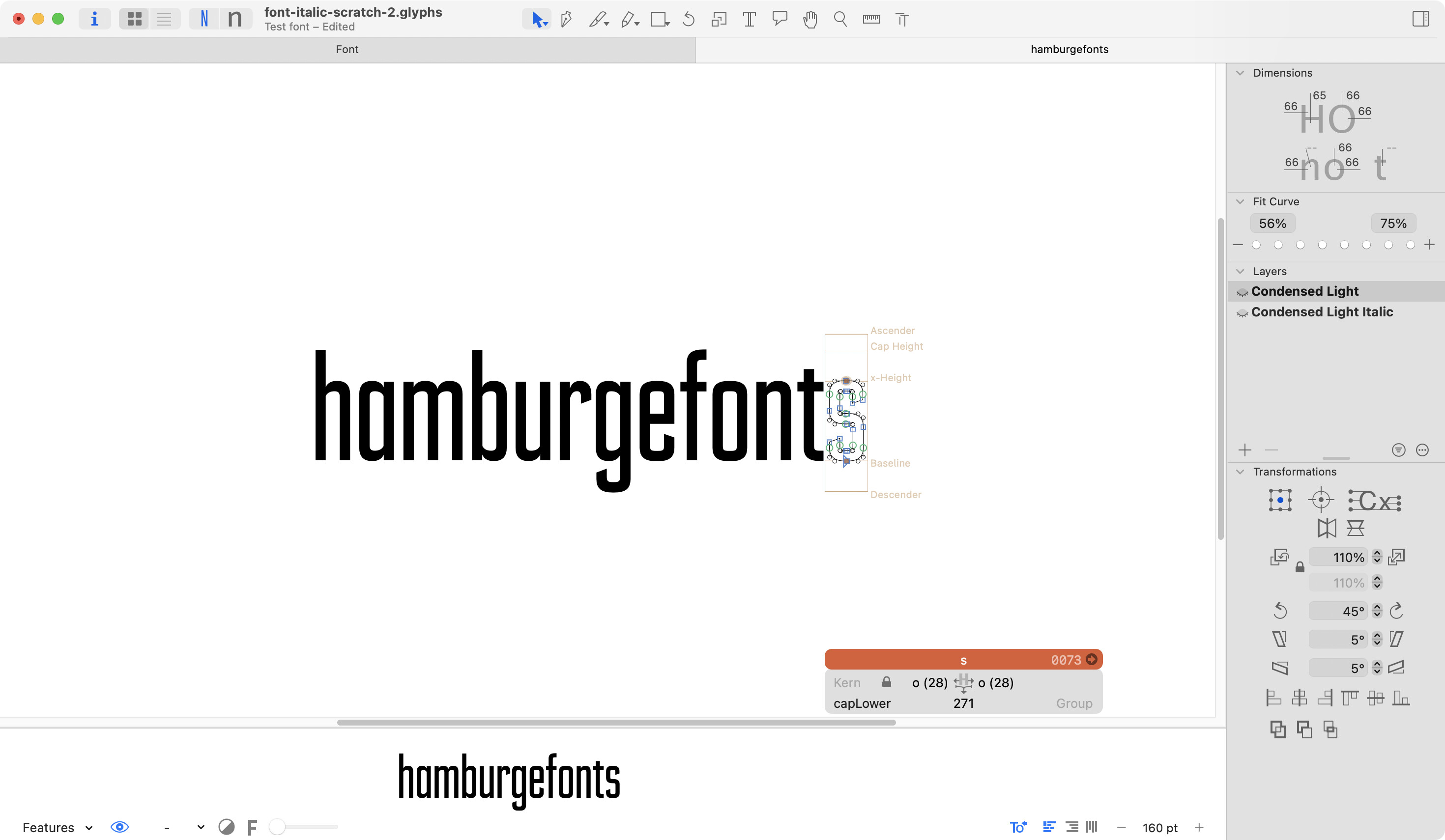
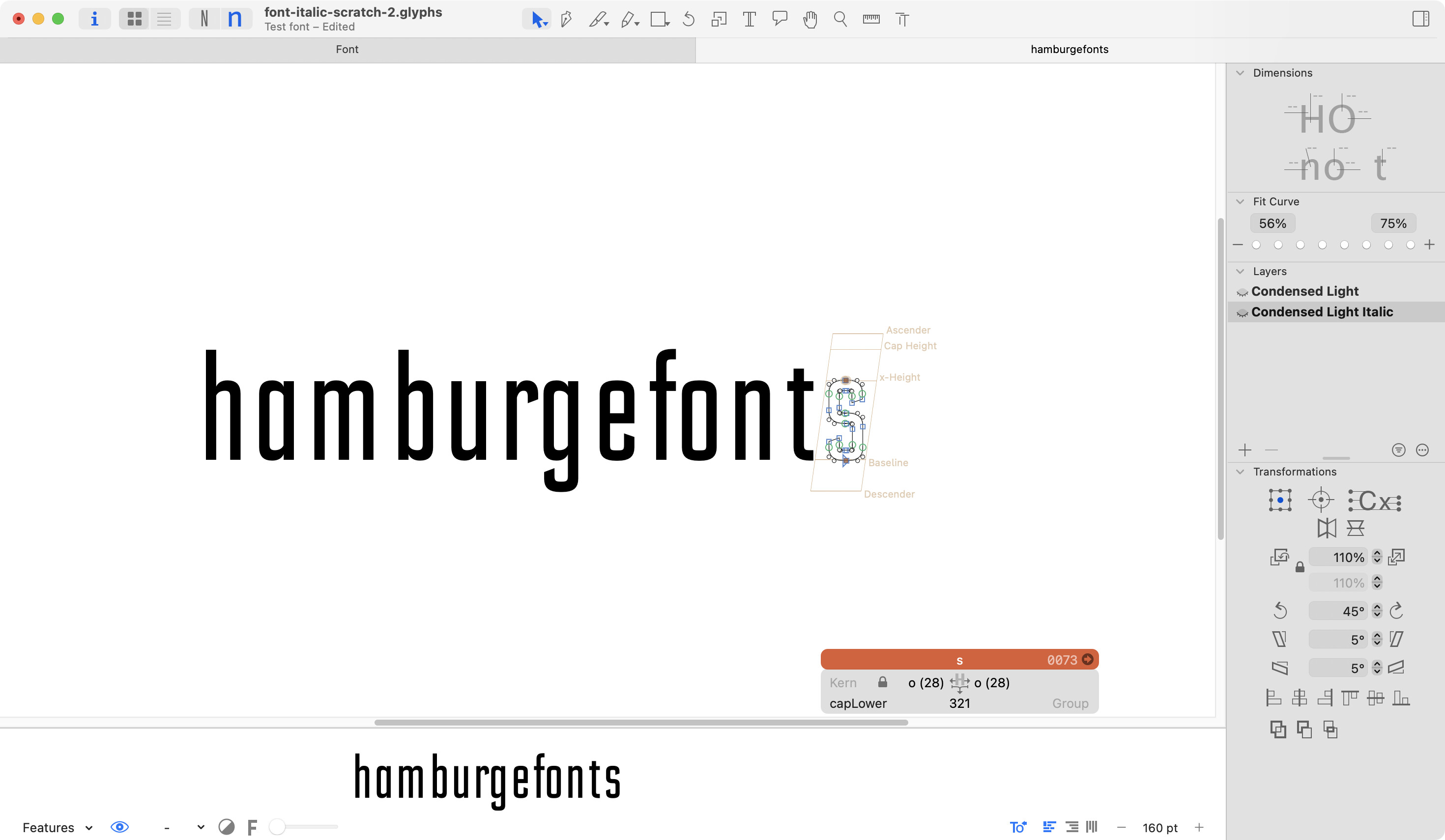
Sure thing. Here is existing uprights and italics after transformation.
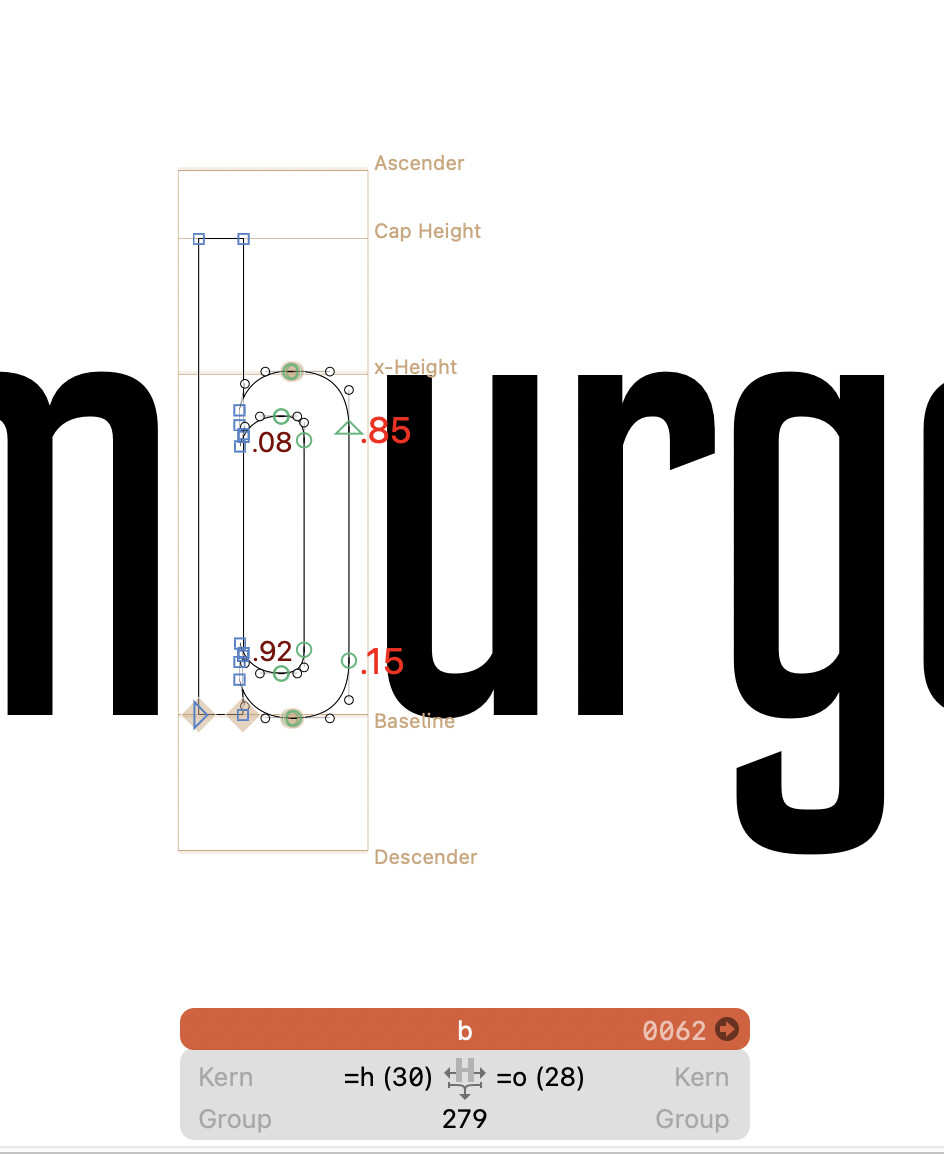
Can you enable the metrics box? That might help determining the way the metrics are calculated?
And did you update the metrics keys after the transformation?
Here you are.
And did you update the metrics keys after the transformation?
I haven’t, I was waiting to see if this is something that would automatically be translated based on the upright values and the transform settings. This is what I thought had happened when I first made the uppercase italics a couple years back, but I may be remembering it wrong and I just need to update my metrics keys after the transformation.
Can you remove the metrics keys and try again?
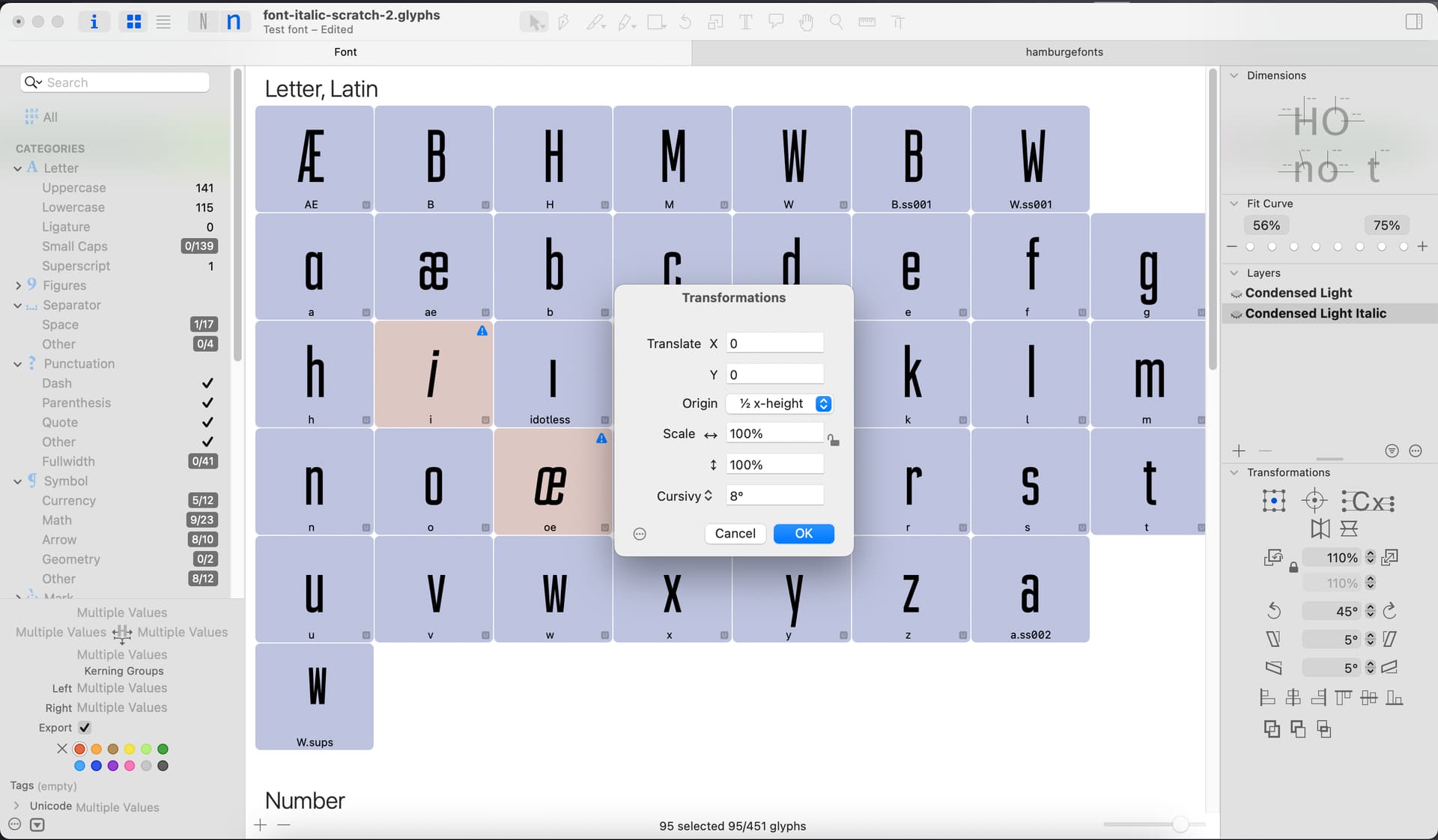
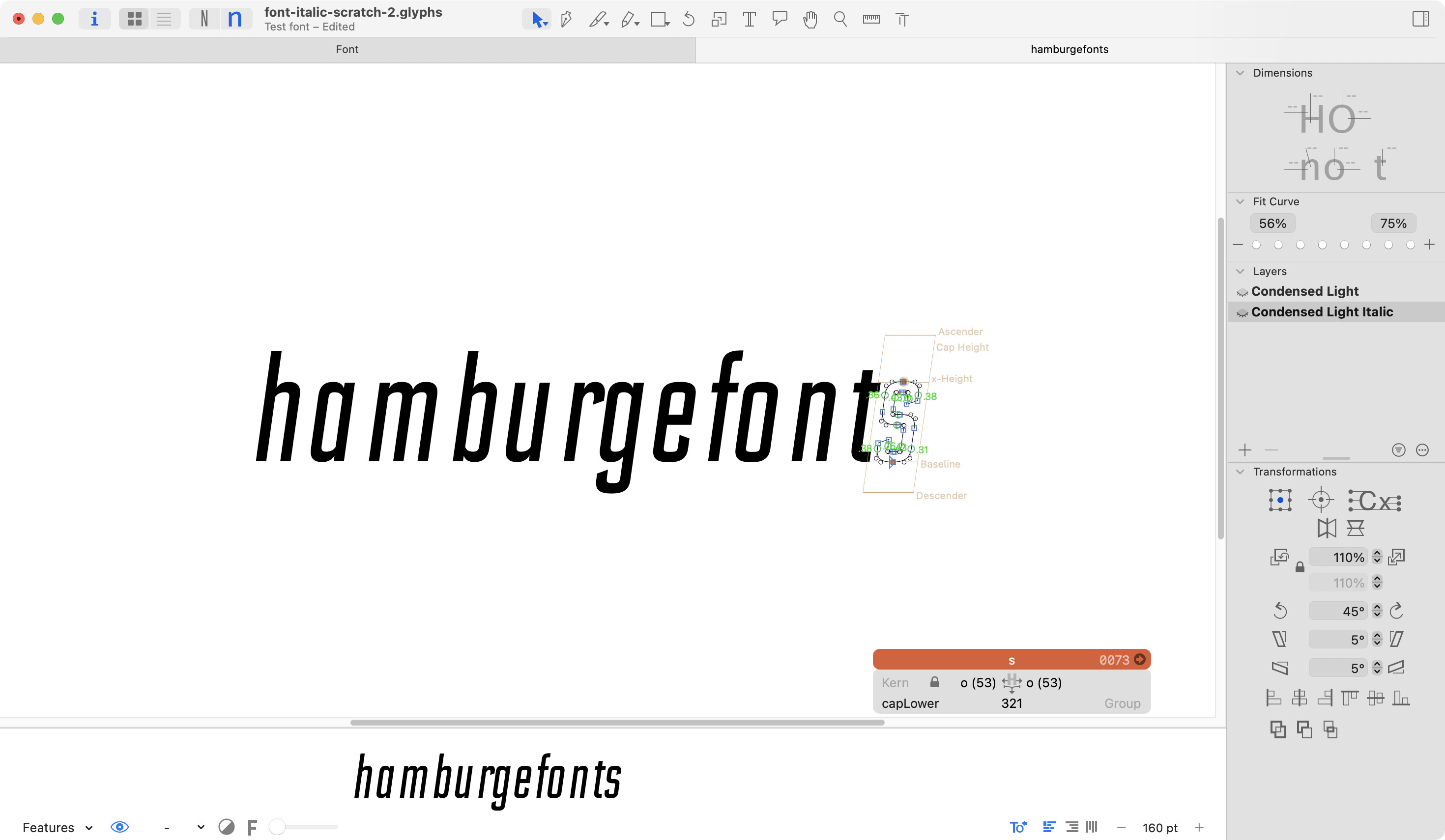
I went in an manually entered the same values for the letters as the metrics keys, and got this result. Not as bad as before, but still not great.
Let me know if you meant a different approach to the metrics keys:
I meant remove the metrics key before you apply the slant transform.
Sorry, I’m not clear — where am I removing the metrics key from?
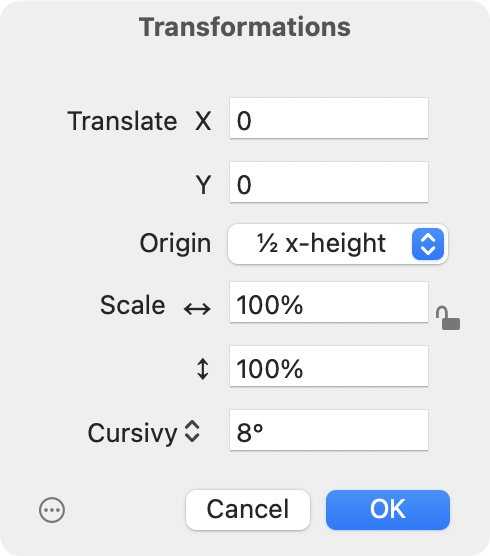
Prepare a file where the new italic masters/layers are still upright (e.g. by paste special again). Then remove the metrics keys and then apply the Transform > Cursivy.
Apologies! That is how I have a file set up, but I’m not sure on how to remove the metrics keys? I can’t delete the values without replacing them with a new value.
You delete the =h (the metrics key) and press enter. It will display the plain sidebearing value (e.g. the 93).
Ah, now I see! Yes, that is what I did before the last transform, I removed all of the metrics keys and they just populated with the absolute values from the keys.
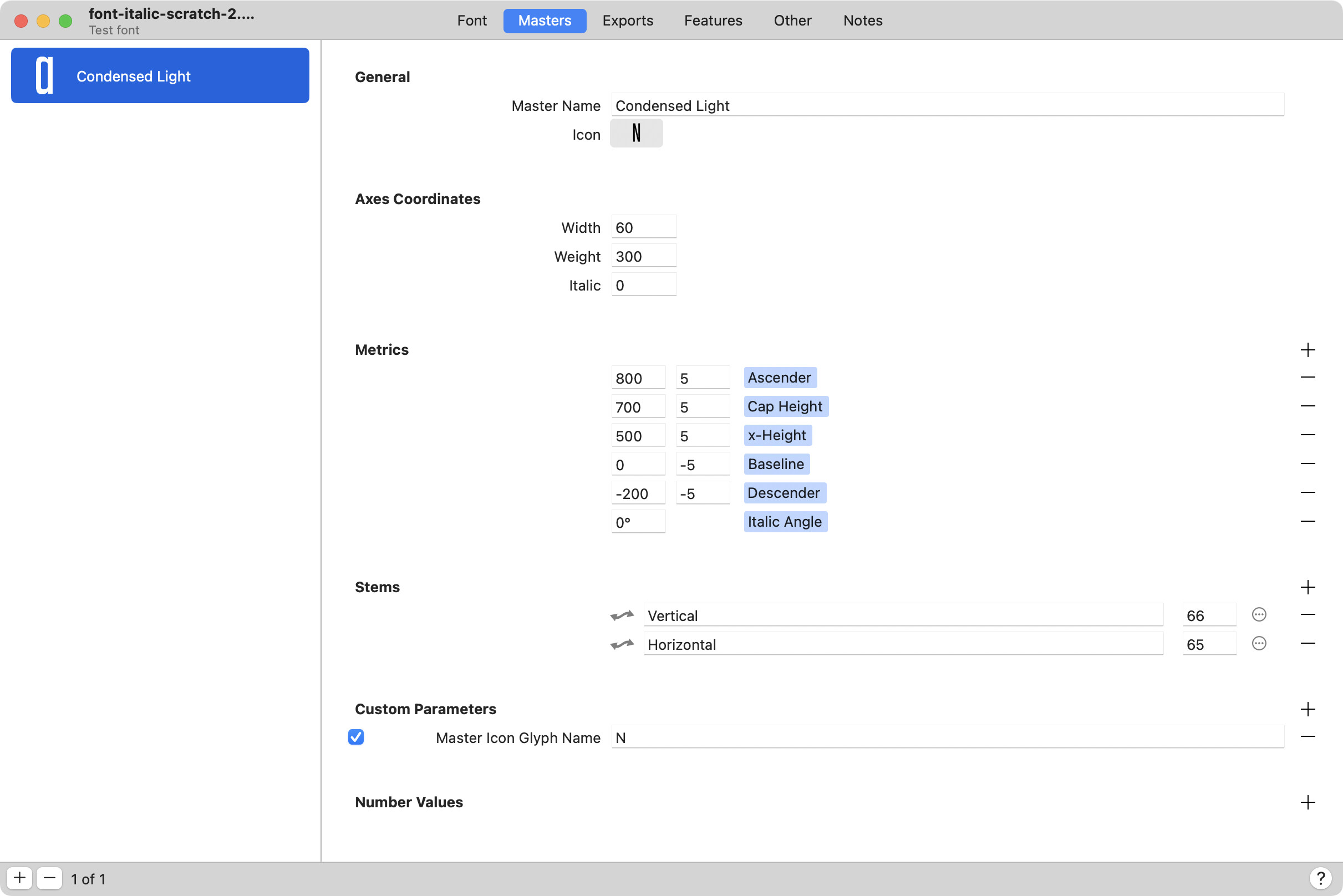
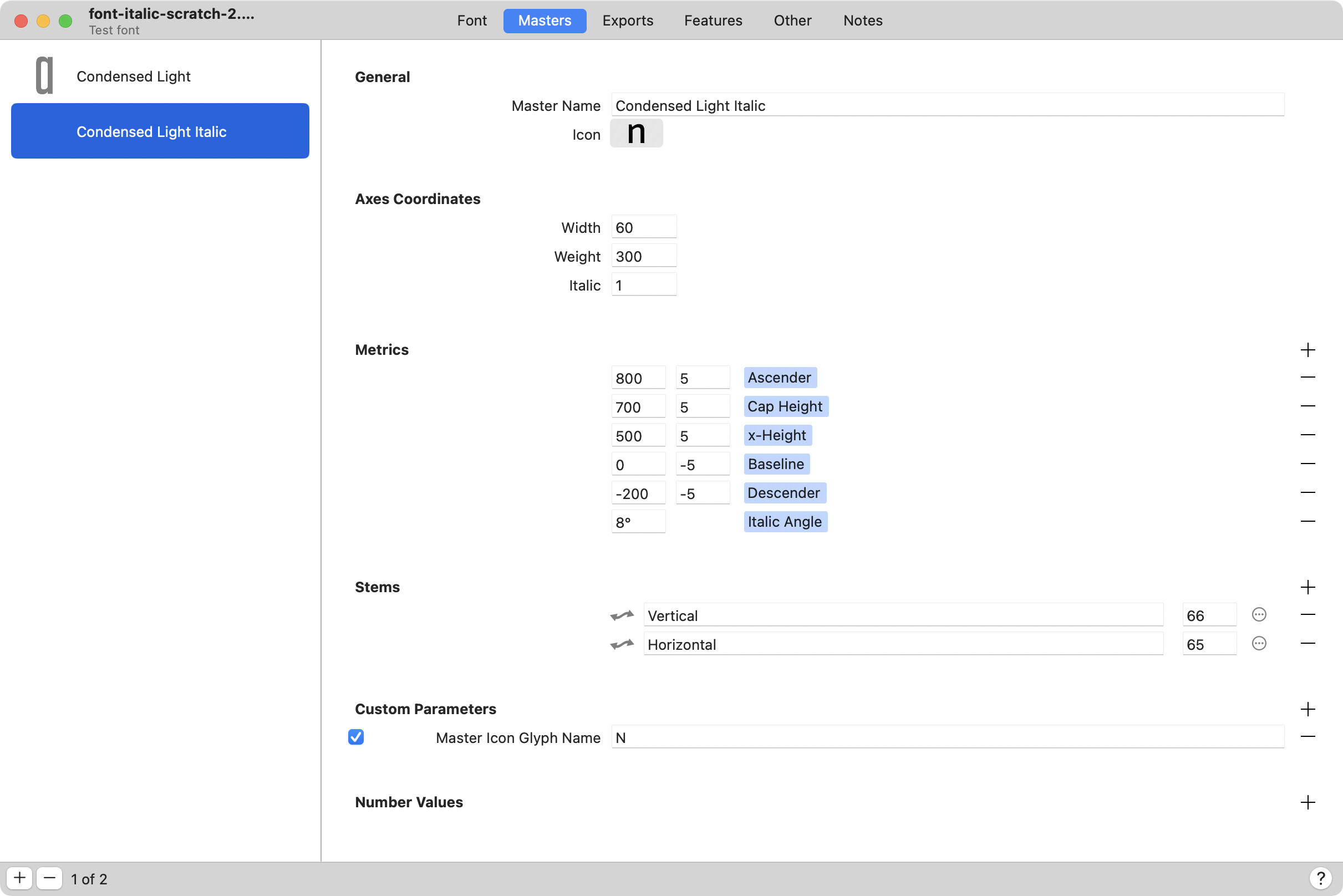
Recreate the italic masters from scratch and post a screenshot of every step?
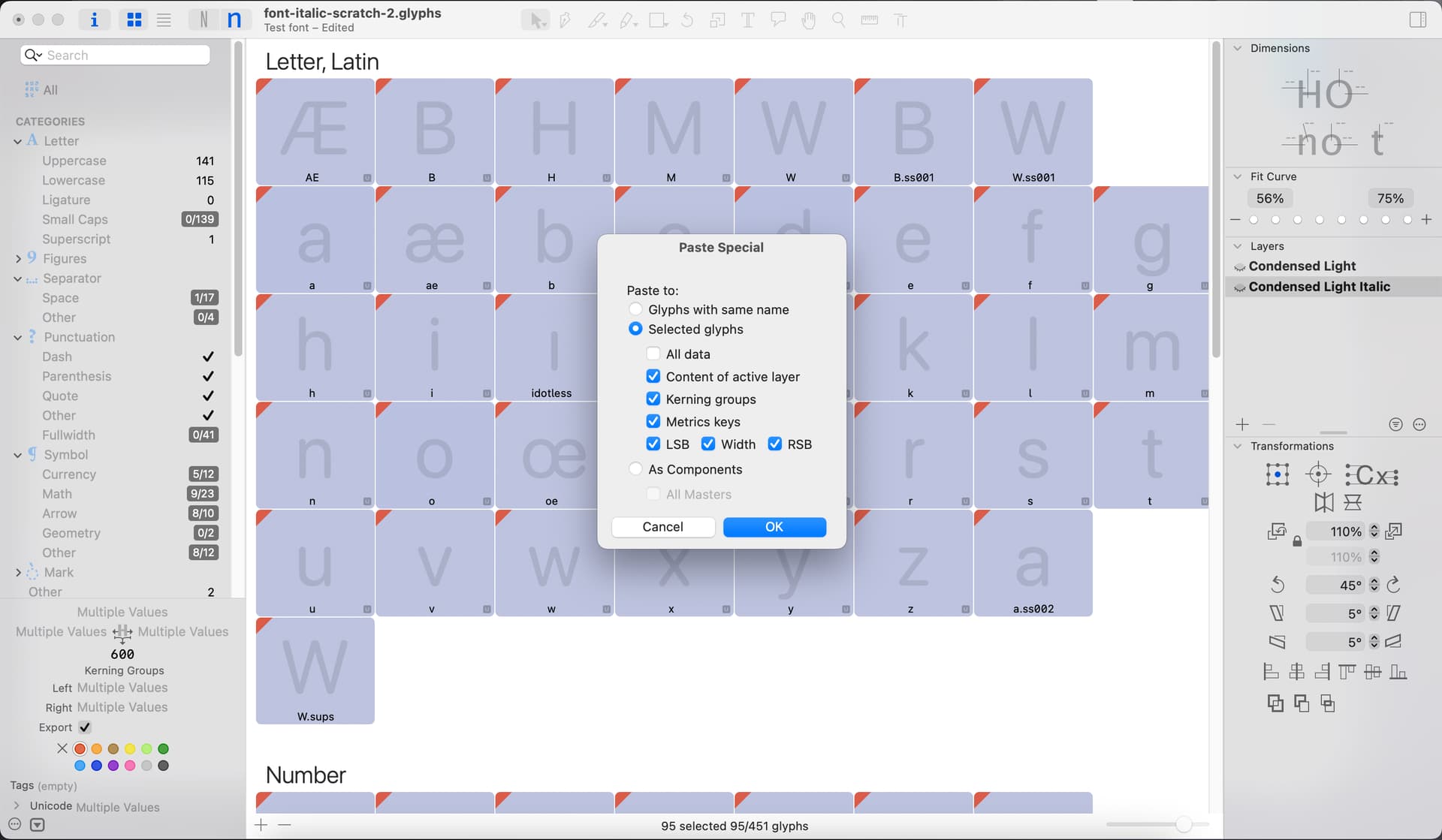
Ok! Could it be something with the Paste Special command? When I have “All data” selected, nothing seems to happen, but when I have the individual options selected, the paste works. But as you can see, the spacing is already off even before the transform.
Uncheck the LSB and RSB in the Paste Special dialog.
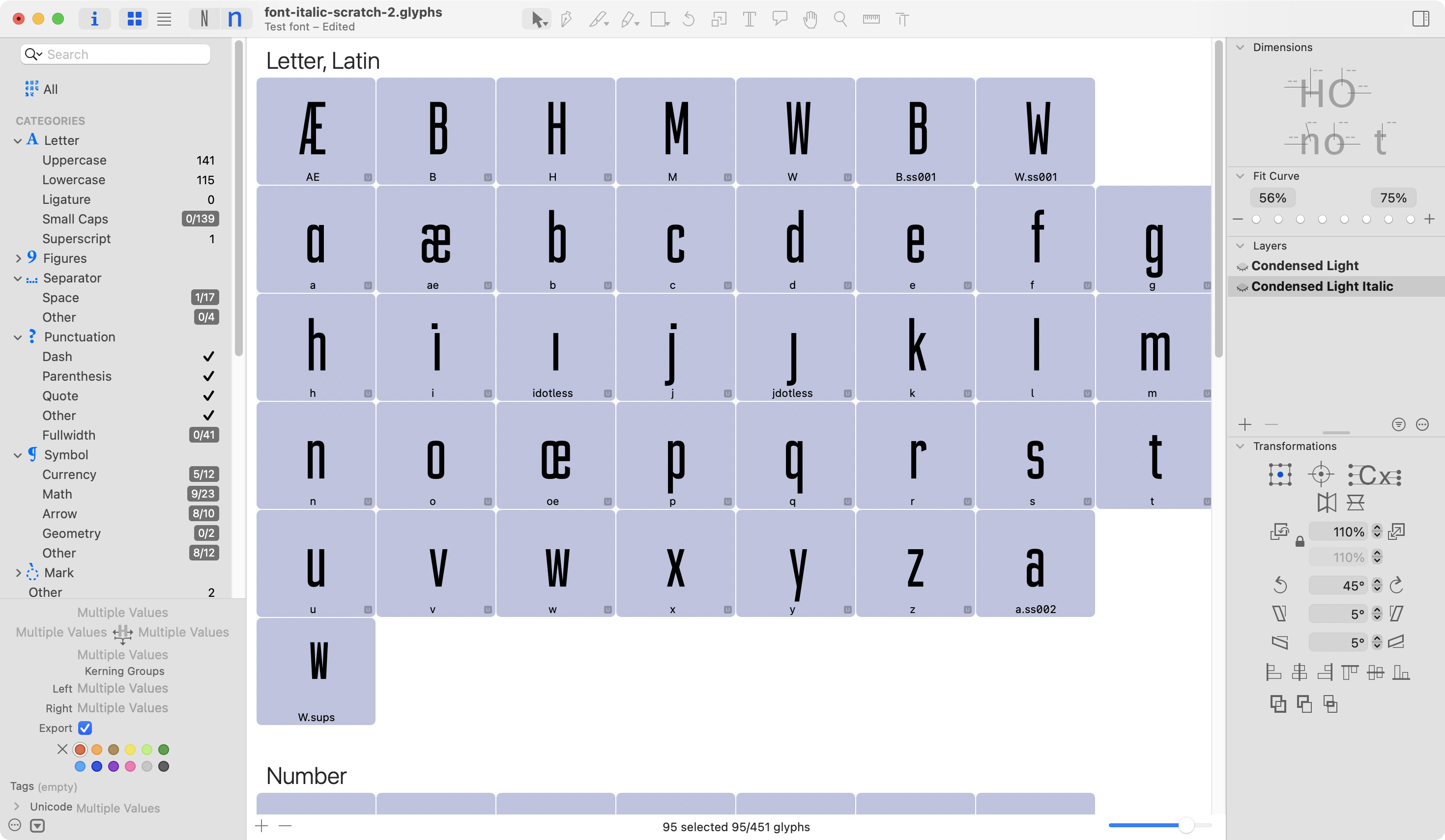
Thank you! That seems to have worked! Why did that work? I would’ve thought I needed the side bearings involved