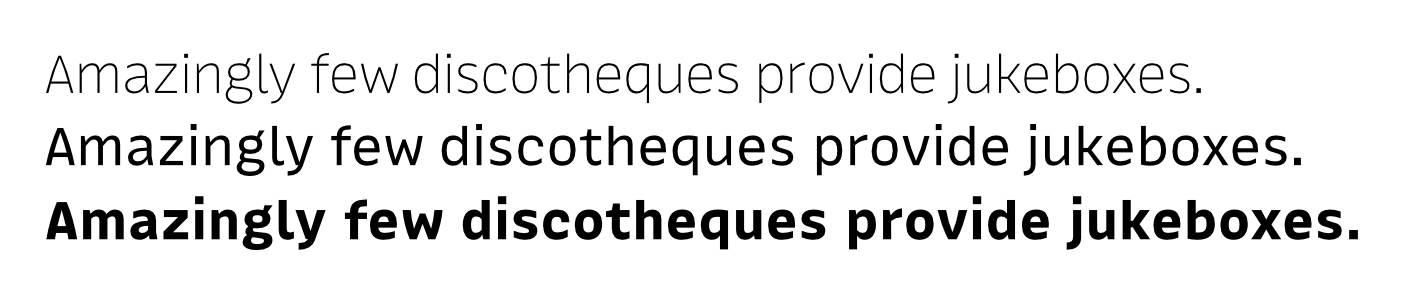
A question for the wizards:
Is there a smart way to turn a typeface into a uniwidth family by filter, parameter, plugin?
A question for the wizards:
Is there a smart way to turn a typeface into a uniwidth family by filter, parameter, plugin?
What do you mean by uniwidth? Monospace, i.e. all characters have the same width, in all styles? Or duplexed, i.e. each character keeps the same width in all styles, with horizontal metrics (including kerning) staying identical in all styles?
The latter (the term ‘uniwidth’ is quite common = dicktenkompatibel). So yes, a duplexed typeface it would be.
In all but the first master, add a “link metrics with first master” parameter.
You might need to close and reopen the file to make the syncing work.
I tried both options (‘Link metrics with first master’ & ‘Link metrics with master’) but still no change.
Can there be another parameter that prevents it?
What happens if you open a glyph in text mode? Are the other layers synced?
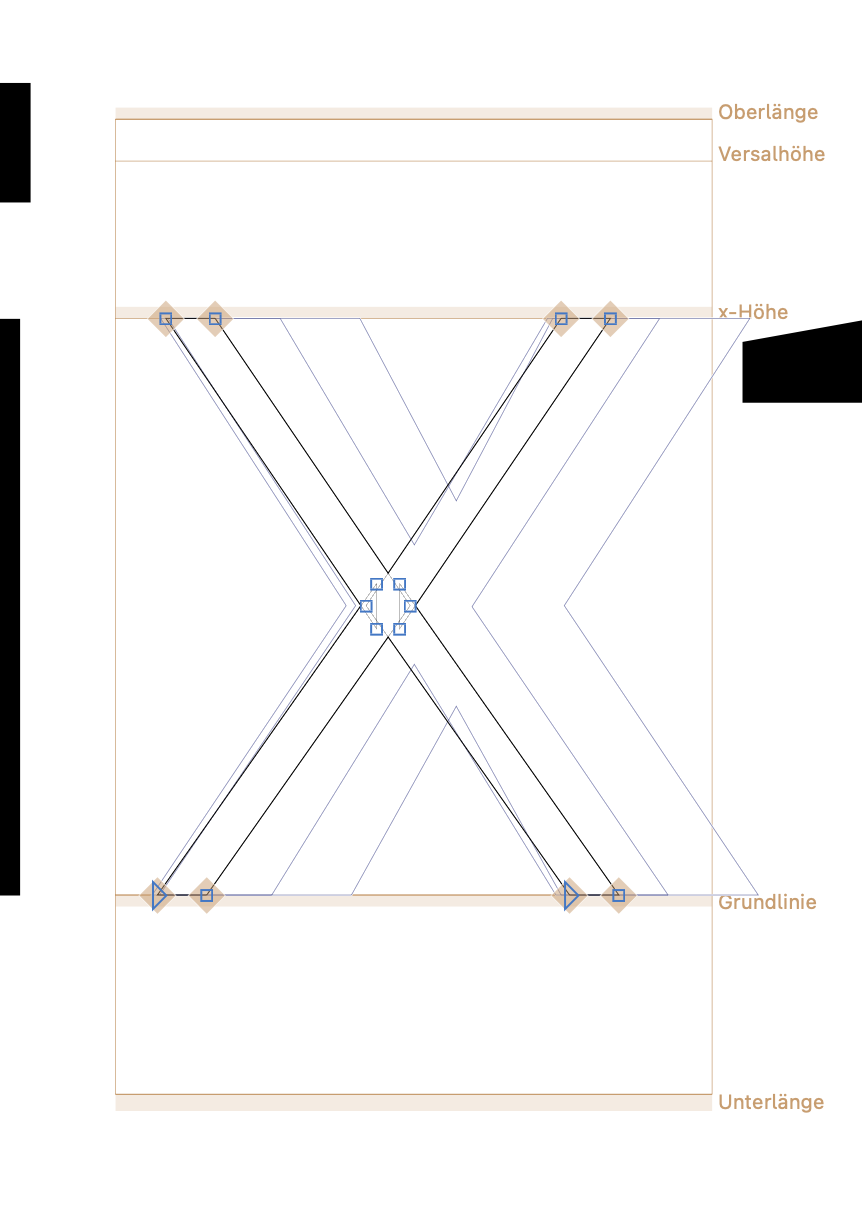
The layers appear to share the same width but the result is useless since the shapes don’t sit in the middle anymore (see pic) and it produce loads of errors regarding metrics values.
Glyphs can’t guess for you where you want to place the shapes within the given width. You’ll have to do that yourself. I would thus suggest writing a small script that calculates the required (symmetrical) sidebearings, so that the glyph stays in the middle.
Same goes for metrics keys, of course they will not be resolvable in many cases given the new constraints.
A script solution would be:
Font.disableUpdateInterface()
for g in Font.glyphs:
	width = g.layers[0].width
	for l in g.layers[1:]:
		diff = l.width - width
		l.LSB -= diff / 2
		l.RSB -= diff / 2
		l.width = width
Font.enableUpdateInterface()
Achtung, this will change EACH layer width to match that of the first layer of its glyph.
Wow, thanks for this script. When I run it in the makro window nothing happens (sorry for being dumb, I have hardly any experience with scripts).
It’s supposed to be run on the original font, before you added the parameters and messed up the spacing. It will create a uniwidth font. I would still recommend adding the parameters Georg mentioned afterwards.
l.width handles RSB, doesn’t it?
I was about to mention that, too. This line is not needed.
Yes, it is needed, in order to account for rounding.
If you don’t use that line, uneven division of width difference will lead to two identical values being used (for example 3 and 3 for a width difference of 5). Setting the layer width explicitly is a simple way of accounting for that.
No no, keep l.width and remove l.RSB because you override it with l.width anyway
Ah, that way round. True.