bagasferd
August 16, 2026, 6:20am
1
Hi everyone,
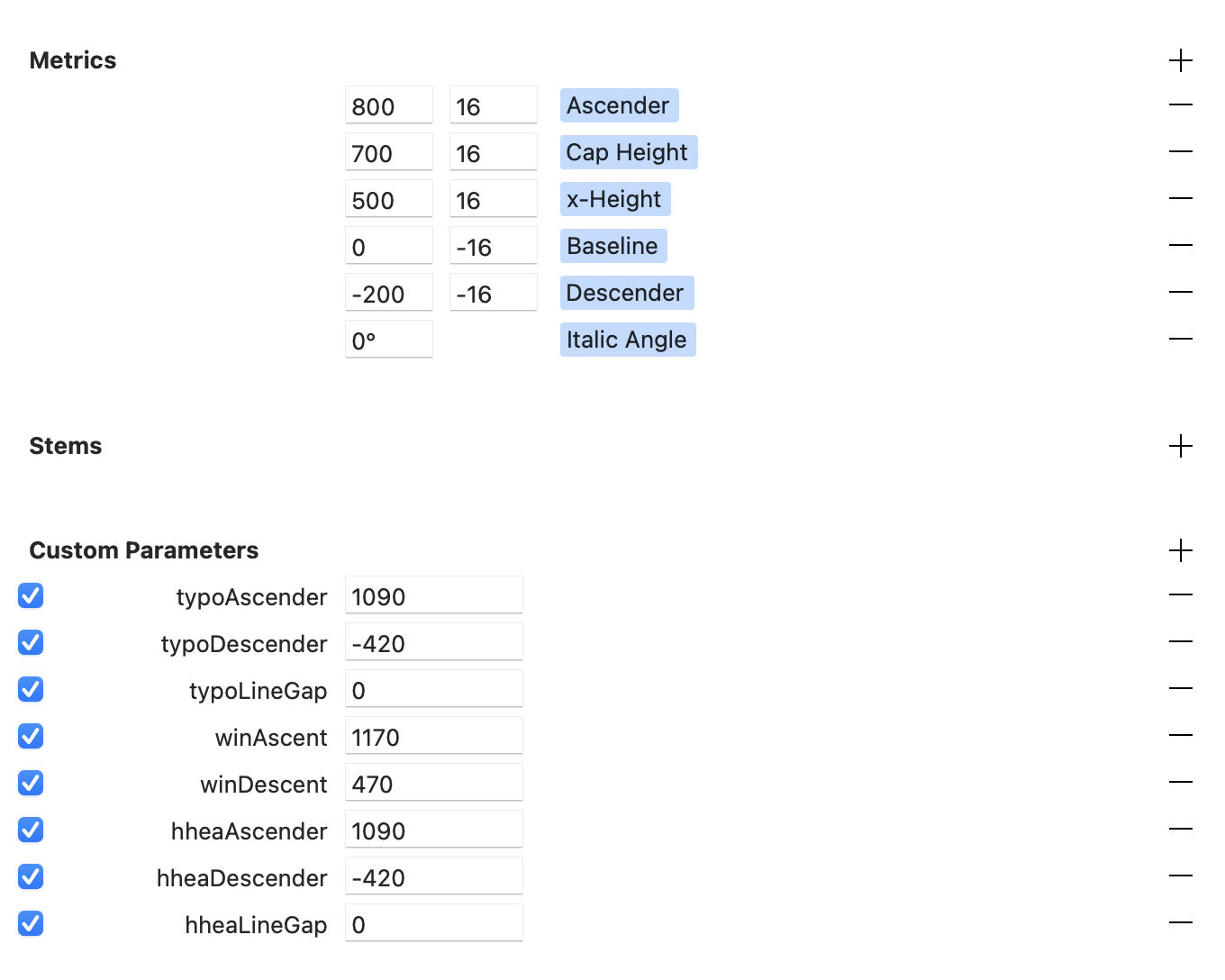
I’m working on a pixel typeface and having some trouble with the vertical metrics.
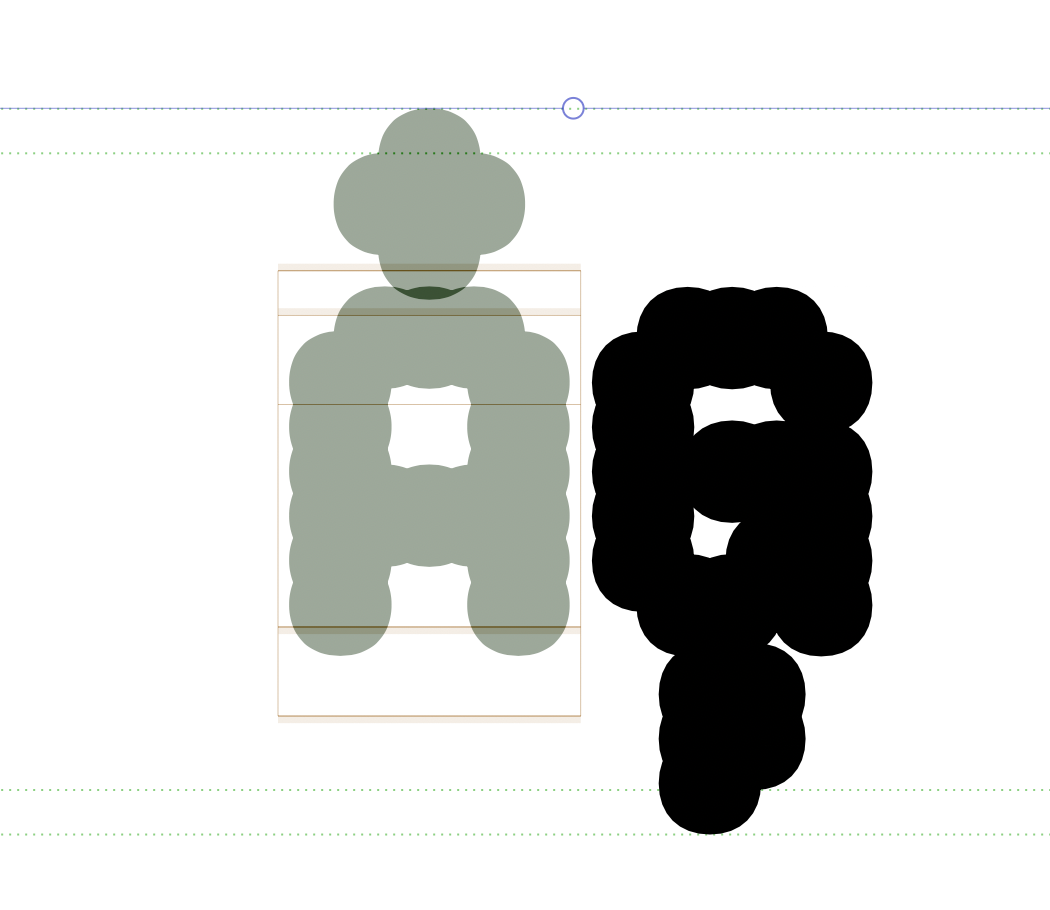
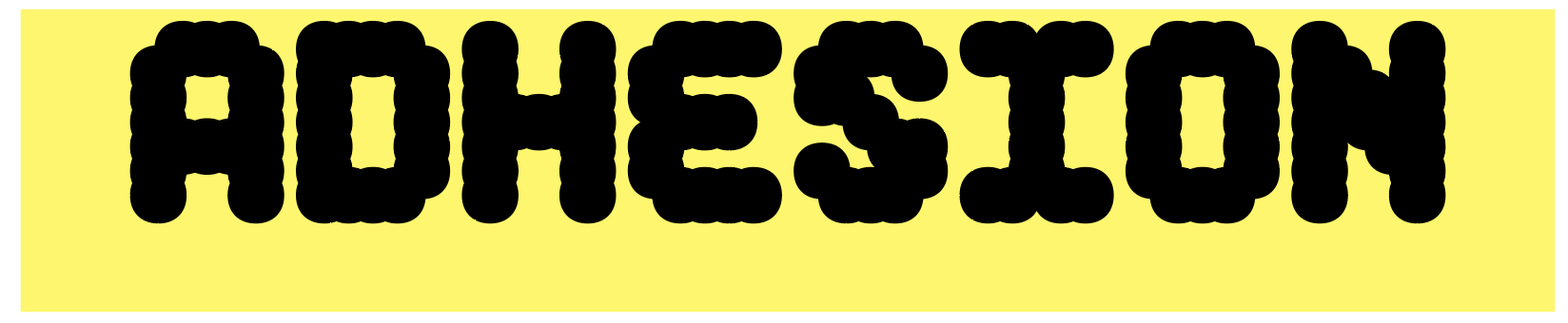
My uppercase letters look slightly too high when placed inside a box, even though the metrics seem correct.
Current settings:
UPM: 1000
Ascender: 800
Cap Height: 700
x-Height: 500
Baseline: 0
Descender: -200
I’ve already tried the vertical metrics scripts from mekkablue and Alex Slobzheninov, but I still get the same result.
What would be the correct way to set the metrics so the uppercase sits more centered vertically?
Thanks!
Did you read the vertical metrics tutorial?
bagasferd
August 16, 2026, 7:39am
3
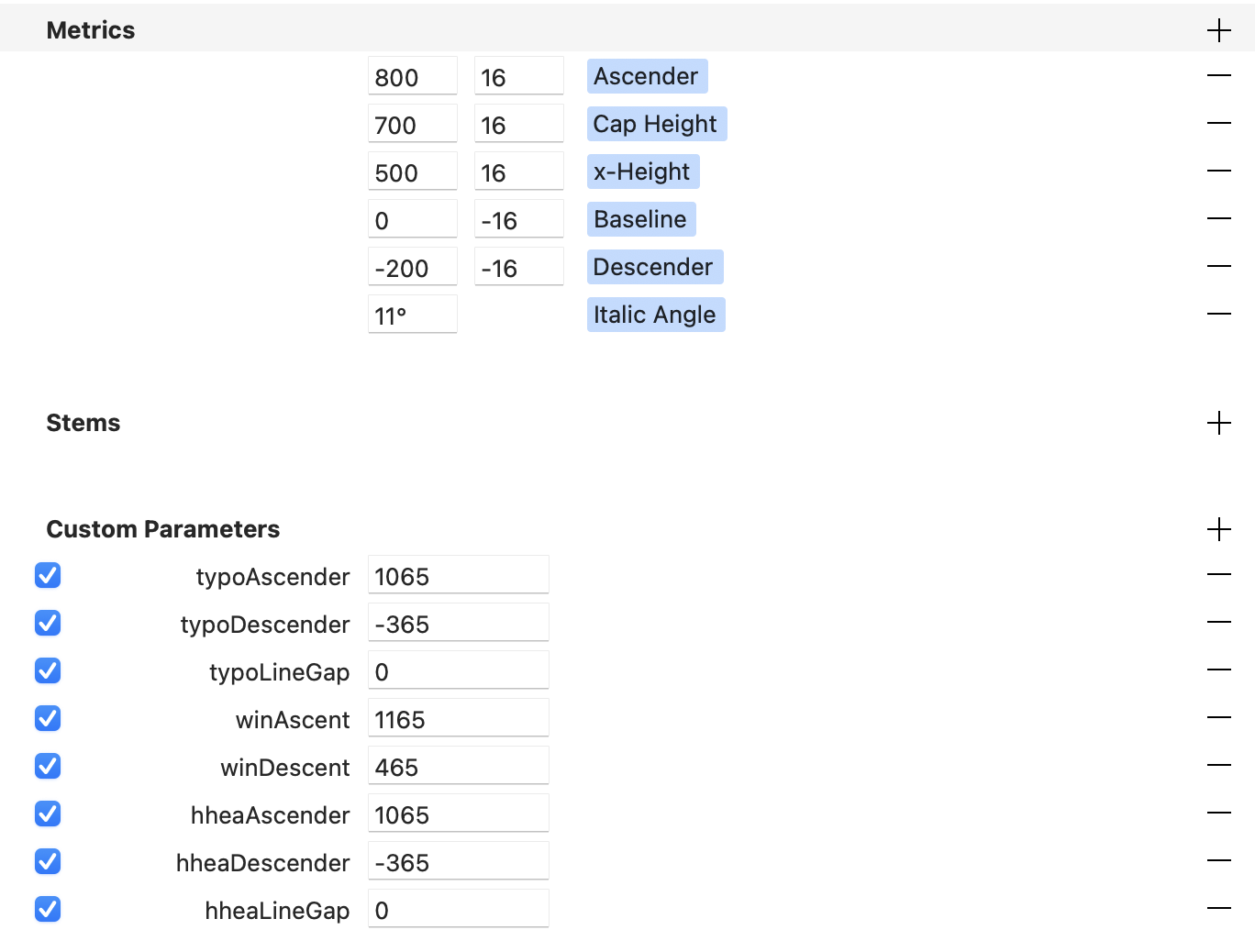
I’ve already watched the tutorial and tried adjusting the values myself, but I still couldn’t get it right. The result actually made the spacing too tight, and the font still doesn’t look vertically centered.
The line spacing is the distance between typo/hhea/win ascender and descender. Increase the ascender values and the glyphs will move down …
bagasferd
August 16, 2026, 8:34am
5
I’ve already added values to all the ascender settings, but unfortunately nothing seems to change. The glyphs are still in the same position
Where exactly are you testing?Eliminating font cache problems | Glyphs ?
bagasferd
August 16, 2026, 11:07am
7
I’m testing it in Adobe Illustrator 2026. I just cleaned the font caches following the tutorial you shared, but unfortunately it still hasn’t completely solved the issue yet.
In adobe apps, the line spacing and especially the position of the first baseline is computed differently. Please read this: Vertical metrics | Glyphs (and Testing your fonts in Adobe apps | Glyphs )
1 Like
mekkablue
August 16, 2026, 10:15pm
9
Best to test this in a browser. Run the Webfont Test HTML script and activate the Metrics checkbox.