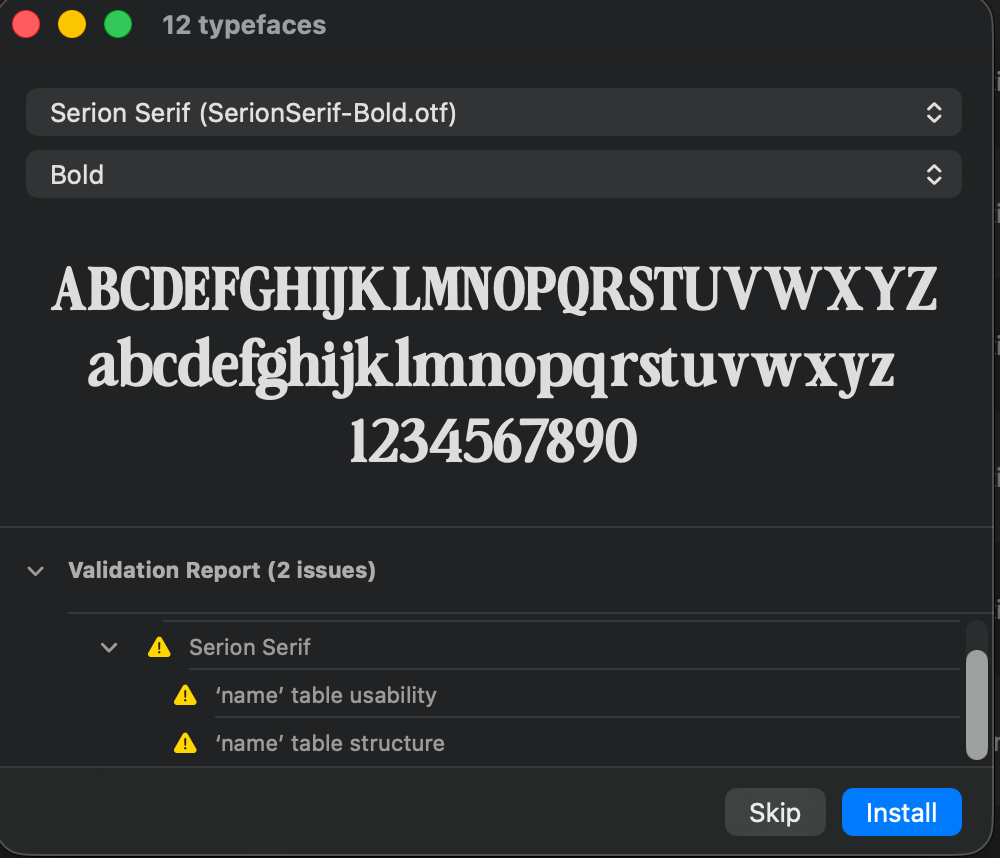
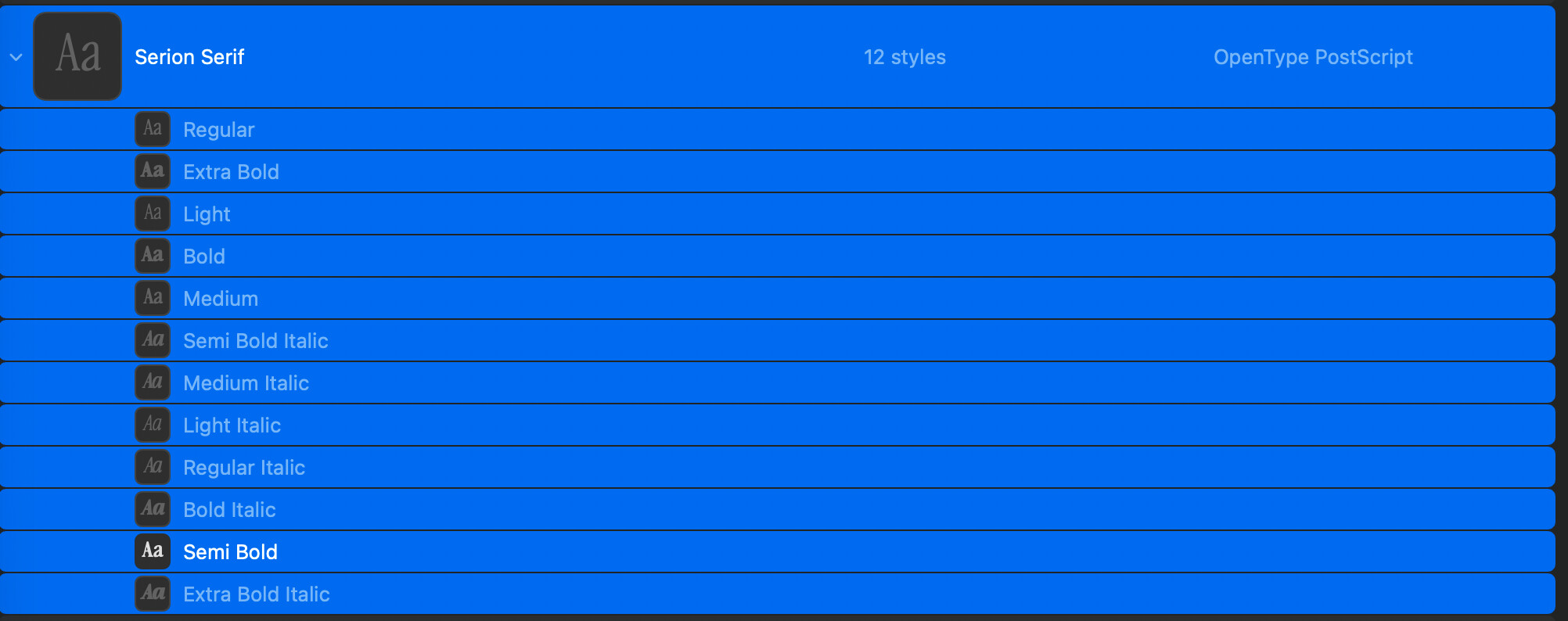
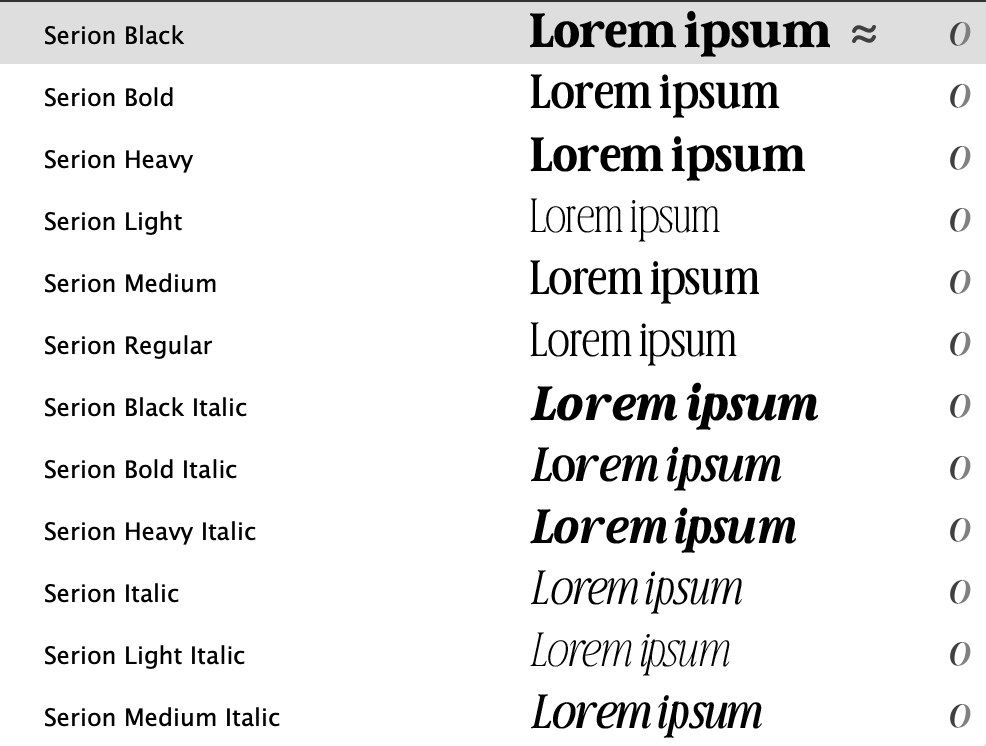
I am trying to install a variable font at once, the FontBook is still rejecting the font family, to be installed all at once, the font looks greyed out, and it seems that only one font is recognized/installed in my FontBook library. I have tried everything! Why I cannot install the entire font Light to Extra Bold? What’s going on? Why FontBook is rejecting it?
If I install one font, it gets replaced by another, so basically I am ONLY allowed to install one font from this variable font.
I tried to activate the font like it was suggested before, relaunched the FontBook and the issue remains the same.
Replace filename with the actual name of the file. Drag the folder containing the font file on Terminal.app and paste these two lines. The resulting two .ttx files you can post here. Or their contents.
Thank you for your help, Rainer! Honestly, I have tried the TTX file provided but it doesn’t seem to affect the file. I did put all my .ttf files into the Terminal, then the proceeded to give persmission and after that it did show this: zsh: command not found.
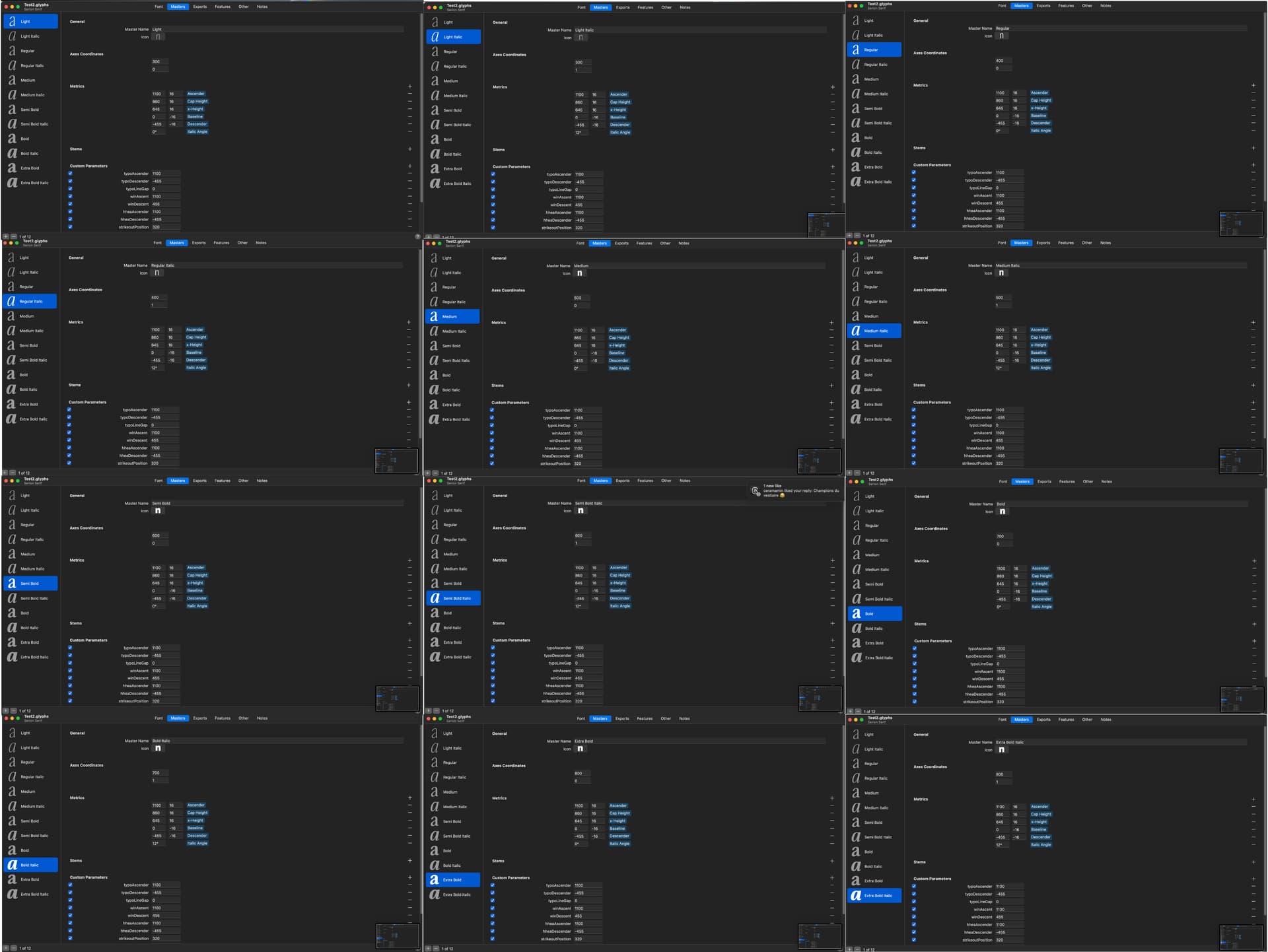
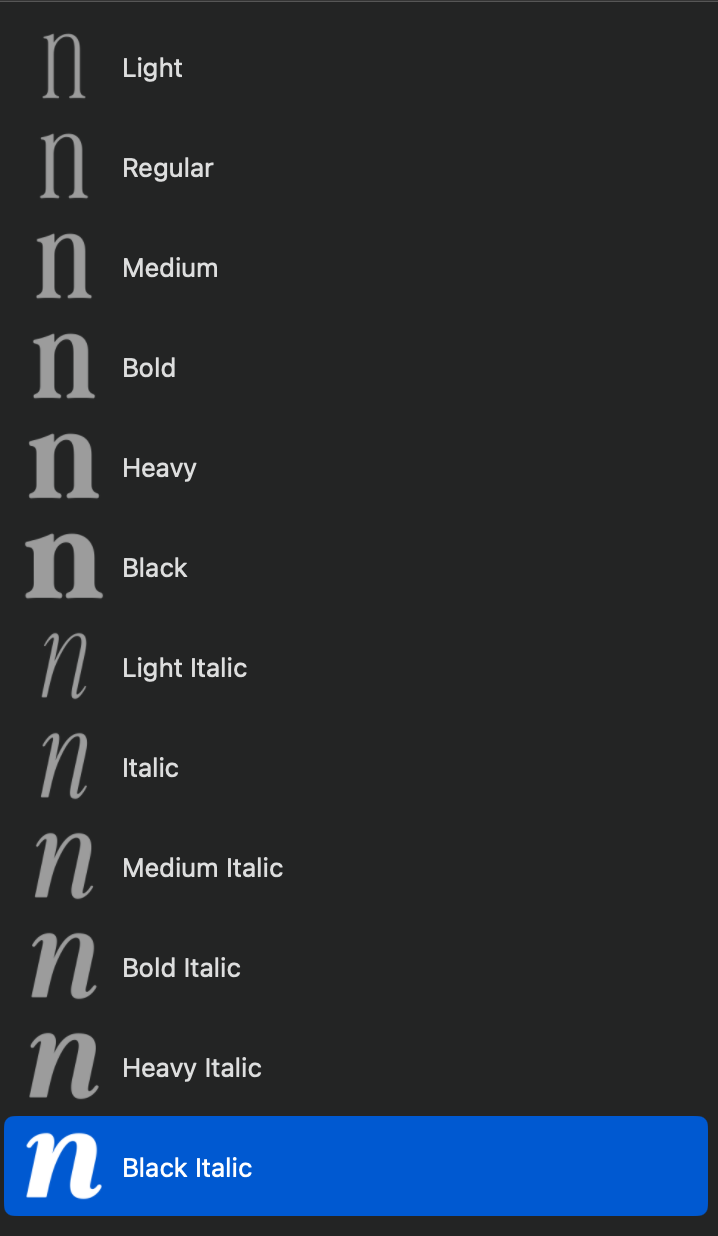
I have one final question: how can I ensure that the font family is properly ordered from Light through Black, instead of appearing jumbled as shown in the attached screenshot? In my exports, the styles are correctly organized, which I’ve also included for reference.
The style ordering follows the Weight Class settings, which you can find at the top of your instances. It’s a good idea to set them in accordance with your instance names.