Variable pixel looks different in browser

Hello everyone!

This is my first post (hope I didn’t post in wrong category) but I’ve been lurking from the shadows for months. Amazing community!

On to my problem…

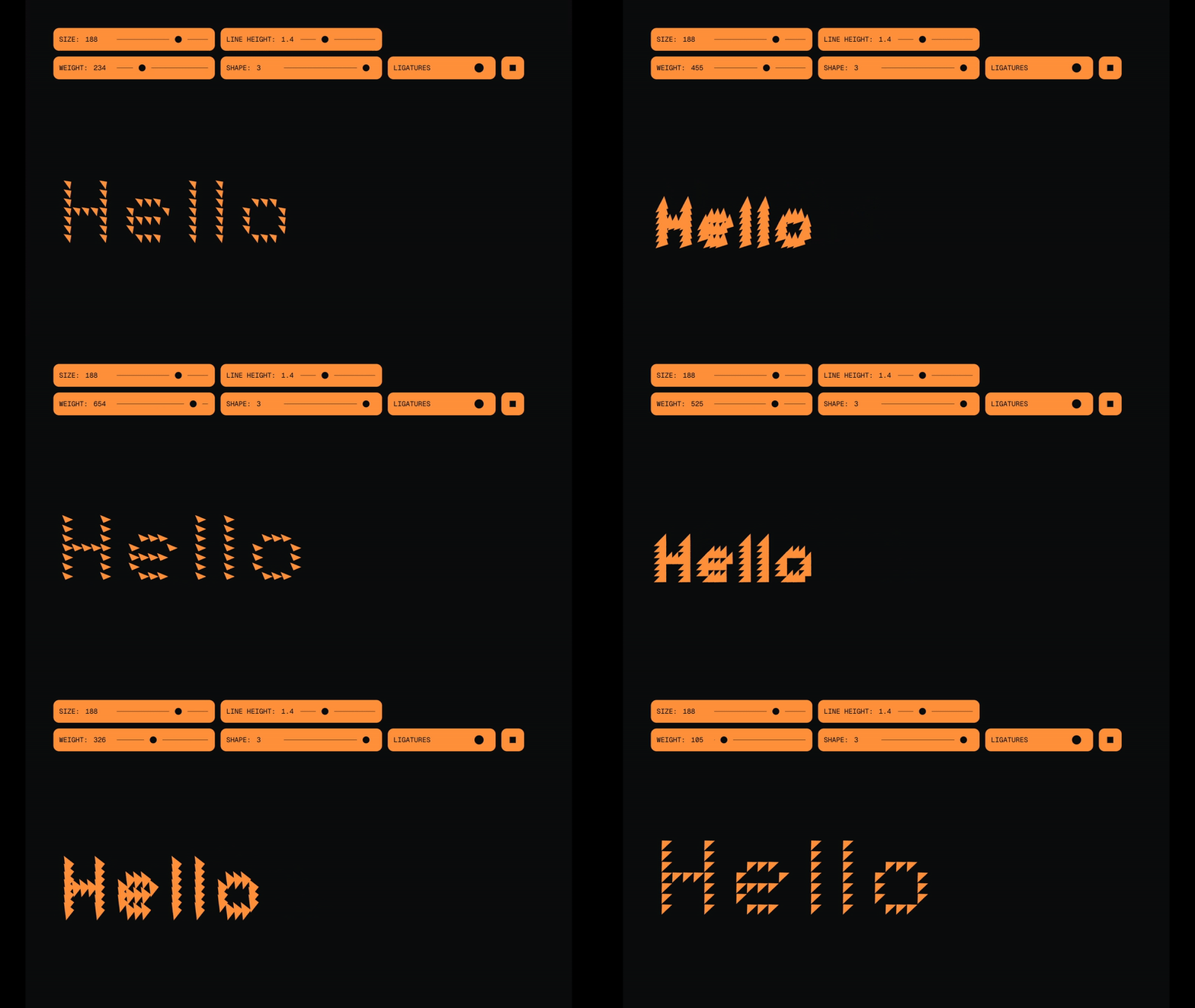
When I test my pixel font in Glyphs using VariableFont Preview everything looks fine:

Glyphs preview

But when export and load that same font into webpage this exact same variable change looks waaaay different:

two

Is there anyone with any idea why is this looking like this when exported? I get no errors upon export and 2nd gif is font exported to .woff format.

Can you show your master setup and all the layers of the pixel glyph?

@GeorgSeifert I’ve uploaded pixel and single glyph here. As a new user I can’t upload directly to forum :frowning:

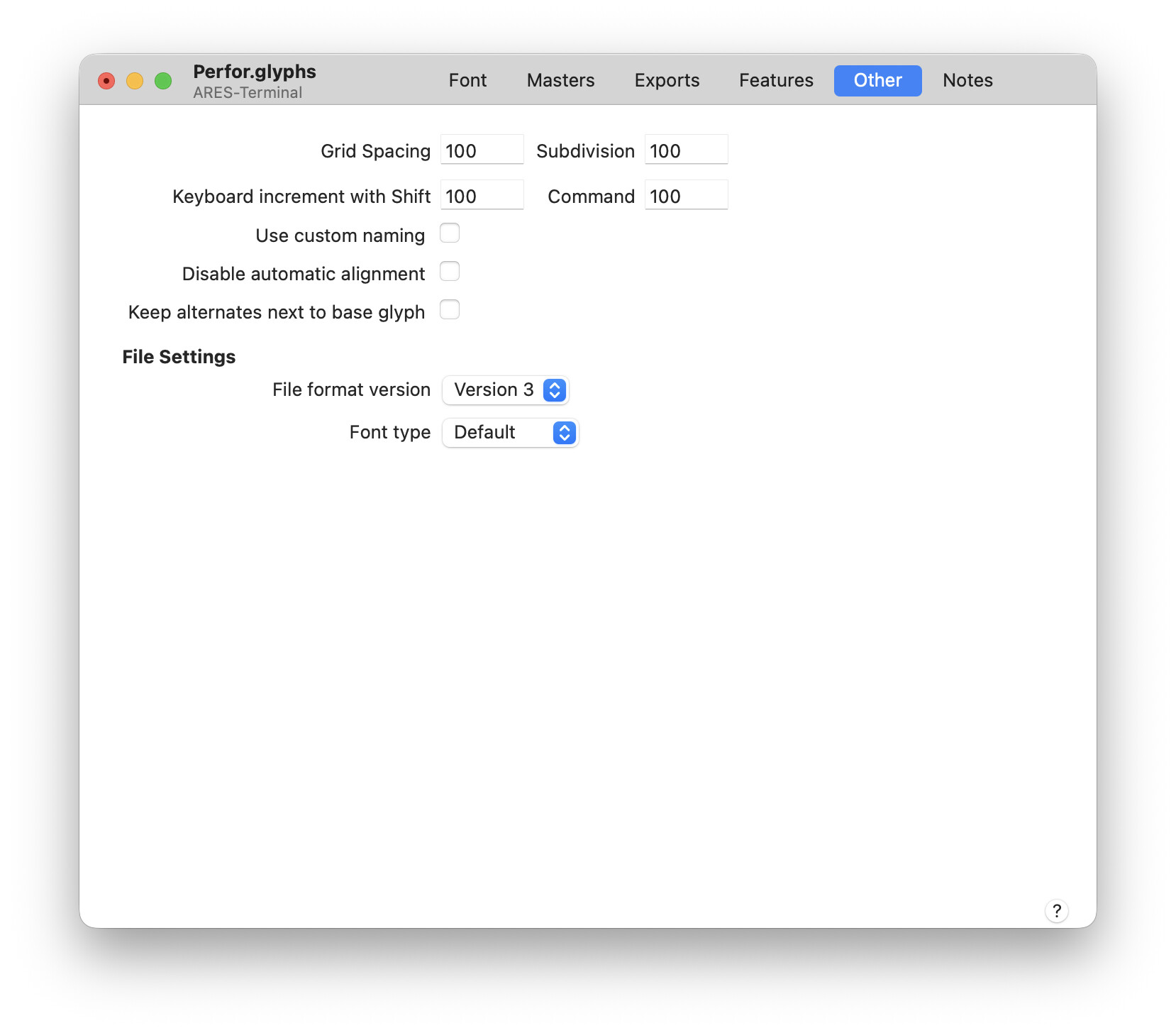
Do you have a special setting in Font Info > Other > Grid?

Here’s my settings:

CC @mekkablue

The problem is that Glyphs can’t really deal with not rectangular variable spaces. You need to add weight 300 and 700 masters in the dot and pixel levels, too. Have a look at the attached file.
Demo gs.glyphs.zip (4.1 KB)

But there is an even better solution:
Use a Virtual Master parameter together with a lot intermediate layer in the pixel glyph. That way you only have one real master for all other glyphs (were the component setup was the same in all masters.
Demo gs 1m.glyphs.zip (4.2 KB)

And you might update to the latest version (3.4.1).

I understand the first solution. I need to do a bit more research to fully understand the second one, but it looks interesting and seems like it could speed things up.
Anyway, thanks for the help — really appreciated!