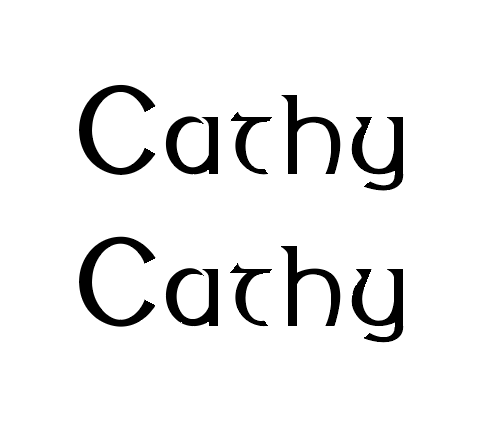
I am new to Glyphs and am having trouble with vertical linespacing, there is too much space between the lines of type. What or how do I change this in the metrics? Thanks.
You can edit those values in Font Info > Masters. The Ascender and Descender values are usually responsible for the line height (there’s a lot more to that, but those two values are a good start)
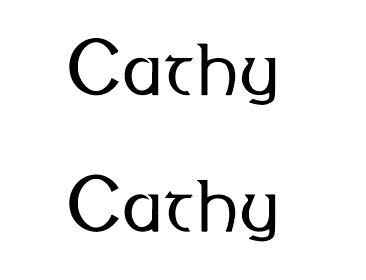
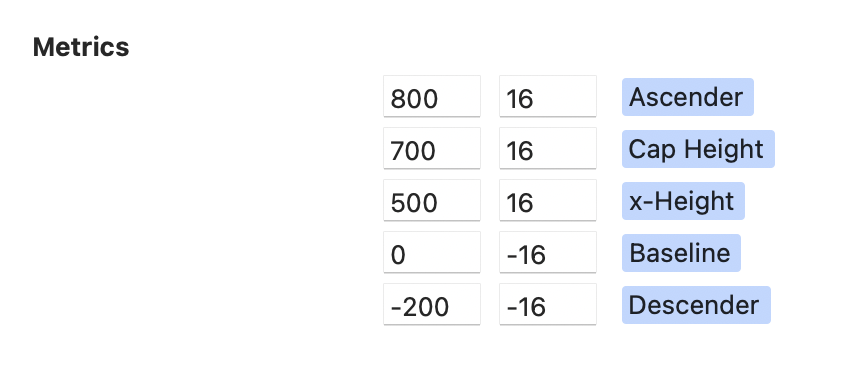
Thanks for the response! I do see the numbers in the Masters section but I don’t want to mess around with it a lot because everything else is working well. My current settings for the Ascender is 800 16 and the Descender -200 -16. Below is the current spacing from a screenshot from Indesign. What would you suggest I change these numbers to for better vertical spacing?
Can you post a screenshot of one glyph with the metrics lines visible. And a screenshot of the masters settings?
I suspect that your drawings are too small compared to the Units per Em?
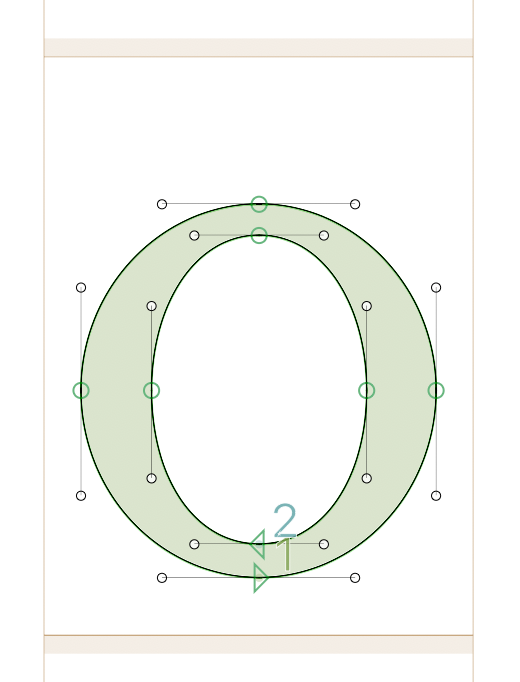
In the first screenshot, you see that the shape is sitting between those brown lines. But it needs to align with them. The need to sit on the baseline and the lowercase need to reach the x-height and the uppercase need to reach the cap-height. Please read this: Vertical metrics | Glyphs
In a glyph with a flat bottom side, measure the distance to the baseline. Then select all in the Font View and use Path > Transformation to all glyphs down by that amount.
Then set the vertical metrics in the master settings to match your drawings (round shapes (like the “o”) need to be a bit bigger, that is what the lighter brown area is mean for.
Then set the value in Font Info > Units per Em to a value of Ascender + descender. Then export the font and check if how the size compares to other typefaces. If it is too big, add some units (e.g. 50) to the units per Em, if it is too small, make reduce that value. Do that until it looks good. After testing and using the font, you might scale the font to a round UPM value (e.g. 1000) with the button next to the Units per Em value.
Ok. That is lower case o. This is the upper case O. So they should all be level with the lower brown line? And where should the upper and lower case be with the top lines?
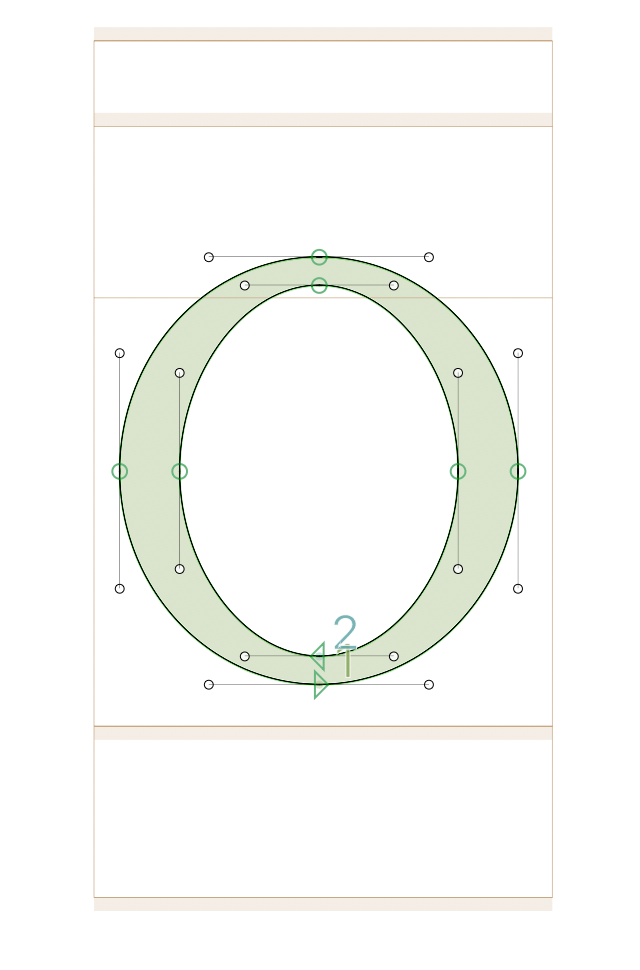
The brown bar at the bottom is a zone. It’s marked by a thick brown line at its top, which is the baseline. That’s what your outlines should sit on.
You can move curves and pointy parts into the zone, because they will appear to small otherwise. This is called overshoot.
I previously tried reading that article a few times but I think I need the “dummies” version.
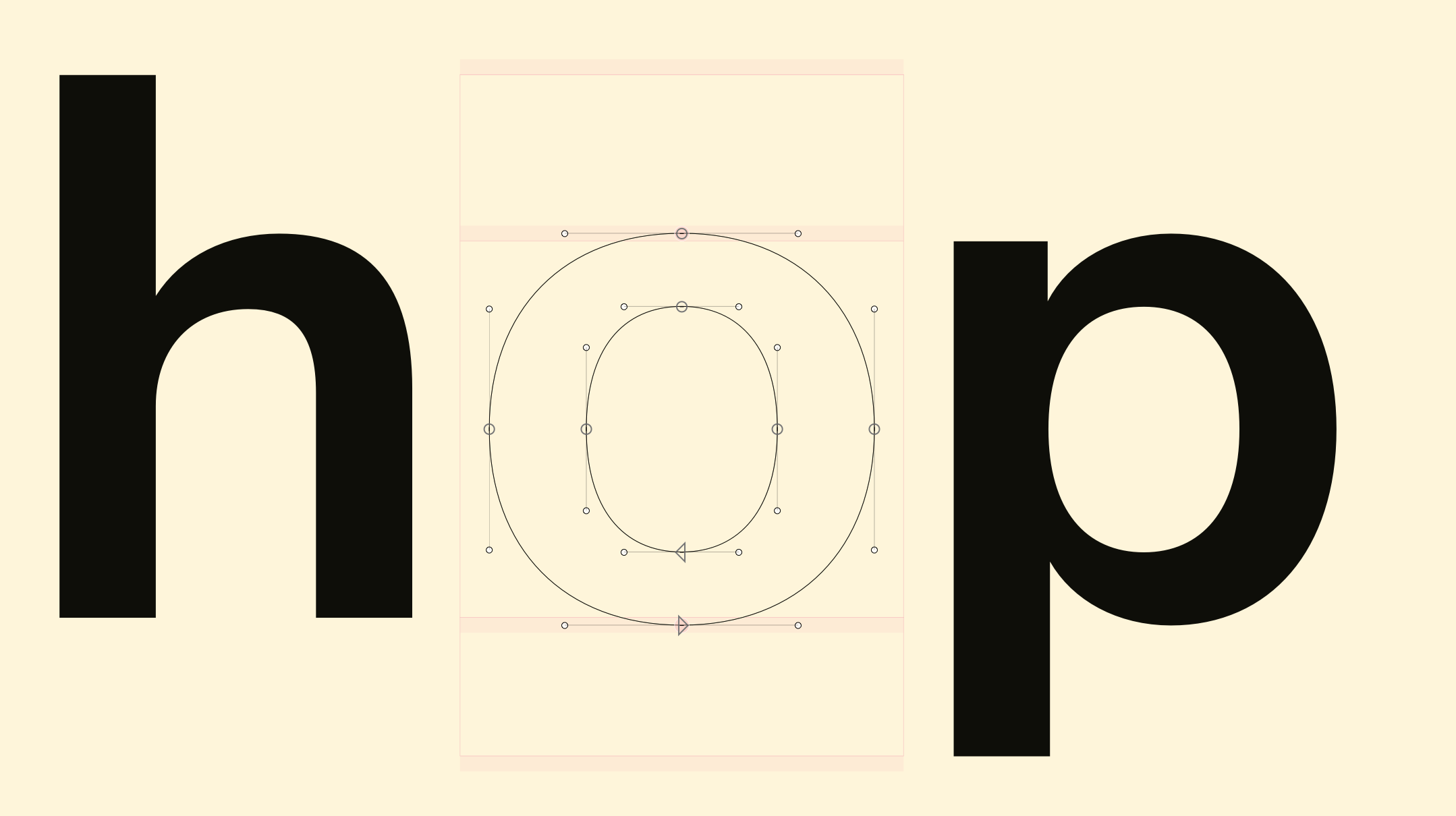
Quick explanation:
– Top /h is ascender height
– Bottom /p is descender height
– Top /o and /p is the x-height (straight part)
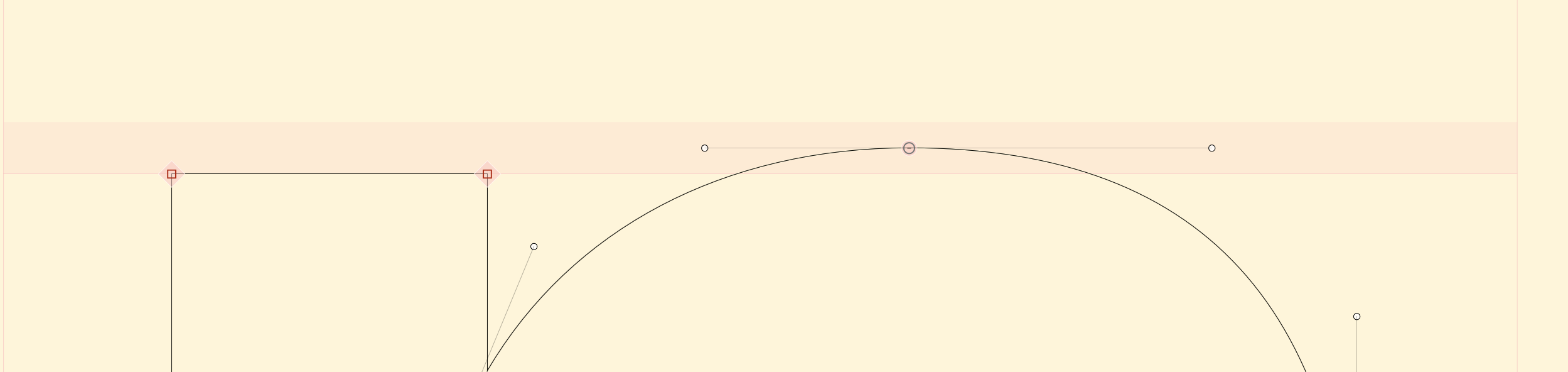
I think your current outlines are a lot smaller than they should be; your capital H should be 700 units tall, for example (assuming your H is fairly normal-looking).
Very helpful, thanks!