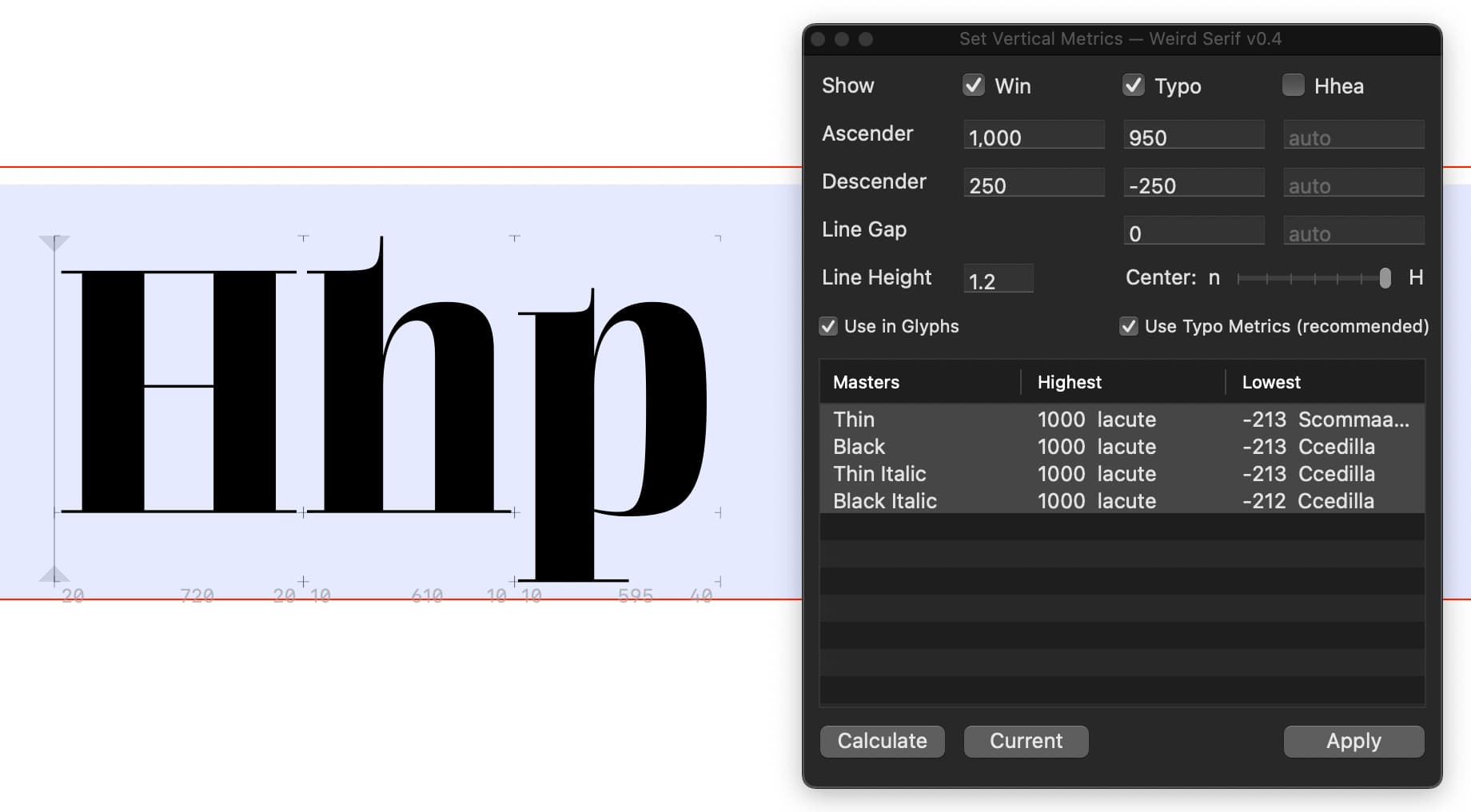
Hi guys, I’m creating a custom font for a client, and something strange happened. I noticed that the line height is basically too narrow and the letters are overlapping.
My metrics are:
Basically, set the win metrics to cover the entire vertical space needed by your font (highest and lowest glyph).
Set the typo/hhea ascender and descender to adjust the line height, usually a good reference is using the actual descender of your font (-300) and the height of your Aacute (probably something like 950).
A good practice is also to keep the space below the baseline and above the cap height the same. SO, in your case, I would use -300 for the typo/hhea descender and 1000 (700 cap height + 300 from the value you used for your descender) for the typo/hhea ascender.
Also, set the lineGap value to 0.
Keep typo/hhea values identical.
In case someone finds this useful, I have this script Set Vertical Metrics, which is a low-effort way to apply this Google Fonts guide, which I find most reasonable (at least for Latin). Just set the line height and how you want to center it (such as for web buttons) and it calculates the rest.