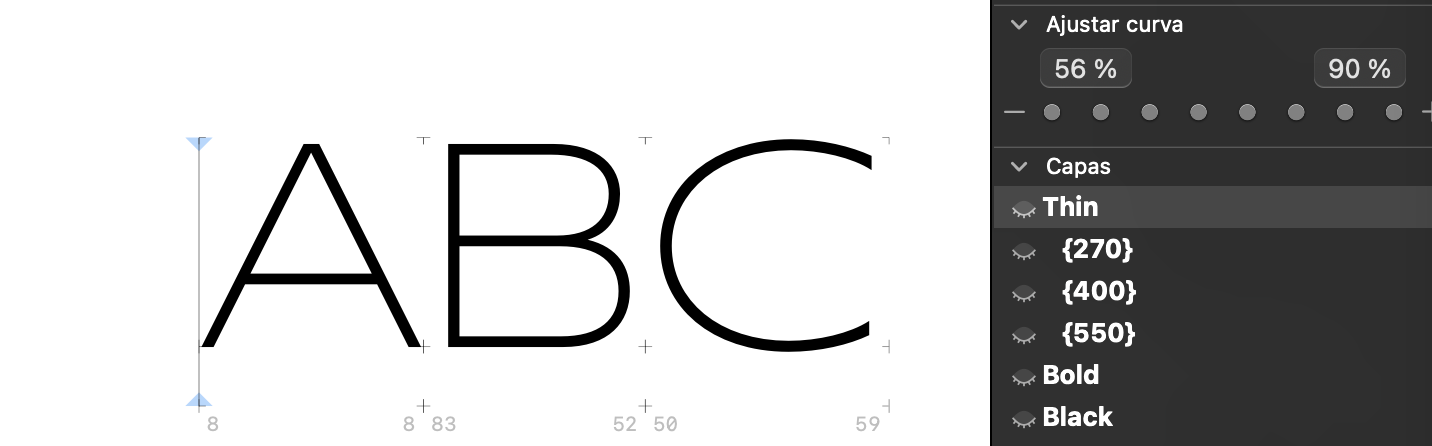
Hi! I’m working on a project that have many intermediate layers between main masters
and I wondered if there’s a way to visualize intermediate layers all at the same time and not clicking one by one?
Thanks!
Hi! I’m working on a project that have many intermediate layers between main masters
and I wondered if there’s a way to visualize intermediate layers all at the same time and not clicking one by one?
Thanks!
What do you mean?
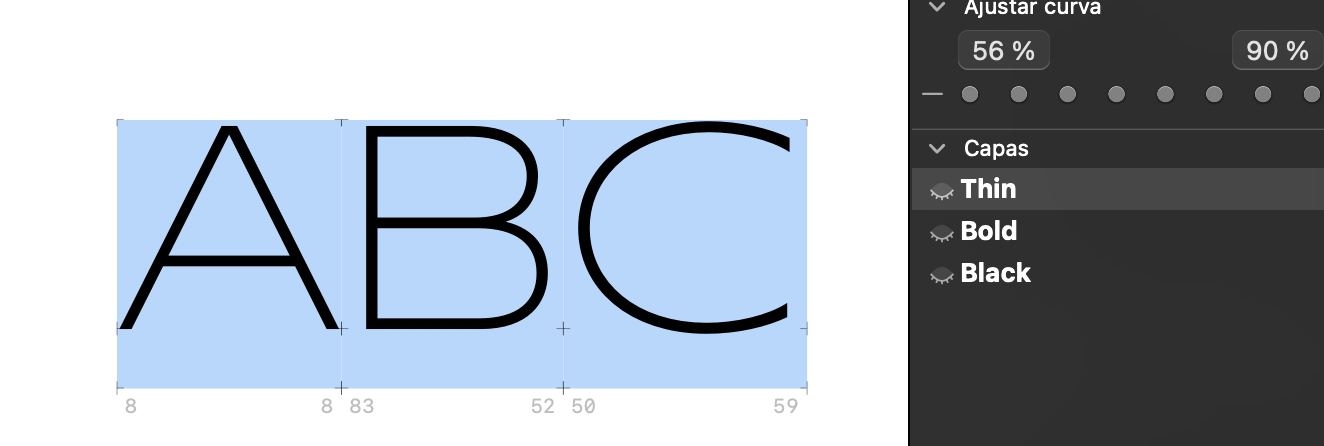
Take a look:
This three letters have the same intermediate layers, but when I preview drawns, I only can switch between main masters (Thin, Bold, Black) But if I want to go to those intermediate layers, I have to get into each glyph and select the intermediate layer.
Is there a way to access the middle layers of a group of letters from the preview?
We are working on a solution for this.