Can you update to the latest cutting edge version?
I have some WIP projects and laptop conditions, so I will try it later. 
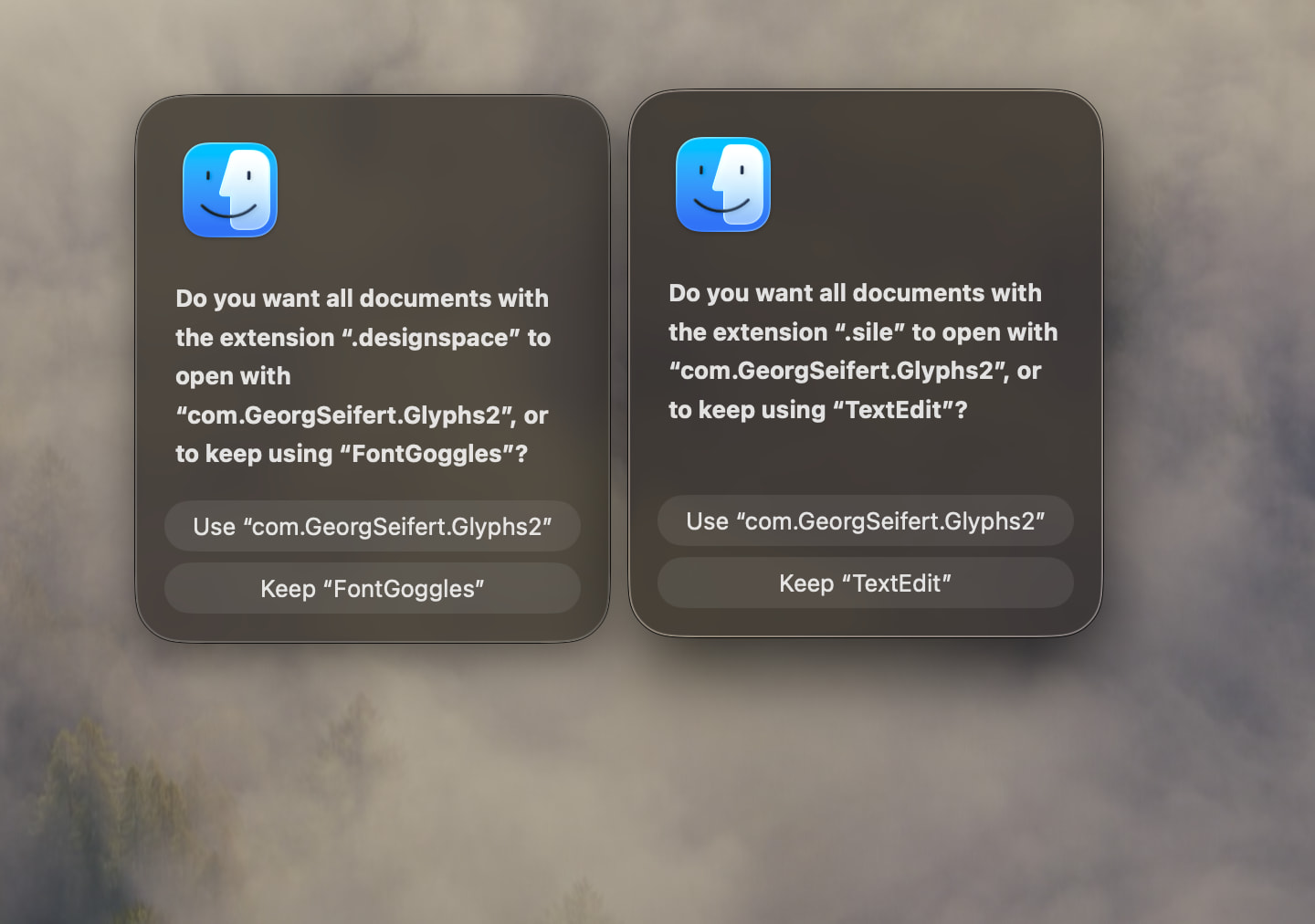
After update 3532 still “.sile” box left. 
What do you mean?
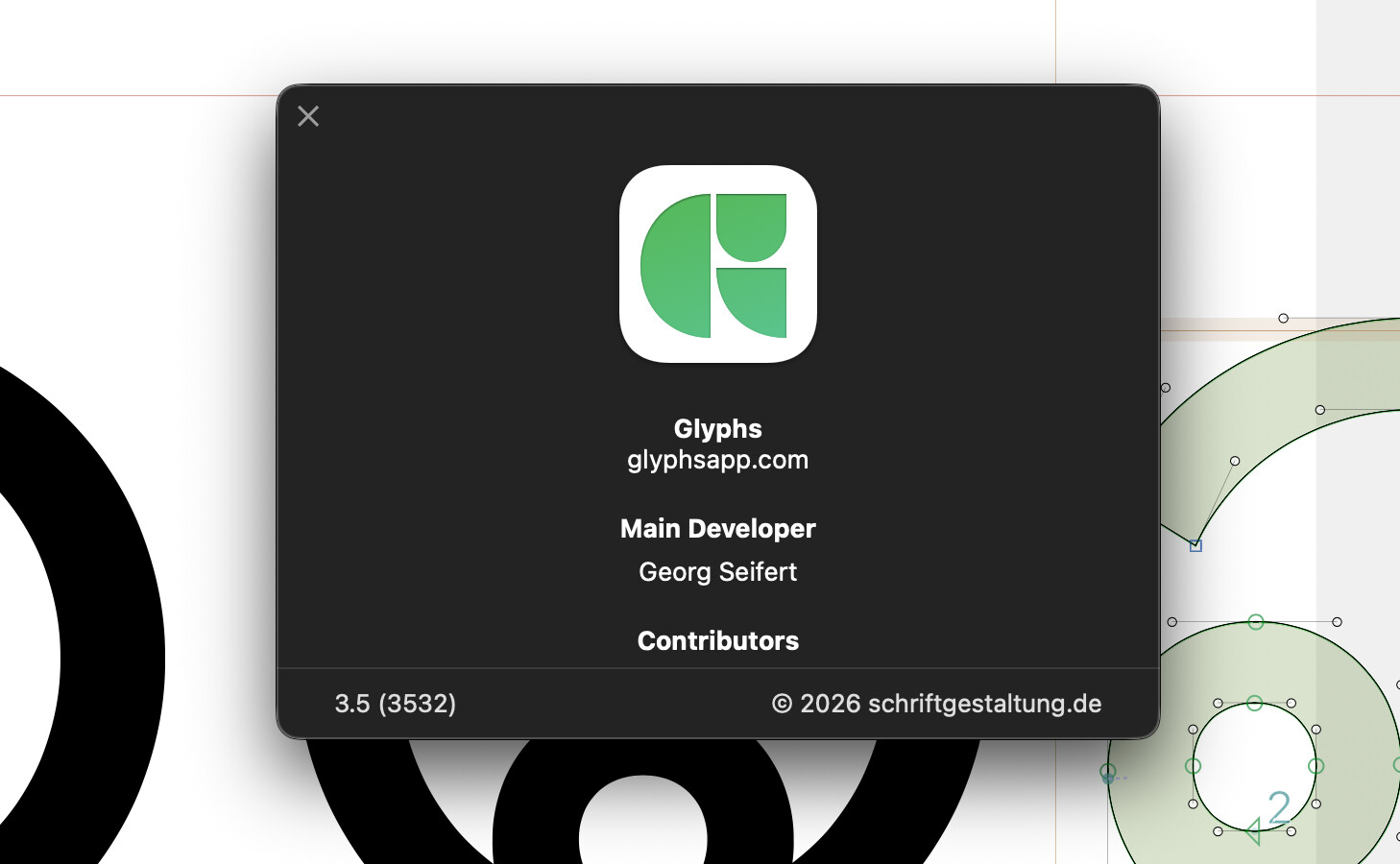
At first, when I open Glyphs these two box show me. Now, I upgrade latest Glyph 3 (3532) and one box still show me.
does is still happen after you restart your mac? And you only have 3.5 running?
Yes, it still happens after restart. Glyphs version is 3.5 (3532).
And when I disable plugins, it does not appear.
Please disable the first half of all plugins and check if the problem persists. If the issue remains, the problematic plugin is likely still active. If the issue is resolved, re-enable the first half and disable the other half.
Repeat this process, progressively narrowing down your selection, until you identify the specific plugin or plugins causing the issue.
I removed all the plugins and scripts, but it’s still showing me this.
Are you sure you have Glyphs 3.5?