Hey guys, I am going through this issue on Glyphs app! I just installed the font family in my font book but it looks greyed out and only the Regular Size can be seen in Adobe Illustrator. What’s going on?
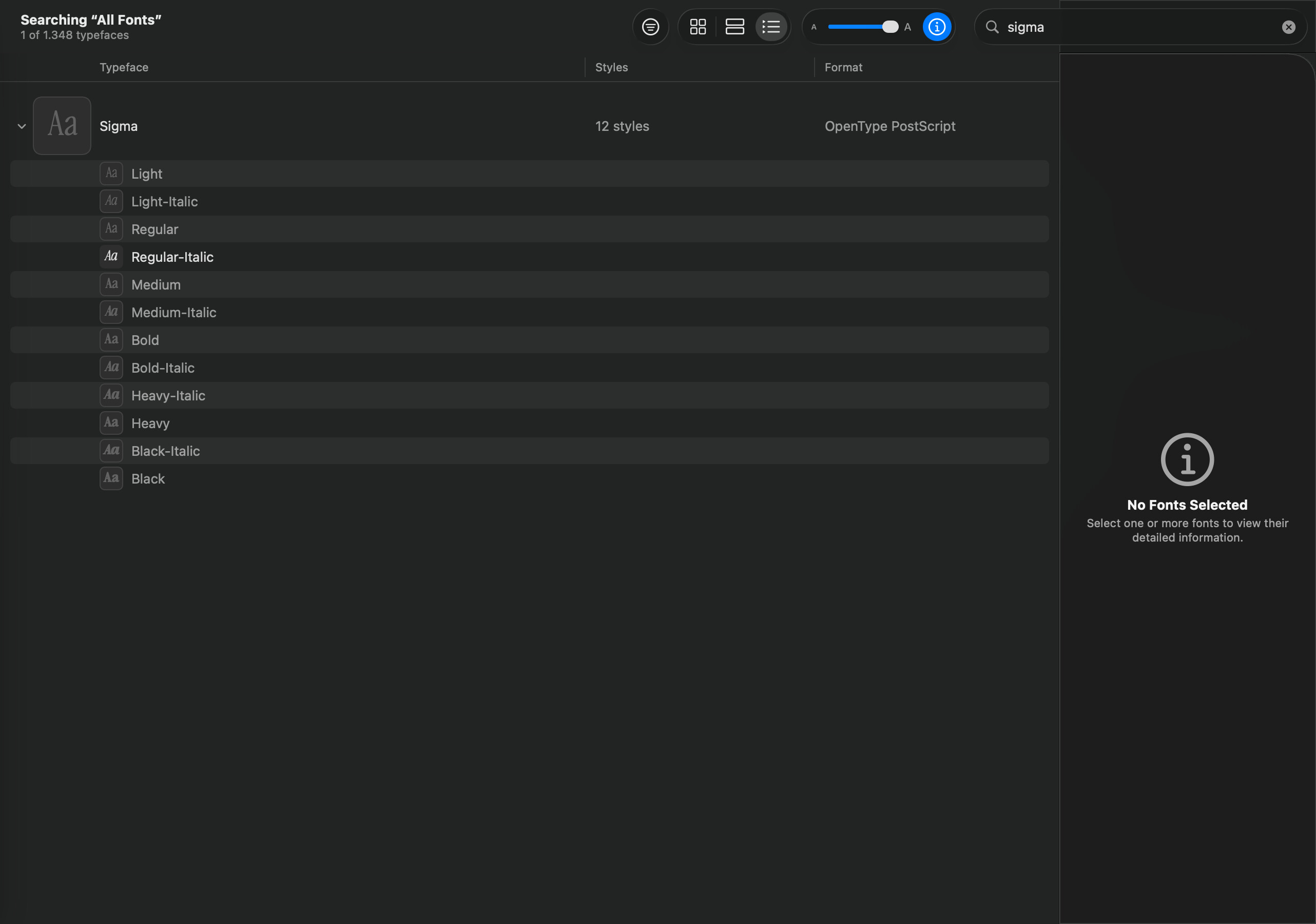
These styles appear to be deactivated. Select them and choose Activate from the context menu.
Hello Florian,
Thank you for your help! Why this is happening? Isn’t the exported font supposed to be installed without the activating part?
Another question, when I activate one the other deactivates, meaning they are still greyed out.
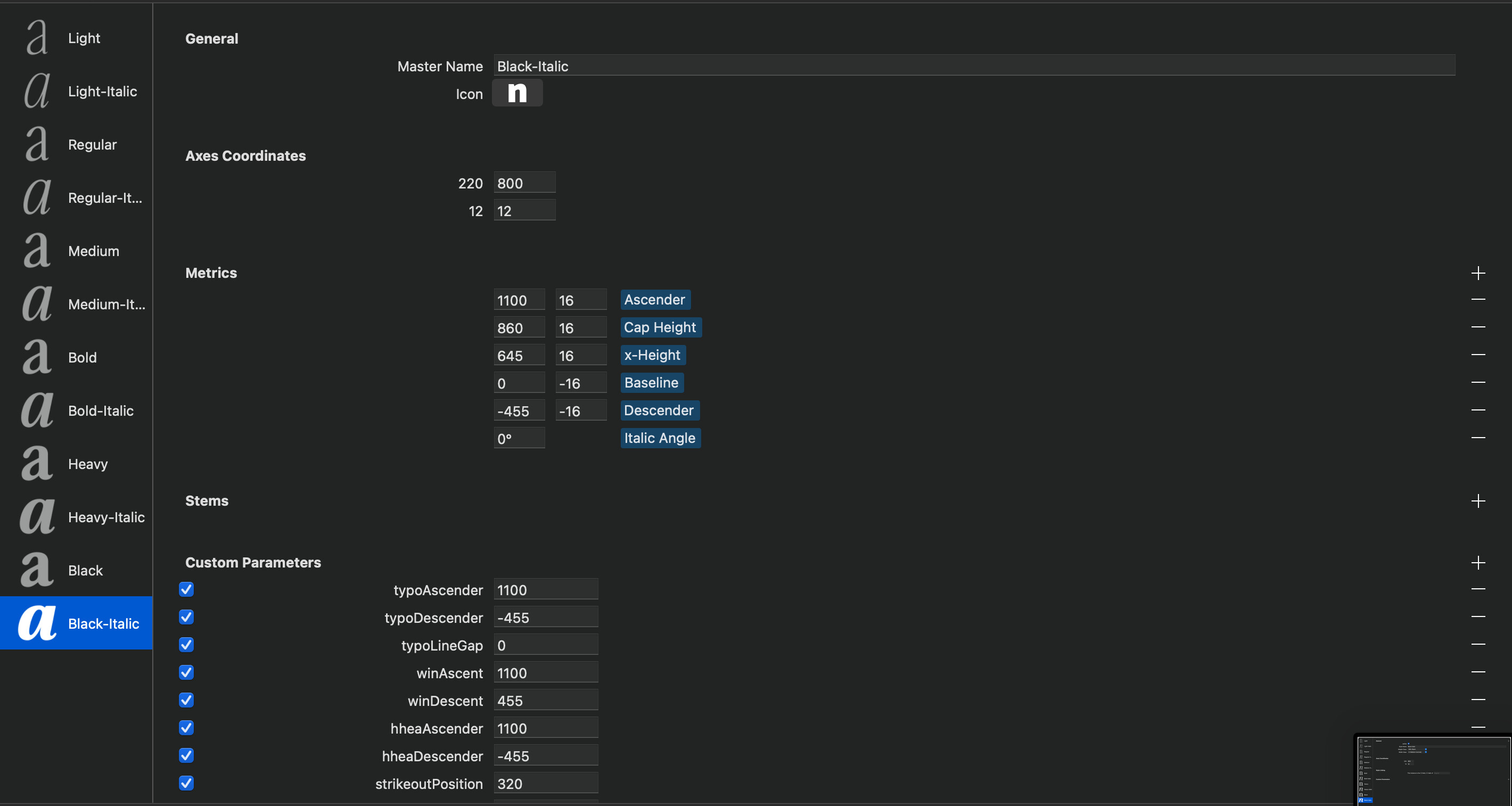
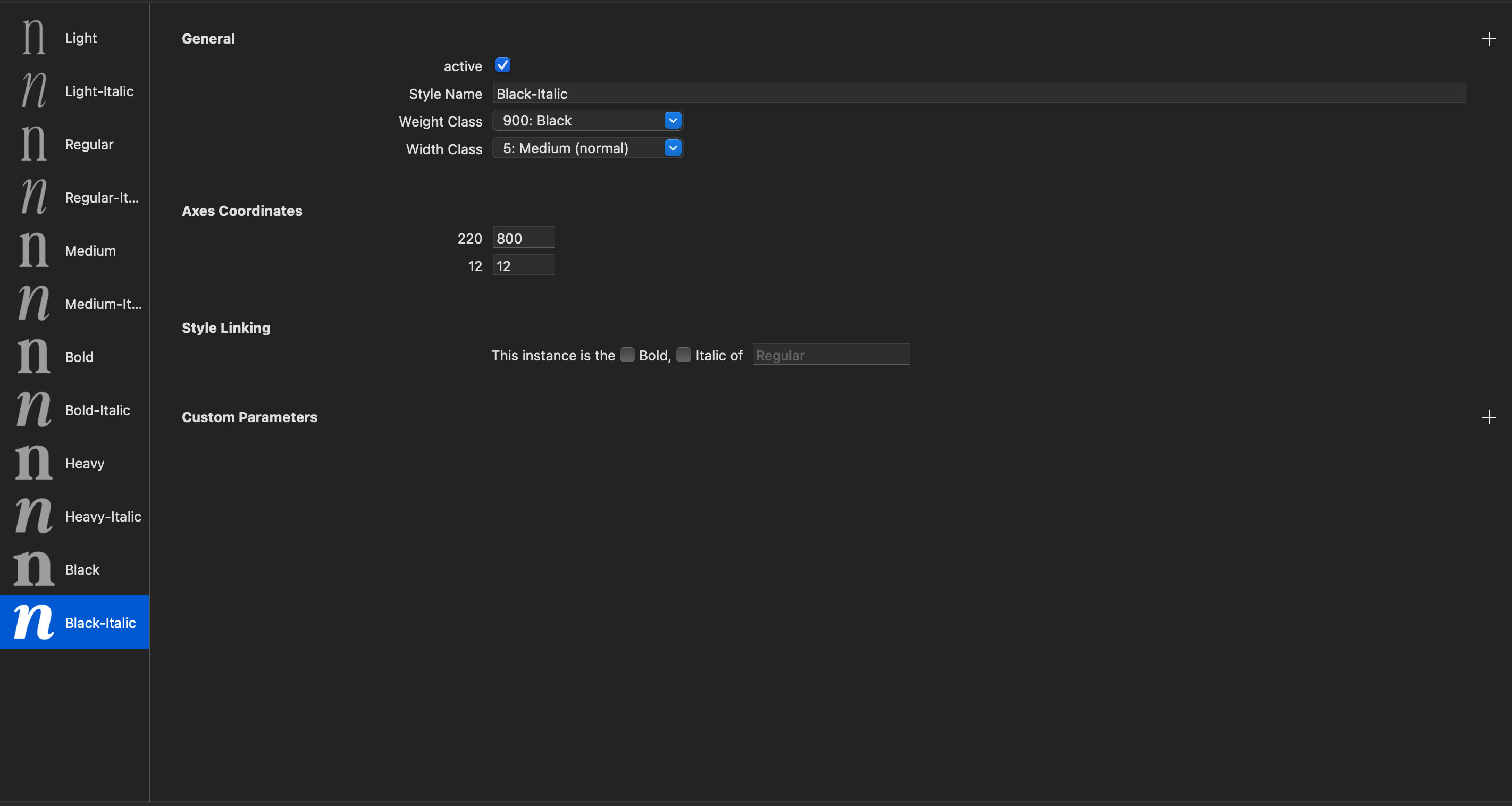
Is that an issue from the export/masters panel?
This should not be an issue with your Glyphs configuration. The Font Book app is not very reliable; when I activate/deactivate the app I have to relaunch it to see the new activation status reflected.
2 Likes
Note that you have no style linking set.
Also, why are your axis names numbers?
1 Like
I have tried that still not working.
Thank you! How do I proceed doing that?
There are two checkboxes for the line
This instance is the Bold/Italic of …
Tick the italic checkbox on all italics. Set the linked style to the corresponding upright (for example: Light-Italic is the italic of Light).
For the Bold styles, tick the Bold checkbox. No need to specify the linked Regular, that’s the default.
Special case: the Bold Italic gets both checkboxes, and the linked style is Regular.
1 Like
Thank you so much for your help, Sebastian! Very much appreciated!