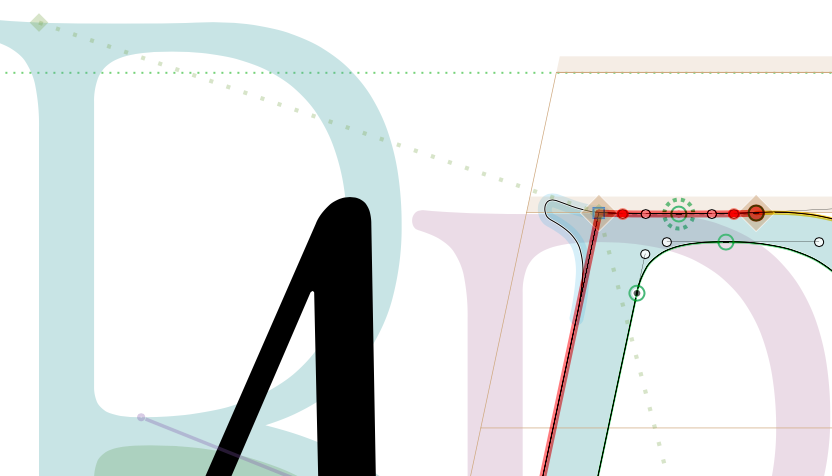
Apparently, the corner flips to the upper side once I italicize them — the question is there a way to keep them
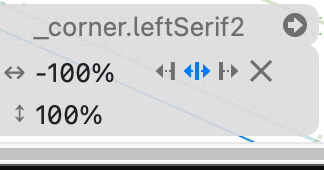
down without playing with the corner settings as seen in my image previews? Thank you!
Apparently, the corner flips to the upper side once I italicize them — the question is there a way to keep them
down without playing with the corner settings as seen in my image previews? Thank you!
The corner settings are ment to control to what side the corner is attached and what side is bend. You selected the center position. You need to try either the left or right arrow.
Yes I know how to set them up, however when I interpolate from regular to italics they do get messed up like in the image attached, and I have to go over one letter after the other setting them up.
How do you interpolate them? Are they set the same in all masters?
I interpolate them by resizing the letters corresponding to each master?
Can you elaborate that?