I am finding it impossible to get the roman/italic style linking in a variable font working, and I feel like I’ve tried all the (sometimes conflicting) advice I’ve found about setting it up (in the tutorials and in older forum posts). I’ve been spending days trying out different combinations of names, parameters, scripts, and plugins to no avail, and I’d love for someone to just lay out the best practice that works with the current Glyphs beta.
I have set up an explicit ital axis with 0s and 1s, is that necessary?
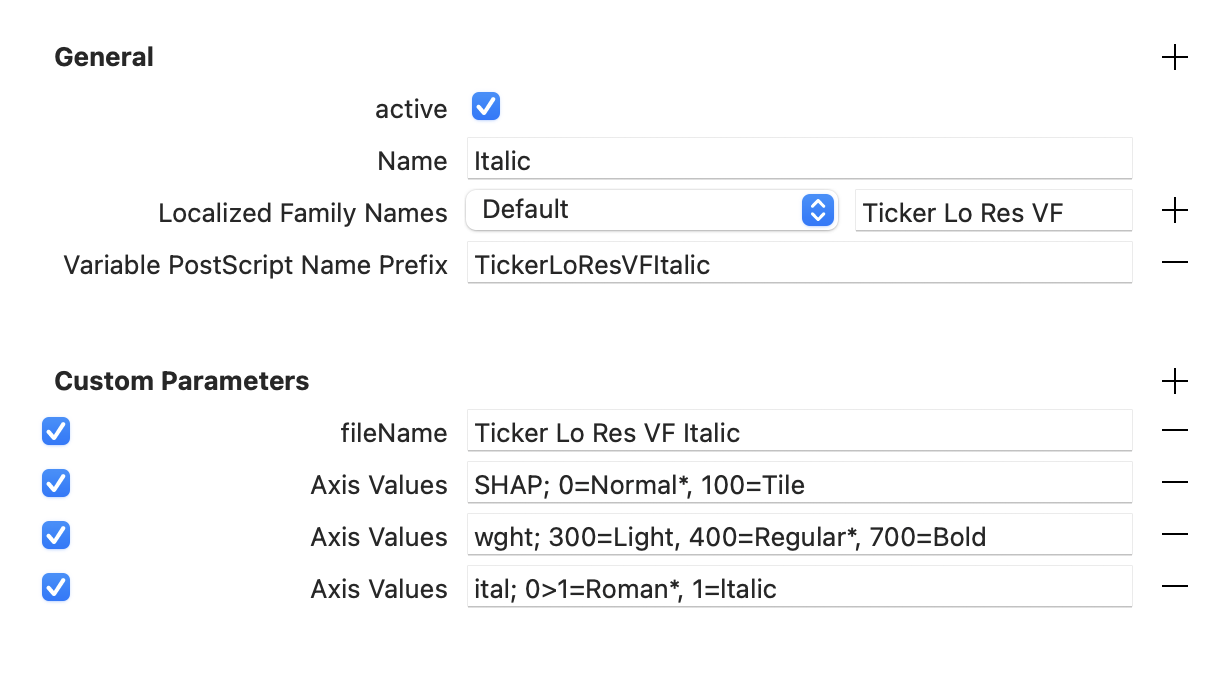
What “name” do I put in the variable export settings in the italic glyphs file? Currently Italic for the Italic and Regular for the roman.
What combination of the following things is necessary (with “Better VF Export” plugin active)?
“Italic Style Linking” custom parameter in italic glyphs file?
“Italic Style Linking” custom parameter in roman glyphs file?
Running the “Fix Italic PS names” post production script? I gather the plugin obviates this.
Running the “Fix STAT entries” post production script?
Running the “Read and Write STAT axis values” post production script? I have set up axis values parameters.
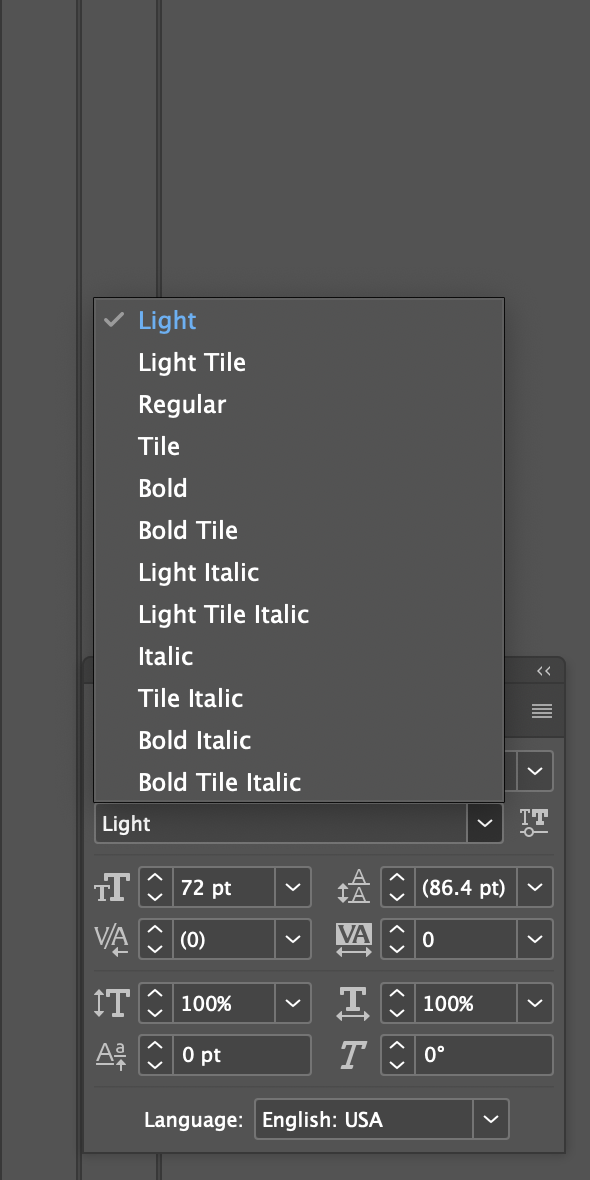
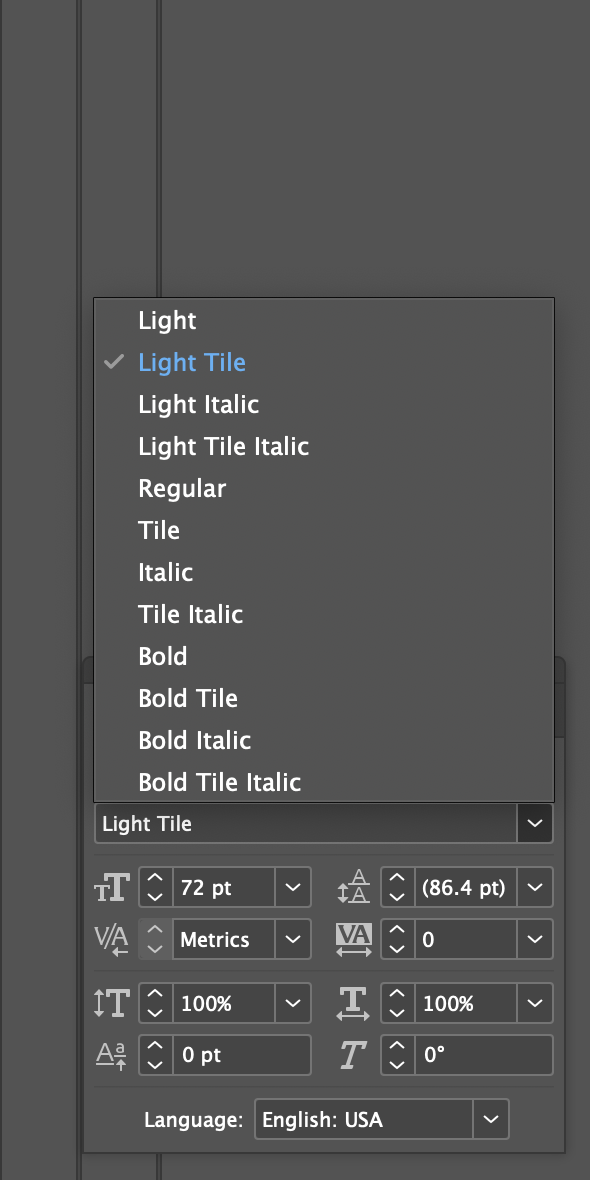
The way I have it now, the appearance and menus in inDesign are all okay, but style linking does nothing. (Style linking in the static fonts generated from the same files works fine.) Most of the fontspector errors point to the italic not being recognized as italic.
If it matters, I have two axes (besides ital) in the font: wght, and a custom one called SHAP.
Then you should only need to name the “Variable Instance” in the upright “Regular” and “Italic” in the italic. Then the style linking should work (if Glyphs can make sense of the rest of your instance names).
Realized maybe the Axis Values parameter for each glyphs file should only reference the positions (regular or italic) generated by that file? So tried all these combinations in the two files:
“ital; 0>1=Roman*” and “ital; 1=Italic”
“ital; 0.0>1=Roman*” and “ital; 1.0=Italic”
“ital; 0=Roman*” and “ital; 1=Italic”
“ital; 0.0=Roman*” and “ital; 1=Italic”
“ital; 0>1=Regular*” and “ital; 1=Italic”
Just throwing things against the wall and still no linking working.
The order of Axis Values parameters in the variable exports section is currently wght then SHAP then ital.
EDIT: Never mind I guess, I gather from Naming Tutorial - Variable Section? that it’s impossible to weave in the italics.
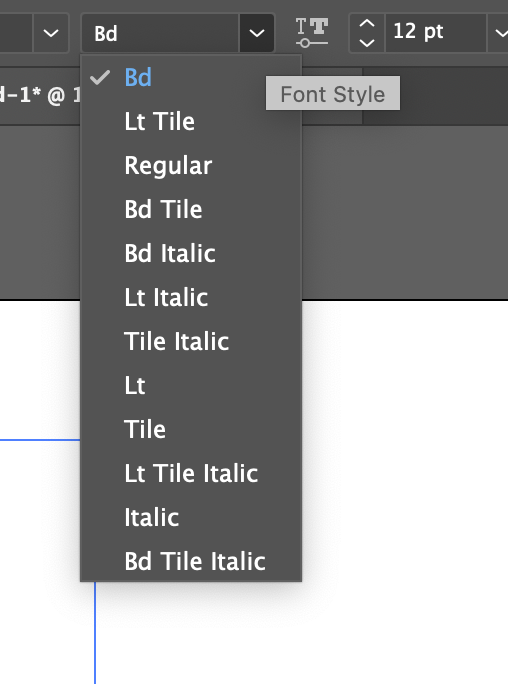
And another naming question: I’ve abbreviated “Light” and “Bold” to “Lt” and “Bd” to keep some of the names from getting too long, e.g. “Ticker Hi Res Lt Tile Italic.” But in other shorter style names, this shortening seems unnecessary and less clear to the user, e.g. “Ticker Hi Res Lt” (vs. “Ticker Hi Res Light”). Do the abbreviations have to be consistent across style names? If not, how would the Axis Values statements work?
But then I’m stuck with Variable font instance name 'Ticker Hi Res VF Light Tile Italic' formed by space-separated concatenation of font family name (nameID 1) and instance subfamily nameID 258 exceeds 32 characters. This has been found to cause shaping issues for some accented letters in Microsoft Word on Windows 10 and 11.
IIRC this was for Vietnamese accents in some Office apps on Windows. So, if you’re not planning to support Vietnamese, you can safely disregard this warning.
But then I’m stuck with Variable font instance name 'Ticker Hi Res VF Light Tile Italic' formed by space-separated concatenation of font family name (nameID 1) and instance subfamily nameID 258 exceeds 32 characters. This has been found to cause shaping issues for some accented letters in Microsoft Word on Windows 10 and 11.
Some progress has been made in investigating this issue. Essentially, as long as the family has correct IDs 16 and 17, a proper STAT table, and a short name ID 1, the previously identified problems are avoided.