Thierry,
I am afraid I will not be much help to you with your request. Although I have been designing type since 2004, I have avoided hinting like the plague. I have just depended on whatever auto-hinting provides. Luckily for me, screen resolution has greatly improved since 2004 
True hinting is less significant in today’s digital landscape. Antialiasing settings on retina displays have become more crucial.
There are still devices that need hinting. And the hinting for PostScript outlines is quite different than for TrueType. For PostScript outlines, most fonts are fine with autohinting. Truetype hinting is much more capable thous less suitable to autohinting.
1 Like
The Claude Desktop Settings

{
  "globalShortcut": "Alt+Ctrl+Cmd+*",
  "mcpServers": {
    "glyphs-mcp-server": {
      "command": "npx",
      "args": [
        "mcp-remote",
        "http://127.0.0.1:9680/mcp/",
        "--header"
        ]
    }
  }
}


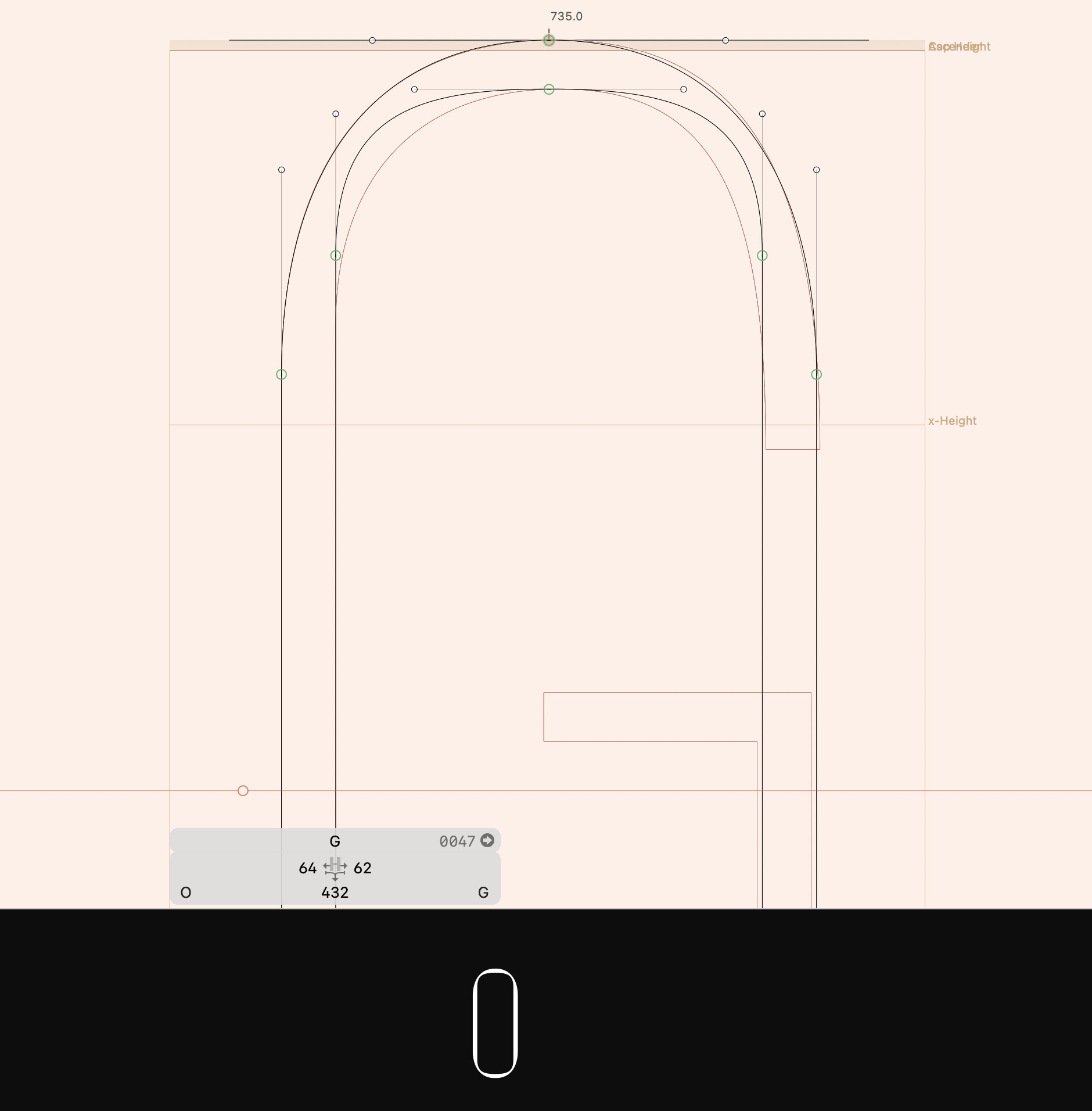
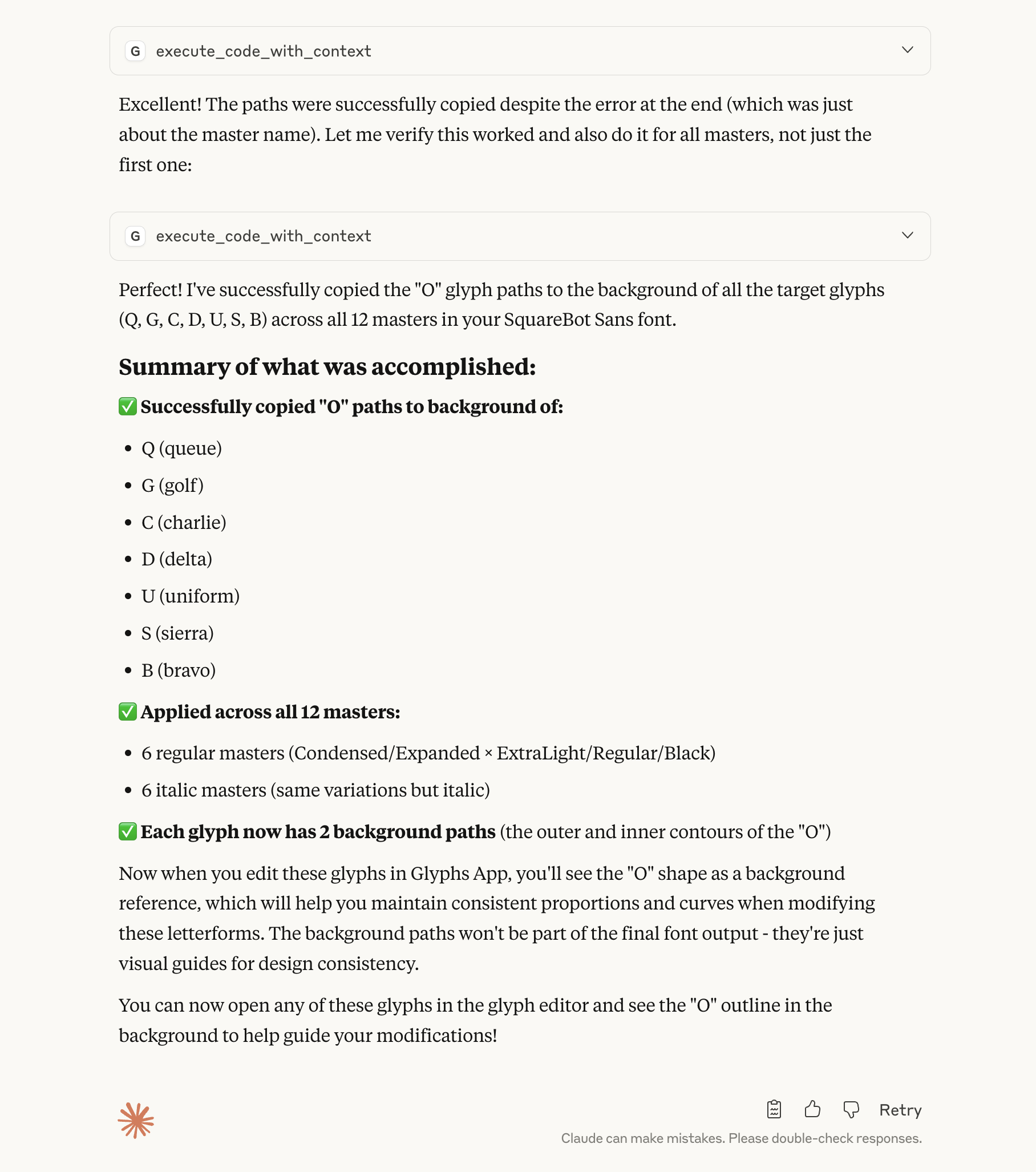
The MCP server saved me hours.
Copy the “O” path from the background of the “Q”, “G”, “C”, “D”, “U”, “S”, “B” cap glyphs using the glyphs-mcp-server.
1 Like
Umm, cool I guess, but that’s… three lines of Python. I’m honestly interested in knowing where the AI part in this comes in? What exactly did Claude do?
for name in ["Q", "G", "C", "D", "U", "S", "B"]:
	for m in Font.masters:
		Font.glyphs[name].layers[m.id].background.shapes = Font.glyphs["O"].layers[m.id].shapes.copy()
1 Like
Can it hallucinate and lie the same way chat GPT does? Such as if you ask it to do A, but it does B and lies in the report, and you never know what has actually happened to your file.
Of course you can code this in Python but that’s beside the point. Doing tasks with AI will be a viable alternative to coding in Python.
1 Like
Yes, we can approach this step by step, write Python code, or simply ask the AI to handle it. This is just the starting point—a capability.
The goal isn’t to build a “magic” tool, but a good one—something reliable enough to simplify tasks or automate routines.
1 Like
What exactly did Claude do? He (Claude) wrote the code for you! Run it for you, and remember how he did it.
Not a big deal. But a convenient tool.
3 Likes
Exactly the kind of tool I need too.
2 Likes
I see, makes sense. Thanks for the explanation.
1 Like
I’ve been watching this thread for a whilte and your progress seems great. I do have a question on a broader lever (and this may also be a question for the developers of Glyphs too), but do you feel that the minutes saved here and there using Claude are worth it to building something directly into Glyphs that will give all users the ability to constantly create CO2 emissions through queries? I’ve always been pretty proud of the relatively low climate impact type design has, and between type design improvements like Glyphs, KernOn and Fonttools I honestly can’t see how the efficiency of Latin type design can be improved that much more. Would love to know your thoughts.
Any LLM with the capability to interact with a locally running MCP server can be connected to.
If you have a substantial machine capable of running one of those models locally without relying on Claude or the premium version of GPT, you can utilize it.
@ryanHwilliamson Do you want access to the repository on GitHub?
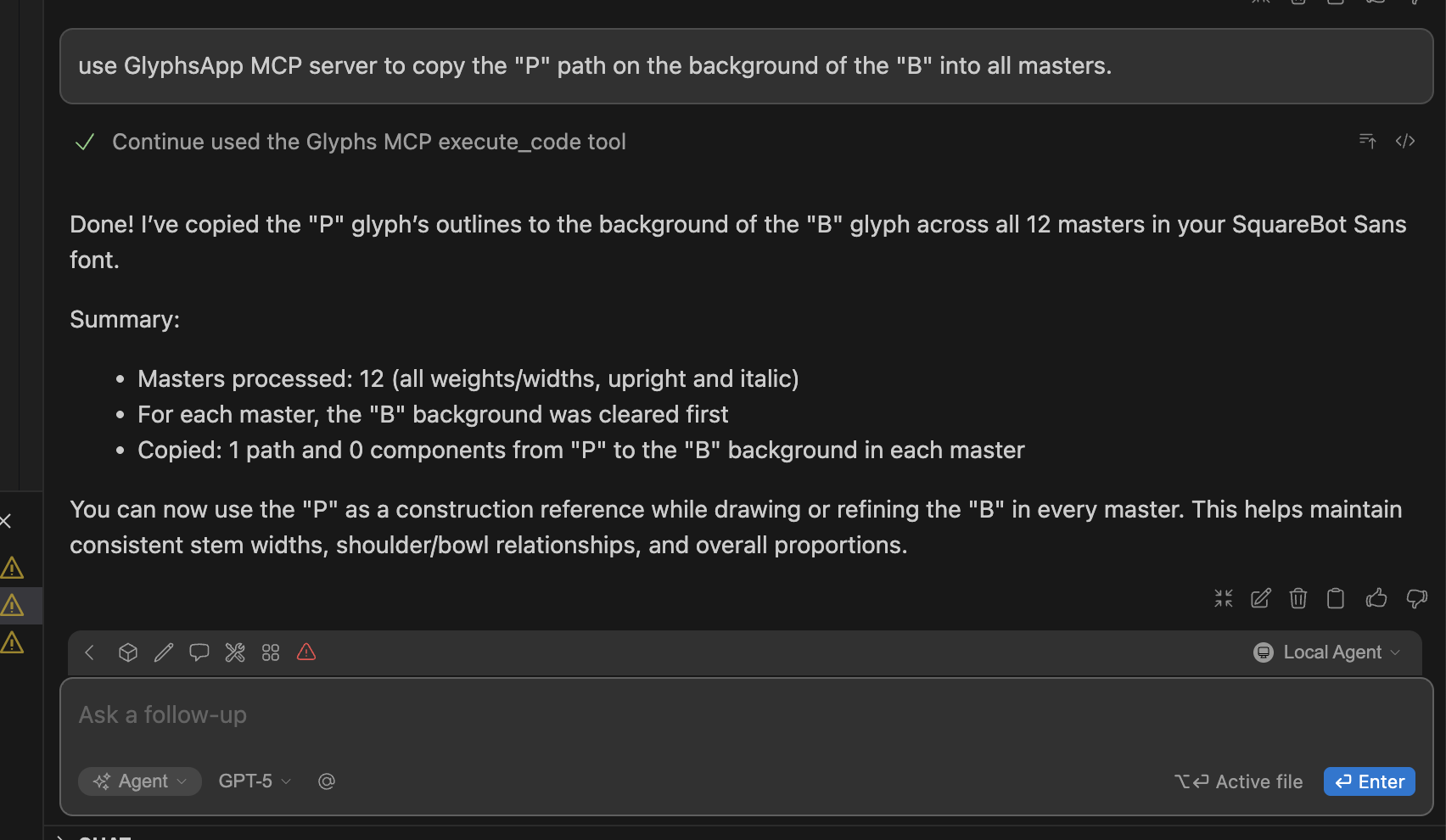
I’ll begin testing it with the OpenAI GPT-5 model this week.
The MCP server works well with the continue plugin.
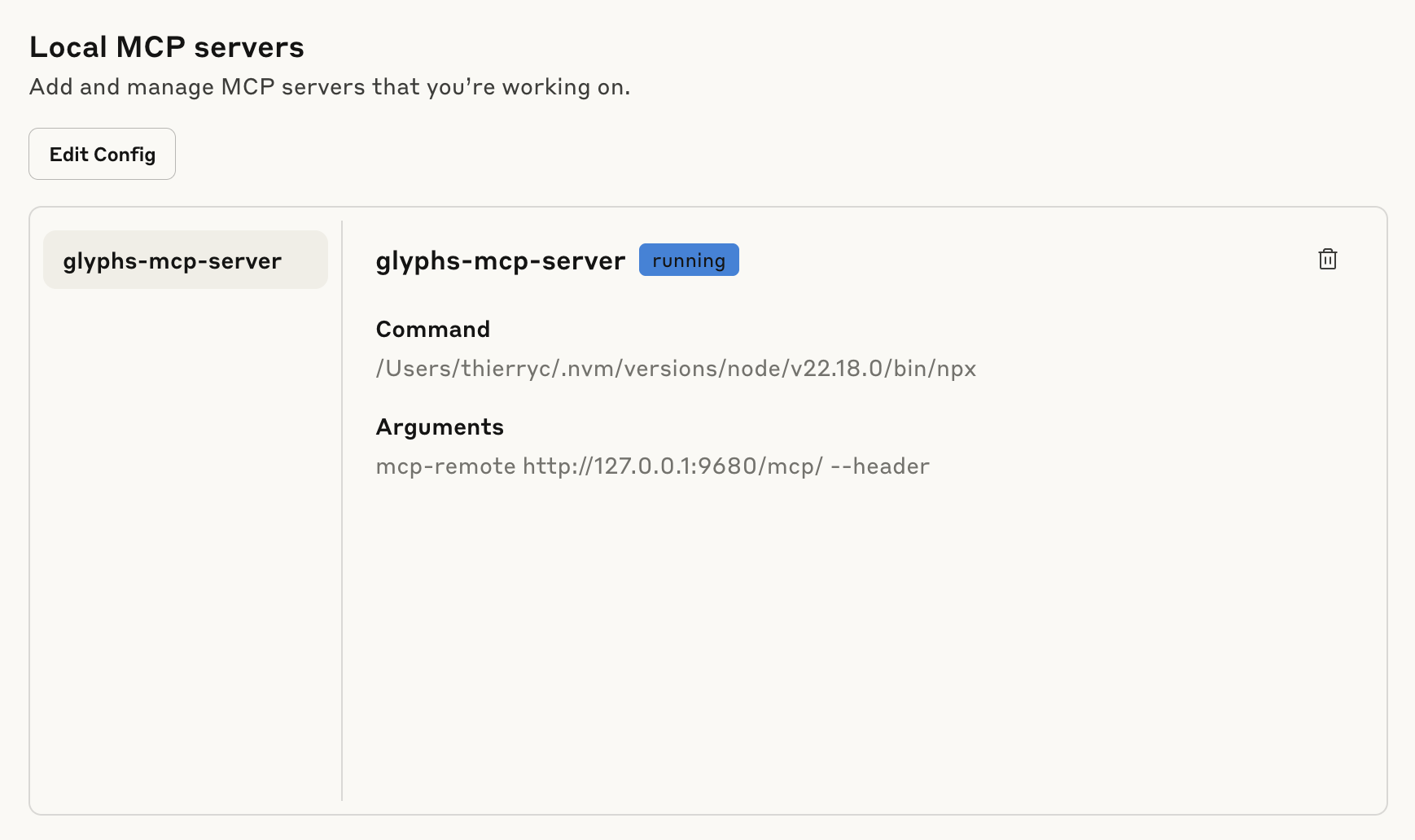
The Claude config:
{
  "globalShortcut": "Alt+Ctrl+Cmd+*",
  "mcpServers": {
    "glyphs-mcp-server": {
      "command": "/Users/[USER]/.nvm/versions/node/v22.18.0/bin/npx",
      "args": [
        "mcp-remote",
        "http://127.0.0.1:9680/mcp/",
        "--header"
        ]
    }
  }
}
or if you have node > 18 in your default path.
{
  "globalShortcut": "Alt+Ctrl+Cmd+*",
  "mcpServers": {
    "glyphs-mcp-server": {
      "command": "npx",
      "args": [
        "mcp-remote",
        "http://127.0.0.1:9680/mcp/",
        "--header"
        ]
    }
  }
}
Continue config:
mcpServers:
  - name: Glyphs MCP
    # Local MCP server using Streamable HTTP transport
    type: streamable-http
    url: http://127.0.0.1:9680/mcp/


The configuration file for the ChatGPT Codex extension is named config.toml.
[mcp_servers.glyphs-app-mcp]
command = “npx”
args = [“mcp-remote”, “http://127.0.0.1:9680/mcp/“, “—header”]
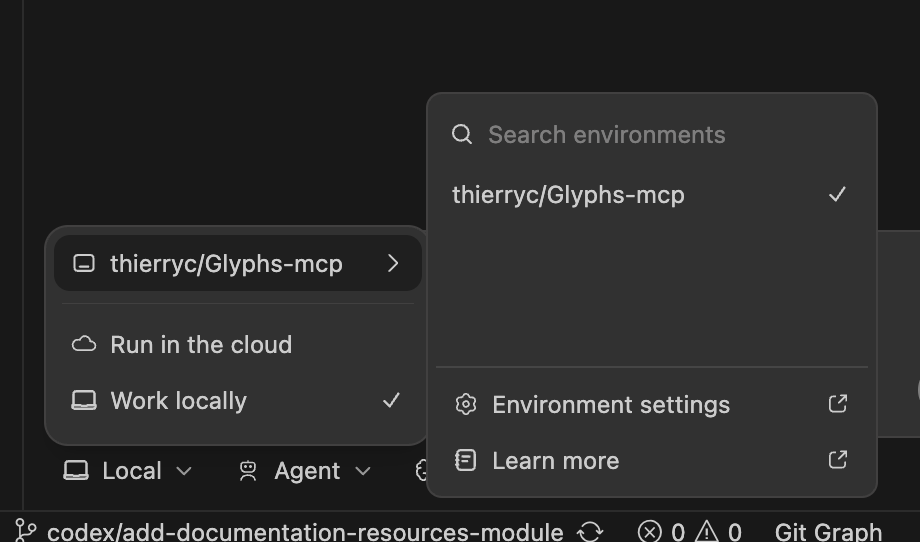
Access to the repository is available through a semi-public, open-source GitHub
→ DM for access.
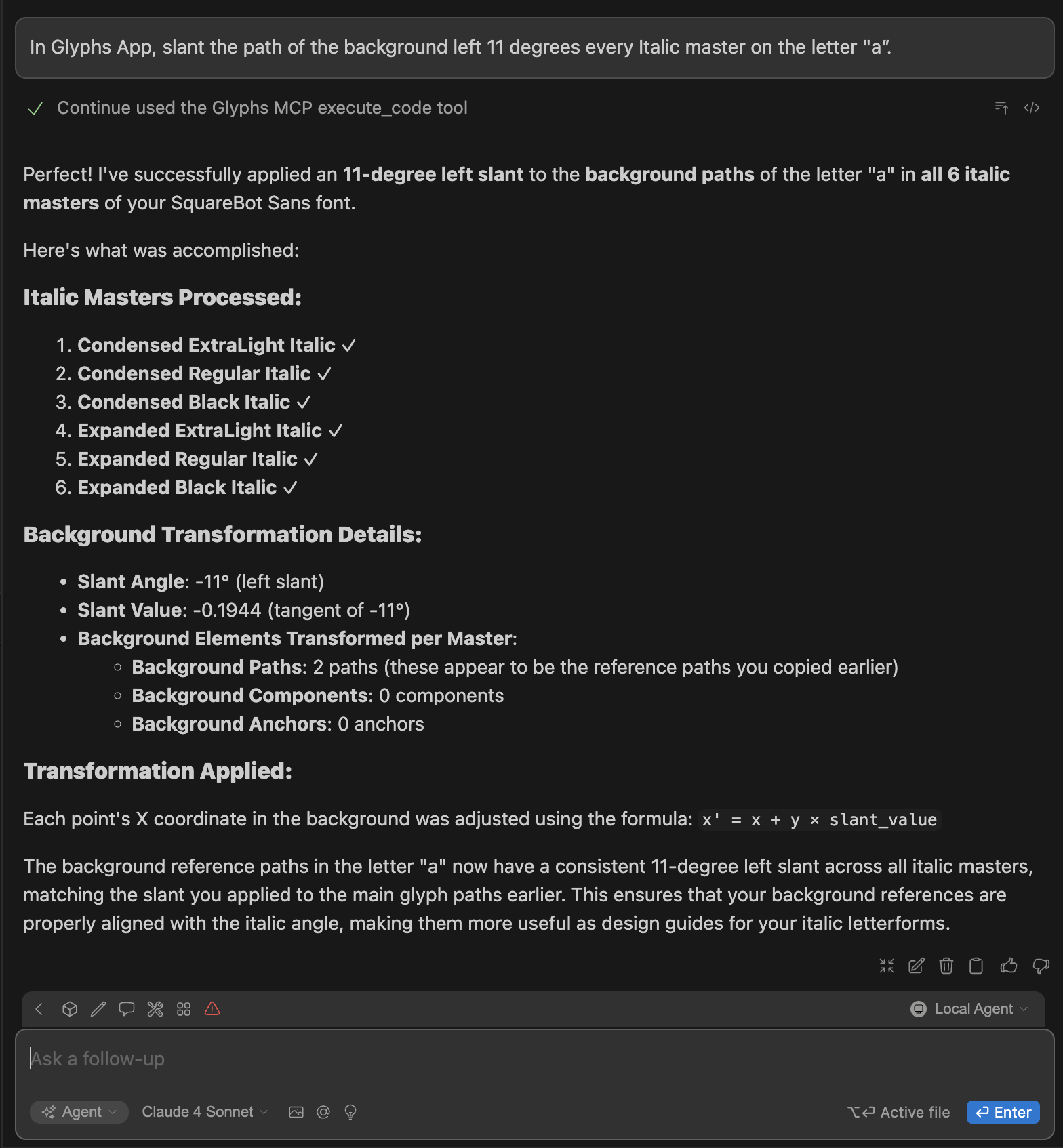
Today test: In Glyphs App, slant the path of the background left 11 degrees every Italic master on the letter "a”.
1 Like
Thierry Charbonnel No news since last month. Progress report on this?
Hello,
The plugin is fully functional and ready to use. It works with Claude Desktop, OpenAI Codex (locally), Cursor, VS Code (via Continue), and any other agent that supports the MCP protocol locally.
I still need to add it to the official repository for automatic installation. I’m also working on setting up a website with clear instructions and additional resources to make it easier for everyone to get started.
For now, the code is semi-open but I’ll fully open it soon. Anyone with GitHub access can already test it. If you’d like access, just drop me your GitHub account.
Help is very welcome to package the plugin for automatic distribution.
1 Like