@thierryc Thanks for that update. Good news!
Prompt of the day in Codex:
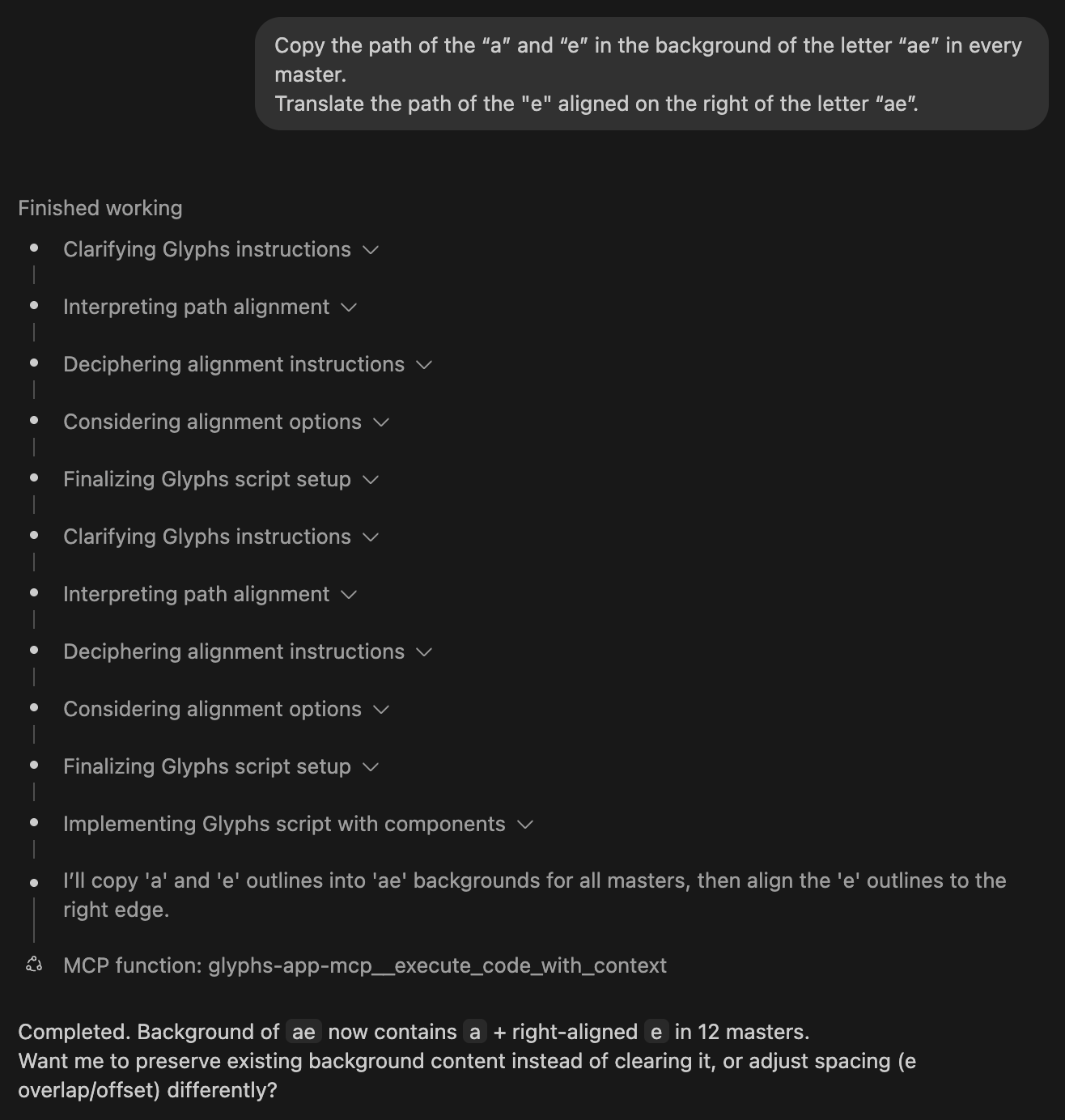
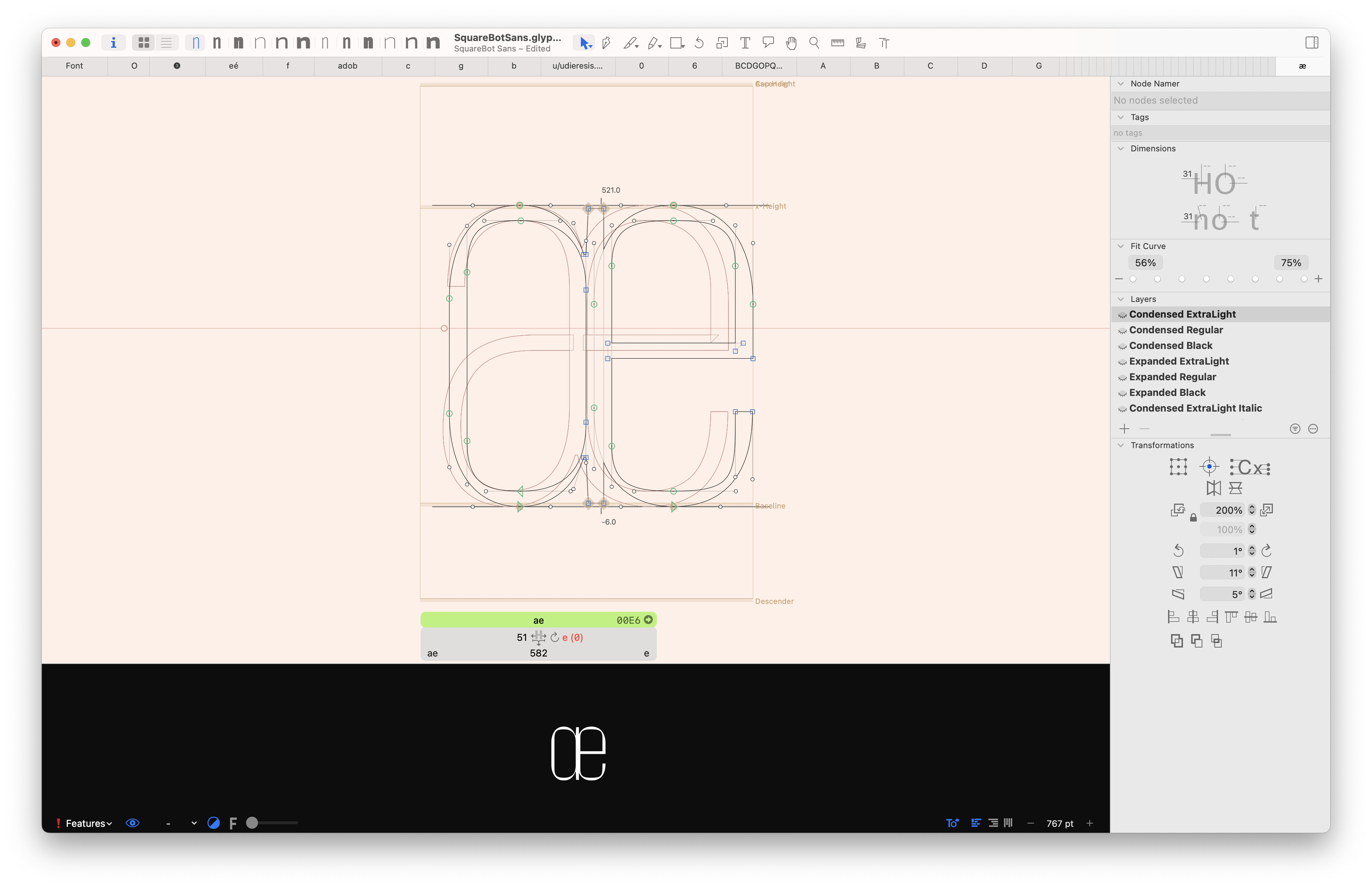
Copy the path of the “a” and “e” in the background of the letter “ae” in every master. Translate the path of the “e” aligned on the right of the letter “ae”.
Update;
Tools
- list_open_fonts, get_font_glyphs, get_font_masters, get_font_instances, get_glyph_details, get_font_kerning, create_glyph, delete_glyph, update_glyph_properties, copy_glyph, update_glyph_metrics, get_glyph_components, add_component_to_glyph, add_anchor_to_glyph, set_kerning_pair, get_selected_glyphs, get_selected_font_and_master, save_font, get_glyph_paths, set_glyph_paths;
Resources
- Directory listing at resource://glyphs-mcp/docs, JSON manifest resource://glyphs-mcp/docs/index.json, plus one FileResource per bundled documentation page;
Prompts
- Example templates registered on import: print_master_names, list_current_glyph_nodes, add_acute_component, report_tightest_kerning_pairs, recalculate_sidebearings, copy_and_translate_ae_paths;
 Glyphs-mcp is now public!
The repo is live and ready to be added to the Glyphs Plugin Manager.
 I’ve opened a PR to include it in the official Glyphs Packages repository:

 I need help testing installation and feedback — especially making sure setup runs smoothly.
There’s a script to build vendor dependencies:
src/glyphs-mcp/scripts/vendor_deps.sh
 Help wanted @GeorgSeifert, @mekkablue, @FlorianPircher @George_Thomas — any testing or feedback is super appreciated!

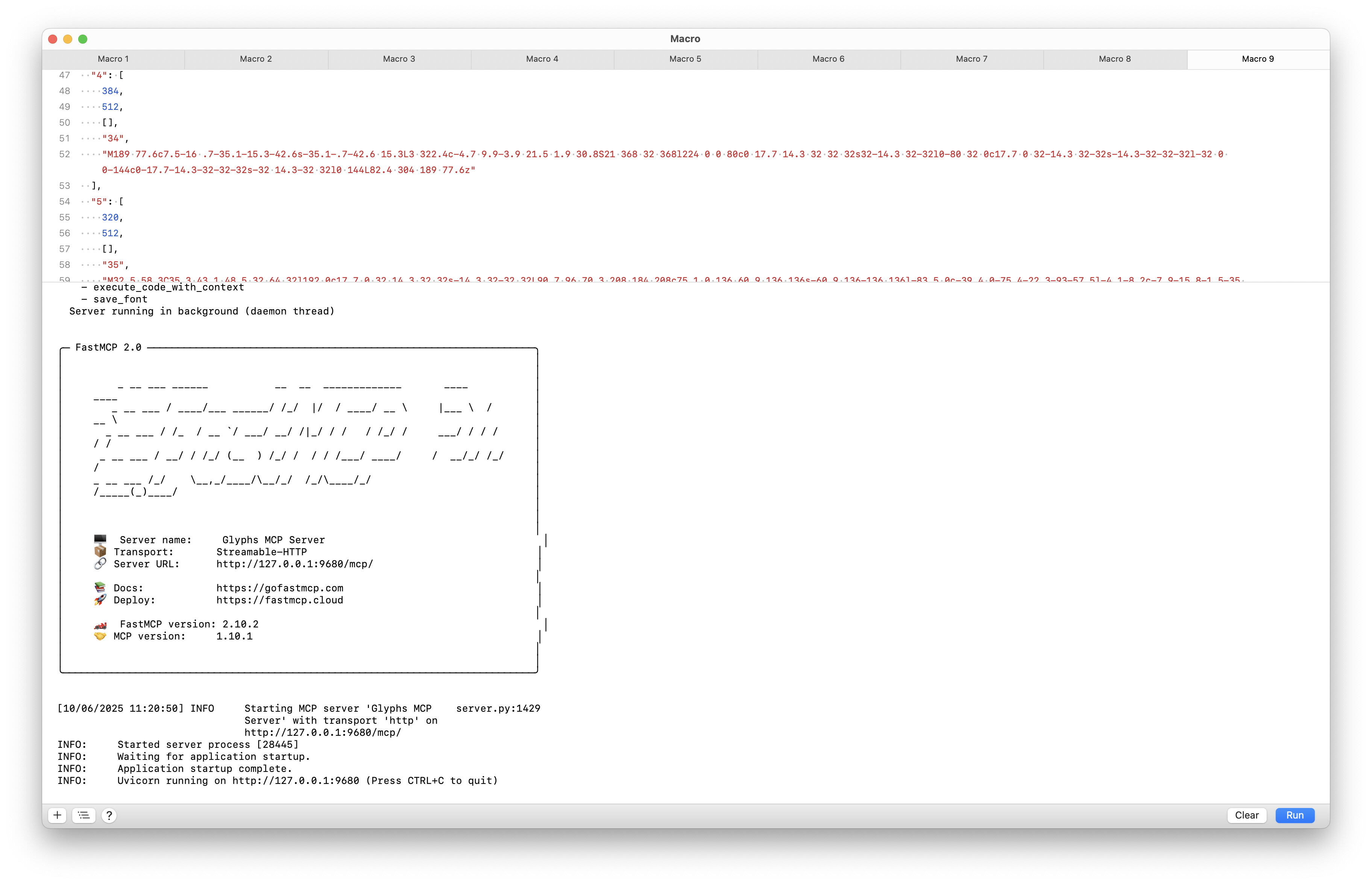
Added through the Plugin Manager but it failed. I can’t submit the needed report because I don’t have email set up on this machine, so here’s a screenshot FWIW. M2 Studio Max, OS 26.0.1.
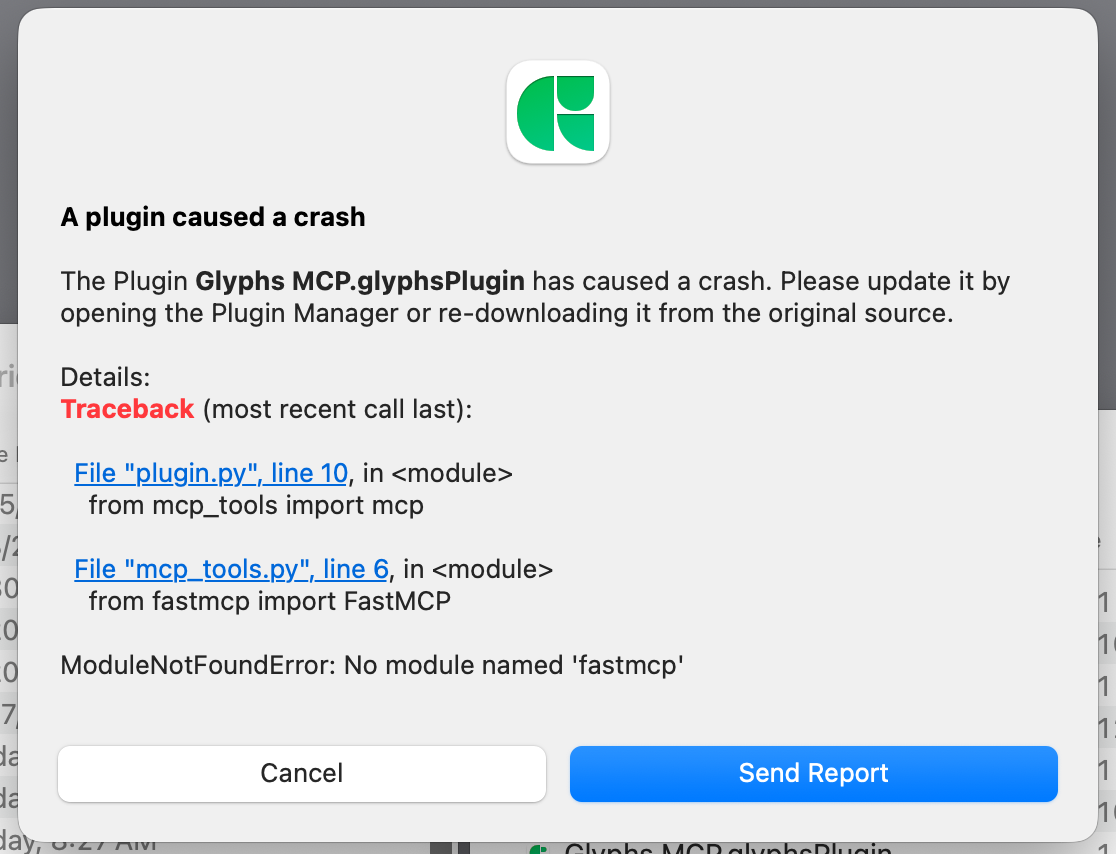
Sorry about this @George_Thomas — I kind of expected it. It works on my side because I have the necessary dependencies installed in my Python setup. I tried adding the required modules to the plugin, but I probably missed something.
Any expert help with Python module packaging or plugin distribution is more than welcome!


I’m using Python 3.12.3 (from the official python.org installer).
Here’s the list of dependencies:
annotated-types==0.7.0
anyio==4.9.0
attrs==25.3.0
Authlib==1.6.0
certifi==2025.6.15
cffi==1.17.1
click==8.2.1
cryptography==45.0.5
dnspython==2.7.0
email_validator==2.2.0
exceptiongroup==1.3.0
fastmcp==2.10.2
h11==0.16.0
httpcore==1.0.9
httpx==0.28.1
httpx-sse==0.4.1
idna==3.10
jsonschema==4.24.0
jsonschema-specifications==2025.4.1
markdown-it-py==3.0.0
mcp==1.10.1
mdurl==0.1.2
openapi-pydantic==0.5.1
pycparser==2.22
pydantic==2.11.7
pydantic-settings==2.10.1
pydantic_core==2.33.2
Pygments==2.19.2
python-dotenv==1.1.1
python-multipart==0.0.20
referencing==0.36.2
rich==14.0.0
rpds-py==0.26.0
shellingham==1.5.4
sniffio==1.3.1
sse-starlette==2.4.1
starlette==0.47.1
typer==0.16.0
typing-inspection==0.4.1
typing_extensions==4.14.1
uvicorn==0.35.0
Note: Glyphs runtime ships these modules (not installed via pip):
GlyphsApp, objc, AppKit
The repo is now public if you’d like to take a look.
I will have to come back to this later.
Install Node.js v20 or higher
I use NVM, but you can install Node in several ways.
Update for Claude Desktop App (replace userName):
{
  "globalShortcut": "Alt+Ctrl+Cmd+*",
  "mcpServers": {
    "glyphs-mcp-server": {
      "command": "npx",
      "args": [
        "mcp-remote",
        "http://127.0.0.1:9680/mcp/"
      ],
      "env": {
        "PATH": "/Users/<userName>/.nvm/versions/node/v22.19.0/bin:/usr/local/bin:/usr/bin:/bin:/usr/sbin:/sbin"
      }
    }
  }
}
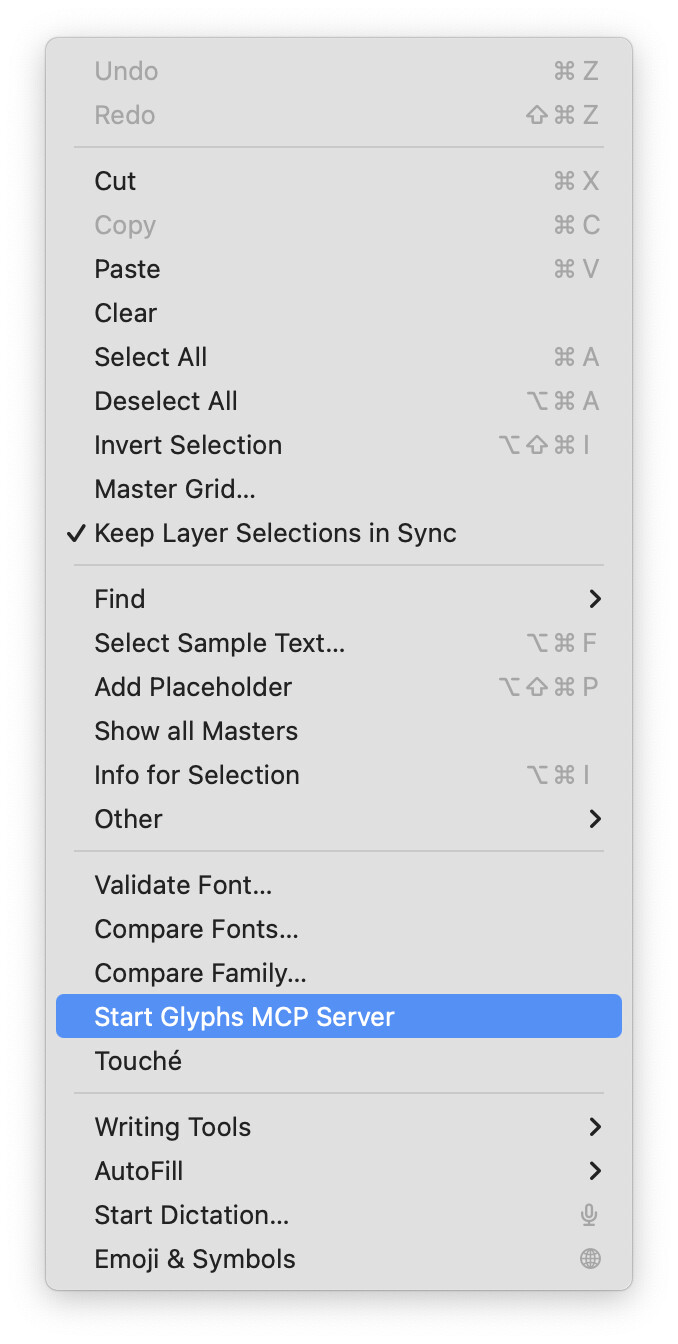
Has this been tested in Tahoe 26.0.1? I have not been successful in getting the server to show up in Edit > Start Glyphs MCP Server. More likely I missed something but I have to ask.
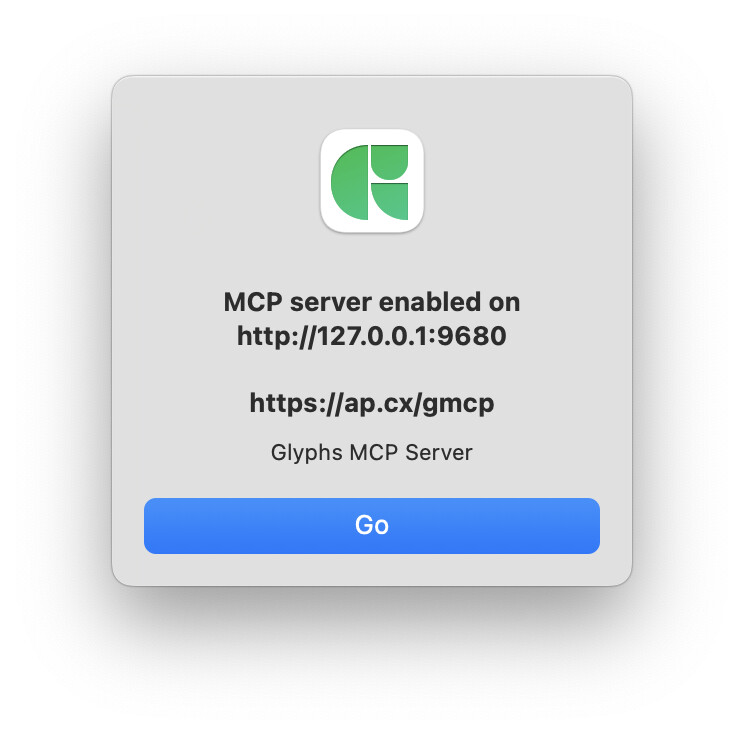
I’m working on the plugin installation right now — adding the dependencies into the bundle turned out to be a bit more complex than expected. Still digging into it, and I’ll keep you posted once I have it running.
At the moment, the only way to get it working is to clone the repo, install the dependencies, and set up an alias in the Glyphs plugin folder.
The installation process is still a bit tricky right now — the plugin requires some dependencies and a custom Python setup.
Feel free to DM me if you run into issues or if you manage to get it working smoothly!
I’m actively working to simplify the install process. It’s my first Glyphs plugin, so I’m still learning the ropes.
I think this is a good spot to put it: there is a Fonts & AI online conference coming up, 23+24 Oct. Hope to see most of you online there.

I’ve put together a small installer for the plug-in.
Big thanks to Florian (@FlorianPircher) for the help!
It runs fine on my setup, but I haven’t tested it on other configurations yet.
Would love your feedback.

All I see at the link is a video showing an installer running. Is it available somewhere for download?
It’ll be available on Git in a few minutes — I’m working on it now.

The script is available.
Tested with Glyphs Python and an external Python 3.12 from python.org.
Do not use python 3.14; it is not working.