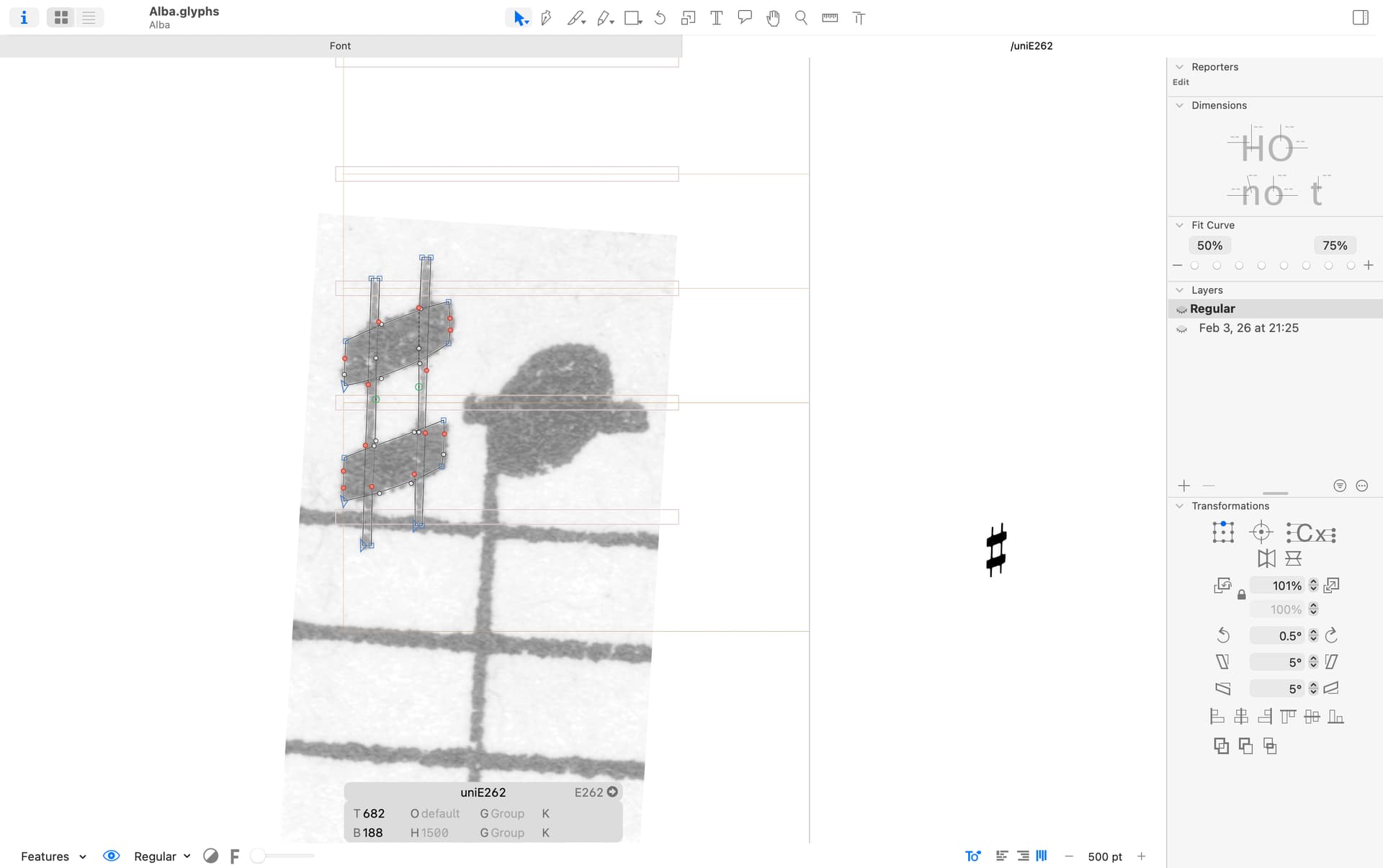
Is it possible to preview a glyph exactly as it will be exported—with components decomposed, overlaps removed, and export filters applied?
I’m specifically trying to preview the Rounded Corners export filter, but the filter preview seems to apply to individual components rather than the final combined outline, so it doesn’t match the exported result.
This should be the case for the preview window (the eye icon at the bottom left of your edit window). Select the desired instance there to preview it, filters and all.
Yes, this is what I needed. Is there a way to make the glyph in the preview window larger? I work on a symbolic music font which includes glyphs of different sizes. Some are tiny.
You can try to add a Preview Ascender and Preview Descender parameter in the master settings. And make the values smaller than the actual ascender/descender.