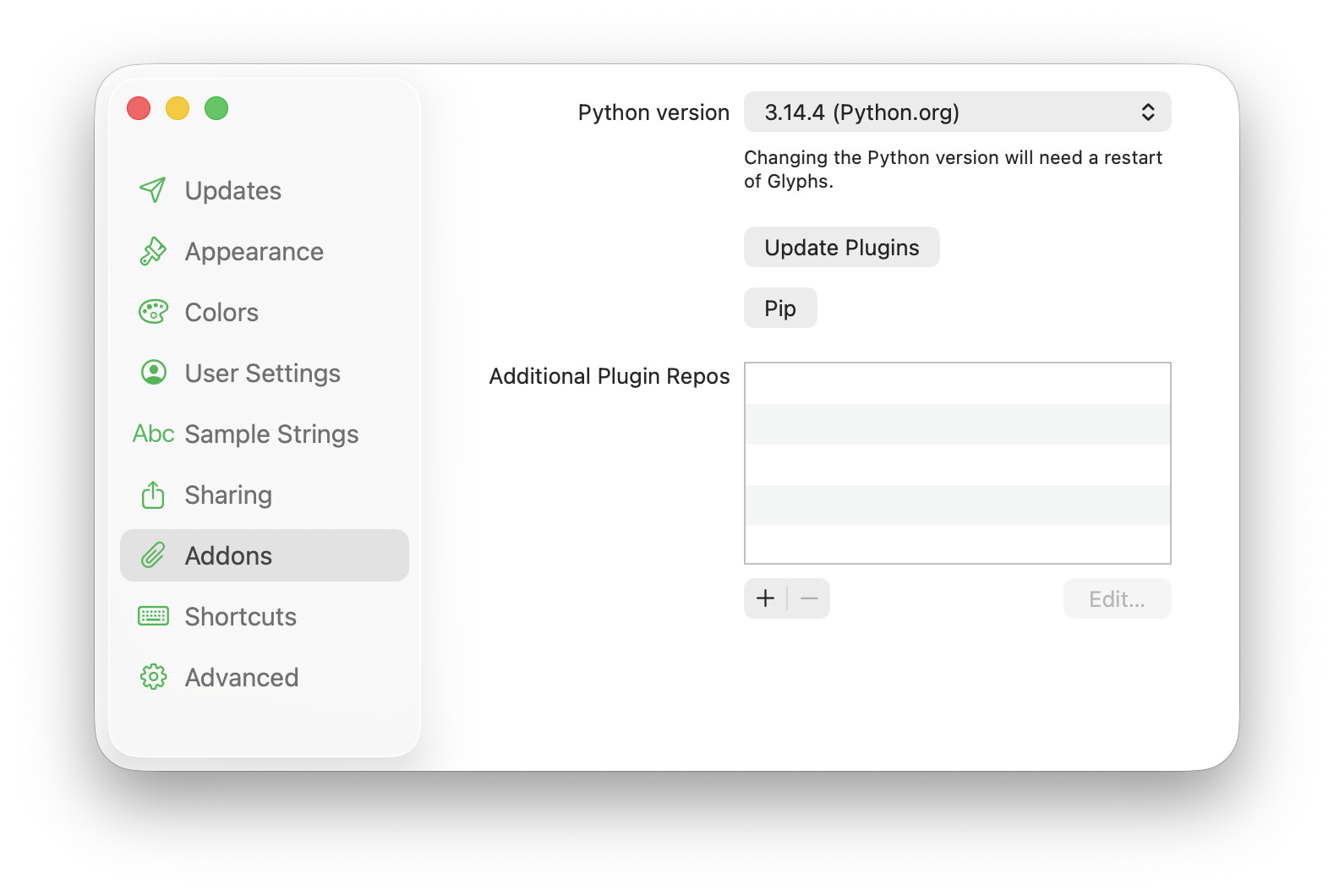
Download, unzip and move to Applications folder. Make sure you activate both checkboxes in Glyphs > Settings… > Updates and, in User Settings, activate Send Crash Reports. We need those.
Star Nodes are magical!
Should the also move when the handles are adjusted? Currently it is staying in its original place. Selecting and typing Return converts them to Green nodes but they are not in the ideal calculated position.
I’m so excited to try the new glyphs app! Although I wonder if you already have the new glyphs app manual ready somehow? i’m getting very lost haha, could use a bit of the manual to help…
Importing settings from Glyphs 3 will be in the next public preview.
Most plug-ins continue to work, but some might need to be adjusted. Due to this, there are currently no plans to automatically import the plug-ins from Glyphs 3.
 Star Nodes are magical!
  also move when the handles are adjusted? Currently it is staying in its original place. Selecting and typing Return converts them to Green nodes but they are not in the ideal calculated position.