Small suggestion for something that was already happening in version 3:
In the “Dimensions” sidebar tab (HOVnotv), would it be possible to fix the order of the input fields when pressing the Tab key to be sequential when entering dimensions? That is: first the 2 fields for H, then the 2 fields for O, then the 2 fields for V… Right now, after entering a field in O, it jumps to V and then back to O and then back to V.
Thanks for the exciting new features, a new version is always great to see! Will be looking forward to give it a real spin. Upon a quick glance I did note some strange behaviour, is this something on my end?
See the video transfer below, left is G4, right G3. As you can see, whenever you scroll to a new different color layer, the scrollbar/view jumps to the top. While in G3 remains where it was.
This aside, I quite like the slight indentation and bold master name you have in G3 with the different masters and it’s nested layers, in G4 they are all on the equal level. What was the thought behind the change?
And any change to make color layers visible for the variable preview? (which is a really nice addition, but otherwise I’ll stick with the Variable Previewer by Mark ;)).
I love this new Glyphs 4 preview. It looks like a really exciting step forward.
Glyph MCP Server
I’ve already updated the Glyph MCP Server so it can run with this new version, and the next release should support Glyphs 4 very soon.
I also used the opportunity to simplify the Glyph MCP Server interface quite a bit. I removed the double entries from the Edit menu and replaced them with a single entry where everything can be set up and managed in one place.
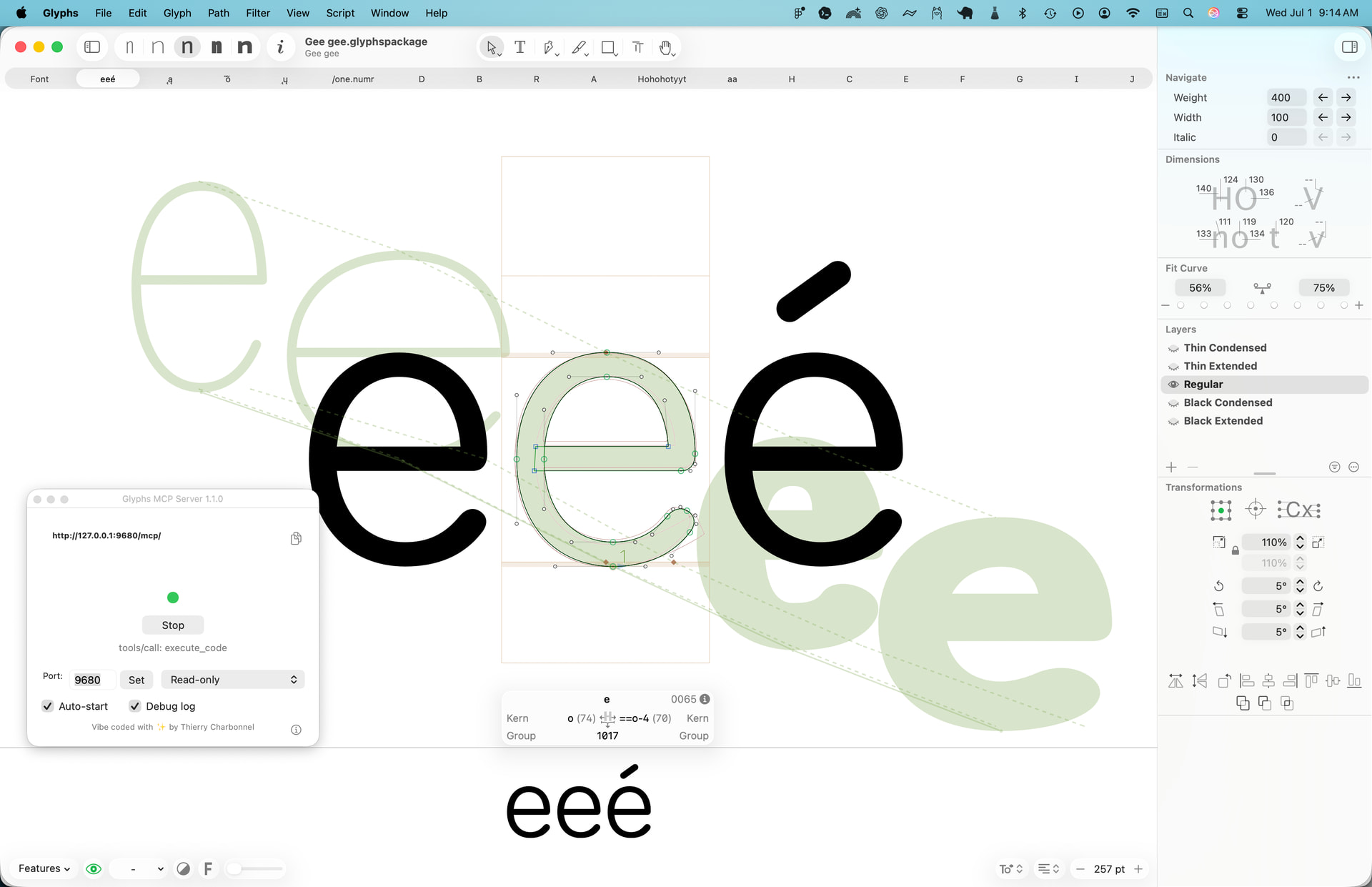
I’ll add a screenshot here to show the MCP server running in Glyphs 4.
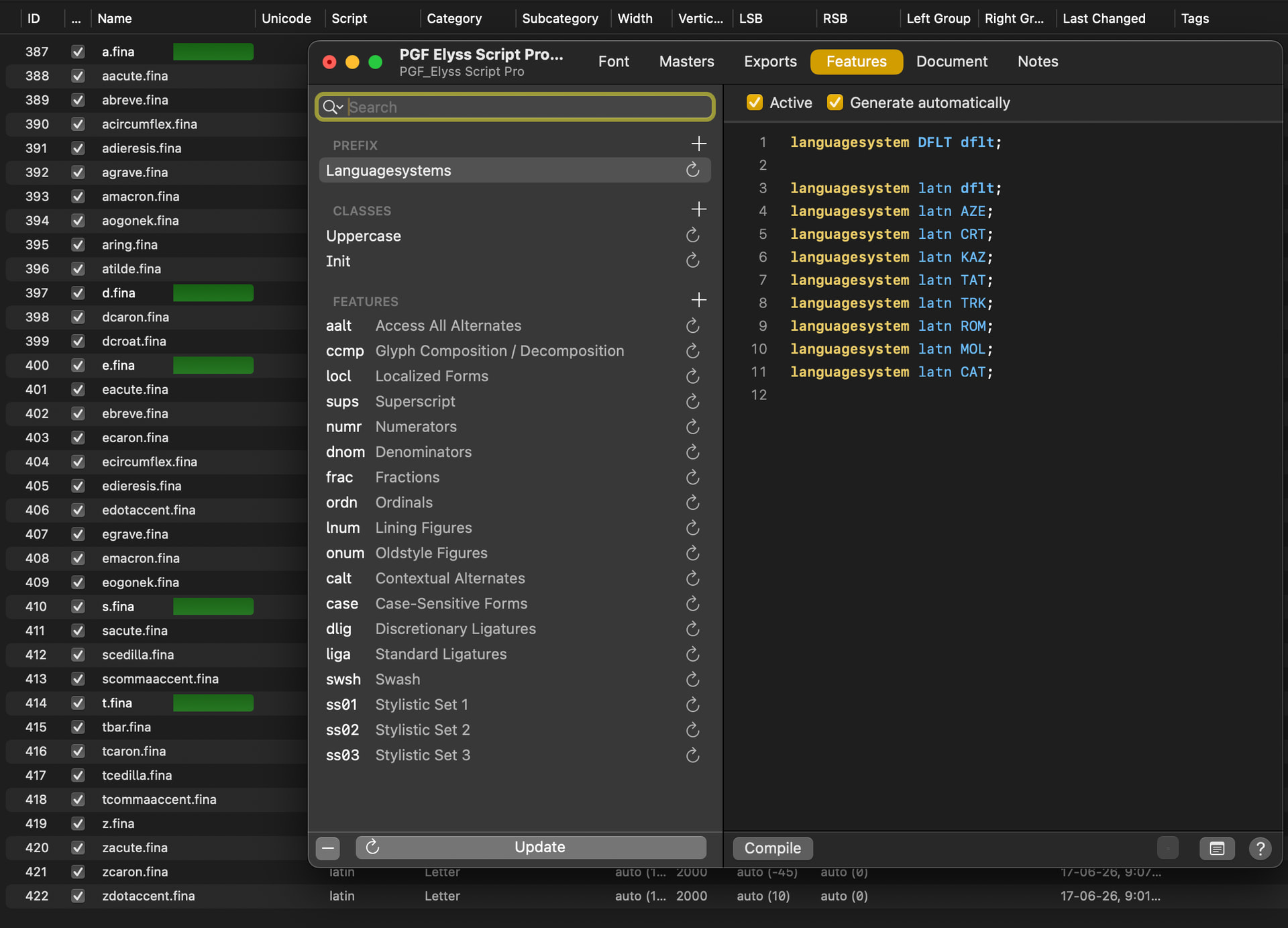
Thank for the preview. Trying to activate the .fina, nothing show up, then I try cmd+I and noted that .fina feature was not generated automatically and after pressing the update, still nothing
the fina/medi/init features are not supposed to include latin glyphs.
Add a “calt” and set it to automatic. It will add contextual code that simulates those features.
Thanks Georg, I did that and nothing change, no .fina .init or .midi were added, unless they were added manually, which defeat the purpose. Hope this return to G4 like in G3
The init, medi fina features for glyphs other than arabic letters are not supported by OpenType. So some environments might have implemented them for Latin, too, but that is the exception. So I removed it and added the calt alternative.
I’m experiencing issues with the zoom function using my Wacom Intuos PS CTL-490 tablet. In Glyphs 3 this works fine but in Glyphs 4 I can’t zoom out. Dynamic zoom also doesn’t work.
The plugin Show Stem Thickness doesn’t work
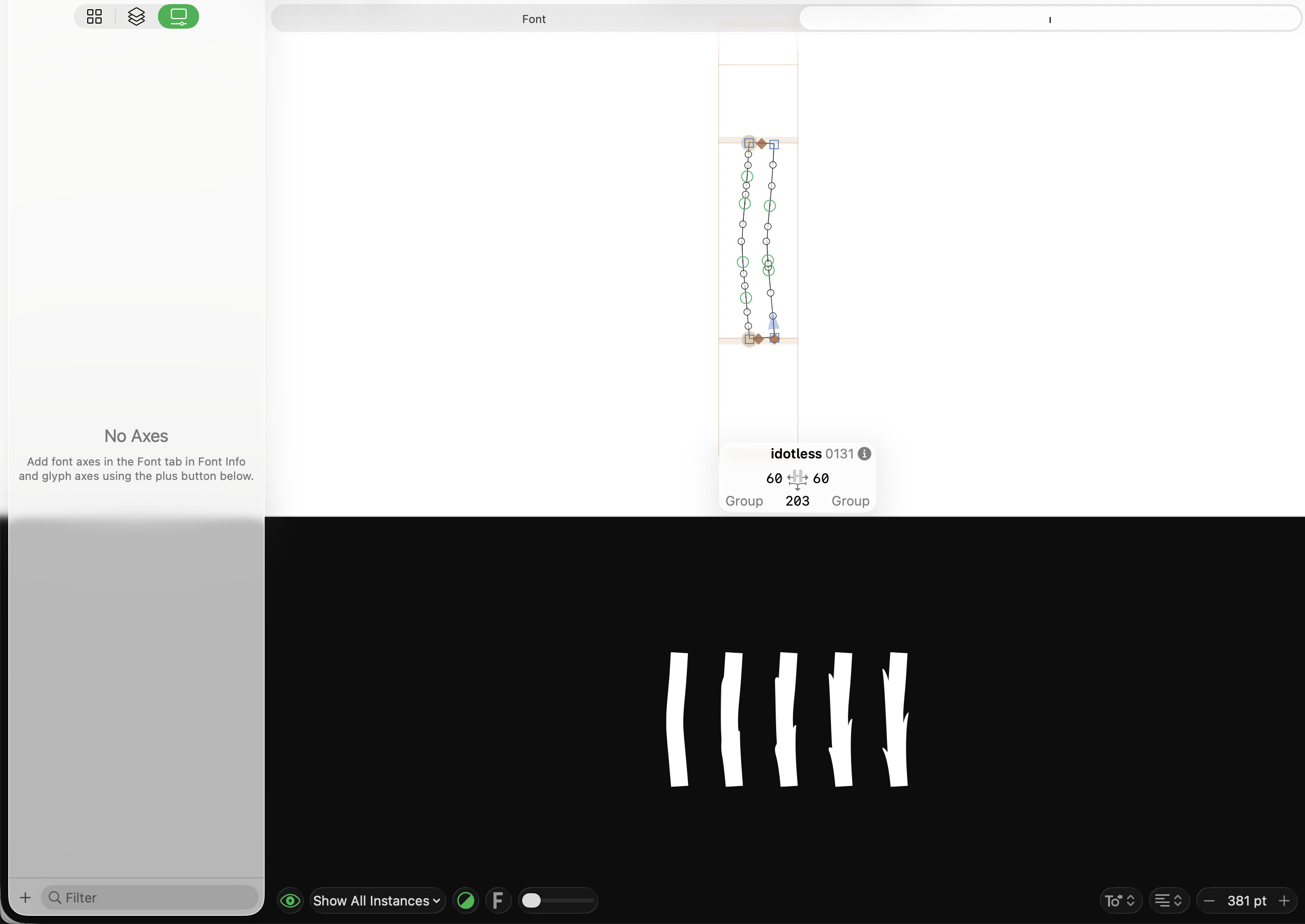
When creating a new Latin document with Create glyphs for: Basic selected I get idotless and jdotless added automatically to my character set and if I create a new file using Cmd+N, they’re not added.
If I create a new document, select Basic and Western European and open it, then close it, and create a new document but unselect Western European it still shows all WE characters.
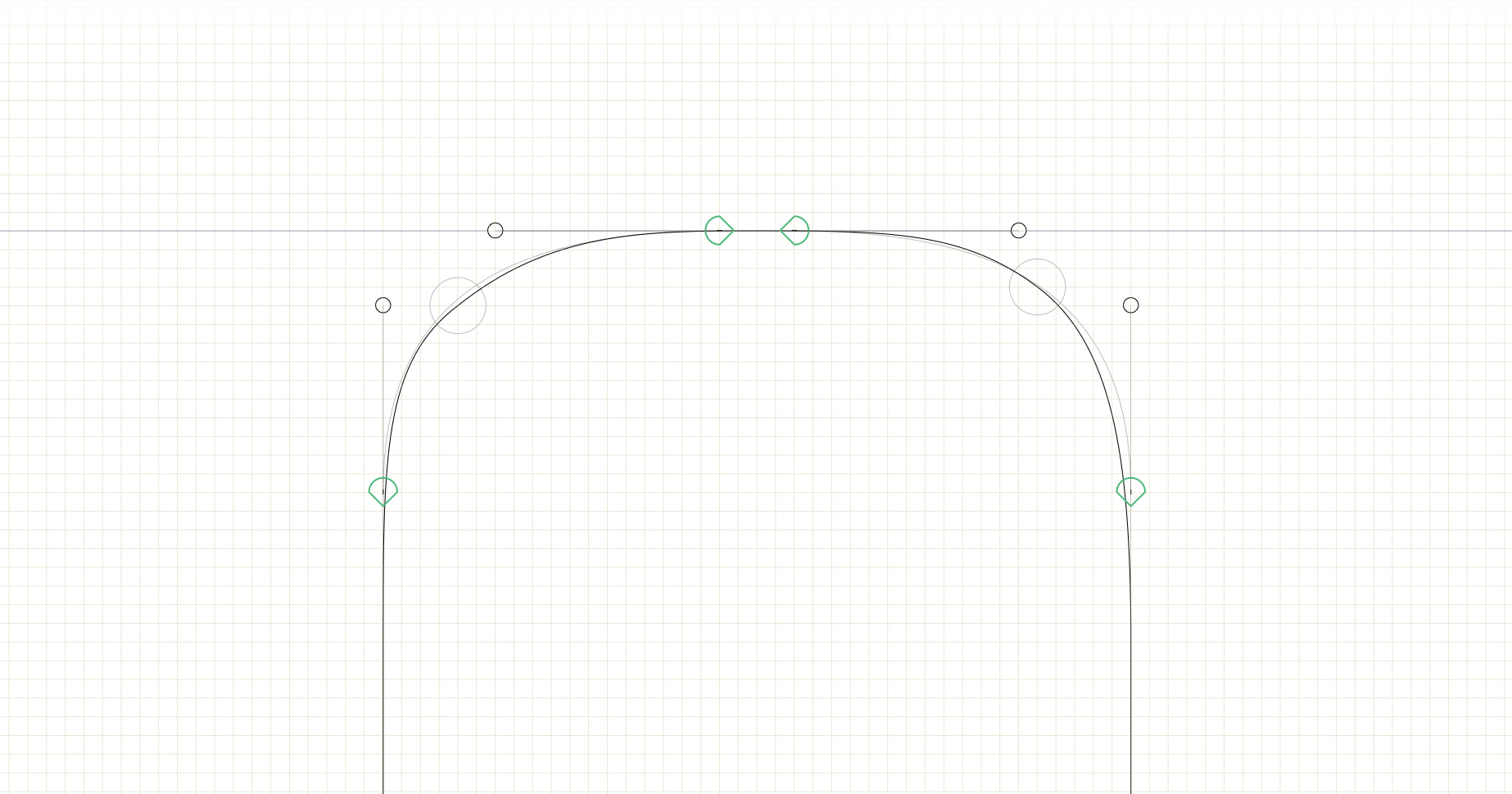
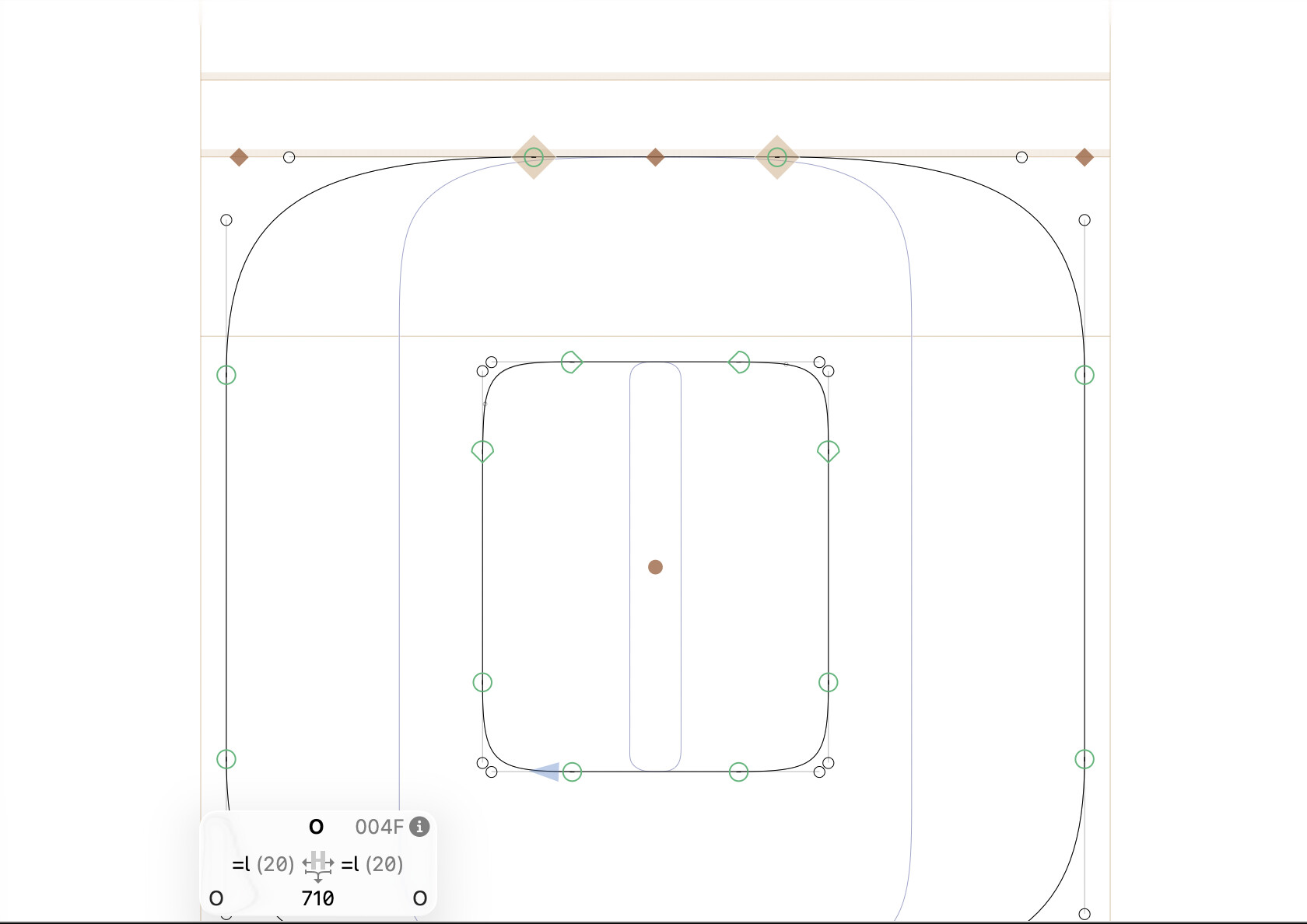
Looking forward to a guide for the star node and stroke thickness. I get a lot of tight corner issues in making script letters.
 node is smart.