It seems to be broken for the start node. I’ll fix it.
I can also get the right sidebar so narrow, maybe it has something to do with UI language (I use English, too).
Can I ask for an extra setting in Advanced > App ?
A checkbox to hide Glyph color labels
Where would they be hidden?
From FontView and probably also from Info Panel
But the layer color labels should stay, I assume. Or get rid of all color labels?
No, No No! Keep the color labels!
Layer color labels should remain.
Maybe it would make sense to have options that supports both.
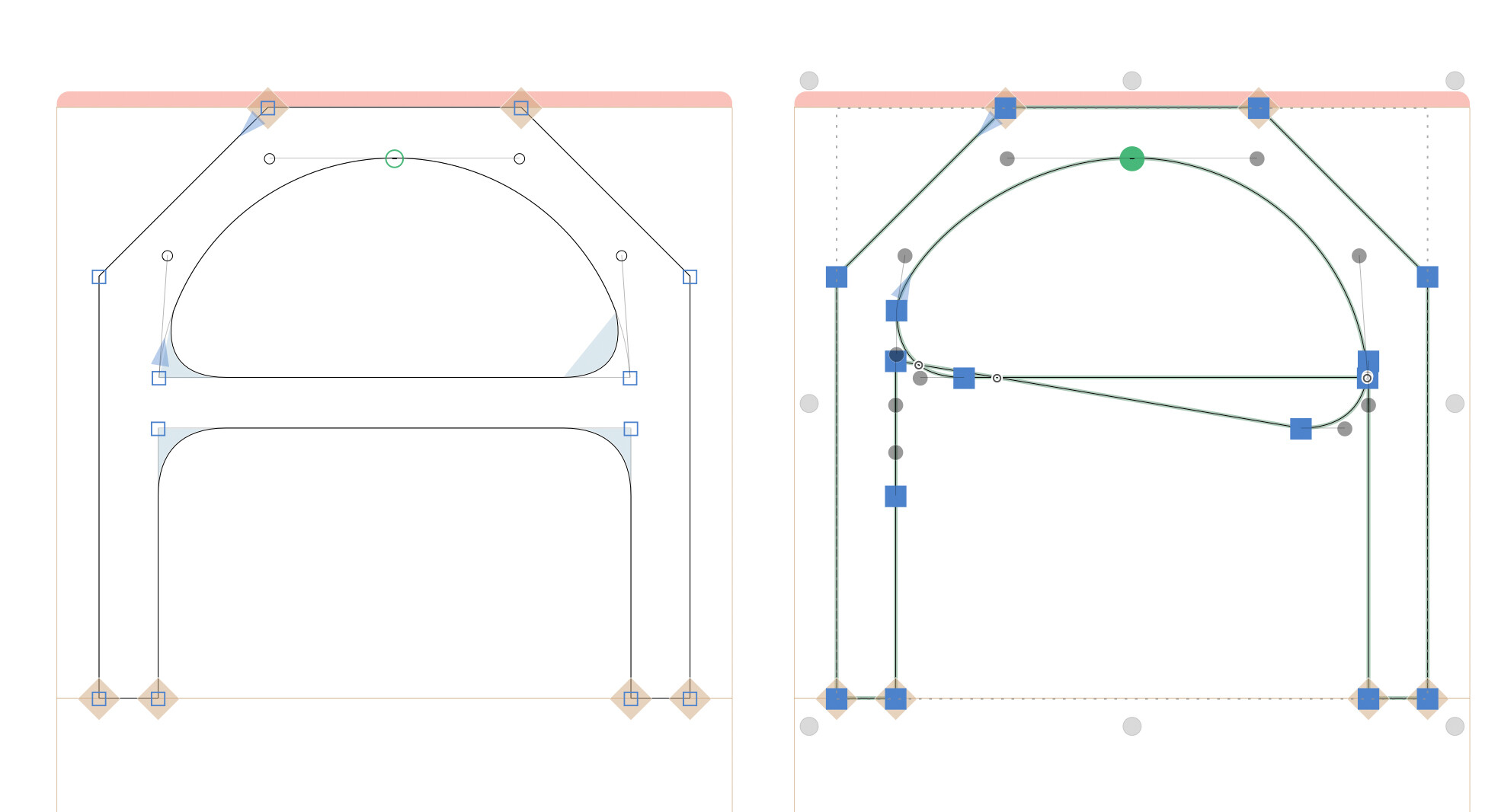
Problem with the corner components after decompose. The only corner that decomposed right way top left one (guess because it has the same angle of rotation that original component)
I’m thrilled to find new features in Glyphs 4. Thank you for the upgrade.
Yesterday, I held a Glyphs 4 upgrade catch-up session with the Japanese Glyphs user community, and I found some issues. Scrapbox Agenda YouTube Archive
-
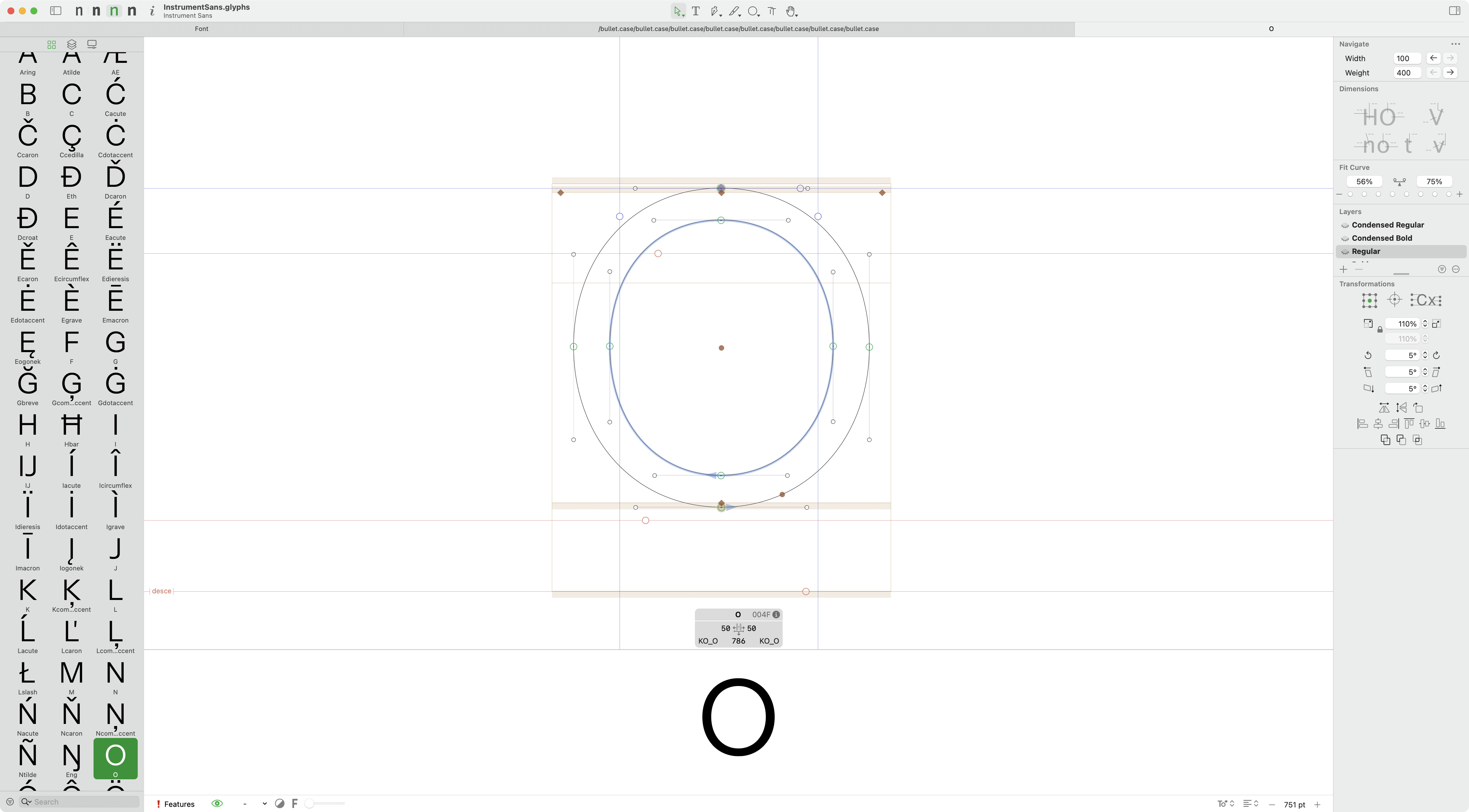
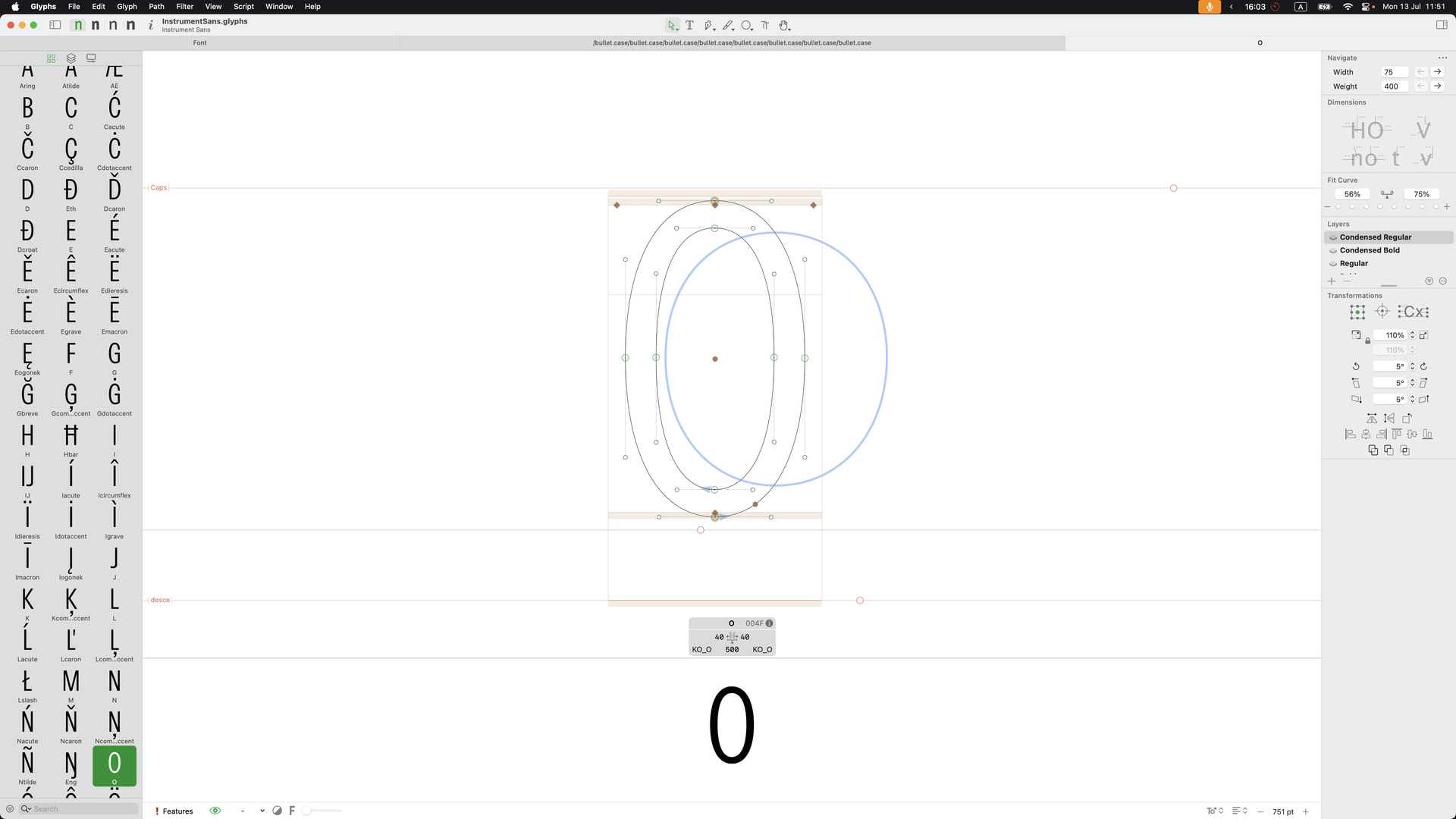
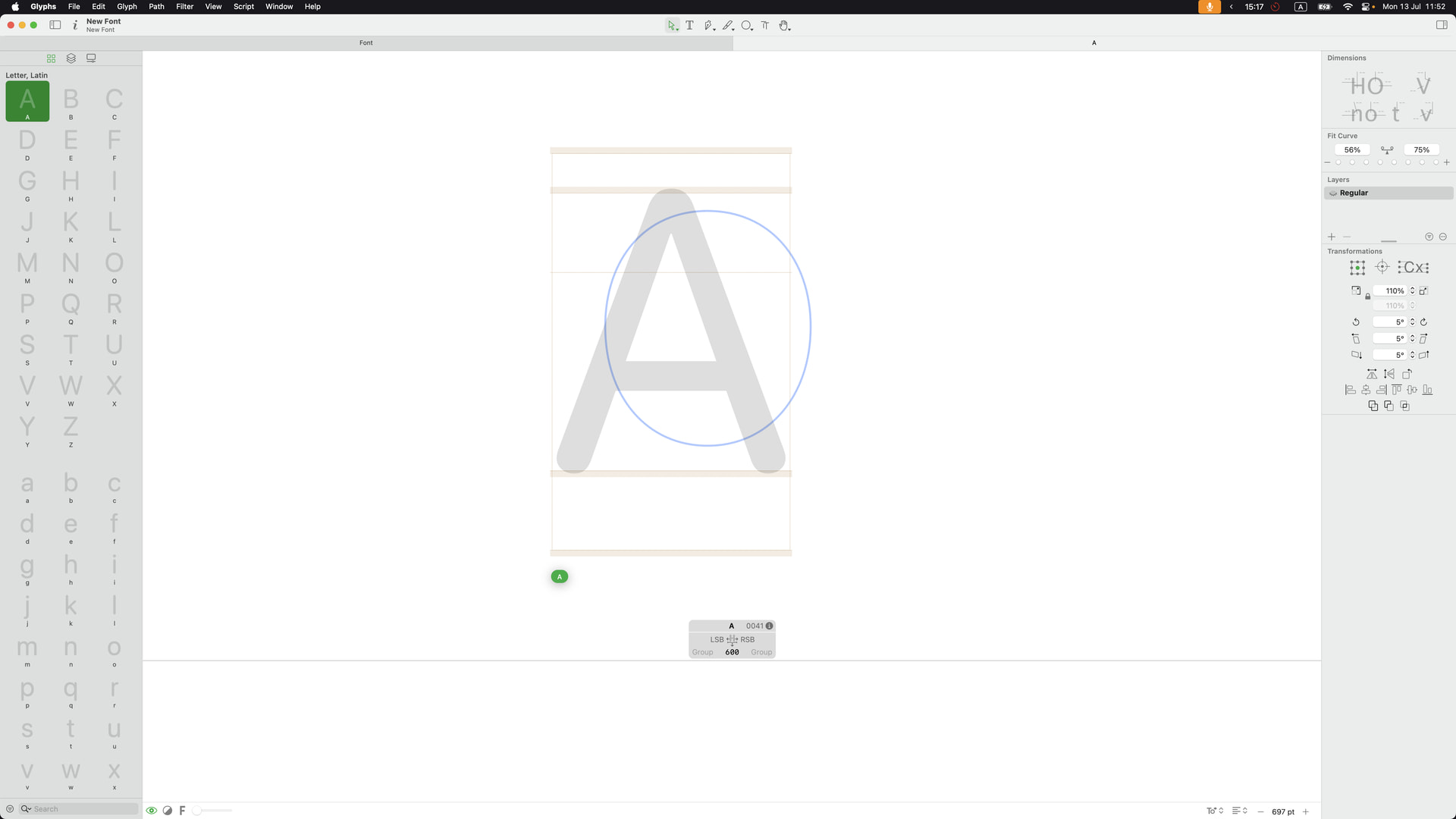
When I opened a ‘simplify’ filter dialogue, the light-blue path highlight remains in edit view. It keeps showing among different .glyphs files.
-
On the stroke palette, the Align to axis feature is great. However, if I try to select ‘Align to X-axis’ and ‘Align to Y-axis’, holding click, dragging, and releasing is a bit of a weird way to select that dropdown. I guess I just clicked the bottom arrow, and then it shows the dropdown should be more natural. Is this behaviour correct?
-
Just questions: How does the ‘Corner Radius’ feature on the stroke palette work? I tried several corner types and values, but I couldn’t find how it works.
-
And the result of the ‘Rough’ filter seems different between Glyphs 3 and 4. Is this a correct specification?
Is Python 3.12 not supported anymore?
Global Guides: when I convert a local to a global guide with “Make Global Guide” the guide will be converted, okay, but when I select and move it, it is moved to the left bottom point. It’s stuck there and I cannot move it anymore.
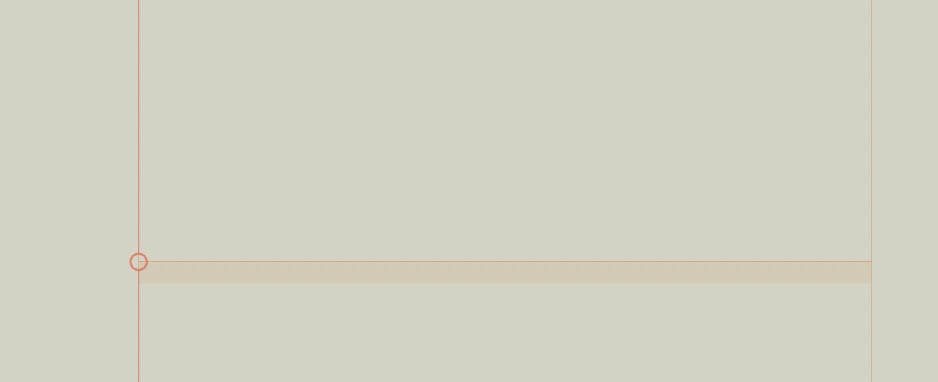
Some bugs>
- When I cut (Cmd + x) – it deletes the shapes from all other masters
- I am not able do copy paste kerning from one master to another (in kerning window)
Fixed it. Thanks
fixed.
That should be fixed already.
I can’t reproduce this. Could you send me a screencast that shows what you are doing exactly?
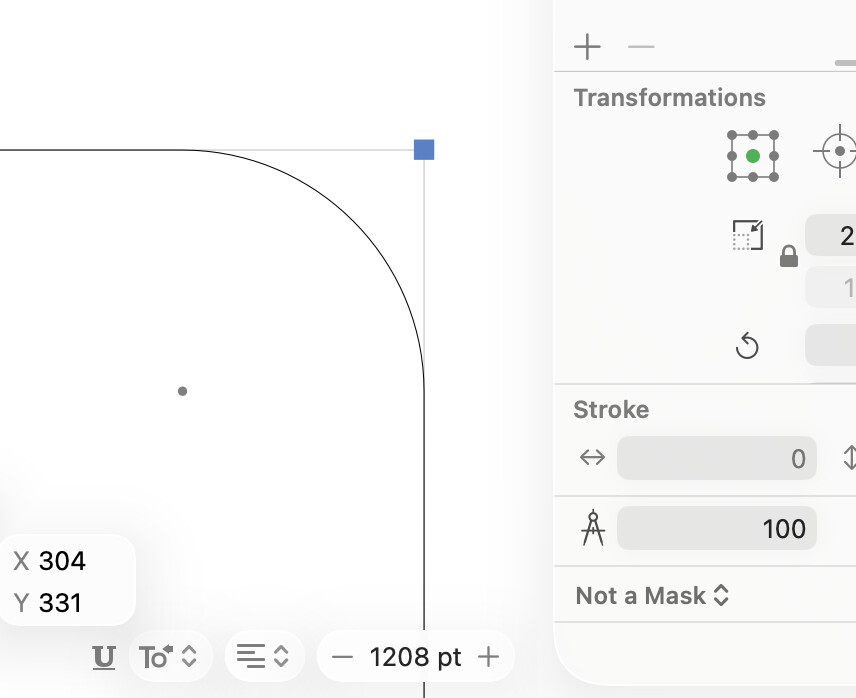
Can you send me some results that differ? For me, it seems to produce the expected result?
- Here are screen captures of that. The first is in the existing font file, and the second is a new .glyphs file.
- Thanks, I get it. I misunderstood that it is related to the stroke feature.
- Since it was told to me by my friend, I will send the difference when he shares his file.