The selection in the Layers palette is fixed in the next preview version.
When Preview Panel have been open, there is no way to close it
Yes, I sent you a message, thanks!
Is it intentional that the left sidebar’s state is set per tab?
I was working on a file in Glyphs 3. Accidentally opened it in Glyphs 4 and, when closing it, it was automatically saved by (my) mistake.
Now, if I try to open that file in Glyphs 4, the application crashes. If I open it in Glyphs 3, the file appears to be empty. I can open all my other files without any issues, so it seems this particular file is causing the problem. Who should I send the file to for recovery? @GeorgSeifert @FlorianPircher
I have the same issue.
I just sent my file to Georg Seifert, but you can probably still recover your file using versions in macOS.
Hvala Miro, but unfortunately I have no Versions. It would definitely come in handy.
You’re sure? macOS is doing those automatically. In case you didn’t know, try to open it in Glyphs 3, then. Go to File > Revert To > Browse All Versions, and you should do this on a computer you worked on; it is stored locally. But if you really don’t have any versions, then only hope will save us (or Georg).
I think there was a misunderstanding. I thought you were talking about the Versions app.
I opened the (empty) file in Glyphs 3, but under File I only see “Revert”, and it doesn’t show any previous versions or change anything.
I thought so, but yeah, unfortunately, if there’s only a „Revert“ option and it doesn’t do anything, you probably don’t have any other versions stored on the computer.
You can send me the file in a private message (click my profile picture → Message).
Sent, thanks Florian.
There is a left sidebar in each tab. That is how it is implemented. We would need to add some code that would sync the state.
In my opinion it’s a feature needed.
I’m already working on a plugin that uses it, and having to reopen it every time I create a new tab is quite annoying.
A new tab should use the setting from the last time you changed it, like with other settings in the Edit view. Good point.
1 Like
1 Like
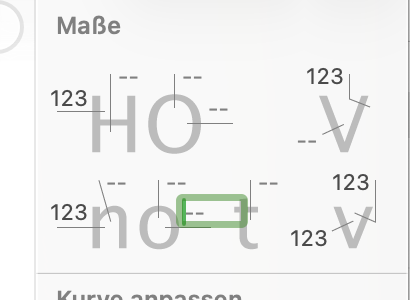

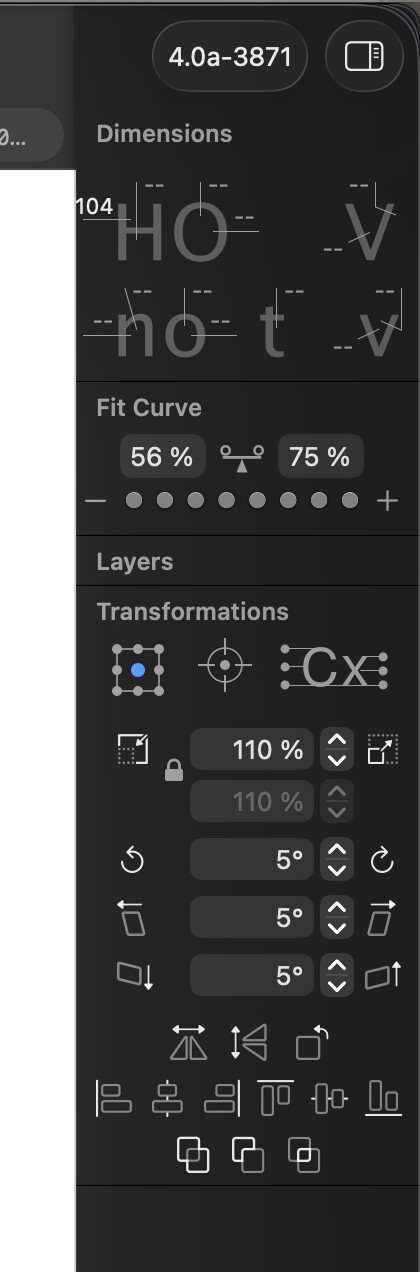
I also keep it as narrow as possibile
The new Head Component, is it only possible to add it to one end of a stroke?