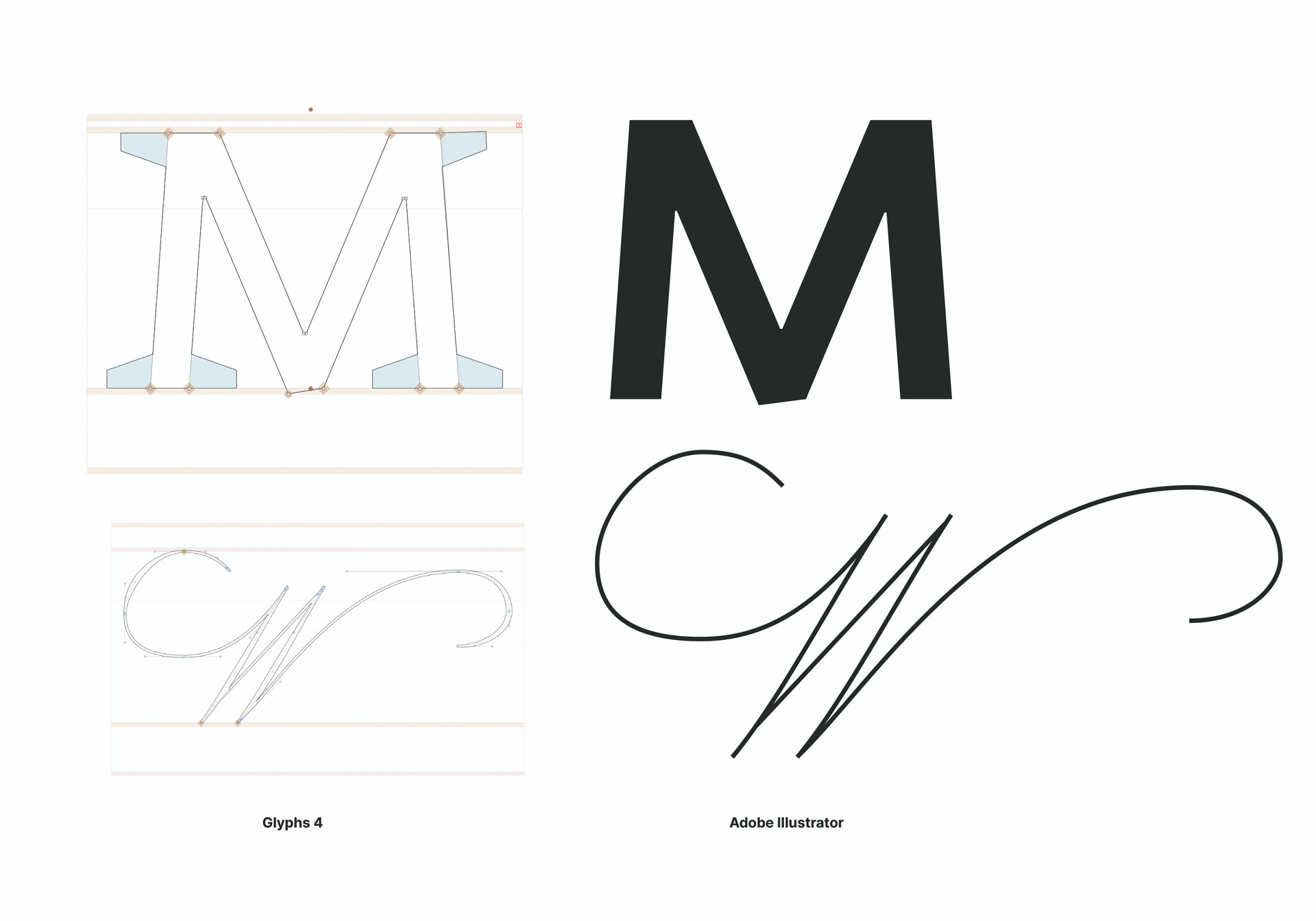
When I select and copy a letterform that uses Corner Components or uses the new Width Tool, and paste it in Adobe Illustrator, it does not show the component in the outline. In Glyphs 3 this did work correctly.
Hi to the community!
I had an issue by opening a Glyphs 3 font file in Glyphs 4 yesterday.
After I opened my file in Glyphs 4, made some changes, saved it and closed it, I couldn’t open it again in Glyphs 4 as well as in Glyphs 3 (I got a message telling me that Glyphs quit unexpectedly every time I tried to open my file but today no message but Glyphs open and close instantly). I was wondering if the Glyphs 4 Preview only allows to make some tests of design in a file but not allows yet to save and open a Glyphs 4 file that was from Glyphs 3 before or if my issue comes from something different.
Thanks for your help! 
Everyone having problems with specific files, please send them to me.
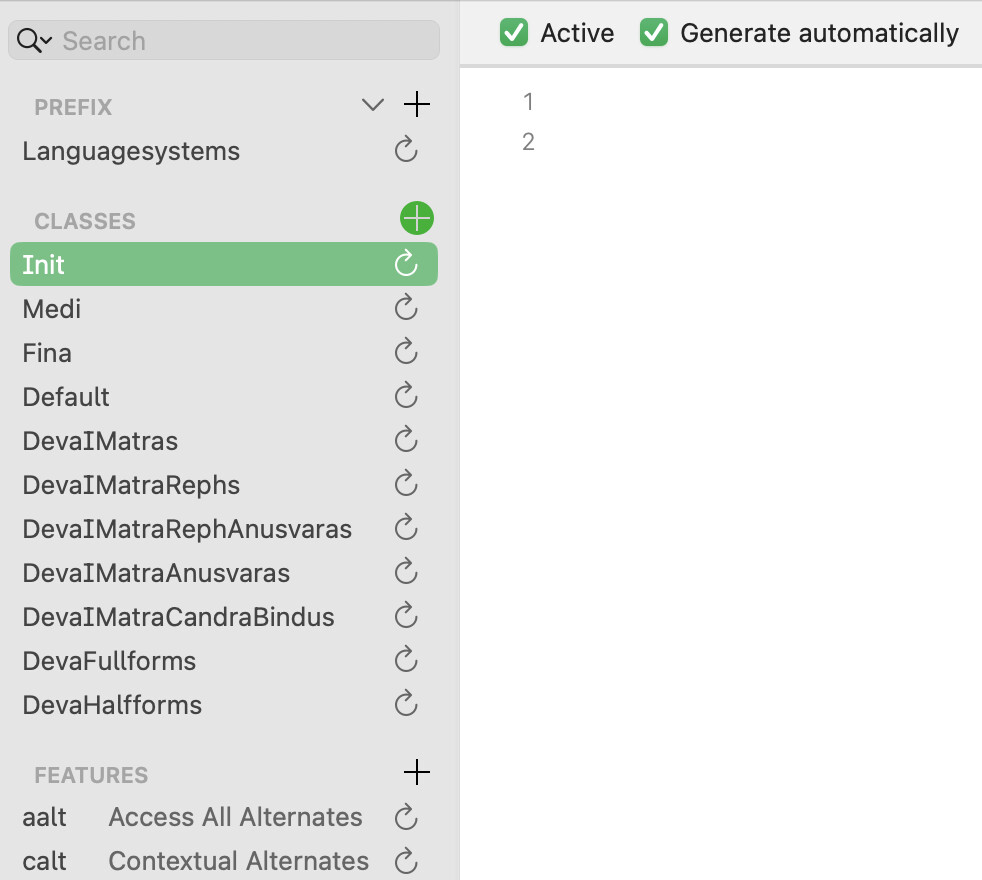
Interestingly, when I opened a v3 file, renamed and saved it in v4 format, pressed the Update Features in Font Info, out of the blue appeared 11 new classes and 2 features, including @Init @Medi @Fina. I was surprised, in that specific file there are only 10+10 basic Latin glyphs, no features and alternatives at all, and I never activated any alphabet/language other than Latin in it  (I’m really happy about the public preview; works great apart from a few minor glitches!)

Hi, How can I send you my file? New user, I can’t upload attachment
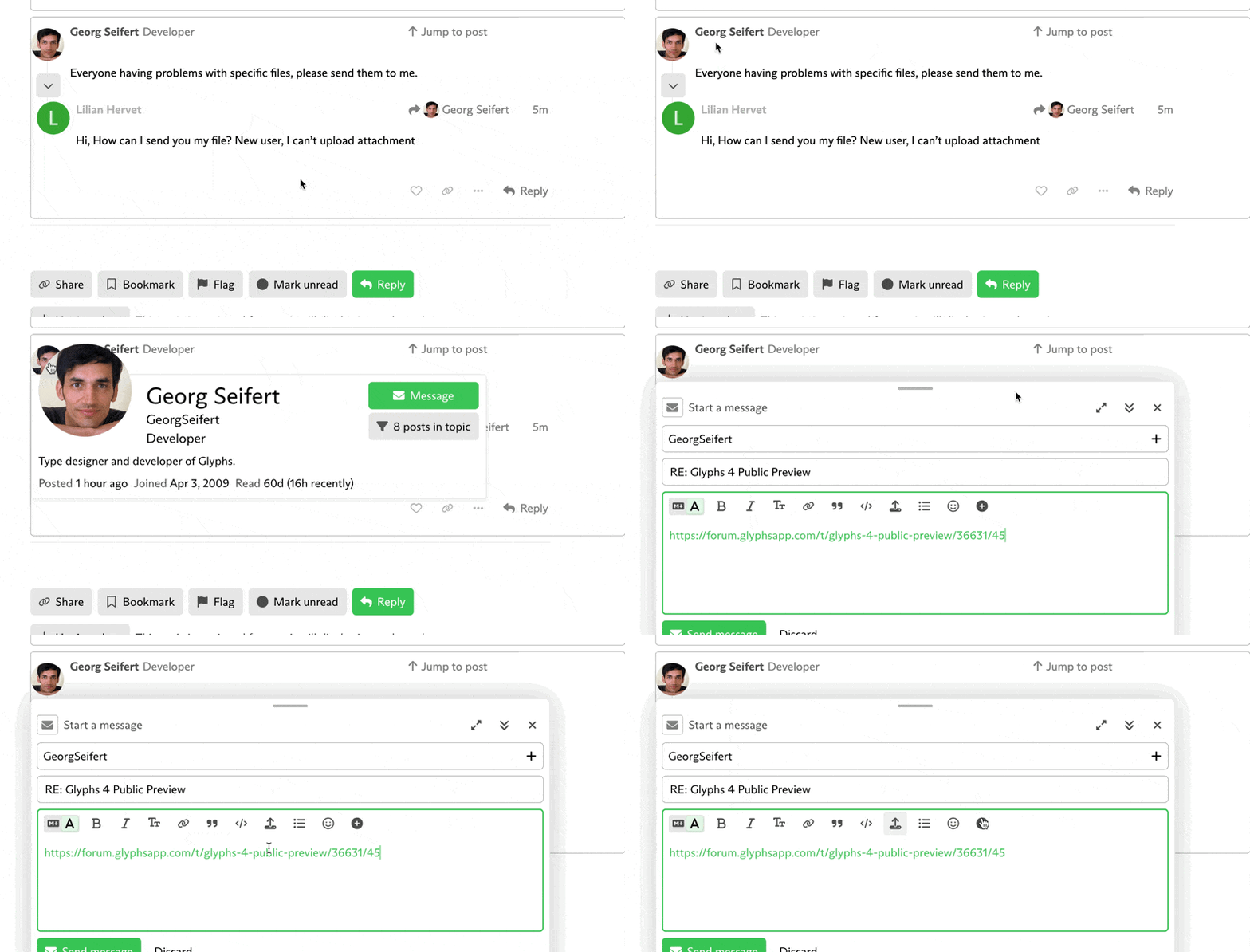
you can send it via message. attached is the gif showing how to attach a file
1 Like
Thank you so much! 
Update : It doesn’t work as well via message 
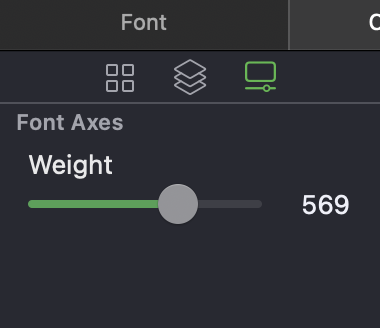
this is nice! But it would be nicer if we could do something with. For example a button to create an intermediate layer with the set value? Or a Master with this and all useful values (metrics, stems, Number values etc) interpolated?
Also, it would be cool to see if font axes preview can show kinks.
Unfortunately Supertool is installed but doesn’t appear in the UI, SpeedPunk can’t be installed, RMX tools seems not ready for G4 yet my workflow is quite broken actually…
same issue here with 12.7.6
glyphs 4 is crashing while starting
This is in the works.
What are star nodes supposed to do? Is there any documentation?
Maintaining continuity. Rainer talks about it early on in this presentation – https://www.youtube.com/watch?v=yITChQQ9TB8&t=19910s
seen the video, but how to convert a node to star node?
Typographics just deleted the video
Finally giving this a spin! First thing I’m noticing is that zoom in/out with command-spacebar rarely works, and when it does, it doesn’t center where I click, but instead shifts around weirdly. OS 13.7.8
Thanks for the file. I fixed it.
1 Like
Hold shift and double-click on a green node
What luck 
The clip is here too — https://www.instagram.com/glyphsapp/
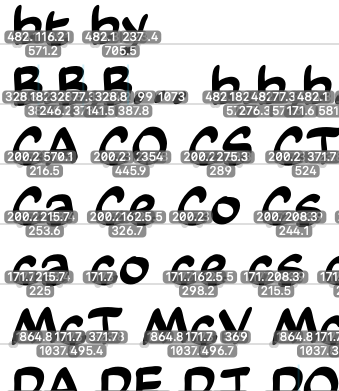
These numbers are driving me batty. Never seen them before. Is there a way to disable them while keeping the bounding box visible in selection tool mode?
The new SIMPLIFY tool! 