I’m stuck on the welcome page.
when I double click on a font it minimizes the welcome screen but nothing happens - when it should open the font file.
I’m stuck on the welcome page.
when I double click on a font it minimizes the welcome screen but nothing happens - when it should open the font file.
This happens with any font? What Glyphs version are you on?
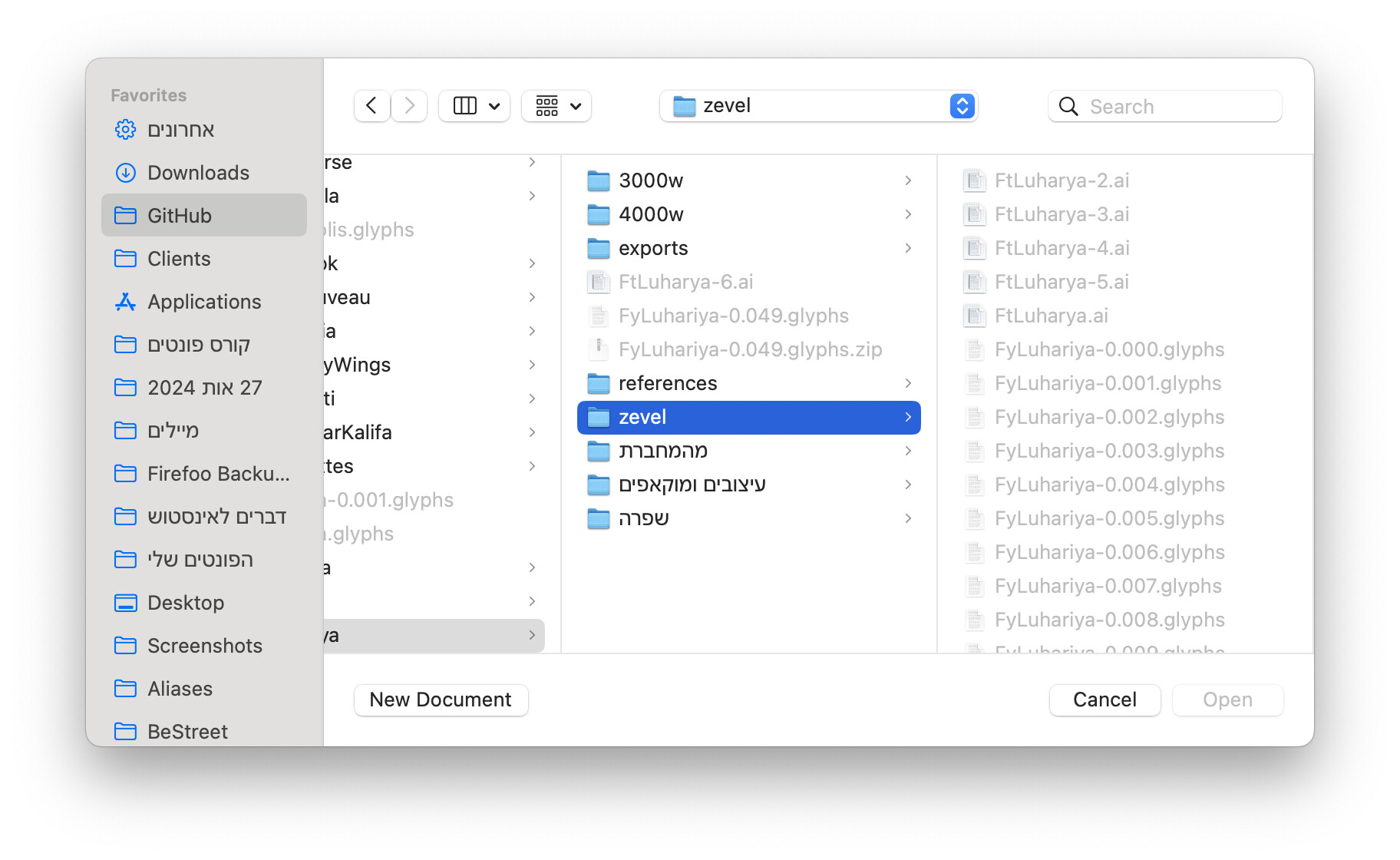
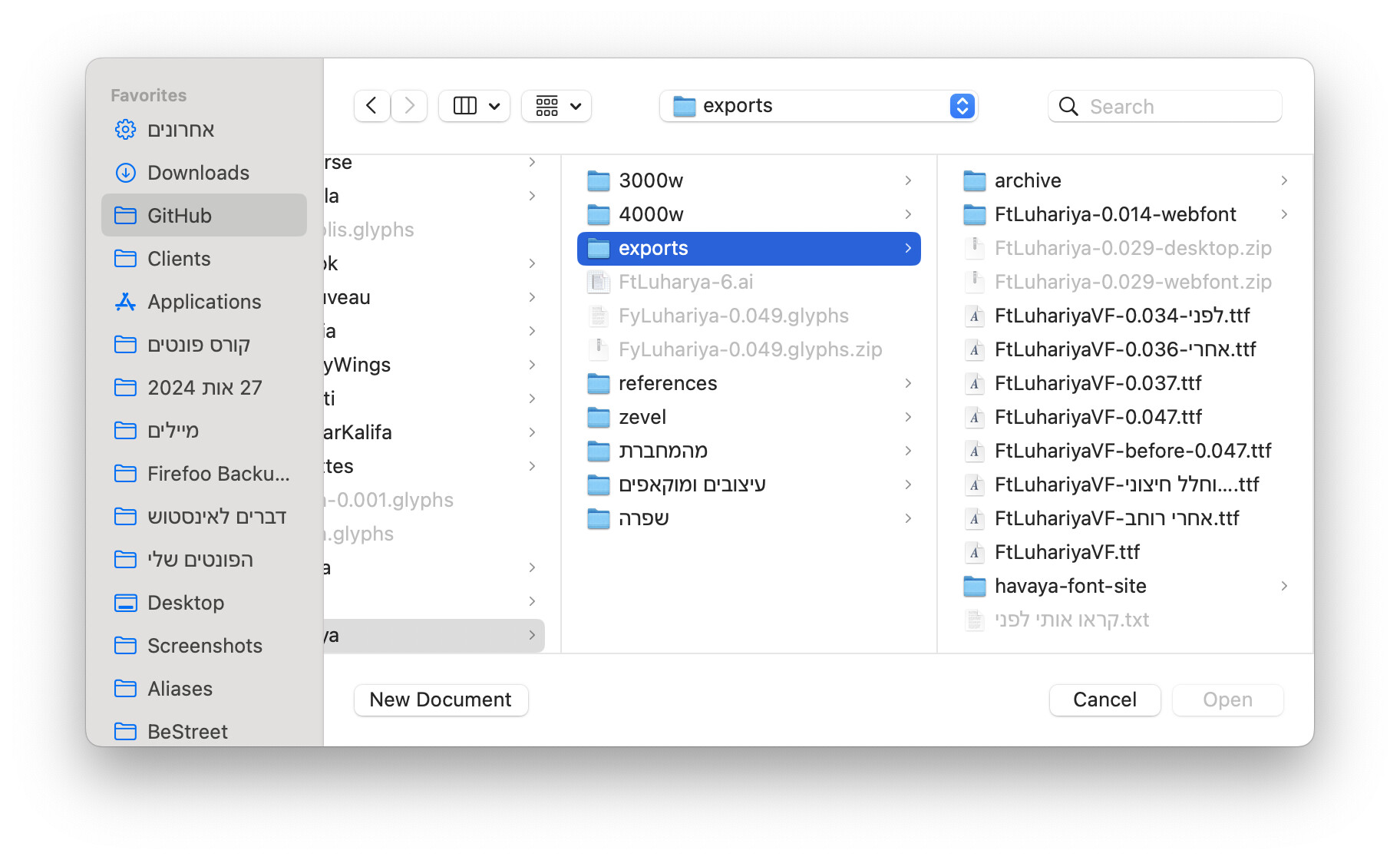
I tried again with different font formats. it opens TTF files but not Glyphs files.
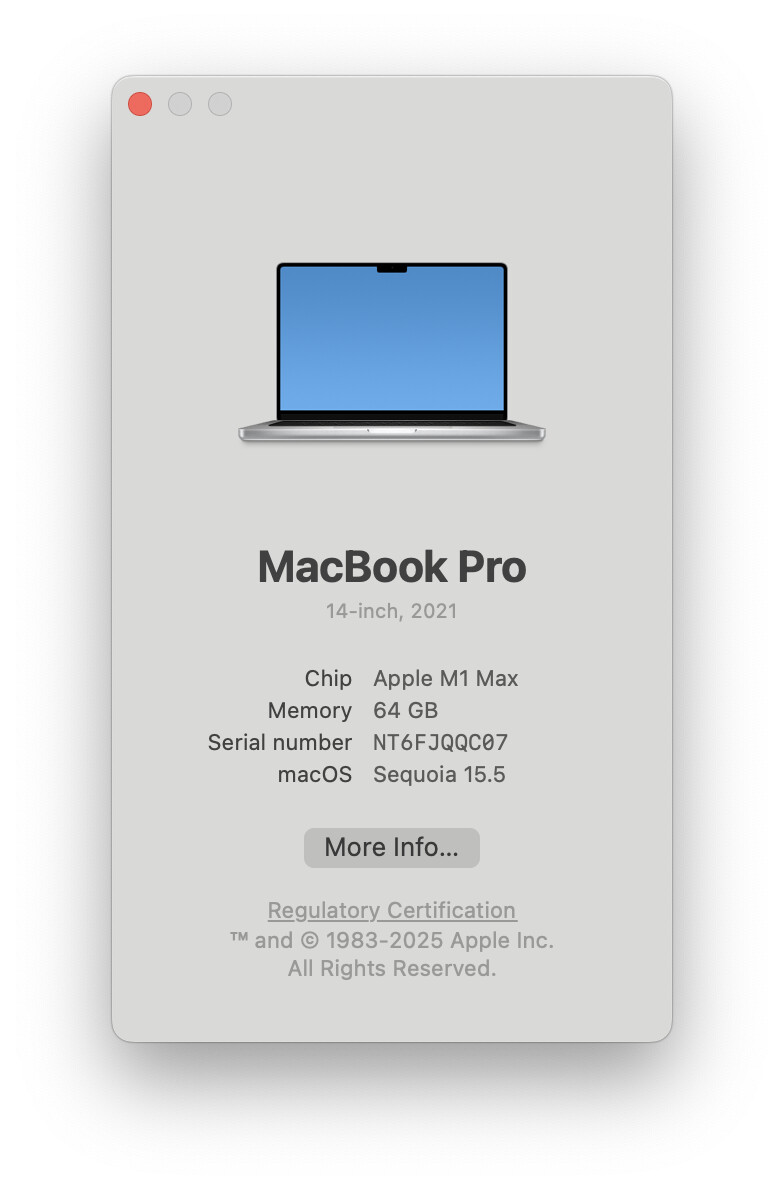
I was on the latest 3.4.something and it didn’t work. I tried to update, it said it was the latest version, so I also tried the Cutting Edge version 3.5 (3526). Still didn’t work.
Could you send me one of the files (in a .zip) as a private message?
Do you get any error message? The file you send opens fine for me.
Can you try to start without plugins. Hold down the Option + Shift key when you start Glyphs.
No error messages, just the welcome bubble gets minimized. Yes, I’ve tried already the Option + Shift.
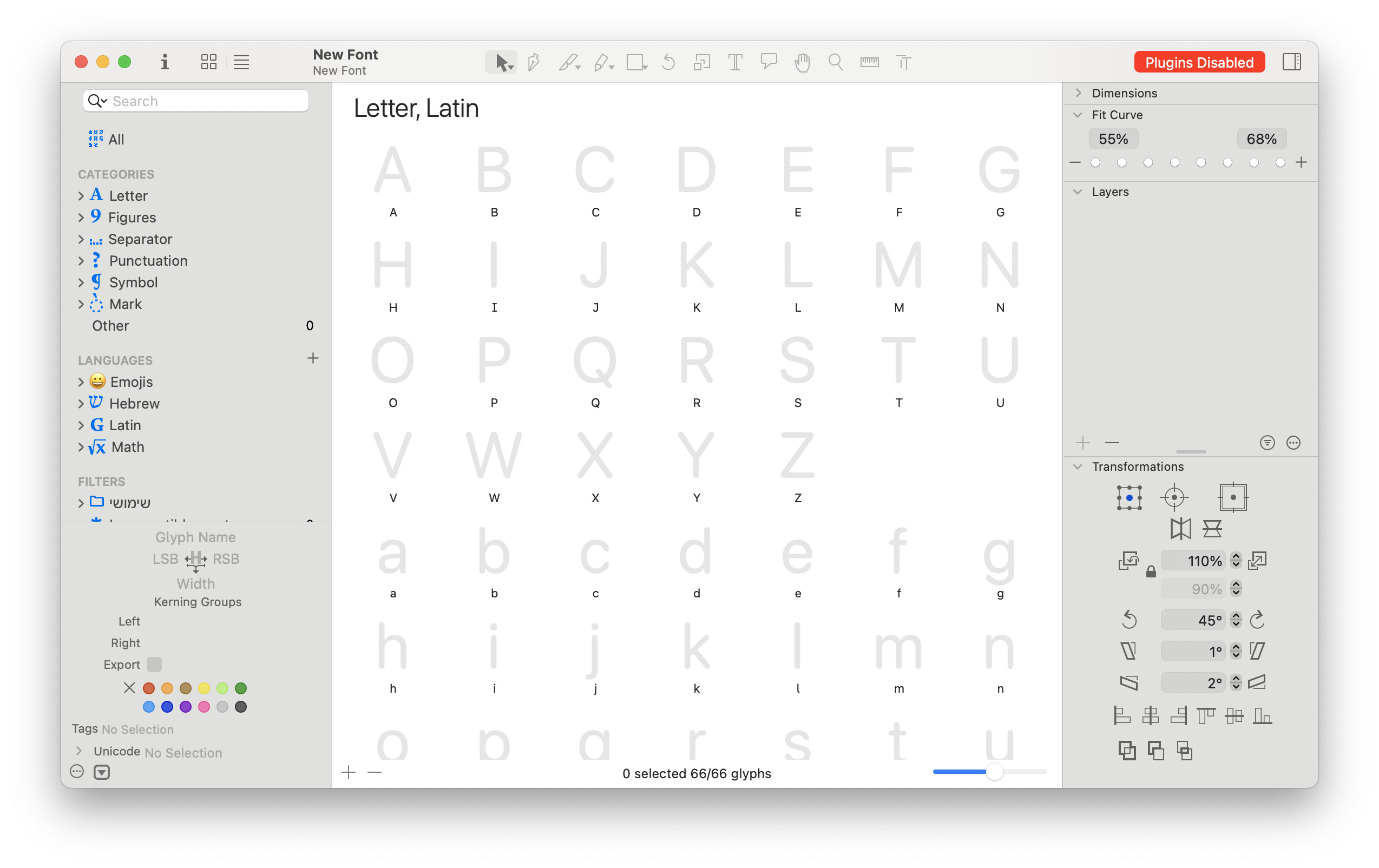
Just to be sure, can you start Glyphs with Option+Shift and then make a new file (cmd+N) and check if you get the “Plugins Disabled” in the top right of the window?
Restart your computer, and then try to open any glyphs file again.
I’ve tried that already, but just in case tried that again now - still doesn’t work.
In case you’ve only tried double-clicking files in the Finder to open them in Glyphs, try using the File > Open… (Command-O) menu to open the file, just in case the Finder mapping is going to another app or version.
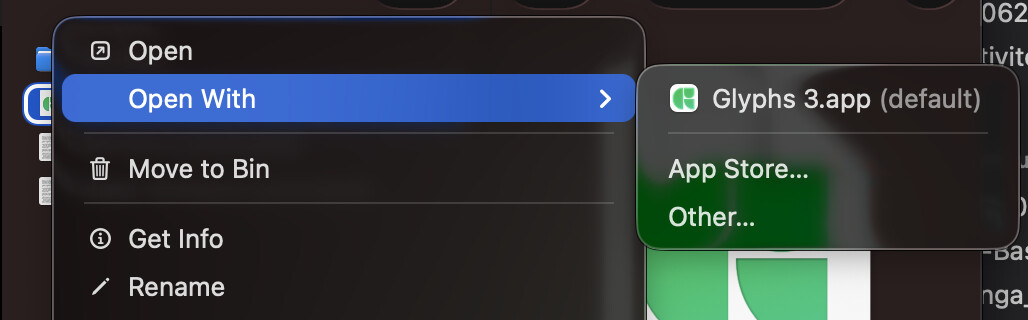
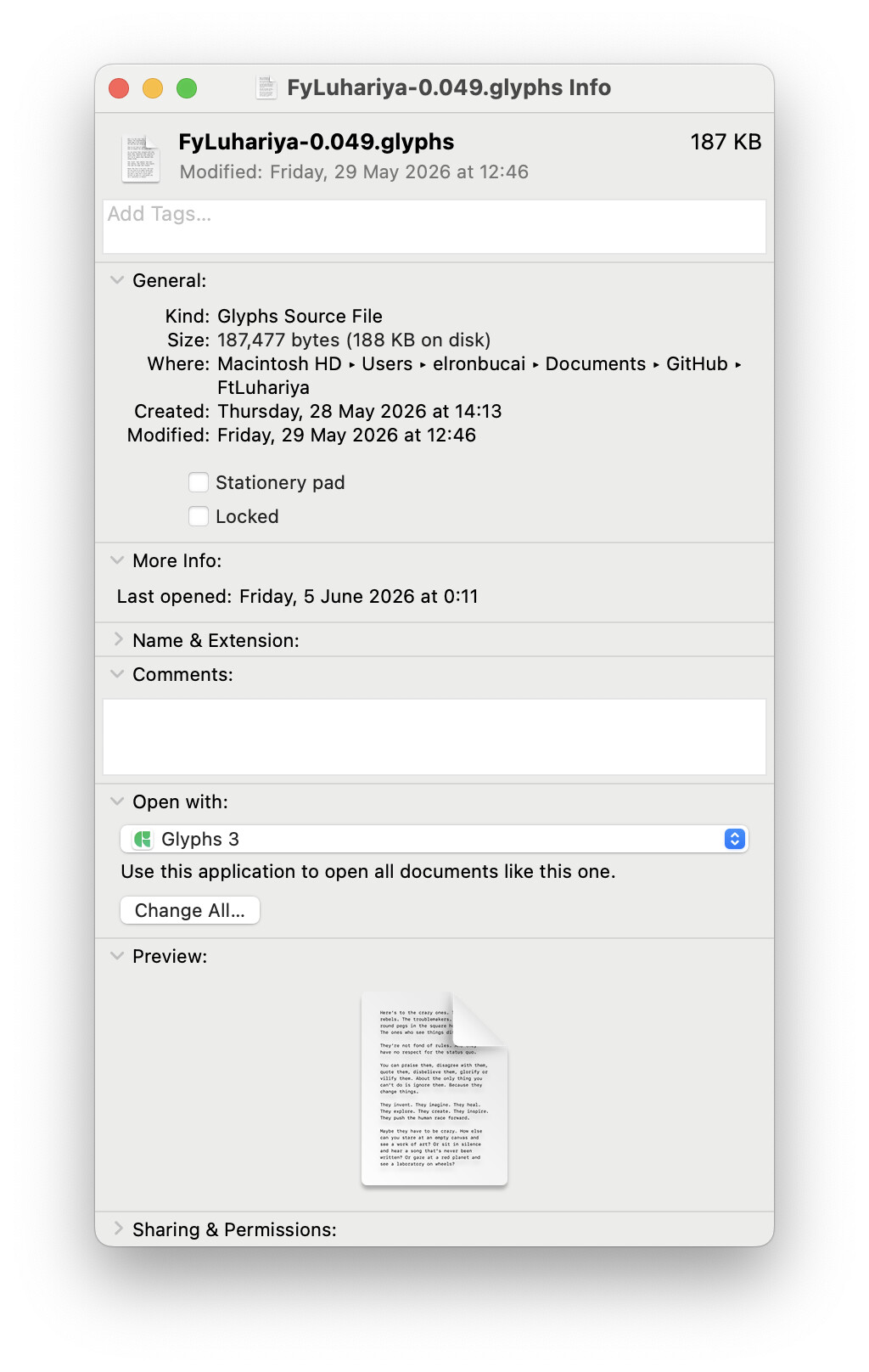
In Finder, could you select of of these files and press Command-I (⌘I) and post a screenshot of that info window.
Are these files that you have opened with Glyphs before?
I am now facing the same issue, but only with one file. Old files open fine, but I just received a file back from a client.
Double-clicking it yielded “no application found to open this file” (glyphspackae). So I went to Open With…, Glyphs 3 was greyed out, so I selected “All applications” and selected Glyphs 3. Nothing showed up.
Double-clicking the file again yielded nothing, again.
Investigating further: I don’t get any “Show Package Contents”, although it’s a .glyphspackage:
Could this be some kind of macOS security restriction for files downloaded from internet or something like that?
I haven’t downloaded my font glyphs file from the internet, It was designed on this computer that whole time, from zero – using GlyphsApp.
I haven’t downloaded a new version of GlyphsApp up until this problem occured, then I tried to update to the Cutting Edge version and still had the same problem.
I’m willing to hop on on Zoom call to show exactly what I see. I can also give remote control. I’m available in the next three hours.
I guessed that “downloaded from internet” because the folder is called GitHub. Not offence in any way.
Another thought is: Does Glyphs app has the rights to open files from this specific folder? Check it on System Settings > Privacy & Security > Files and Folders > Glyphs 3