In font info > other, then file settings, I changed the font type from default to variable.
A little later I saw that the intersections where the overlaps (example: the point on the capital A where the crossbar meets the stem) no longer snap to the grid, so I changed the font type back to default; however, things didn’t switch back to the way they were.
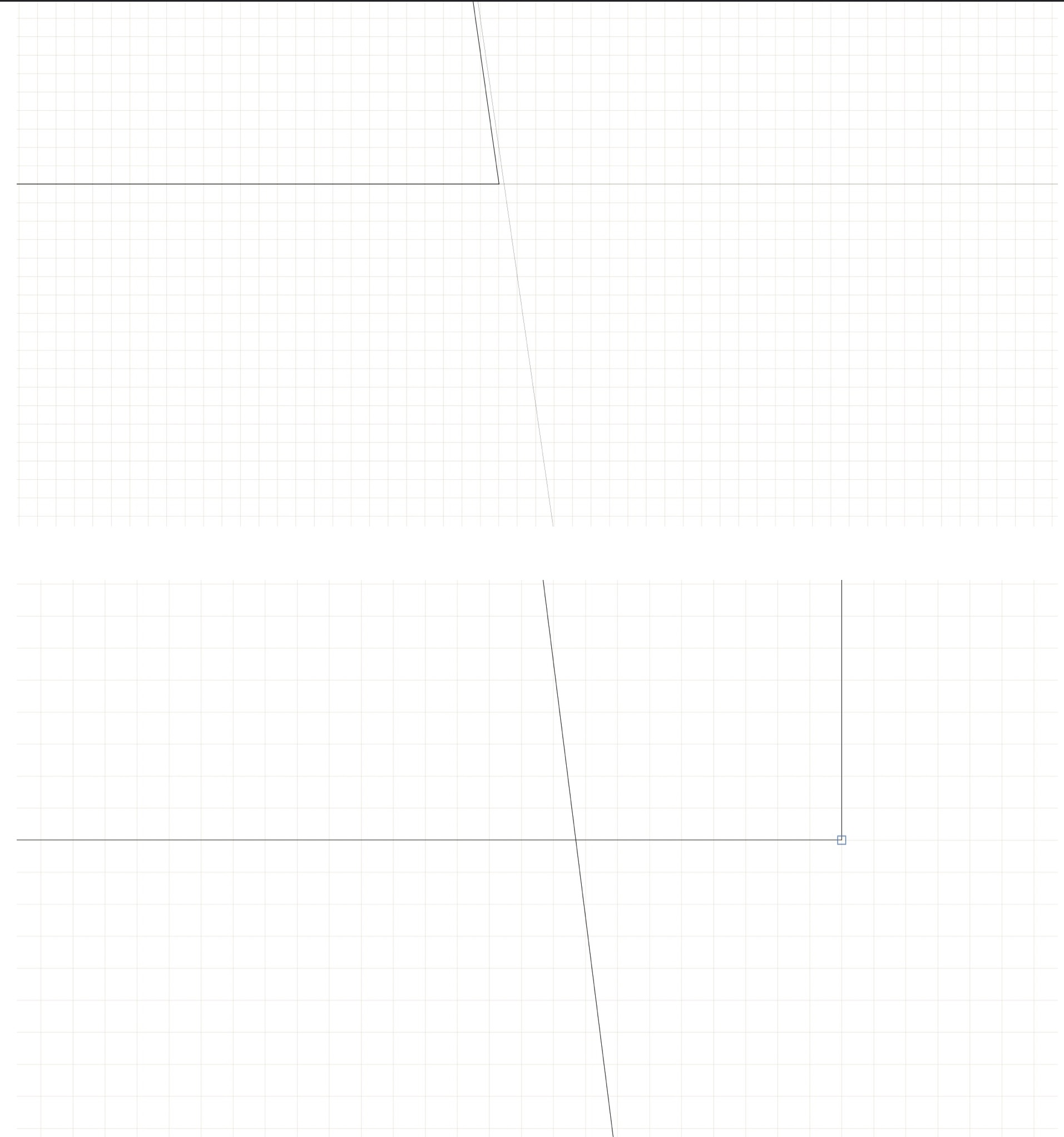
The physical outlines and nodes themselves didn’t move, just the point where the crossbar meets the stem no longer snaps to the grid. (I included images to better understand what I am talking about).
My grid spacing = 1, my subdivision = 1. I don’t see a “snap to grid option.”
I looked at the Glyphs Handbook and tried, path > round coordinates, but nothing happened.
Is there anything that could be done to solve this problem?
This is a picture of what I am talking about.
The first photo is what it was before I switched the font type from default to variable.
The second photo is what things look like now after I switched the font type back to default from variable. I want things to look like the first photo again.