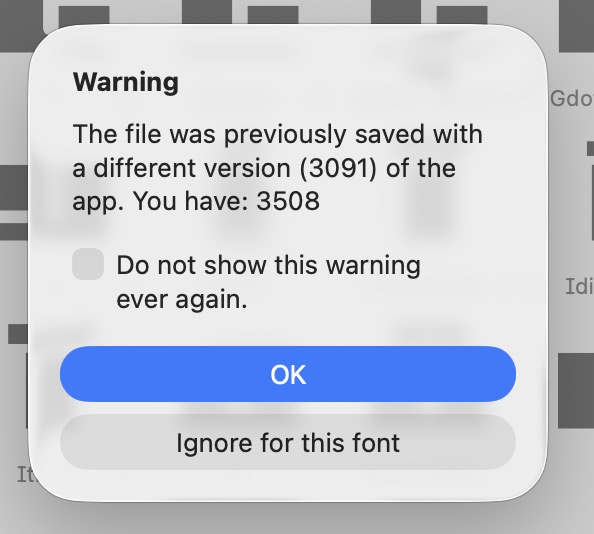
To address it, you need to OK the dialog, at which point the new layer appears.
I tell you the layers were in the file already. For sure. You can open the file, save the file under a new name and compare the two files in a diff tool. The only change you will see are the change component positions and layer width.
It might be that older versions of Glyphs didn’t show the “(empty)” and you wouldn’t realize that the layers were there all along.
If I open the file I need to OK that dialog in order to do anything else – at that point the new layer is added, so if I export it it will have the new layer.
That they only show up after you hit OK, might be that the layer panel shows only the masters when there is no selected glyphs. And when you close that dialog, a glyph is selected and thous its layers are displayed in the layers panel.
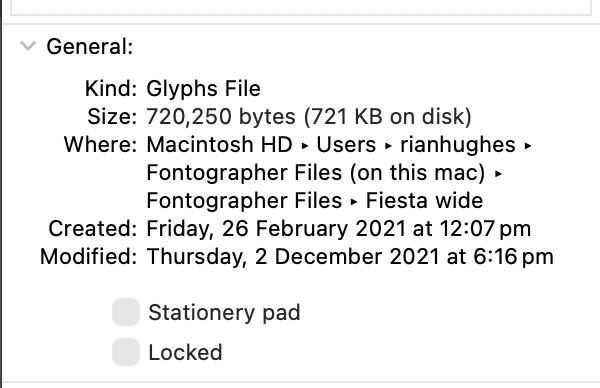
Or, if you have that version, try your end?
Have you tried the file comparison?
Not sure what you mean – what am I comparing to what?
I explained it a few posts earlier.
If you mean exporting the opened file with the new added layer as an .otf, the exported font does not have the extra layer when opened, but I assume that that information would not be in it anyway?
If I open the glyphs file, save it with a new name, then open that it still has the extra layer.
The new (empty) layer seems to be displayed on all the glyphs in the font window irrespective of if you choose the (empty) layer or the original “shadow” layer, except on the selected glyph. Toggling back and forth you get different results in the preview window at the bottom and the main font window. Not sure if this is expected behaviour for a layer?

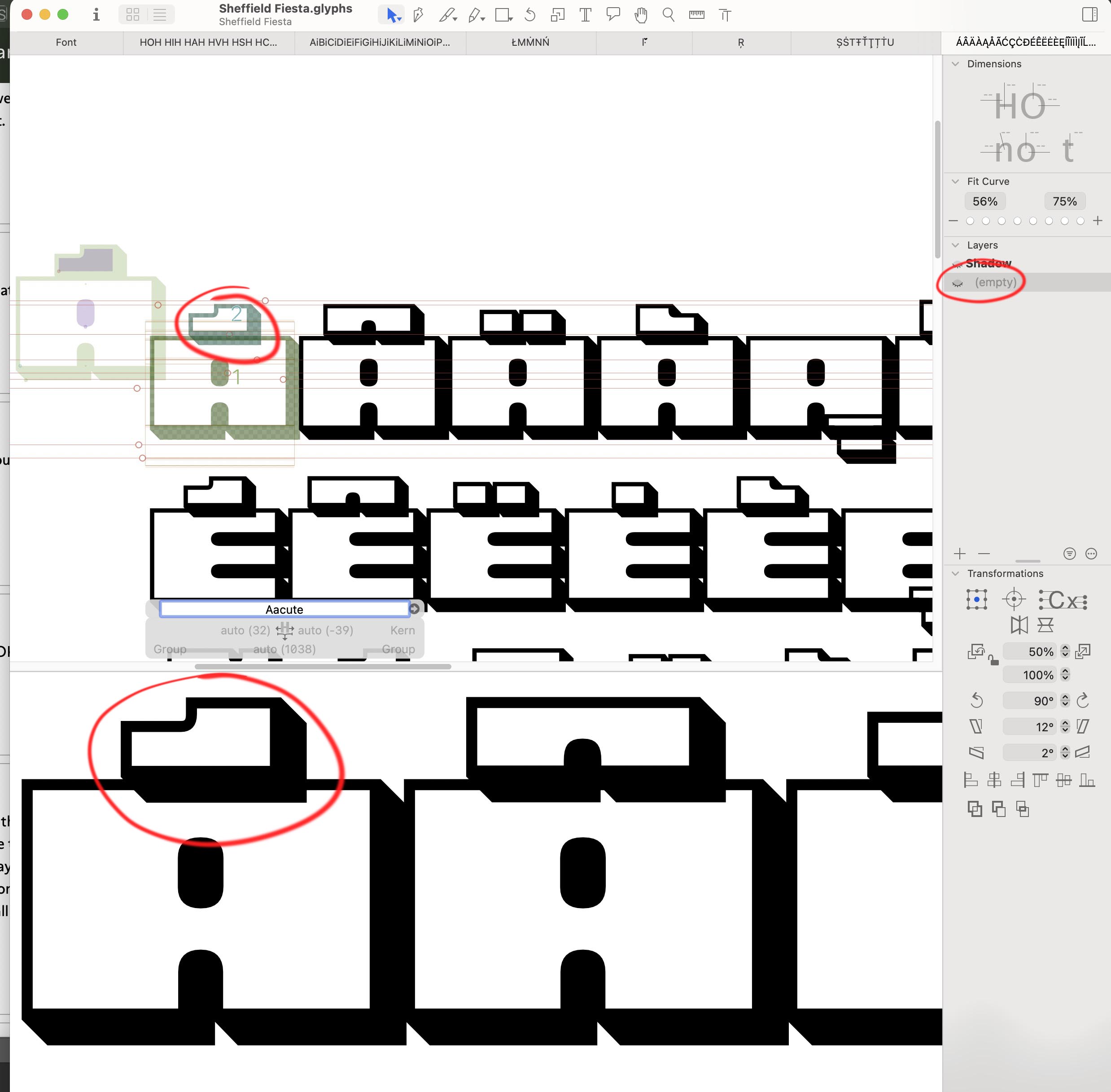
Open the file, save it under a new name and the compare the file size to the original file. If a lot layers would be added to the file, the file size should grow quite a bit. But it will have almost the same size.
It’s only 4K more. But the new layer is all components, so that may be it. BTW, one layer, not a lot of layers, were added.
I downloaded Glyphs 2 (only the most recent version of 3 is downloadable, which is the one I think I have) and the font opens without the dialog, and only has the one layer:
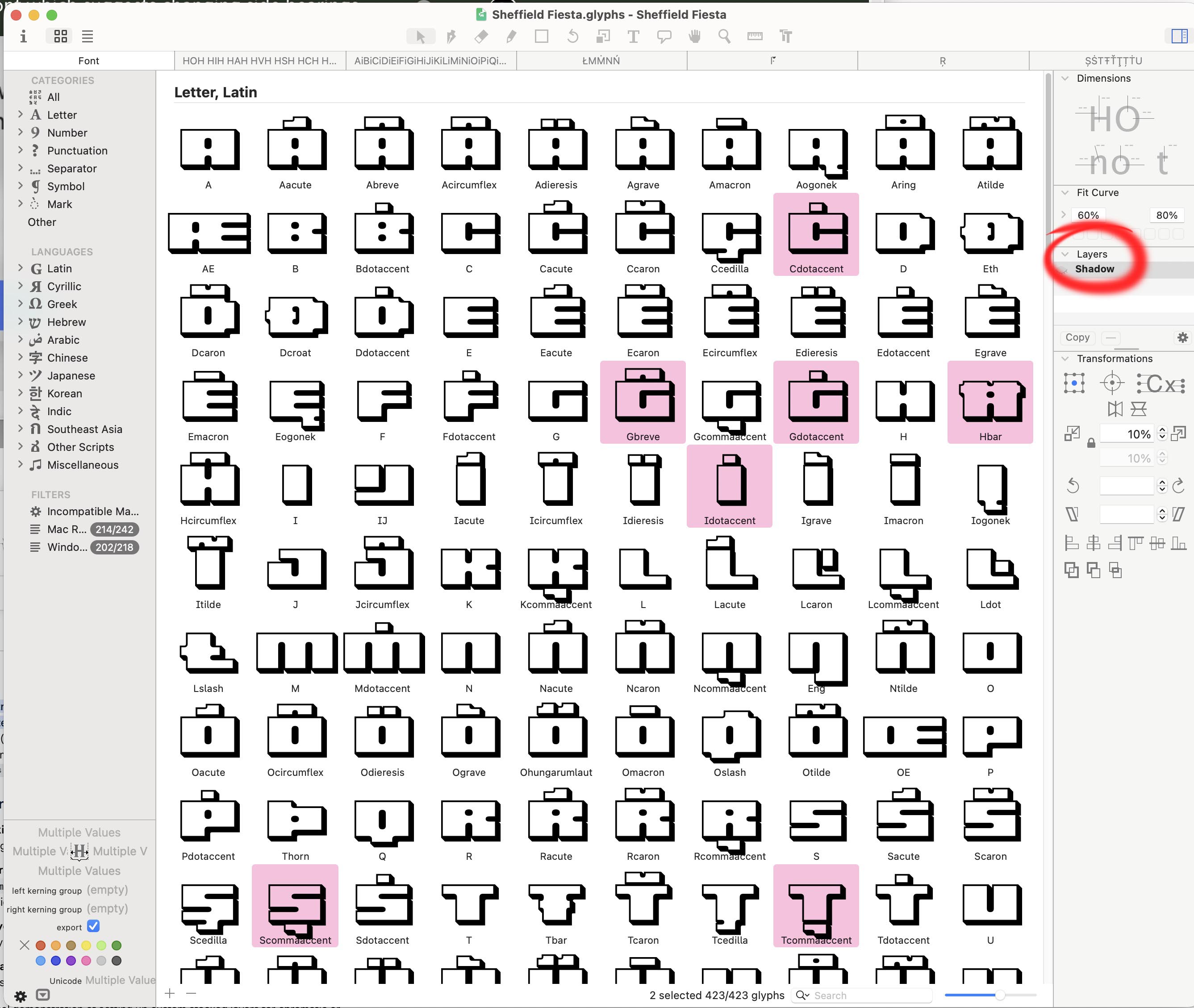
I’d imagine it’d also open fine in Glyphs 3 v3091, but the problem starts somewhere between that and v3508.
Glyphs build 3091 is still available here: Glyphs Versions
Thanks, Jens. I’ve downloaded 3091, and it works as expected – no dialogue box, no layers. Here’s a grab of the open font:
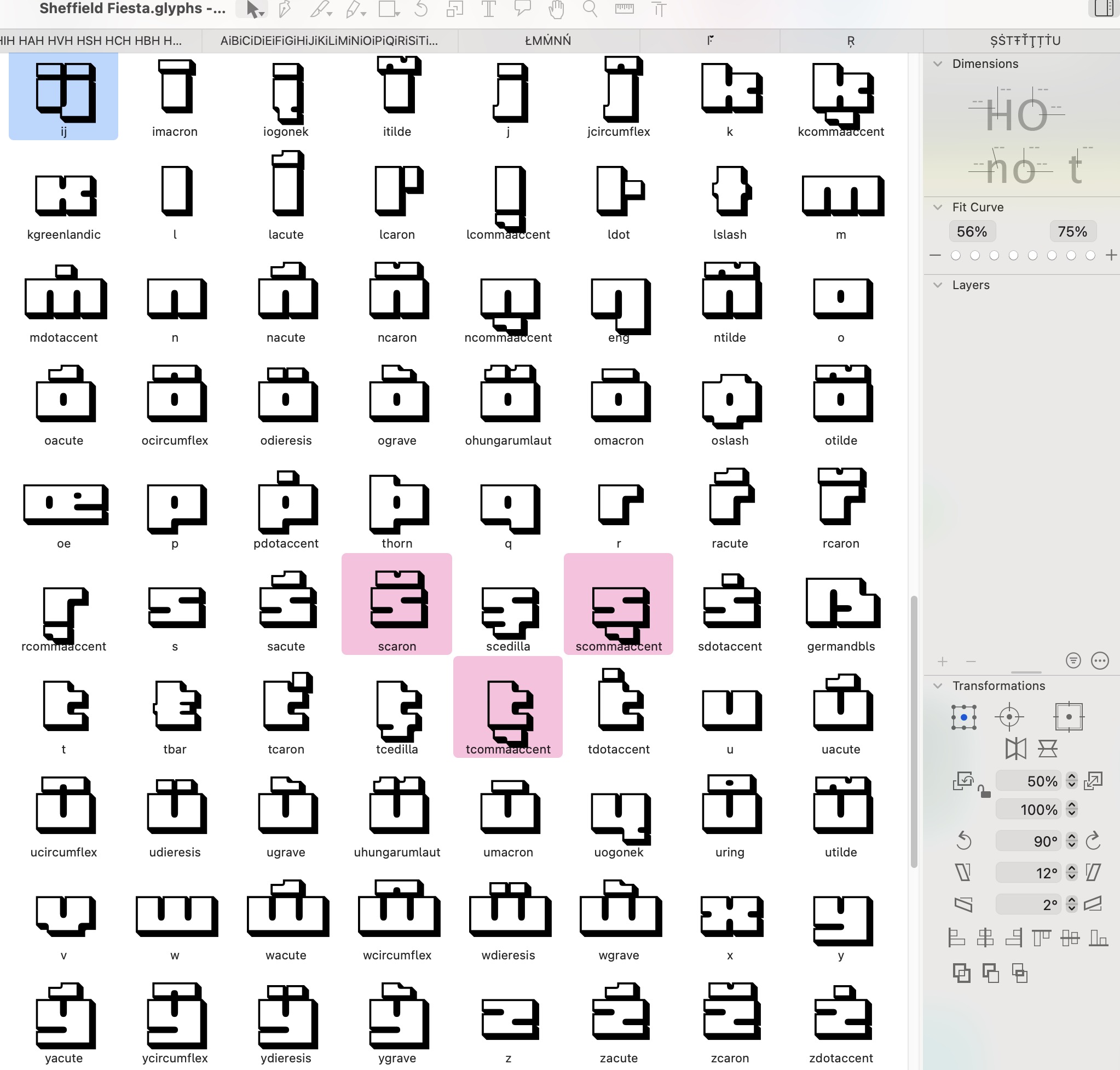
So definitely something introduced after 3091, that persists in 4.
A note on the layers’ naming – as there were no layers originally, so no names for the layers, I’m guessing that the “Shadow” name has been taken from the Export name – is that any help in debugging?