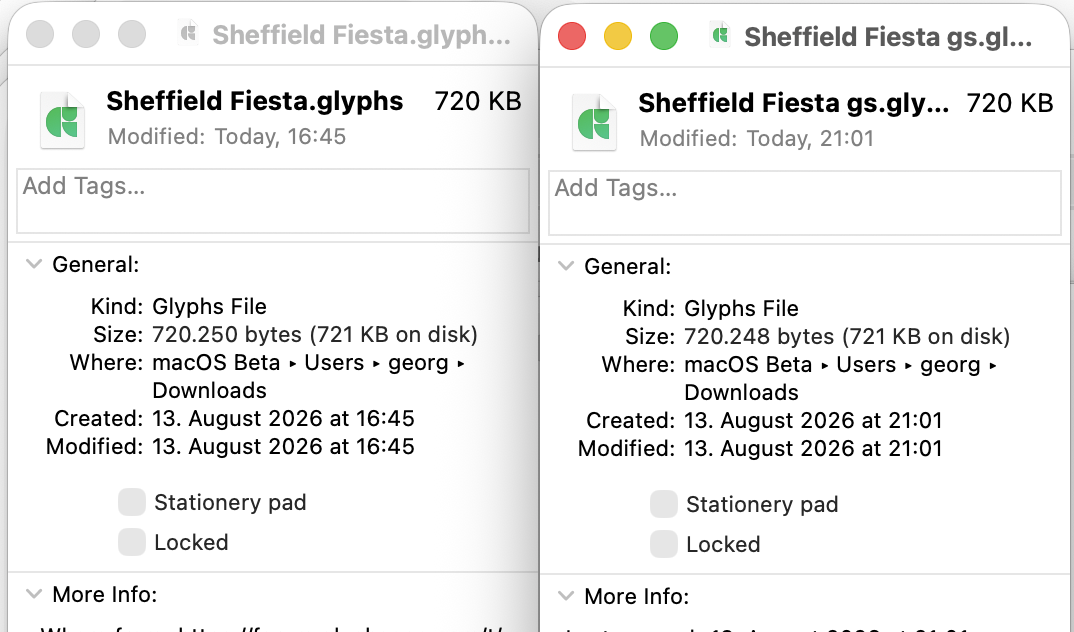
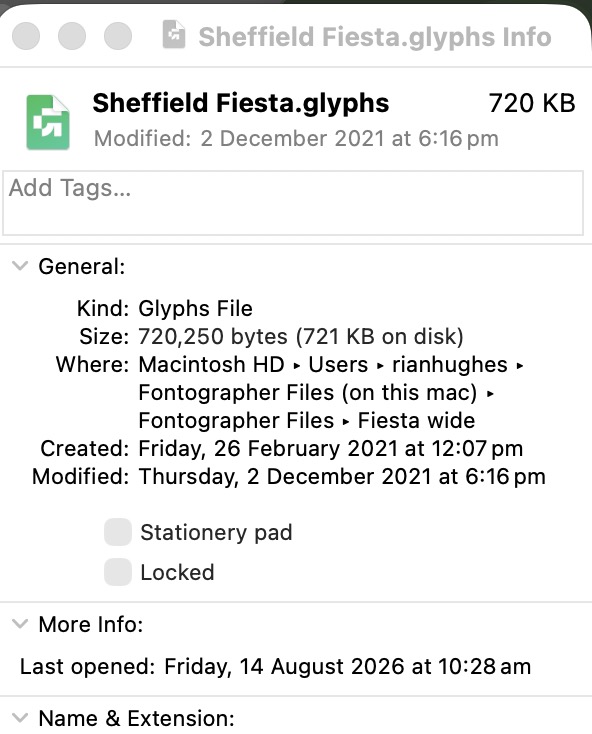
Hi Georg – if you look at the “created” date (13 August), those are both versions that have been opened and resaved yesterday, so will both have the extra layer. The original file is from 2021 (see grab below) – I’ll resend it in case you’ve overwritten it.
The original file from 2021 does not have any layers, as can be seen when opened in v3019, which it was designed in. As you say, when opened in a different version it has the extraneous layer added, and will also do so if saved out from something other than v3019 then opened in v3019.
The behaviour I’m after is the “no layers added” behaviour of v3019. I can use v3019 to edit this font, so I have that as a workaround, but what occurs to me is that the underlying issue here might have affected other fonts. The “adjust alignment” box appears on many of my older fonts when I open them, and as mentioned above, I’ve never been really sure why. If one of the reasons is that it seems to not recognise diacritics that have been decomposed and united and so recreates them as two placed components, this may have affected other fonts – and the reason it was obvious here is that every diacritic was decomposed and united in this font, rather than just one or two. I recall (my memory may be faulty in this regard) that I opened a couple of other older fonts to find that united diacritics had been recreated with components, and assumed I’d forgotten to unite them (sometimes the design, as here, requires it). I can’t recall which font(s) this applied to, but I’m in the process of going through numerous older fonts and updating them for my Typeractive Kickstarter catalogue (plug, plug!), so if I come across any more I’ll double check this isn’t happening.
Can you reproduce the “opening without adding new layers” behaviour when opening the original 2021 file in v3019?
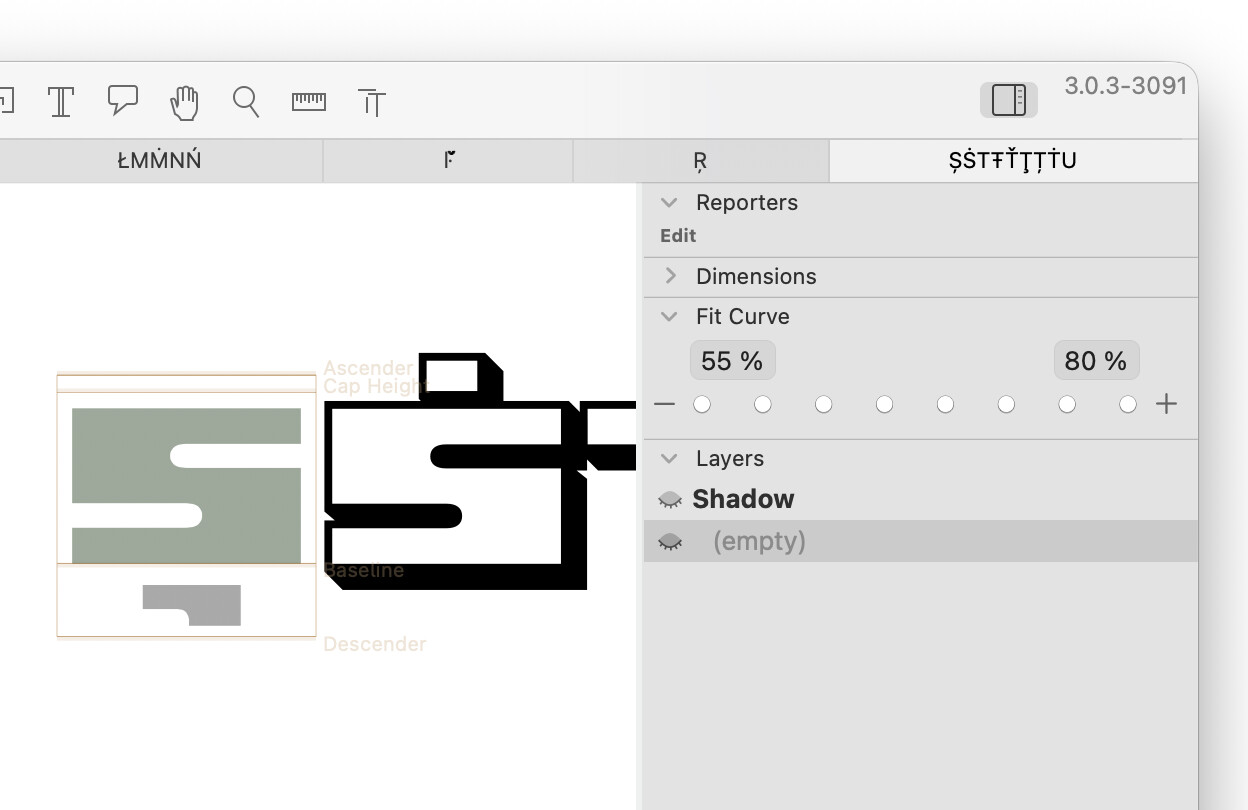
Even though there are no layers in the original, and they are not listed in the sidebar (I only use layers for the bracket trick, etc, which isn’t used here) the new layer DOES appear when clicking on a glyph! However, this looks like its arranged as if it’s two masters, offset from each other (see grab), not two layers.
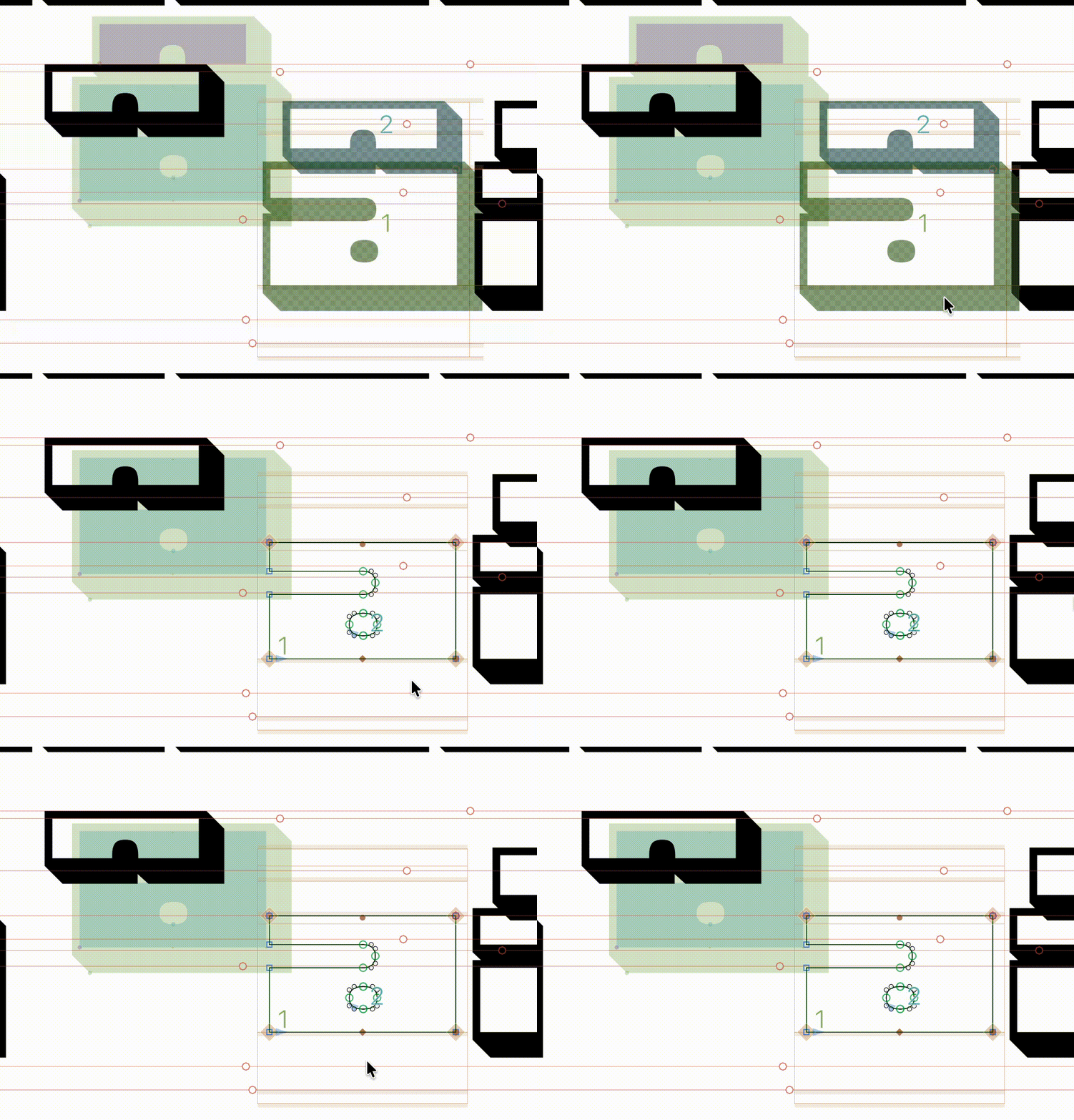
Also note that the both layers/masters are the shadow versions (with and without components), but if I click on one of the newly-created un-decomposed component glyphs, like the “a” here, it should take me to the base glyph, but it takes me to a THIRD version without a shadow. See screen movie.
Could it have reinterpreted an image pasted to the background of a glyph as a separate layer? I do use that a lot. (Also, I don’t think I’d call a layer “empty” or “null” – that sounds like an internally created Glyphs term).
The only other thing that might that might be relevant is that when launching the old version of Glyphs 3, it asks for an old version of Python which is not installed.
As we seem to be going back and forth with this, what would be best practice to move forwards? Can I delete the new “(empty)” layer? As this only appears when an individual glyph is selected, it doesn’t seem possible to delete it globally all in one go.
The spacing and kerning was also adjusted to accommodate the shadow, so that would need to be preserved over spacing and kerning taken from the new component versions or the non-shadow version.