Typing “K”, “L”, “M”, or “R” group name in the Search field in the Kerning panel doesn’t provide the selection of that kerning group (kerning of which is presented there), although it works fine with any other group name except of those four.
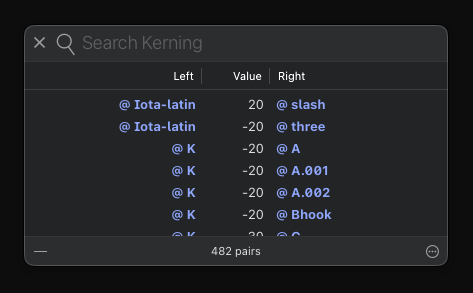
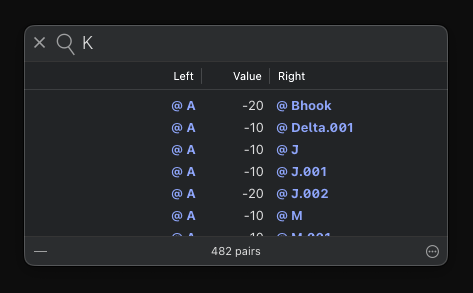
I found this similar Topic, and I can confirm that the search options are reset.
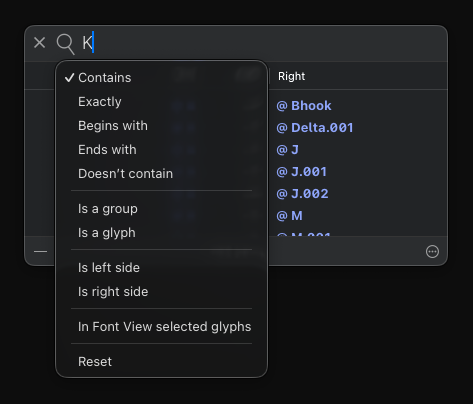
It starts to work for those names only when I select “Exactly” search option.
Result is the same on different projects and on two different Macs with latest Glyphs 3.5 (3517).