Can you type a small text sample. I don’t know what needs to be combined in what order.
Oh you mean by that. So here; Alongkorn_Test_3.glyphs (93.2 KB)
I was thinking about you paste the string here 
When you say a ‘string’, you mean the combination of marks that don’t work (through my unusual mark strategy), and that you want me to type text sample on here?
I need to typeset it my test apps. I got it and think I have a fix for it.
Try ก่ำ กั่น กิ่ กี่ กึ่ กื่ ก้ำ กั้น กิ้ กี้ กึ้ กื้ ก๊ำ กั๊น กิ๊ กี๊ กึ๊ กื๊ ก๋ำ กั๋น กิ๋ กี๋ กึ๋ กื๋ กิํ กิ์
Is this what you guys call ‘string’?
Yes, a string is just a sequence of characters 
Ohhhhh okay! Sorry, I just didn’t know that. But thank you. 
Just uploaded a new version that should improve the Thai feature code an the mark/mkmk features. (enable cutting edge versions in preferences > updates)
1 Like
I just did the testing and feature code of the mark/mkmk is now working, thank you so much! I know that my strategy is strange but at least now it’s possible to use. 
However, as @Bendy suggested before, yoYing and thoThan is still not converted when there’s mark below (ญู ฐู). Or maybe I did mark something wrong?
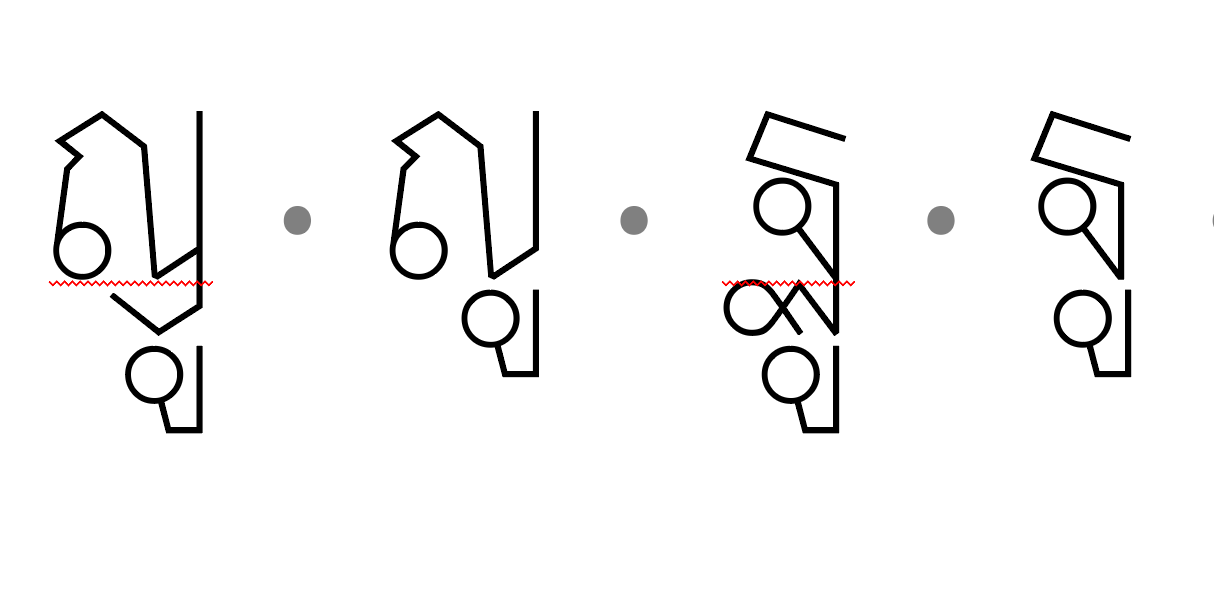
That’s odd, it generates for me. On a copy of your file, can you try removing everything in the features panel and then clicking Update at the bottom?
EDIT: where are you testing? Is this in MS Word?
In the copy of my file, once I remove everything out of features panel and click update, it still doesn’t work. But once I click update again, this particular feature is somehow put back. And when I test it out on InDesign, it does work… 
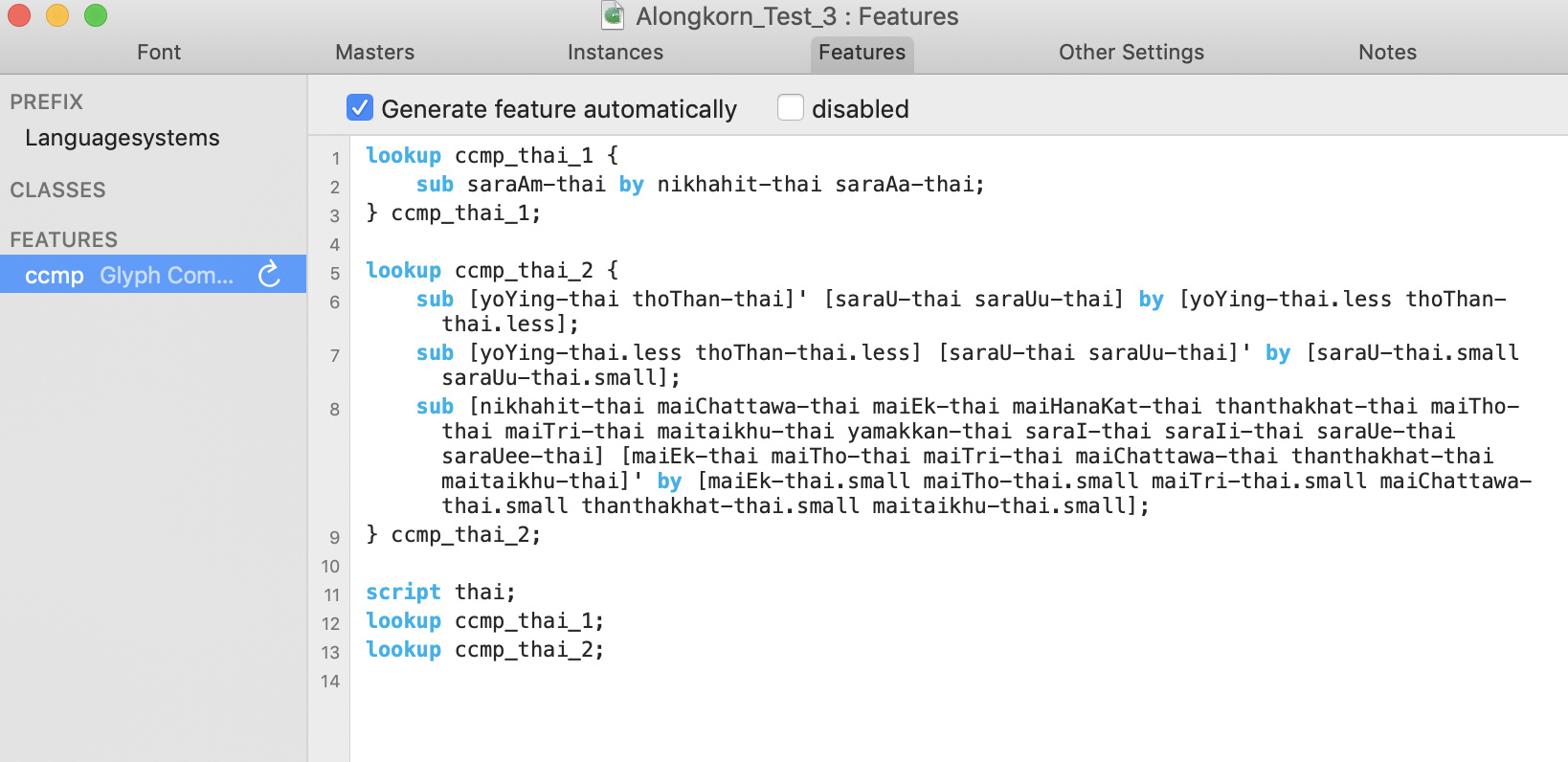
This code looks fine. Are you still getting problems outside InDesign?
Would you say that I can just leave this as it is as long as it work? I did a test on Illustrator and Photoshop and it doesn’t work.
Which version of Photoshop/Illustrator are you using? Can you post a screenshot so we can see what’s wrong?
I’m using all Adobe Photoshop CC 2019, Illustrator 2019, and InDesign 2020. And this is the screenshot from three different programs respectively;
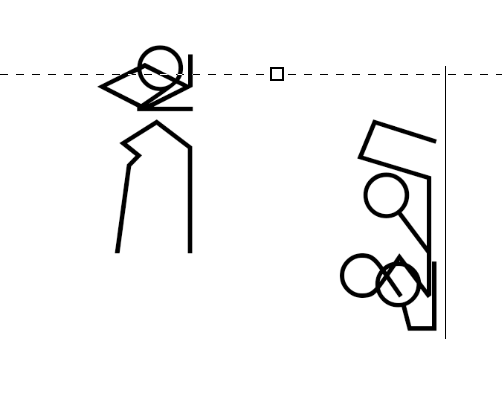
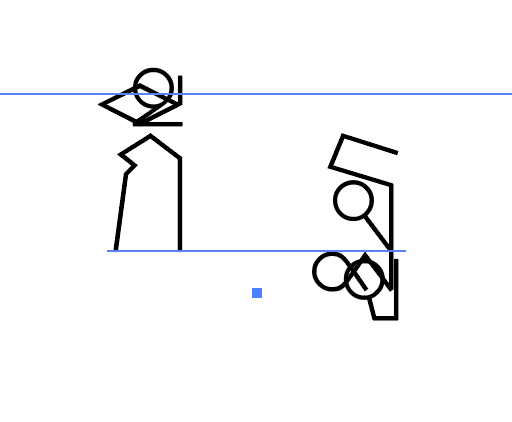
As you can see, this only works with InDesign so far.
I’m not familiar with the CC versions of these apps, but I think there may be settings for complex scripts that need to be enabled. I’m fairly sure all these apps support Thai, and there isn’t a problem with the code, so I’d recommend checking through Preferences and Type options and enabling anything like ‘World-Ready Composer’ or ‘South Asian options’.
EDIT: Sovichet has given me these links.
For Photoshop and Illustrator: https://helpx.adobe.com/photoshop/using/asian-scripts.html
For InDesign: https://helpx.adobe.com/indesign/using/south-east-asian-scripts.html
Are other Thai fonts working correctly for you in these apps?
1 Like
Hello Bendy. Sorry for the late reply. I have been working on other project for other seminar this semester. I have tried it out again for these three programs: Adobe Photoshop CC 2019, Illustrator 2019, and InDesign 2020. And yes, everything works out once I switched to “Word-Ready paragraph composer” in my InDesign 2020, “Middle Eastern & Southern Asian Single-Line composer” in my Illustrator 2019, and “Middle Eastern and South Asian Layout” in my Photoshop CC 2019.
All the suggestions that you’ve listed here are now updated and solved!
Thank you @Bendy and @GeorgSeifert again for all your advice/help to this point. Because now we finally put marking/combining possibility for Thai glyphs into next level! 
Excellent, that’s really great to hear! Congratulations!