Another bug:
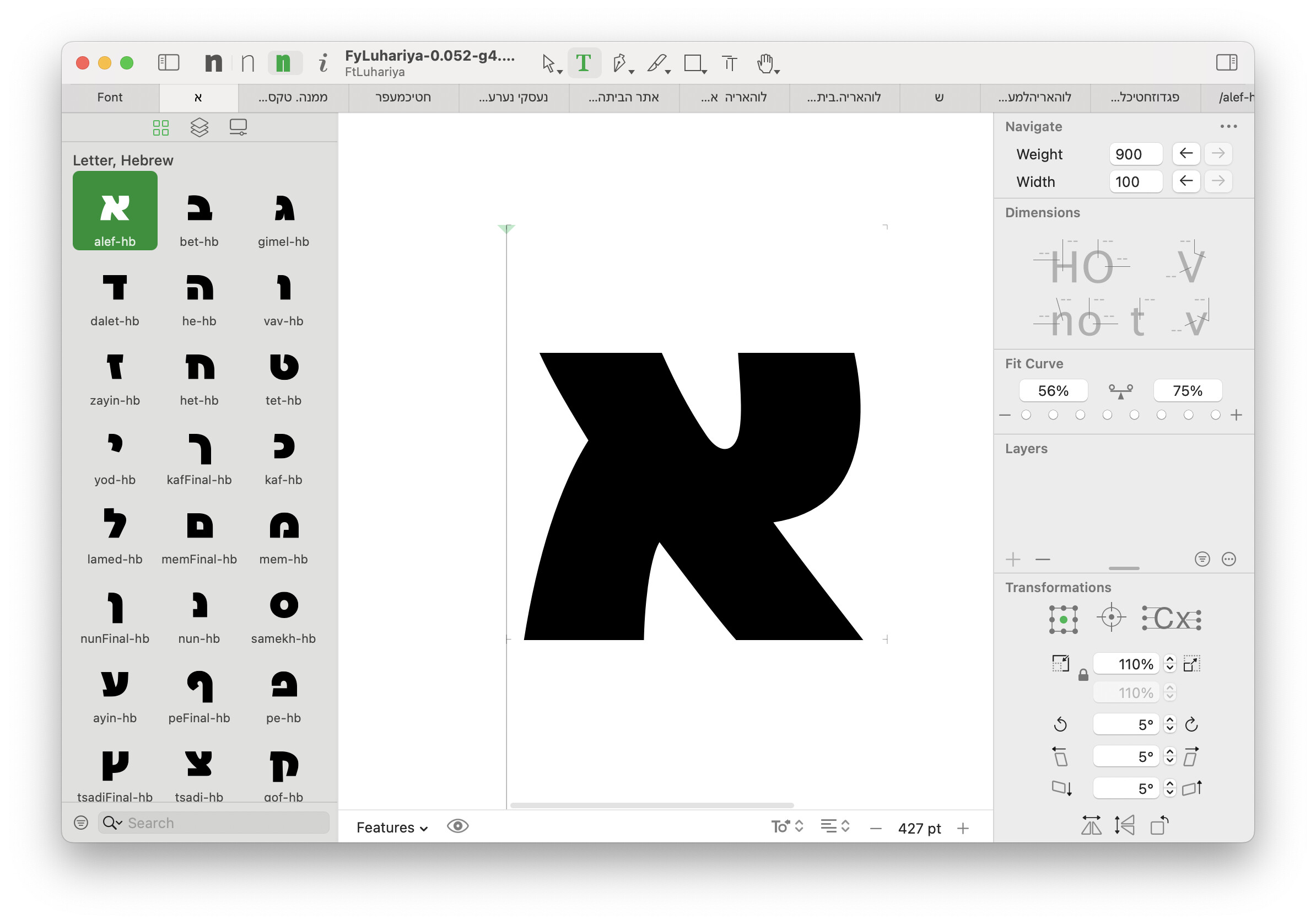
When I select a component of a composite glyph and hit Cmd-X, the component is not placed in the clipboard, but the second component is selected instead. Cmd-X then toggles between selected components. Works well in G3.
Another bug:
When I select a component of a composite glyph and hit Cmd-X, the component is not placed in the clipboard, but the second component is selected instead. Cmd-X then toggles between selected components. Works well in G3.
Another bug:
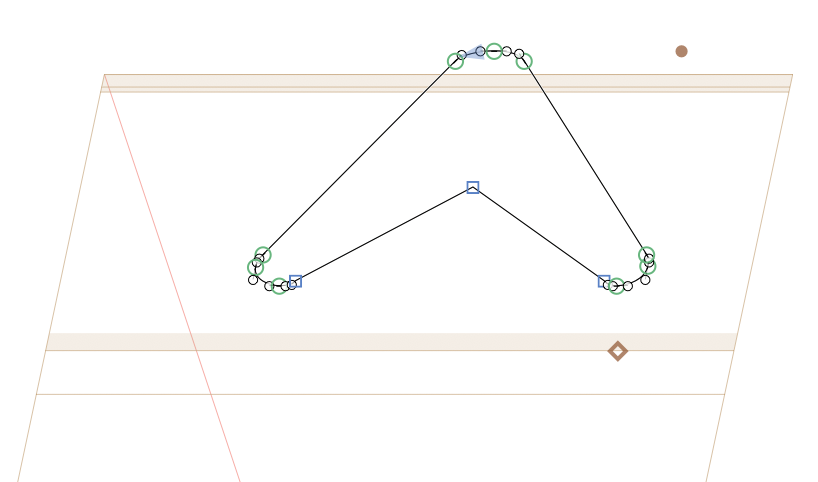
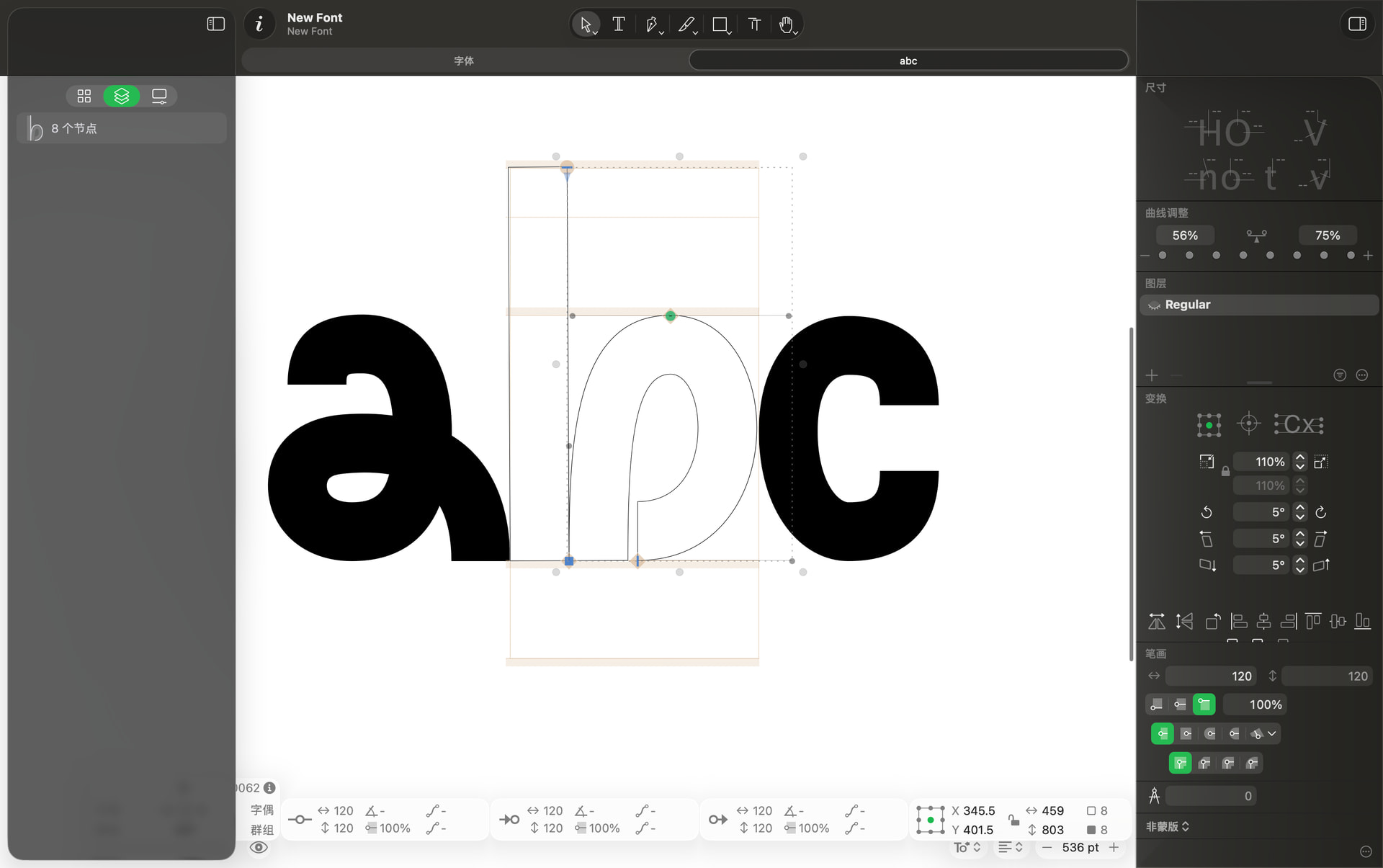
When I add anchors to a an accent of an italic font (Cmd-U), the anchors are placed at a random position:
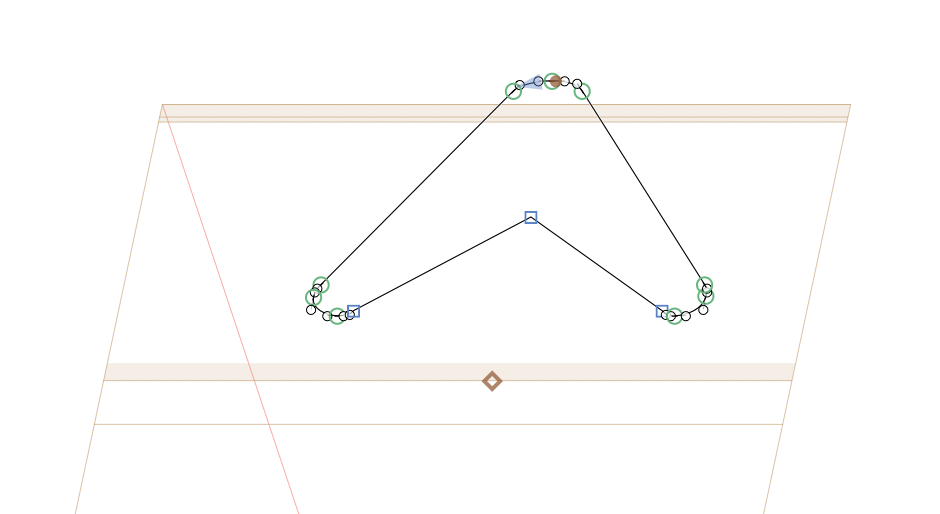
In G3, the anchors of italic fonts work much better, they are placed at the center respecting the italic angle:
I am still unable to find a link to the latest version. Since G4 doesn’t even open on 12.7.6 I don’t have access to updates.
Can you post a link with the latest version?
The link at at the top of the this page:
We discovered once more issue in macOS 12 which will be fixed soon in the next version. I’ll post about that here once it’s ready.
Hi!
Unfortunately, the video isn’t available via this link. Could you please post an up-to-date link or re-upload it?
Thanks!
See:
You may get away with this lovely thing called OpenCore Legacy Patcher. 
I have fixed the crash for macOS 12 properly (I hope). Will be in the next update.
This was like that since the beginning. This comes up once in a while. I probably will not add another edit window. There are some options to have preview windows that can be moved to other screens …
You can have multiple layers from different masters in the edit view. e.g. type it twice and select the other master in the Layers panel.
There are plans
Another bug: Switching between masters is broken (again) when using Czech keyboard layout. Cmd-1, Cmd-2, Cmd-3… does not work.
Edit: for some reason, it suddenly works again. No restart. I try to find out when the functionality is broken.
Hi!
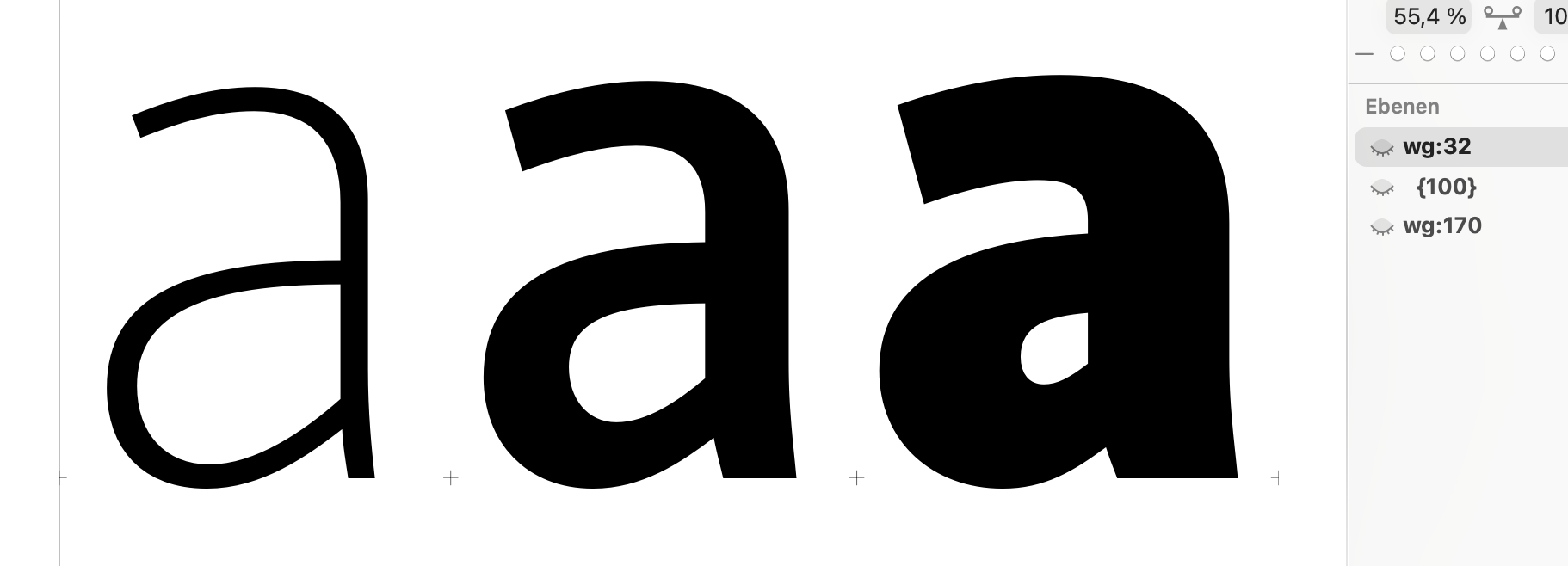
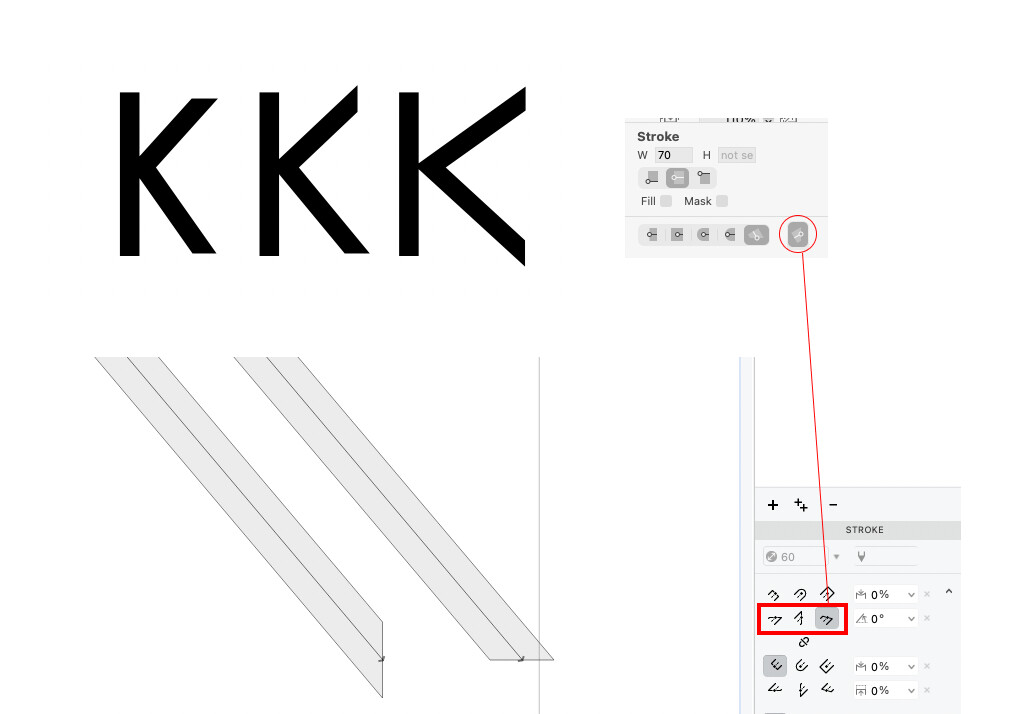
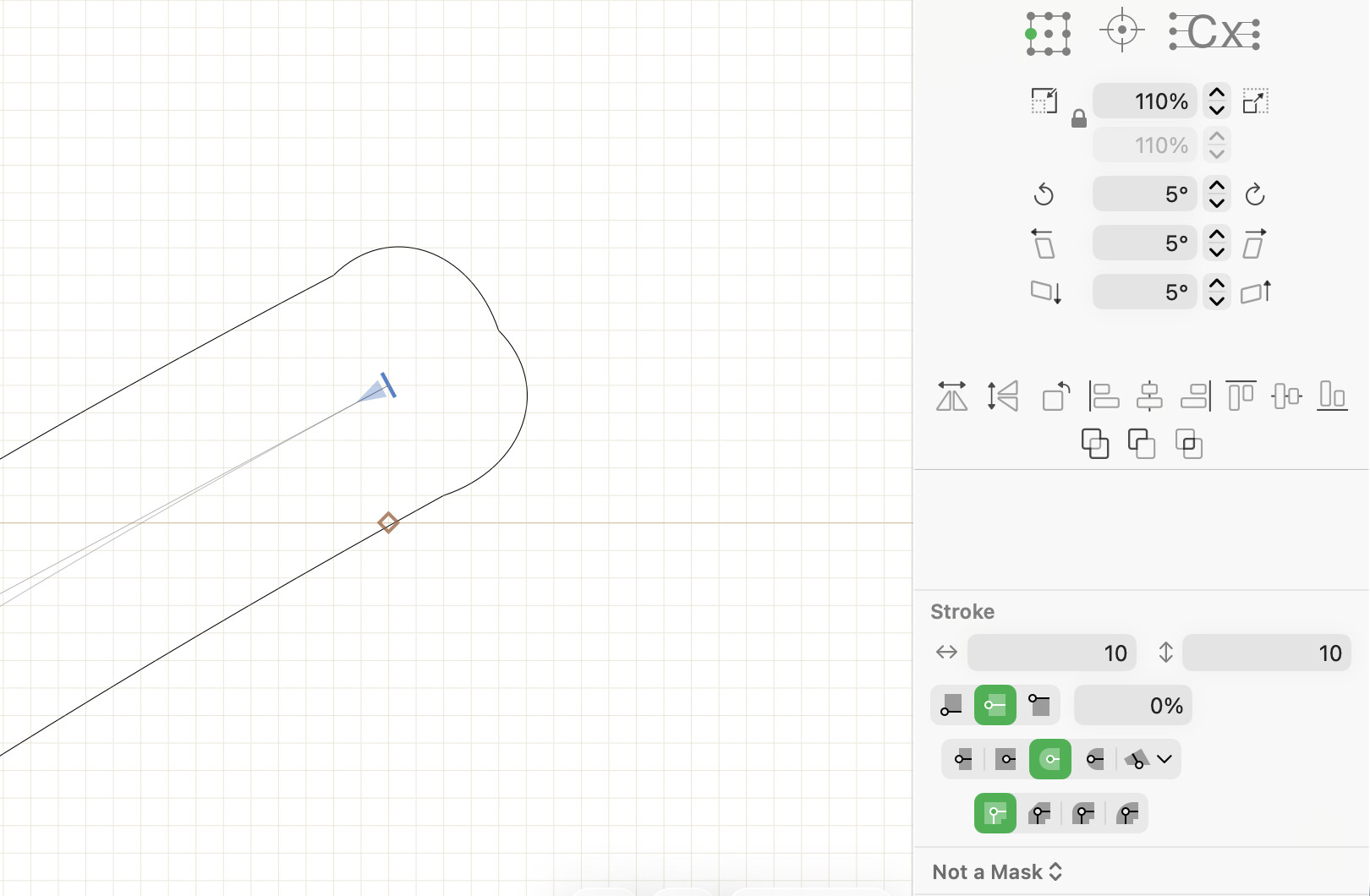
I discovered some weird cap errors with Glyphs4. Sometimes you get round caps looking like this:
that is a rounding problem. There is not enough space to position all the nodes more smoothly. and all round caps are rendered with two segments to make it compatible for interpolation.
Ah, thanks for the answer! Dragging the bezier curves slightly, fixes it.
The new interface is too green to me. I miss the blue UI of G3. Is there a way to return to the ‘classic’ color?
You can choose blue as the system accent color in System Settings instead of the multicolor option where each app uses it’s own theme color.
You can also use the app Dye to set a custom color per-app:
When in glyph edit mode, if I right-click and change the Glyph Color, the info box becomes hidden.
While in the design mode and the Glyphs panel is open on the left, I expect that when hitting CMD+SHIFT+OPTION+N it will create a new empty glyph, while doing these two actions: