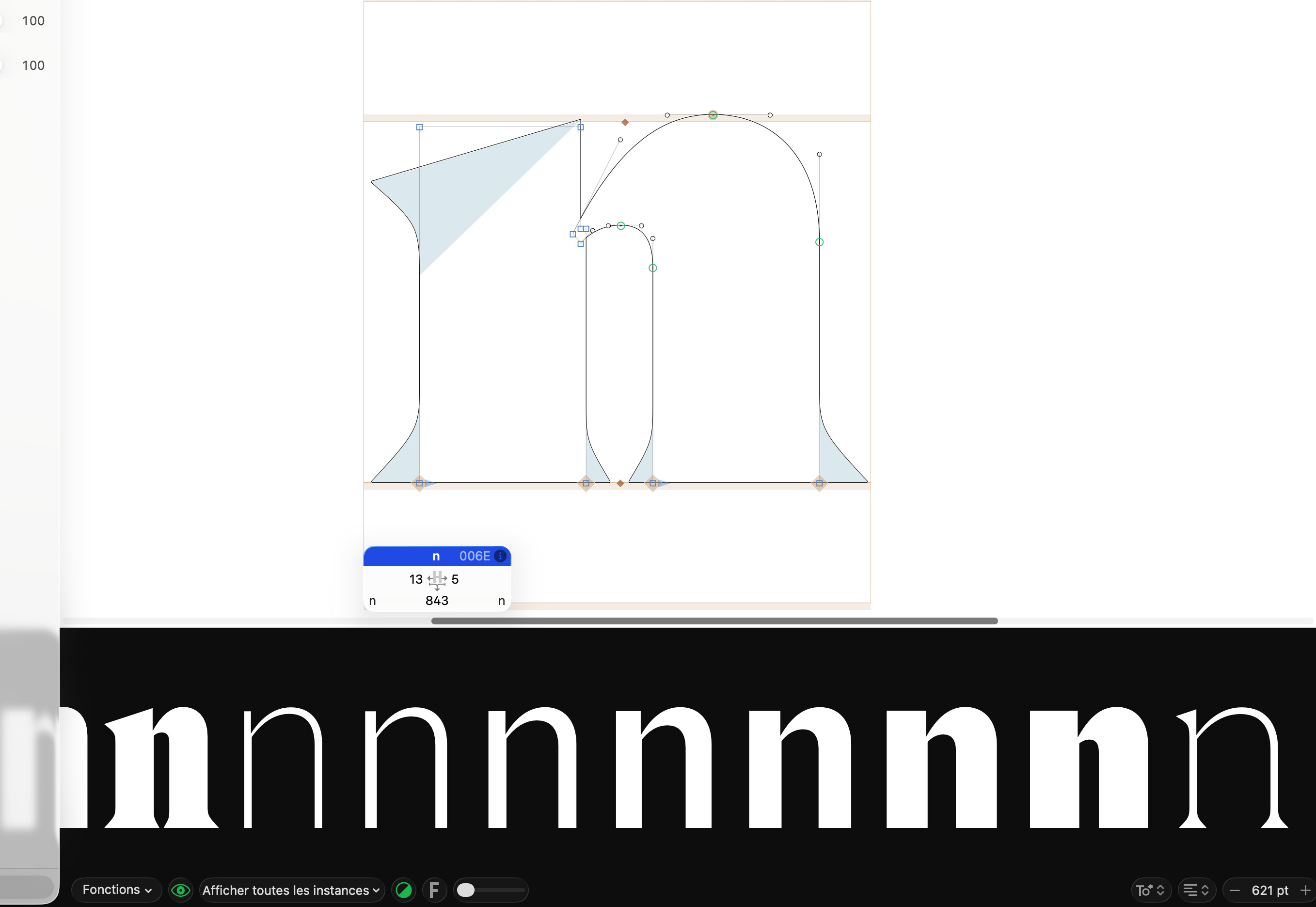
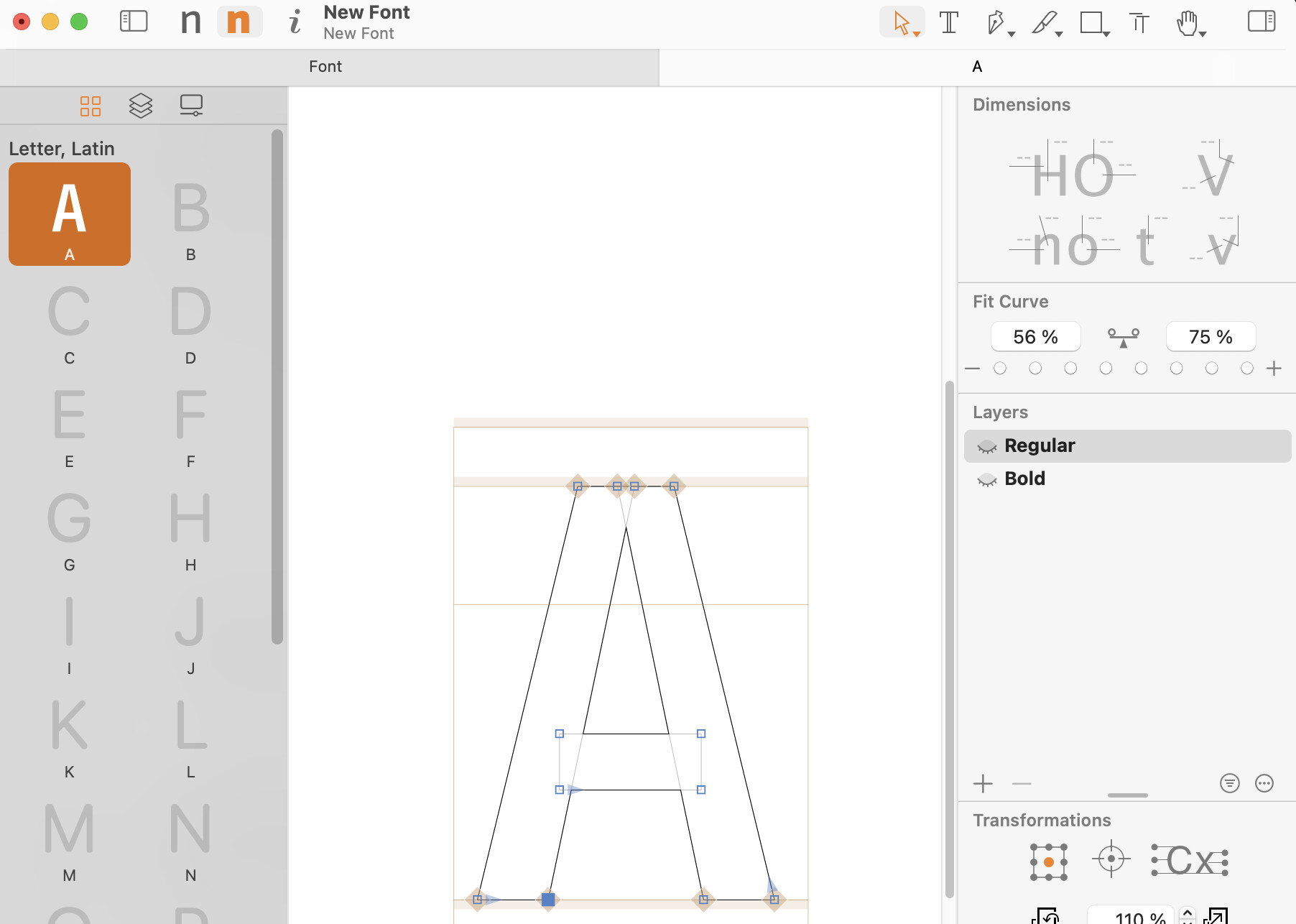
When I try to set Custom Parameters for the Hangul Composition Group, the app crashes.
What do you mean by that? There will be an upgrade discount for existing users.
Woff files are meant for deployment on the web. If you have the rights to open and edit the font, you have other sources to open …
Is there an easy way to transfer keyboard shortcuts (and other preferences) from Glyphs 3?
There is the “Import from Glyphs 3” button in the app settings. Does that work for you? I am not sure, as keyboard shortcuts are managed a bit idiosyncratically by macOS, so while it worked for me, it would be good to know that it works on other Macs as well.
Thanks! I had missed that button. Maybe Glyphs 4 could suggest this to the user (with a pop-up dialogue) when they first use it?
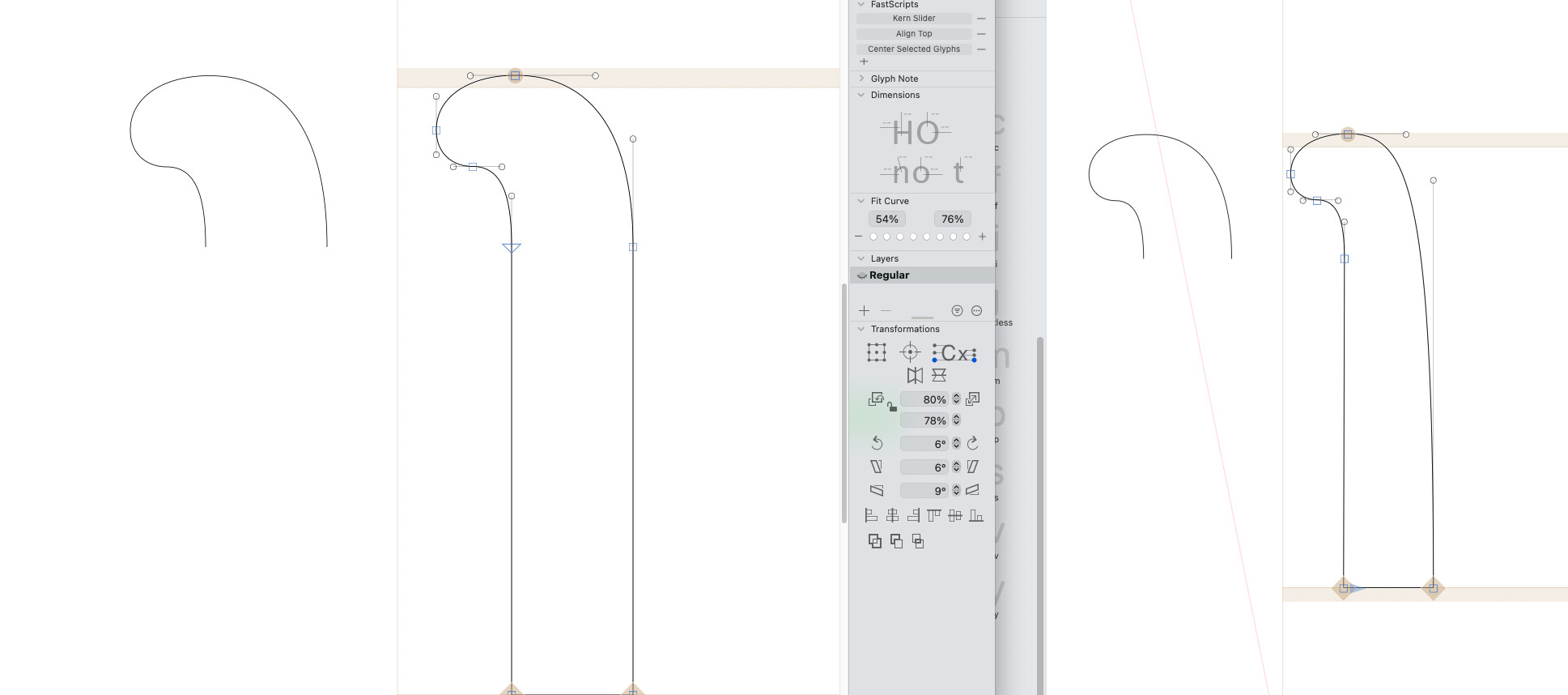
Decompose Cap Component doesn’t convert the starting node of the Cap to a node. I’ve tried curves and straight lines, both don’t work. Cap is made with the node1 and node2 anchor.
Left Glyphs 3, right Glyphs 4.
Trying to play with variability with stroke widths, and the new feature that lets you have a different middle stroke with than end point widths. But the variability isn’t working? It just snaps to change at the end…
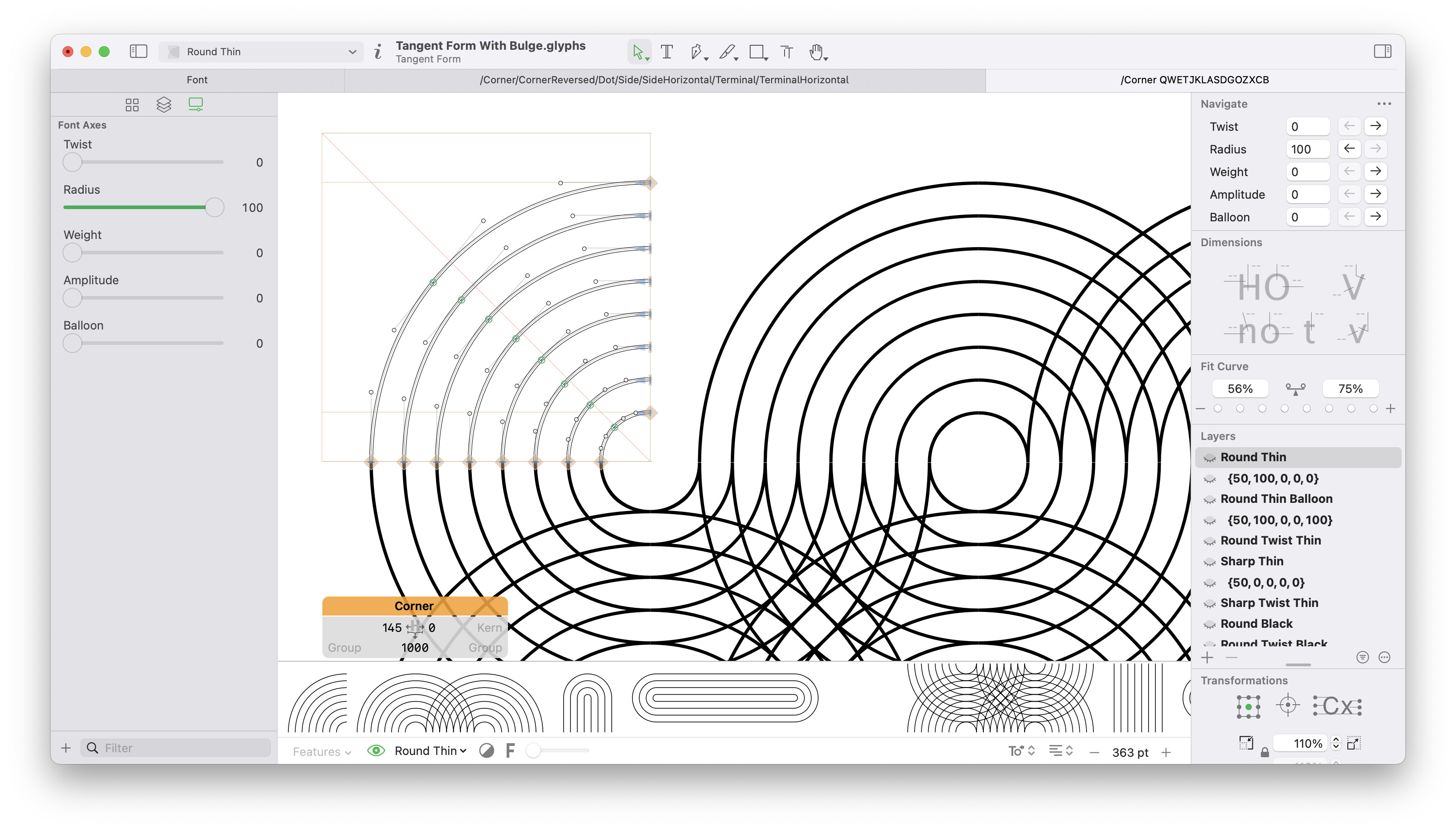
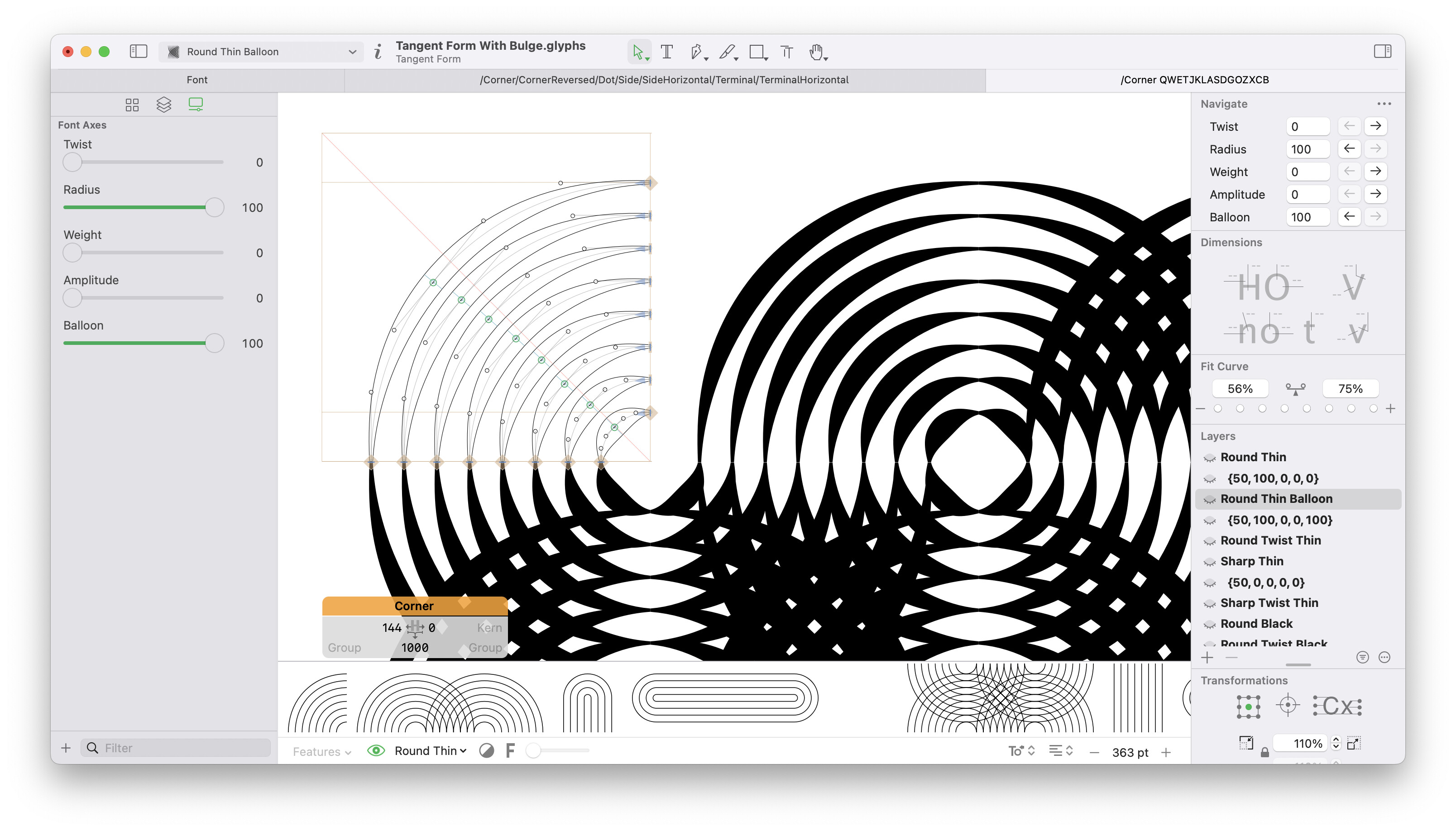
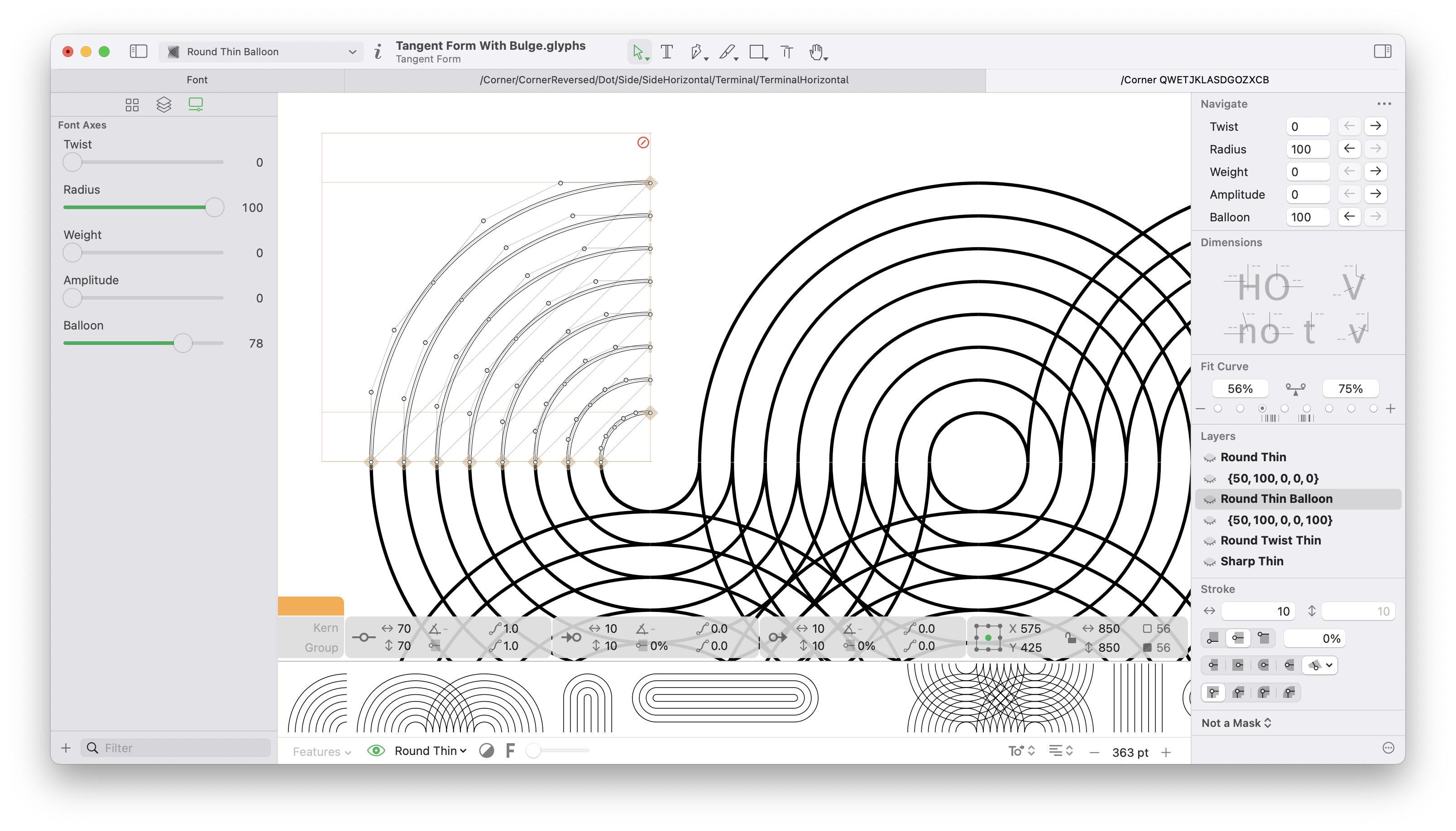
I have fixed the interpolation of corners and pen points.
The pen points will not work for variable fonts right now. They produce incompatible outlines.
Fixed
The background canvas colour doesn’t show up. It just stays white, no matter what colour is set in Preferences.
What a great update! a great job improving the interface and expanding the tools. I liked the new left side controls and Shapes section.
As someone interested in UI/UX, I have a couple of additional UI/UX suggestions that I think could make the experience even better, improving the Transformation section to make it more organized and aligned with common user experience standards used in other vector apps.
- Labels: Adding titles or text next to icons controls would improve accessibility, make the interface easier for new users, and reduce confusion.
- Grouping: Grouping related actions (Alignment, Paths etc.) would create a clearer hierarchy and keep controls organized and sticked to its place, even when the sidebar is resized.
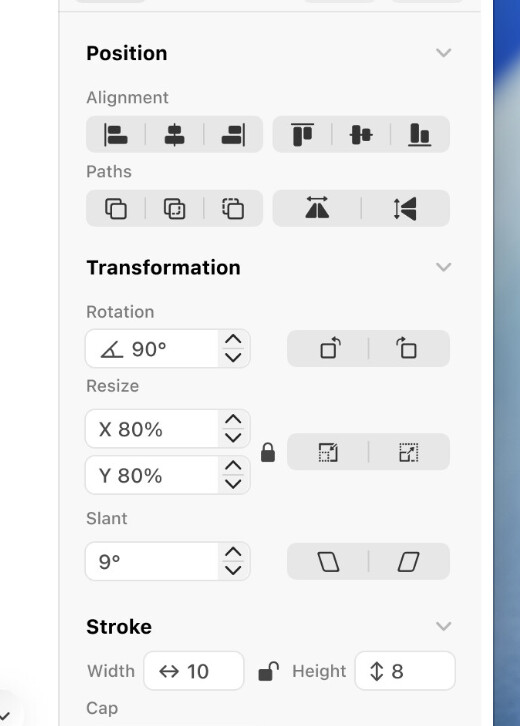
*Image from the topic Glyphs in Liquid Glass - Interface redesign - #10 by Yazeed
I’ll get back with more improvements once i get working on the the new app more and more…
Best regards,
Hi, after the latest update 4.0a (3871), I can’t open my current WIP typeface file; other files seem to be working fine. With Glyphs 3, there’s no problem opening it; the same with the previous release of Glyphs 4. I could share the report after the crash if it helps.
Edit:
It seems there’s a problem with the file at the end. After I open it in Glyphs 3, it shows empty tabs and no glyphs (the whole file is empty), even tho the Quick Look preview shows the glyphs as usual. I have a backup, but I lost yesterday’s progress. Is there a way to download a previous release just to try if it opens correctly? Thanks.
The smart shapes don’t interpolate correctly in 4.0a (3871).
@GeorgSeifert In the project file I sent before, take a look at _part.dynamicP. The Hook Length property also affects the Rotation. It works as expected in Glyphs3.
IMO, Resize positioned below Rotation is confusing. The most common transformations should come first.
Also, the idea of using a branding color (green) as a highlight color in Glyphs 4 was a mistake. A branding color is too aggressive to be used as a highlight.
Can you send me that broke file?
as far as I can see, the interpolation is the same in 3870 and 3871. It is different than in 3.5, so I need to look into this.
The vertical space in the right sidebar is quite limited. So a redesign can’t use more space than before.
Having the icon in the text field looks interesting but is very un-macOS like.
Yes, I meant smart shapes interpolation in G4 vs in G3.
Corner and cap components disappear during interpolation.
The same file works fine in Glyphs 3. I tried with different files and the same thing happens.